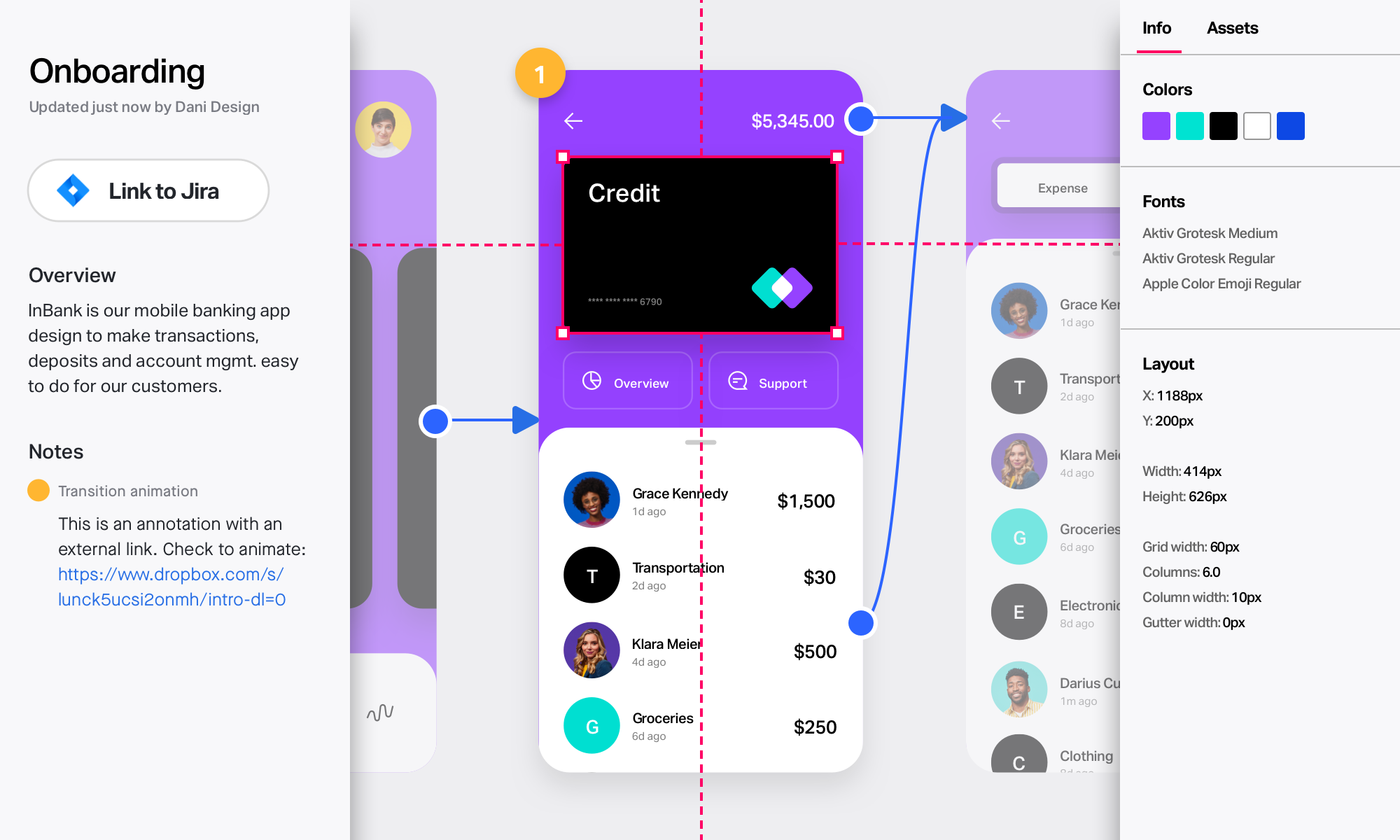
InVision is a collaborative design and prototyping platform with features such as freehand drafting mode and interactive mockups, collaboration, idea management, user testing, and integration with Slack and other collaboration tools. According to the vendor, 1 million designers are using the free version.
$0
UXPin
Score 7.9 out of 10
N/A
UXPin is a UX design platform with wireframing, prototyping and interactive mockup features.
InVision is well suited for design reviews and immersing yourself in the experience of an app-to-be. As a Product Manager, it's difficult to take abstract concepts, user pain points, and business needs, and produce a vision for an app without a visual aid to communicate a vision. InVIsion offers PMs, designers, and developers the opportunity to sketch a vision, communicate about it with inline commenting, and shareable with other stakeholders.
If you're a very simple designer, with very simple requirements UXPin is very good, especially because you can share the designs very easily. If you are an advanced designer with specific client requirements never use UXPin. Don't even get started because you will waste your time. Example is their component feature, it has a lot, but misses very crucial aspects to be functional on a broader scale.
Designs can be very slow to load on mobile devices, particularly when they include many screens.
There isn’t an offline version of the full app, which feels less-than-ideal for many of our teammates who live in areas with more spotty internet.
There are limited functionalities to portray animations and transitions. This hasn’t been a huge issue, but it makes the app feel a little out of date, considering the range of such functionalities in other apps.
Sometimes, it can be a bit buggy and slow if the prototype is complex with dozens of layers.
The learning curve can be steep the first time you use it. Or, if you haven't used the app for awhile; I sometimes need to relearn it if I haven't used it for a month or so.
The loading times can be quite slow where a page gets stuck. It would be great if this didn't happen.
We'll definitely continue to use UXPin. Right now it provides us with everything we need in order to deliver quality projects to our clients. If at any point in time, UXPin doesn't provide us with what we need, we'll start vetting other software out there that may be similar. My guess is that UXPin will continue to make updates and improvements so we'll likely stick with it for quite some time.
I didn't need to contact InVision support, as I've never needed it. They have an intuitive UI, and most of the questions are answered in their help portal or in tutorials online. Since many people use it, there a great resources available on for example YouTube. No problems so far with InVision.
As far as I know, my teams have only had to use the UXPin support once. The experience went really well. We just needed a bit of assistance with using the Documentation feature. UXPin's support was quick and helped my team in a matter of minutes. We will definitely reach out to their support without hesitation in the future.
[InVision] provides the ability to iterate really quickly, in fact, it is so intuitive that can be applied on live wireframe designing, while the ideas are being scratched and stormed from the team in a single discovery session, as well as allowing and giving access to the whole organization to the final outcome
I went through several tools trying to find something that was easy to use and made me faster. Visio was such a pain at creating something reusable to make me faster, too much building. Axure and Balsamiq looked like great options but were too cumbersome for my needs and I couldn't get to the live link fast enough. Moqups was my first choice before I heard about UXPin. I switched to UXPin because the had more built in features, more icons and just an overall better and more usable interface that appealed to my design side.
Saving money by using one tool for lo-fi wireframing, high fidelity wireframing, prototyping, and user testing, rather than four separate tools.
The ability to create and use team libraries enables us to create visually consistent designs with less effort than creating every single design from scratch, which allows us to save considerable time (and therefore money!)
In-platform collaboration saves our team a lot of time and energy. With everything in one place (wireframes, prototypes, user feedback, collaboration comments), we can all be on the same page about the design workflow and pinpoint discussion points that are based on up-to-date designs.