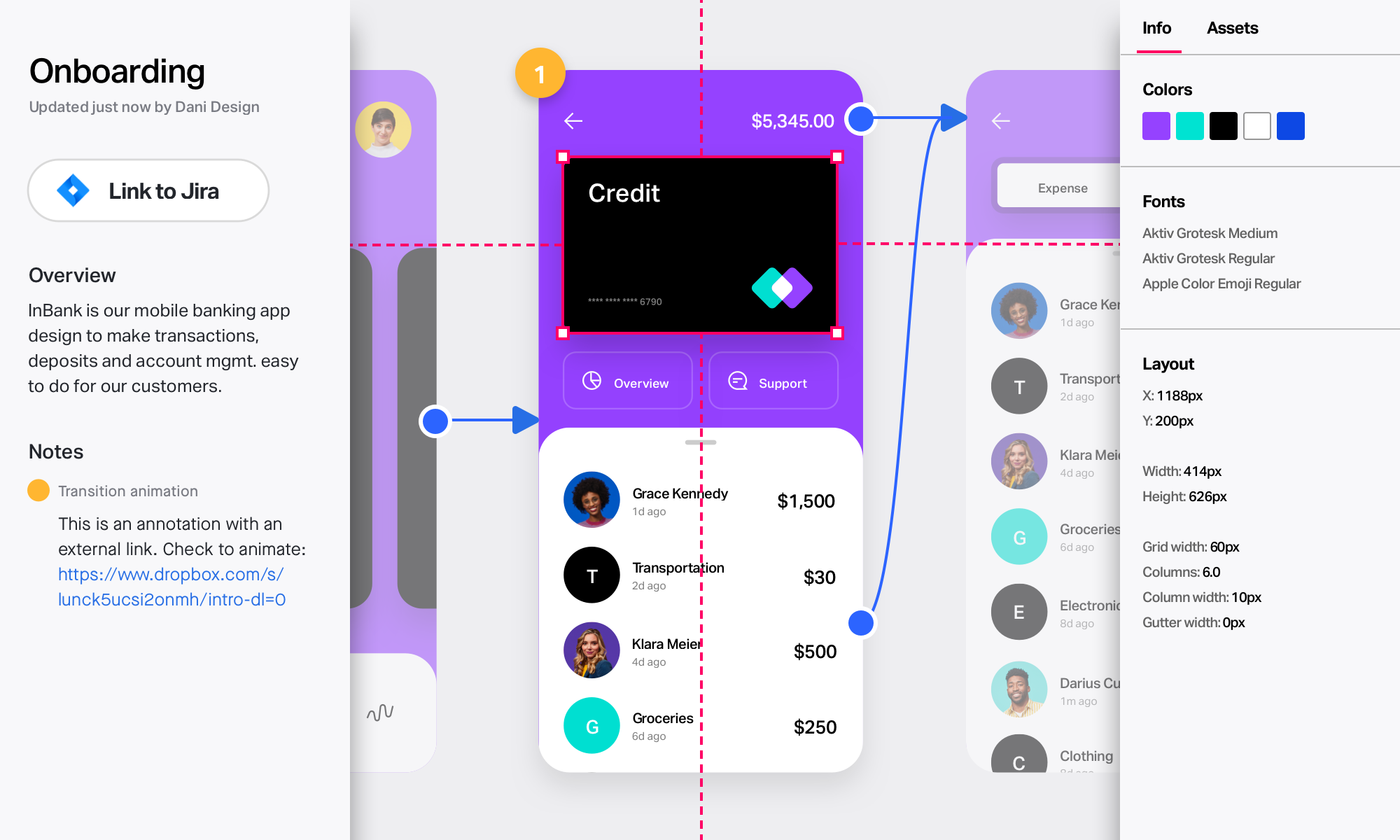
InVision is a collaborative design and prototyping platform with features such as freehand drafting mode and interactive mockups, collaboration, idea management, user testing, and integration with Slack and other collaboration tools. According to the vendor, 1 million designers are using the free version.
$0
Mural
Score 6.5 out of 10
N/A
MURAL (formerly Mural.ly) from Tactivos (DBA MURAL) in San Francisco is described by the vendor as a digital workspace and visual collaboration tool, designed for creative teams to make the process of design more efficient for distributed teams, working remotely.
InVision is well suited for design reviews and immersing yourself in the experience of an app-to-be. As a Product Manager, it's difficult to take abstract concepts, user pain points, and business needs, and produce a vision for an app without a visual aid to communicate a vision. InVIsion offers PMs, designers, and developers the opportunity to sketch a vision, communicate about it with inline commenting, and shareable with other stakeholders.
Remote Collaboration: In a remote or distributed work environment, Mural shines. It enables teams to collaborate effectively in real-time, bridging geographical gaps and facilitating virtual meetings, workshops, and brainstorming sessions. Workshop Facilitation: For facilitators leading workshops or team-building activities, Mural provides interactive templates and tools for engaging participants and achieving specific objectives.
Designs can be very slow to load on mobile devices, particularly when they include many screens.
There isn’t an offline version of the full app, which feels less-than-ideal for many of our teammates who live in areas with more spotty internet.
There are limited functionalities to portray animations and transitions. This hasn’t been a huge issue, but it makes the app feel a little out of date, considering the range of such functionalities in other apps.
Overall, MURAL is really easy to use, but there are a couple downsides. It's really easy to make areas of the board consistent because double clicking adds stickies that match those around the current one. It's really easy to connect the elements. And it's really easy to organize elements. Inconsistent controls, Panning, Line Connections, and latency are the only issues I had. My biggest issue is that the MURAL mouse buttons are very different from most similar software. This always causes me problems switching to a graphics software or 3D modelling software. Because MURAL uses the same button to pan and move elements, it's really easy to move things when panning around. The lines can also be a (sometimes huge) problem because thew will occasionally disappear or connect to things incorrectly. I think this is tied to latency issues which, in addition to causing phantom lines, can sometimes cause confusion to your team.
I didn't need to contact InVision support, as I've never needed it. They have an intuitive UI, and most of the questions are answered in their help portal or in tutorials online. Since many people use it, there a great resources available on for example YouTube. No problems so far with InVision.
[InVision] provides the ability to iterate really quickly, in fact, it is so intuitive that can be applied on live wireframe designing, while the ideas are being scratched and stormed from the team in a single discovery session, as well as allowing and giving access to the whole organization to the final outcome
I like it better than Miro because MURAL's more informal feel makes it encourage conversation and use. Miro also let's you bury too much information "inside" the notes making it really easy to lose sight of important data. I like MURAL better than Lucidspark because of how fast the pages load, especially links within the board. Any app is better than Microsoft whiteboard which is appalling unusable and feature incomplete.