TrustRadius: an HG Insights company

Inuvika OVD Enterprise vs. Red Hat Virtualization

Save this comparison

Save this comparison

Add Product

Recommended Comparisons

    Overview
    ProductRatingMost Used ByProduct SummaryStarting Price

    Inuvika OVD Enterprise

    N/A
    Mid-Size Companies (51-1,000 employees)
    Inuvika OVD Enterprise is a digital workspace platform that delivers virtualized Windows and Linux application and desktops to any device. Users can access their apps through OVD native clients on Windows, macOS, Linux, iOS, Android, Chromebook, and Raspberry Pi-based devices, and HTML5 browsers. Built on Linux, with Inuvika's resource containerization technology, OVD Enterprise helps data centers to run more efficiently, using less infrastructure capacity. It can also…

    $2,280

    per year for 20 concurrent users (minimum)

    Red Hat Virtualization (RHV)

    Score6.1 out of 10
    N/ARed Hat Virtualization (formerly Red Hat Enterprise Virtualization, broadly known as RHEV) is an enterprise level server and desktop virtualization solution. Red Hat Virtualization also contains the functionality of Red Hat Enterprise Virtualization for Desktop in later editions of the platform.

    $999

    Per Year Per Hypervisor

    Pricing
    Inuvika OVD EnterpriseRed Hat Virtualization (RHV)
    Editions & Modules
    No answers on this topic
    Standard
    $999.00
    Per Year Per Hypervisor
    Premium
    $1,499.00
    Per Year Per Hypervisor
    Offerings
    Pricing Offerings
    Inuvika OVD EnterpriseRed Hat Virtualization (RHV)
    Free Trial
    YesNo
    Free/Freemium Version
    NoNo
    Premium Consulting/Integration Services
    YesNo
    Entry-level Setup FeeNo setup feeNo setup fee
    Additional DetailsInuvika OVD Enterprise is available on a 12, 36 or 60 month subscription program and is sold on a concurrent user basis with support included. Tiered discounts are available based on the total number of users and length of subscription. Minimum license purchase is 20 users for On-Prem/Self-Hosted. Discounts are available for multi-year terms.
    More Pricing Information
    Features
    Inuvika OVD EnterpriseRed Hat Virtualization (RHV)
    Server Virtualization
    Comparison of Server Virtualization features of Inuvika OVD Enterprise and Red Hat Virtualization
    Feature
    Inuvika OVD Enterprise
    -
    Ratings
    Red Hat Virtualization
    7.7
    10 Ratings
    6% below category average
    Virtual machine automated provisioning00 Ratings7.910 Ratings
    Management console00 Ratings7.310 Ratings
    Live virtual machine backup00 Ratings7.29 Ratings
    Live virtual machine migration00 Ratings6.910 Ratings
    Hypervisor-level security00 Ratings8.99 Ratings
    User Ratings
    Inuvika OVD EnterpriseRed Hat Virtualization (RHV)
    Likelihood to Recommend
    -
    (0 ratings)
    6.6
    (11 ratings)
    User Testimonials
    Inuvika OVD EnterpriseRed Hat Virtualization (RHV)
    Likelihood to Recommend
    Inuvika Inc
    No answers on this topic
    Red Hat
    RHEV is well suited for organizations that need a cost-effective and flexible solution for their environment. As its vendor-independent software, easily install on any type of hardware. RHEV provides a GUI interface to manage the software, which makes the management of the software easier for the end-user. RHEV is best for non-production or less critical applications. RHEV can be easily integrated with other REDHAT software.
    Incentivized
    Read full review
    Pros
    Inuvika Inc
    No answers on this topic
    Red Hat
    • RHV issues/bugs can be reported via Bugzilla to RH support. The service is great and typically responds soon.
    • Red Hat distribution integration is seamless as it is integrated into the kernel.
    • OpenStack support enables more customized VM templates and network configuration control.
    Incentivized
    Read full review
    Cons
    Inuvika Inc
    No answers on this topic
    Red Hat
    • 1- RHVM API is pretty slow, especially after creating a VM it is not possible to retrieve the VM details (i.e VM's MAC Address) fast enough, where we need to place a pause in our Ansible Playbook, make the automation process slow.
    • 2- RHV is still using collected to monitor the hypervisors which is deviating from Red Hat policy for other RHEL based applications to use PCP to monitor, which is richer in features.
    • 3- It will be great if it is possible to patch the hypervisors using other tools such as satellite and not only via RHVM.
    • 4- In the past Red Hat used to present patches in the z release (i.e. 4.3.z), and features in the y release (i.e 4. y), but starting from 4.4 that is mixed together wherein the Z release you get both patches and features, that is not good because that requires a lot of time to test when we patch as it includes features as well.
    • 5- Engineering team has to be more reactive when new feature is requested.
    Incentivized
    Read full review
    Alternatives Considered
    Inuvika Inc
    No answers on this topic
    Red Hat
    RHEV is an excellent product, includes more features, is less expensive, and has rock solid reliability and is backed with the best Red Hat Support in the industry. RHEV uses KVM under the hood which is used by all the big players in the industry (AWS, Rackspace, etc) to lower their overall costs and improve efficiency and profits and that's why RHEV is an excellent solution!
    Incentivized
    Read full review
    Return on Investment
    Inuvika Inc
    No answers on this topic
    Red Hat
    • RHEV has provided a positive ROI as our customers are not experiencing as many outages during maintenances.
    • We have not experienced any catastrophic failures as a result of vsphere losing connection to the ntp.
    • There has been a level of stability in our environment that was not previously experienced with our previous vendor.
    Incentivized
    Read full review
    ScreenShots

    Inuvika OVD Enterprise Screenshots
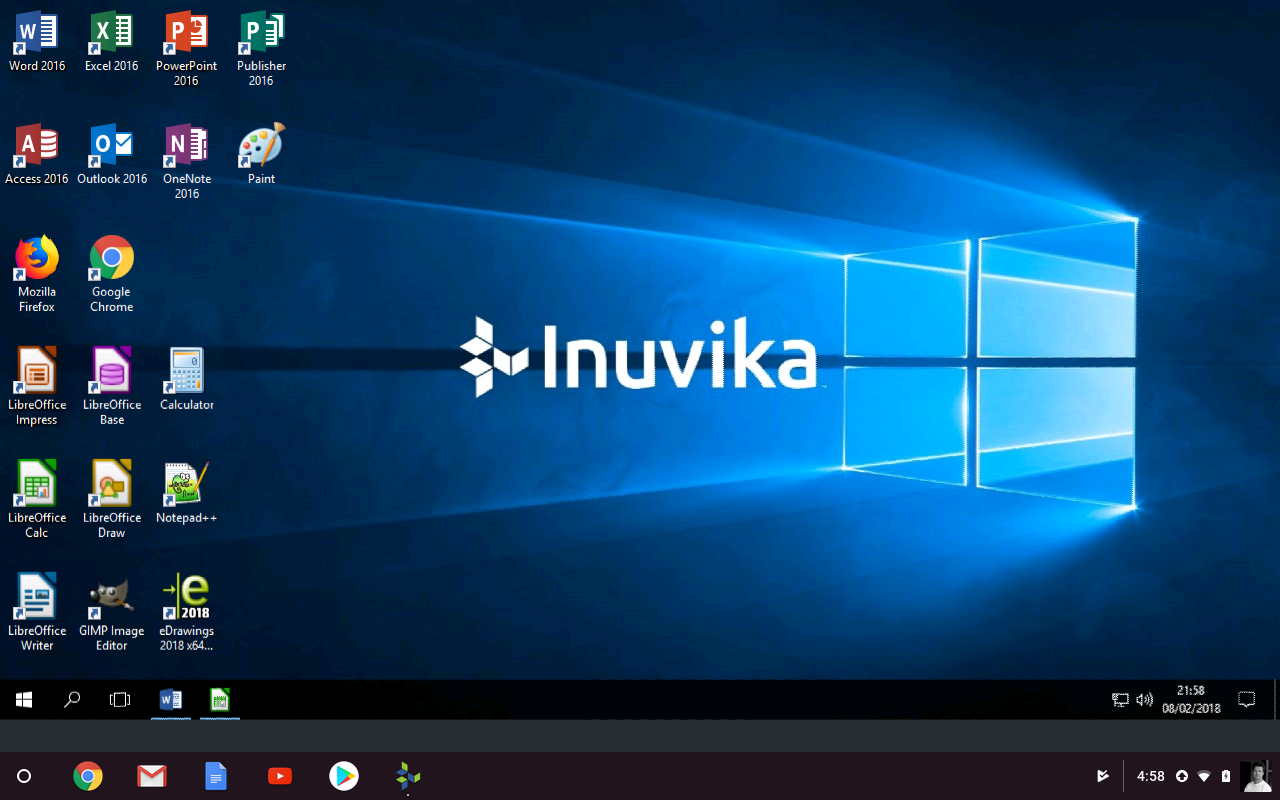
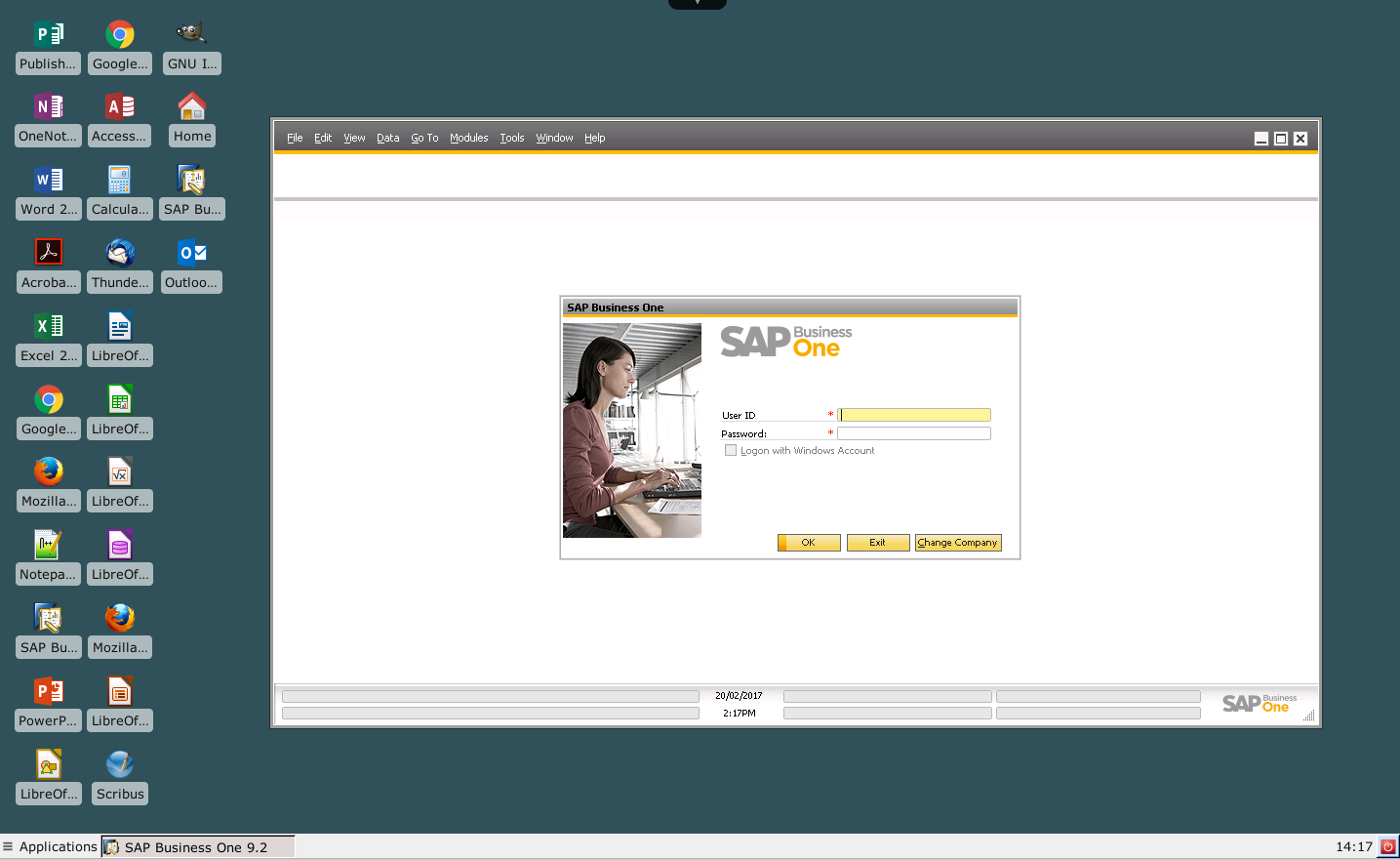
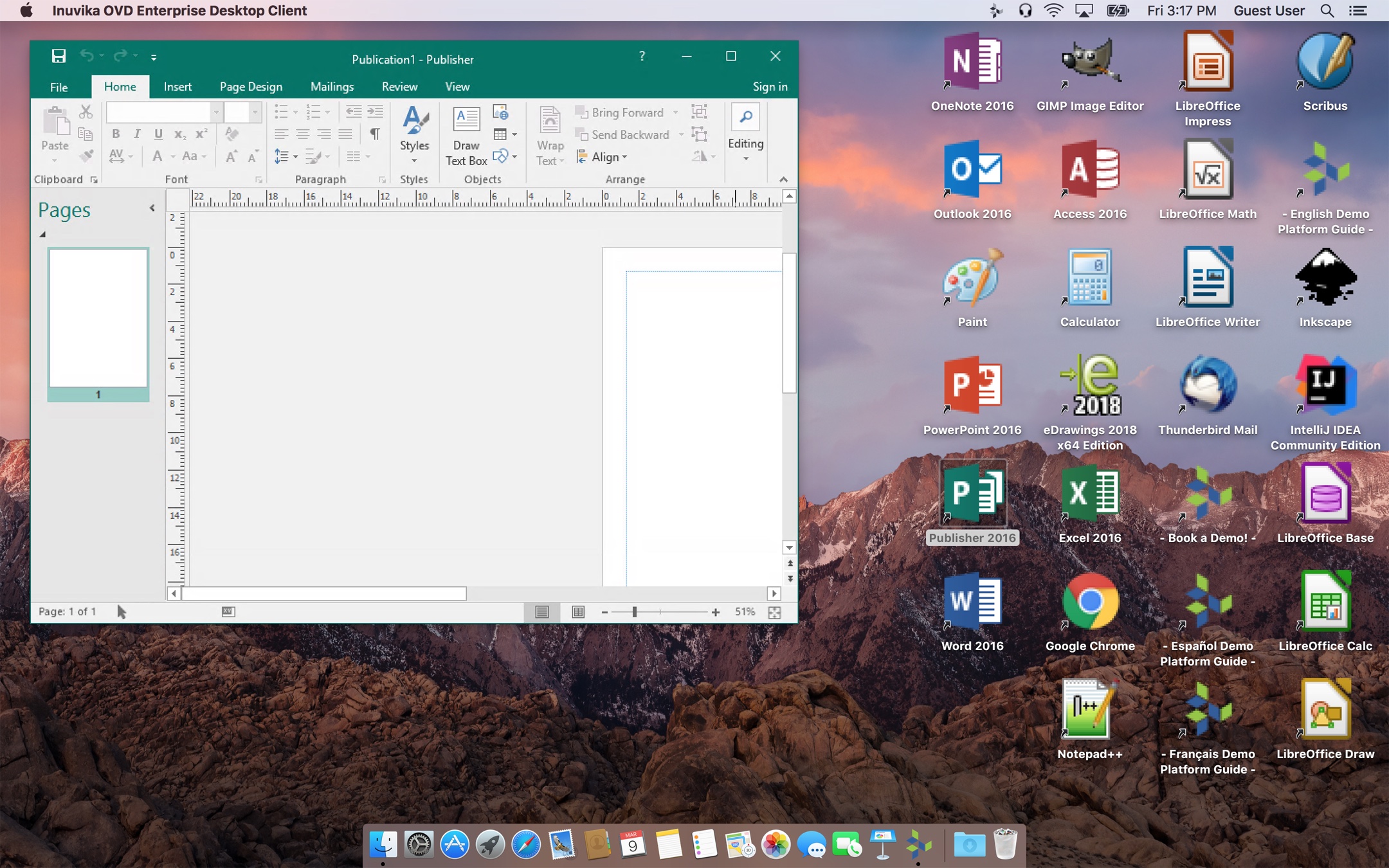
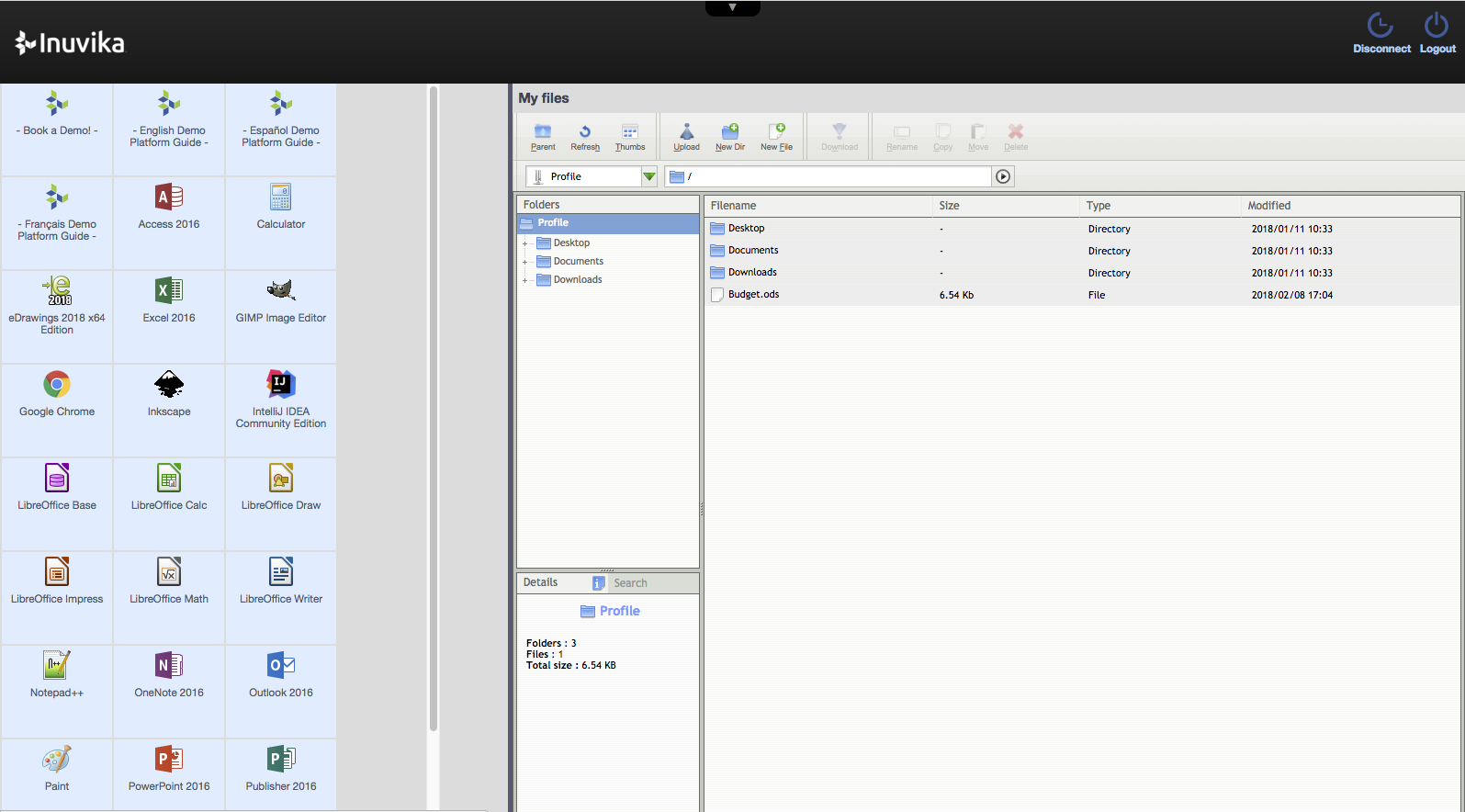
    Screenshot of SAP Business One for SAP HANA presented on a Linux desktopScreenshot of the Windows application running in integrated app mode on a macOS host.  Windows and Linux apps are integrated into the host desktop during the active session.Screenshot of the Windows shared desktop (with preinstalled Linux and Windows apps) running in desktop mode on a macOS host.Screenshot of Windows and Linux apps delivered through an HTML5 Web browser portal interface.Screenshot of the Windows application running in integrated app mode on an Ubuntu Linux host.Screenshot of the Windows shared desktop (with preinstalled Linux and Windows apps) running in desktop mode on a Chromebook host.