Intermedia AnyMeeting Pro vs. VideoMost

Overview
ProductRatingMost Used ByProduct SummaryStarting Price
Intermedia AnyMeeting Pro
Score 7.1 out of 10
N/A
Intermedia AnyMeeting provides web-based video conferencing software designed for small businesses. With AnyMeeting, users have access to a variety of tools to help them host webinars, video conferences, and online meetings complete with screen sharing capabilities.
$9.99
per month per user
VideoMost
Score 9.3 out of 10
N/A
Video conferencing software that enables users to communicate via two-way audio and video calls, send files, and share screen. VideoMost Server is comparable to Zoom but self-hosted video conferencing server. Using both Scalable video coding (SVC and MUX) and traditional MCU (MIX) architecture VideoMost automatically and dynamically adjusts video quality to available network conditions and CPU utilization throughout a conference session, and provides total legacy HW…N/A
Pricing
Intermedia AnyMeeting ProVideoMost
Editions & Modules
Lite
$9.99
per month per user
Pro
$12.99
per month per user
Enterprise
$17.99
per month per user
Starter
Free
per month per user
No answers on this topic
Offerings
Pricing Offerings
Intermedia AnyMeeting ProVideoMost
Free Trial
YesYes
Free/Freemium Version
YesNo
Premium Consulting/Integration Services
NoNo
Entry-level Setup FeeNo setup feeNo setup fee
Additional DetailsThe monthly price on each plan reduces as the number of users increases.
More Pricing Information
Community Pulse
Intermedia AnyMeeting ProVideoMost
Features
Intermedia AnyMeeting ProVideoMost
Performance & Compatibility of Online Events Software
Comparison of Performance & Compatibility of Online Events Software features of Product A and Product B
Intermedia AnyMeeting Pro
8.5
Ratings
7% above category average
VideoMost
9.1
Ratings
13% above category average
High quality audio9.30 Ratings9.60 Ratings
High quality video9.30 Ratings9.30 Ratings
Low bandwidth requirements7.10 Ratings8.60 Ratings
Mobile support8.50 Ratings9.00 Ratings
Screen Sharing
Comparison of Screen Sharing features of Product A and Product B
Intermedia AnyMeeting Pro
7.8
Ratings
2% below category average
VideoMost
9.7
Ratings
20% above category average
Desktop sharing7.80 Ratings10.00 Ratings
Whiteboards00 Ratings9.30 Ratings
Online Meetings / Events
Comparison of Online Meetings / Events features of Product A and Product B
Intermedia AnyMeeting Pro
9.3
Ratings
12% above category average
VideoMost
9.0
Ratings
8% above category average
Calendar integration8.50 Ratings9.40 Ratings
Meeting initiation9.30 Ratings10.00 Ratings
Integrates with social media10.00 Ratings7.00 Ratings
Record meetings / events9.00 Ratings9.30 Ratings
Slideshows9.90 Ratings9.30 Ratings
Online Events Collaboration
Comparison of Online Events Collaboration features of Product A and Product B
Intermedia AnyMeeting Pro
9.5
Ratings
15% above category average
VideoMost
9.1
Ratings
11% above category average
Live chat9.30 Ratings9.40 Ratings
Audience polling9.90 Ratings9.00 Ratings
Q&A9.30 Ratings8.90 Ratings
Online Events Security
Comparison of Online Events Security features of Product A and Product B
Intermedia AnyMeeting Pro
10.0
Ratings
21% above category average
VideoMost
9.4
Ratings
15% above category average
User authentication10.00 Ratings10.00 Ratings
Participant roles & permissions10.00 Ratings9.30 Ratings
Confidential attendee list10.00 Ratings9.00 Ratings
Best Alternatives
Intermedia AnyMeeting ProVideoMost
Small Businesses
Whereby
Whereby
Score 9.9 out of 10
Intermedia AnyMeeting Pro
Score 7.1 out of 10
Medium-sized Companies
JioMeet
JioMeet
Score 10.0 out of 10
JioMeet
JioMeet
Score 10.0 out of 10
Enterprises
Webex Meetings
Webex Meetings
Score 8.4 out of 10
Webex Meetings
Webex Meetings
Score 8.4 out of 10
All AlternativesView all alternativesView all alternatives
User Ratings
Intermedia AnyMeeting ProVideoMost
Likelihood to Recommend
9.3
(0 ratings)
9.3
(0 ratings)
Usability
9.3
(0 ratings)
-
(0 ratings)
Support Rating
9.3
(0 ratings)
-
(0 ratings)
User Testimonials
Intermedia AnyMeeting ProVideoMost
Likelihood to Recommend
AnyMeeting Pro is an easy-to-use tool and it is very resourceful as it comes with most features you would need for video conferencing and basic interactions. AnyMeeting conferencing eases most video conferencing issues. Most users can perform a video conferencing session at any time for strategy meetings or large groups. One of the features we enjoyed was seeing so many coworker's faces during the pandemic. It kept us connected with everyone.
Read full review
We use it in the retail sphere. It is convenient to use screen sharing cause we work with lots of chats. I believe it is suitable for all types of companies due to VM's tools. It's difficult to say that it can be inappropriate for somebody because it is a thing that we use almost every day.
Read full review
Pros
  • AnyMeeting does not require you to set up a different link for every scheduled call.
  • AnyMeeting works on any platform.
  • AnyMeeting does not require you to start the web agent in order to simply have a conference call.
Read full review
  • Wide range of tools
  • Mid-tier price
  • Good video quality
Read full review
Cons
  • It's great that webinar attendees can choose to attend online or dial in by phone, but it is not helpful at all that Anymeeting announces the number of people dialing in by phone. If there are 25 people attending a webinar online while 1 person calls in on the phone, that person will hear an automatic announcement that currently there are no other attendees online.
  • It is great that the default webinar setting is for it to be recorded, but I wish there was no lag between the act of going live and the recording starting.
Read full review
  • Do updated not so often
Read full review
Usability
I give it a nine due to no fault really of the software. It mostly has to deal with buffering and bandwidth issues that could cause the program to not perform as promised. However, this is an area where most also fail. Our current software is horrible in comparison. Not being a decision-maker keeps us from enjoying AnyMeeting Pro on a more common basis. I would rather use this than Teams.
Read full review
No answers on this topic
Support Rating
Never had to deal with customer support myself. I was told by our tech team that they were pretty responsive and again most issues could not be resolved due to the bandwidth of those attending meetings. The higher the bandwidth the more amazing the performance and the overall meeting flow and results.
Read full review
No answers on this topic
Alternatives Considered
We selected AnyMeeting due to its ease of use for presenters and also the ability to share presentations without screen-sharing
Read full review
Skype is complicated to use for work. Microsoft Teams is more expensive and has a lot of tools that are not necessary for us.
Read full review
Return on Investment
  • It has made it very easy to hold strategy calls with clients who want a recorded call to reference in the future.
Read full review
  • All employees keep in touch easily.
Read full review
ScreenShots

Intermedia AnyMeeting Pro Screenshots

Screenshot of Drive productivity with HD video, screen sharing, powerful collaboration features and artificial intelligence capabilities on both mobile and desktop devices.Screenshot of Host and join meetings, and access key collaboration features wherever you go with the AnyMeeting mobile apps. Available for Android & iOSScreenshot of Built in collaboration tools such as screen sharing, annotation, chat, & notes, make it easy for participants to share content for more interactive and productive meetings in real-time.Screenshot of Brand meetings with company logo and personalized background.

VideoMost Screenshots

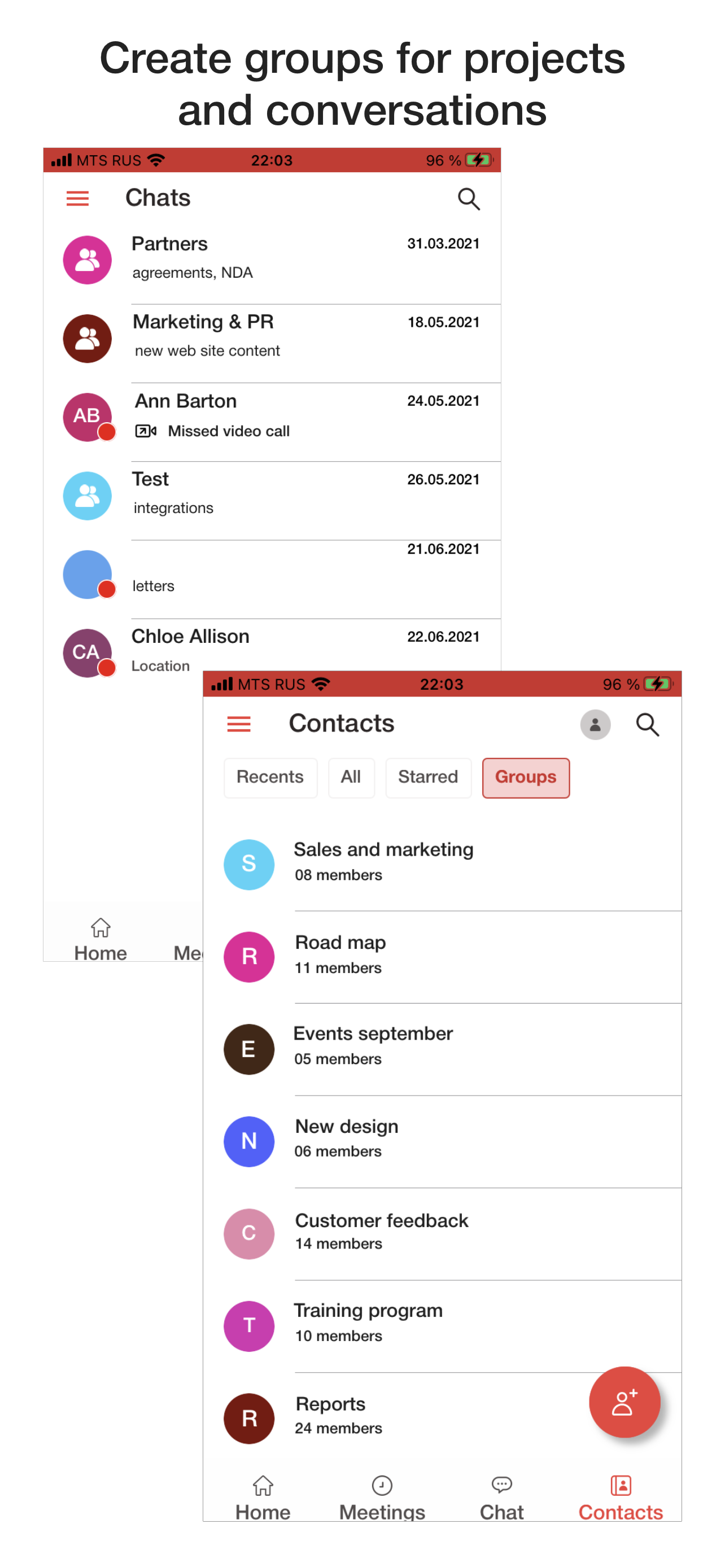
Screenshot of Using VideoMost on computersScreenshot of Using VideoMost on cell phone