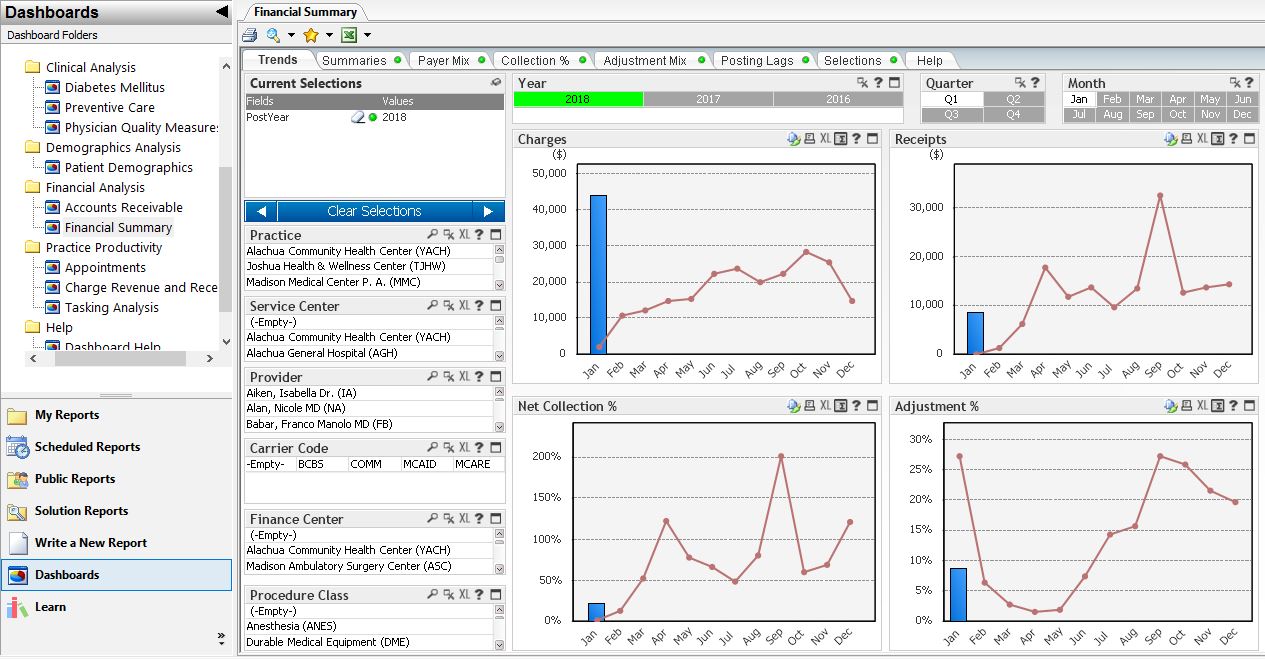
Intergy offers ambulatory practices a specialty-focused EHR and practice management solution. With Intergy’s tools, users can manage chronic conditions, capture payer incentives, and thrive in the world of value-based care. The ONC-certified solution has consolidated functionality that simplifies notation, automates tasks, and streamlines workflows. The Intergy ecosystem of products also includes telehealth, remote patient monitoring, chronic care management, patient portal, patient…
N/A
EHR 24/7
Score 5.5 out of 10
N/A
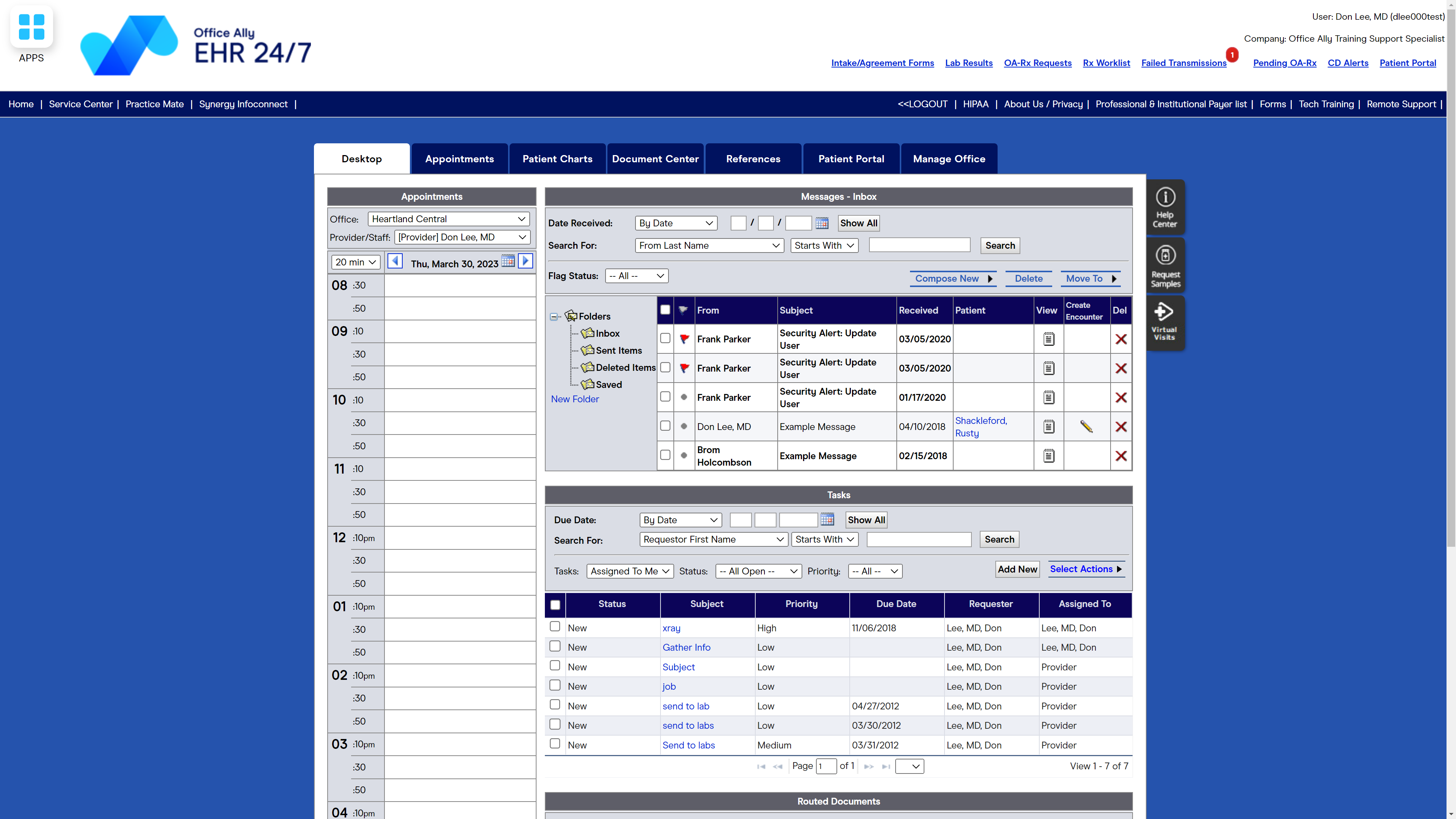
Office Ally in Vancouver, Washington offers their suite of interactive asp internet based solutions allowing for patient care from the point of contact in the physician's office to receiving payment from the insurance companies and providing overall care management from the IPAs and Health Plans. For $29.95 per month/provider, Office Ally offers EHR 24/7, an Electronic Health Records Program designed to allow healthcare providers to spend more time with patients and less time on paperwork.
N/A
Pricing
Intergy EHR
EHR 24/7 by Office Ally
Editions & Modules
No answers on this topic
Offerings
Pricing Offerings
Intergy EHR
EHR 24/7
Free Trial
No
No
Free/Freemium Version
No
No
Premium Consulting/Integration Services
No
No
Entry-level Setup Fee
No setup fee
No setup fee
Additional Details
—
—
More Pricing Information
Community Pulse
Intergy EHR
EHR 24/7 by Office Ally
Features
Intergy EHR
EHR 24/7 by Office Ally
Billing and Claims Management
Comparison of Billing and Claims Management features of Product A and Product B
Intergy EHR
6.5
Ratings
15% below category average
EHR 24/7 by Office Ally
9.0
Ratings
18% above category average
Real-time eligibility verification
6.00 Ratings
9.00 Ratings
Claims management
7.20 Ratings
9.00 Ratings
Coding
6.40 Ratings
9.00 Ratings
Patient billing
6.50 Ratings
9.00 Ratings
Financial Reporting
6.40 Ratings
9.00 Ratings
Patient Scheduling
Comparison of Patient Scheduling features of Product A and Product B
Intergy EHR
7.0
Ratings
12% below category average
EHR 24/7 by Office Ally
9.0
Ratings
13% above category average
Rule-based scheduling
5.30 Ratings
9.00 Ratings
Automated appointment reminders
7.20 Ratings
9.00 Ratings
Automated patient check-in
7.30 Ratings
9.00 Ratings
Multi-location support
7.50 Ratings
9.00 Ratings
Calendar interface
7.50 Ratings
9.00 Ratings
Electronic Medical Records
Comparison of Electronic Medical Records features of Product A and Product B
Intergy EHR
7.0
Ratings
4% below category average
EHR 24/7 by Office Ally
8.4
Ratings
15% above category average
Charting / document management
7.40 Ratings
8.00 Ratings
Templates
7.10 Ratings
8.00 Ratings
Patient portal
7.10 Ratings
8.00 Ratings
Mobile/tablet support
7.20 Ratings
9.00 Ratings
Fax integration
7.00 Ratings
8.00 Ratings
Integration with other EMR and PM systems
7.40 Ratings
9.00 Ratings
Workflow automation
5.60 Ratings
8.00 Ratings
Speech recognition
6.40 Ratings
9.00 Ratings
Customization
7.20 Ratings
8.00 Ratings
E-prescribing
7.30 Ratings
9.00 Ratings
Medical Security and Privacy
Comparison of Medical Security and Privacy features of Product A and Product B
Intergy EHR
7.4
Ratings
11% below category average
EHR 24/7 by Office Ally
9.3
Ratings
12% above category average
HIPAA compliance
7.50 Ratings
10.00 Ratings
Role-based permission levels
7.40 Ratings
9.00 Ratings
Data backups and redundancy
7.30 Ratings
9.00 Ratings
Local mode / networking failsafe
7.30 Ratings
9.00 Ratings
Workflow and Scale
Comparison of Workflow and Scale features of Product A and Product B
It worked quite well in the dermatology/plastic surgery clinic. In fact, until I moved into the administrative/finance department of this neurosurgery clinic, I had no complaints whatsoever about Intergy. The process for end users is very intuitive and free-flowing. On the management side of things, however, it's difficult to track or prove audit trails.
Smaller doctor or dental offices would be fine using Office Ally for patient visits and appointments; it's easy to use and learn, and I'm able to handle most needs with it. For a larger practice, there are better, more technologically advanced software products that would offer more streamlined and professional statements, schedules, and accounting needs.
Health Reminders- for different patient needs or preventive care/screenings. For example patients who have a diagnosis of Diabetes- their health reminders will show if they need an A1c, foot exam, eye exam, etc. and when it was last performed
Orders Tracking- This helps nursing staff make notes on referrals or orders and they are able to look at the order tracking section for all patients and filter it by provider, order type, status, etc. to know what needs to be followed up on or what has been completed and so forth...
Tasks- This is a nice feature that has many different options for use. It can be used internally to send a quick message to another user, a phone message, billing message, and any task gives you the option to make it "patient related" if necessary. It can be used by the providers when they make an order they can then send it to the nurse to complete. Lots of different ways for Tasks to be used
There needs to be a way to print patient visit summaries for a date range vs printing one summary for each appointment, one at a time.
It would be helpful if the top row of the calendar, showing doctors/practitioners names, would remain on the screen when scrolling to the end of the day. Appointments get scheduled under the wrong doctor at times because the names disappear and columns get confused.
There should be a way to view/print/download what has been paid, per patient, to the office in one place vs searching for payments under the Accounting Tab and payments tracked under Patient visits.
Usually they are very helpful. I would prefer they do some of the actual changes I am requesting instead of having me do the work. I feel that they could walk you through it, instead of letting you figure out the desired results on your own.
I haven't had to call too many times to get help with Office Ally but when I have had to call, I haven't always had the best customer service. It seems that I am bugging the person I reach when I call for technical support because I'm usually reminded that there are videos to watch for technical support help. On the flip side, there have been times that I called for help and was treated how you assume you'll be treated when you call for help - with grace, dignity, professionalism, and respect.
I am not the office manager so I cannot tell why she chose to use Intergy EHR. I personally like Intergy EHR because it allows me to use it with Intergy EMR and track patients very fast and it saves the office a lot of time. If something goes wrong, someone can just call customer service and they are glad to help.
I used to use Best Notes. Best Notes was difficult to navigate and very inflexible. We used it in the early time of EHR/EMR, so that the software was not very useful. When I changed to Office Ally, we are so delighted to change it because again it is easily to navigate the software. There is minimum of learning curve than other software.
We are able to have appointments clearly scheduled weeks and months ahead of time so we save money by knowing when to have doctors come in or work elsewhere - we aren't having to pay a doctor to be here when there aren't patients scheduled.
We are able to pay doctors based on the number of office visits they have had with patients vs having to pay a base salary for a doctor even if they did not see any patients.