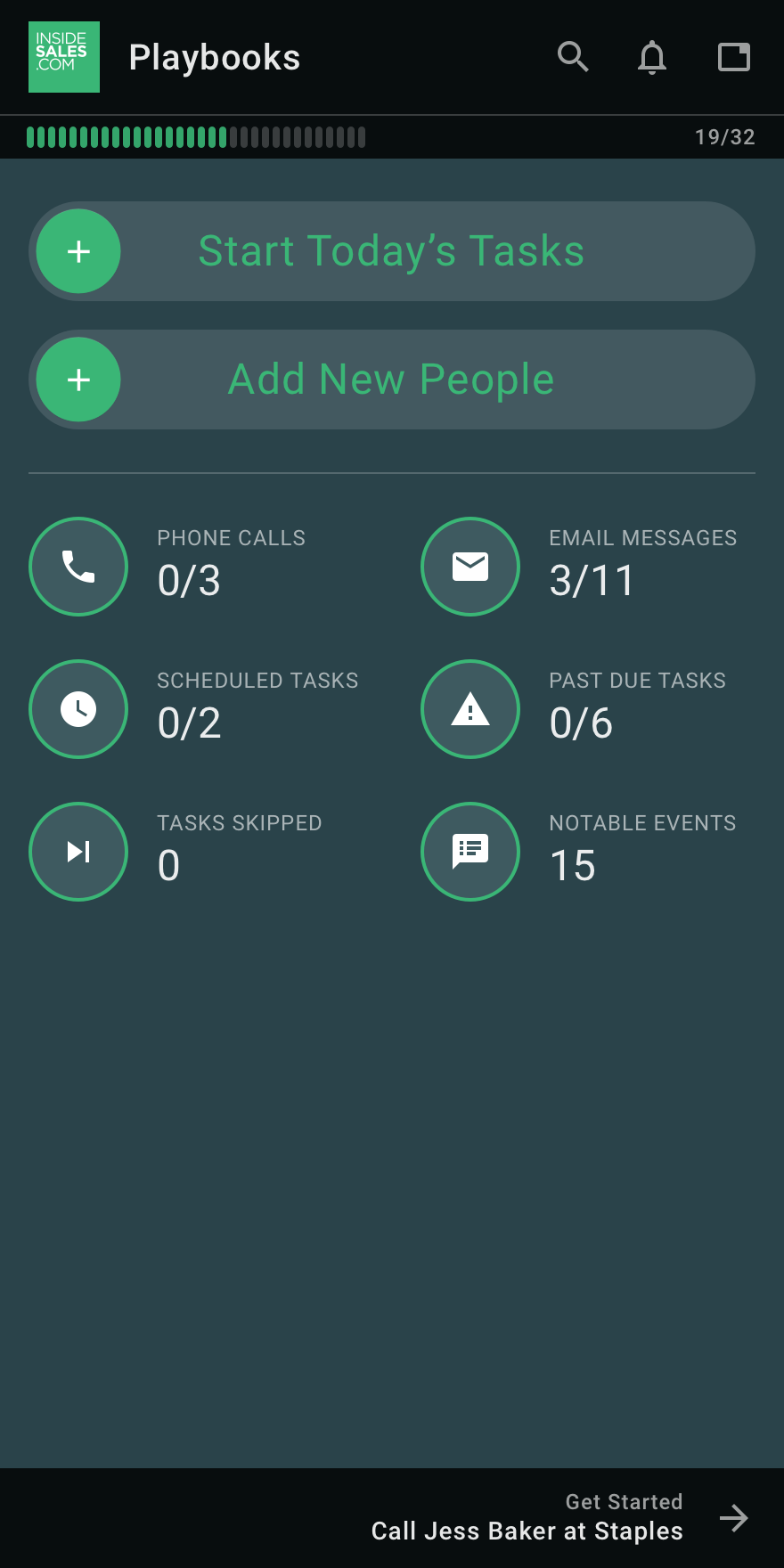
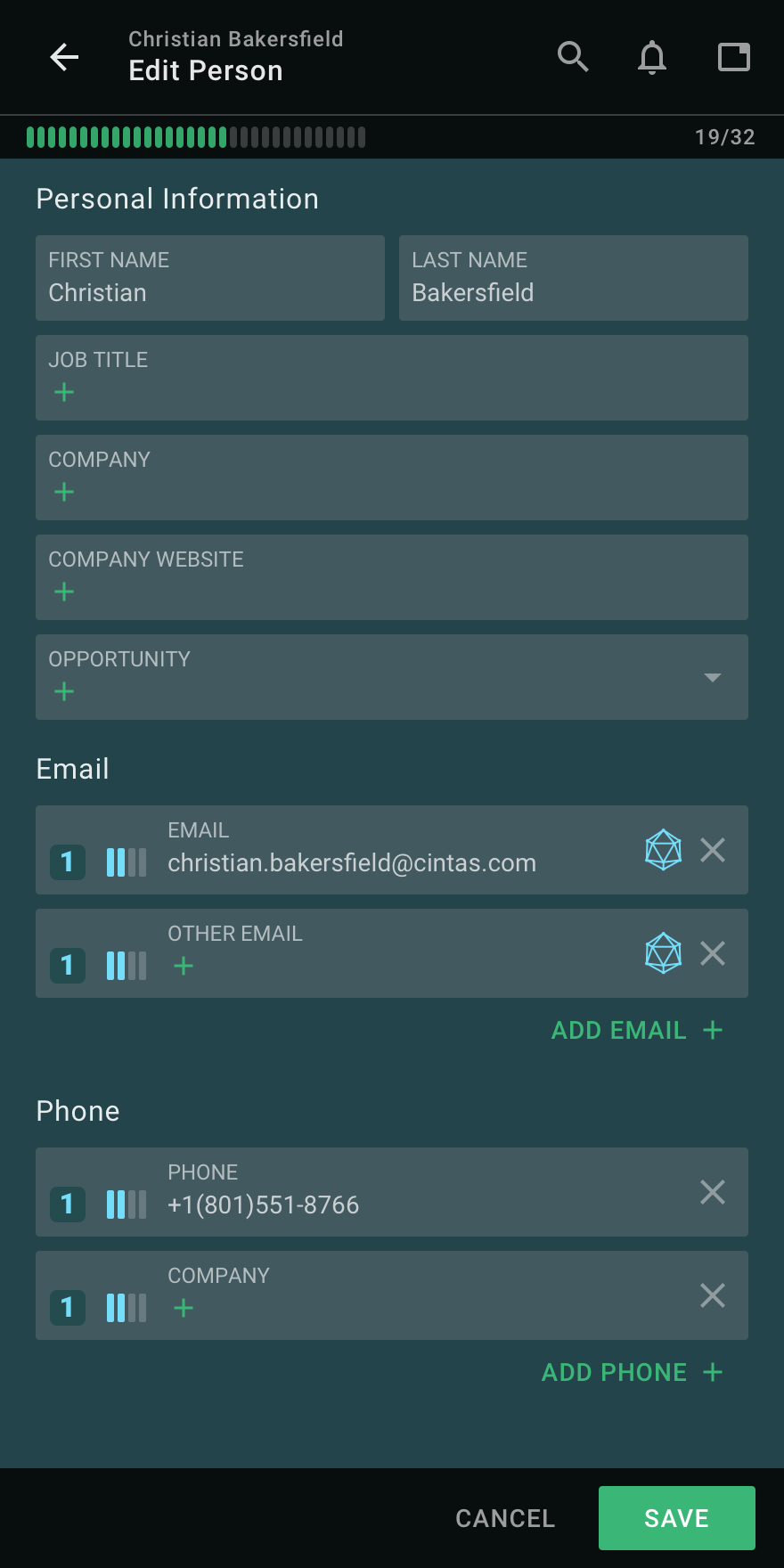
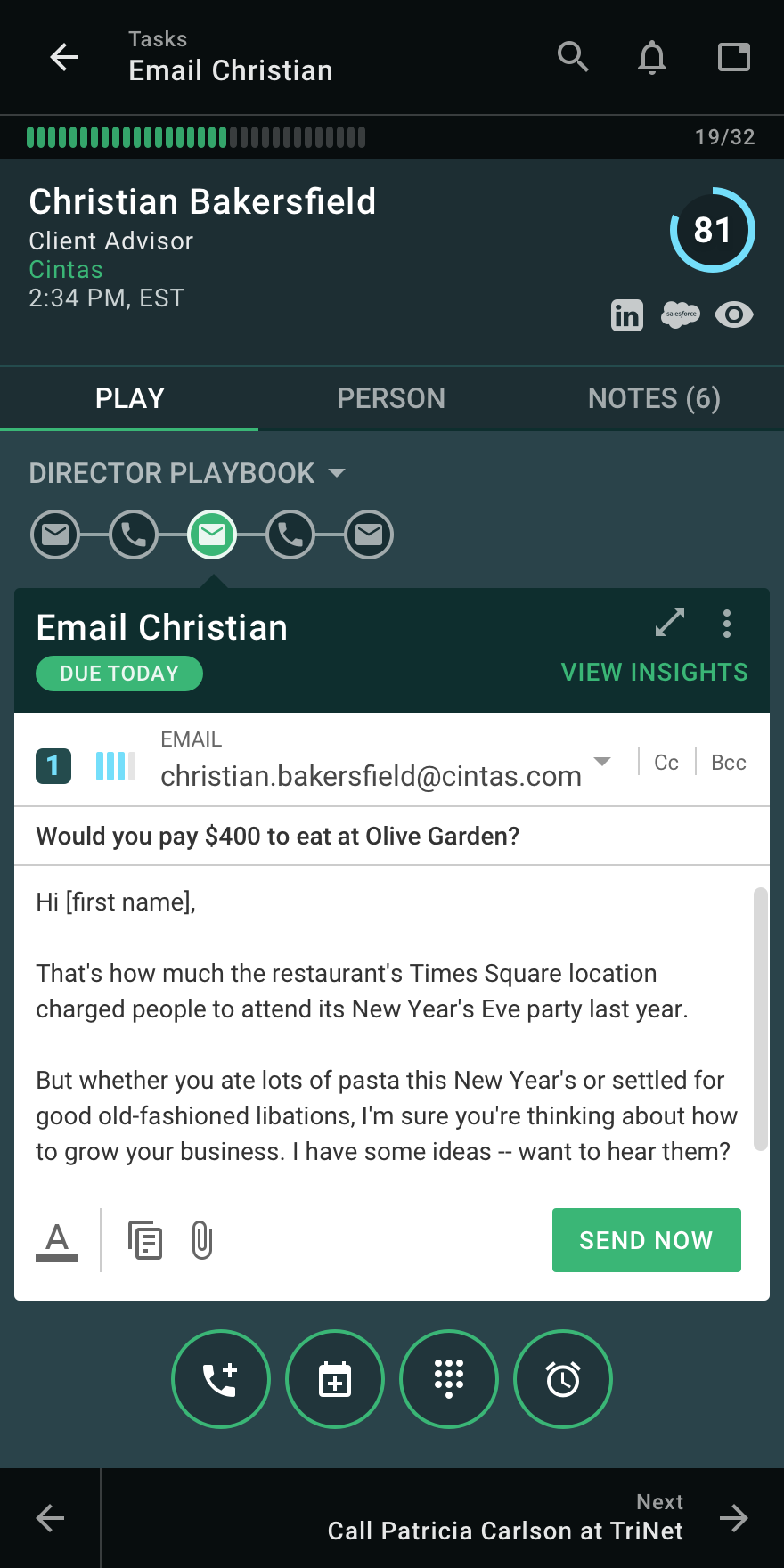
InsideSales Playbooks (formerly XANT Playbooks) aims to help SDRs and AEs quickly build closeable pipeline, by helping salespeople get a hold of more of the right people. InsideSales.com uses their A.I.-platform called Neuralytics to target likely buyers combined with their cadence engine to help sales reps consistently engage all of their prospects in a personalized way. Just like Waze from Google helps drivers get to their destination quickly based on the data from other drivers,…
N/A
Mailtrack
Score 9.7 out of 10
N/A
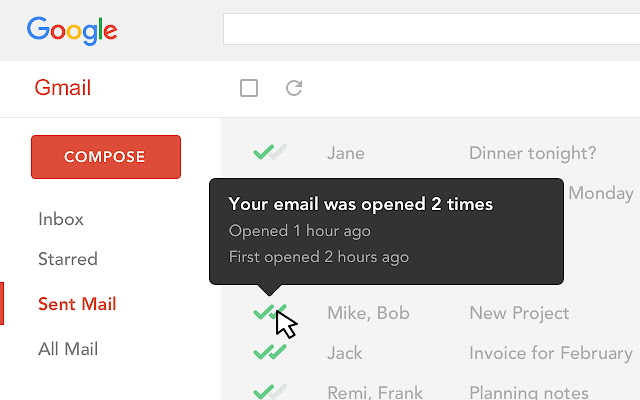
Mailtrack is a free email tracker for Gmail, boasting over 1,5 million active users. The vendor states users will Ffollow up with more accuracy, find out the moment emails have been read, track the…
It is well suited for any sales department, to try to get ahold of the person you are trying to get ahold of. Playbooks has increased the number of decision makers that I can get ahold of on a day to day basis. This tool would probably be less suited for people that do not have calls to make outside of the company.
Mailtrack is great for tracking emails if you do not want to pay for larger more complicated tools that do the same thing. If you already love your system but just want to add some convenient read tracking, that's exactly what this is for. If you have a system that doesn't work well, I would take the time to evaluate alternatives that also include read tracking (Salesforce for example). This also applies if you're trying to use this for large outbound sales emails - there are a lot of applications that have email tracking built in (Outreach.io is a great example) so it may just be worth switching your whole system.
The ability to filter specific plays or pieces of information so that it's more user-friendly for the overall organization. Essentially, more room to customize the organization of accounts and how you're working them.
The initial onboarding process of accounts results in high levels of tasks - the ability to break these down in an easier way to help with time management would be helpful.
It only took a day to get comfortable with Playbooks. The ease of use and overall usability is fantastic in the sense that it's pretty straightforward once you get enough repetitions in the tool. I also like all of the videos and resources available if support is needed
I would rate Mailtrack's overall usability as a ten out of ten. The reasons for this are actually quite simple. For now, only I have been using Mailtrack. However, looking at the rather easy to use characteristics Mailtrack has to offer, I would not hesitate to recommend it to the rest of my colleagues.
I didn't really need to use the customer support but the fact that they proactively make the installation process so easy by providing step by step instructions with videos and everything is kind of pro-active customer support that is needed. Good for them because at the end of the day, it's everyone's dream to use a product that they don't need support for.
The Insidesales Playbooks is by far more intuitive and organized than other programs I have used in the past. Unfortunately I have not had experience with other products that are available out there. I would hope we will see more improvements from the ISDC tool as we all use it more and provide feedback
There's a free tier. Obviously, there are other things to love, like notifications about your email being read, the fact that if an email hasn't been responded to in some time it gets bumped up. The fact that if other people have Mailtrack you will actually get notified who read your email. But the fact that there is a free tier is HUGE.
I'm currently using the free version so my investment was time spent downloading the browser extension. I would say it's worth the investment because I can make more value through each email by finding the right time to send replies or know when is the exact time I should follow up.
Knowing when an email is read multiple times helps me know the importance of the content in my email.
The paid version allows Mailtrack to tell you which recipient read the email if there was more than 1.