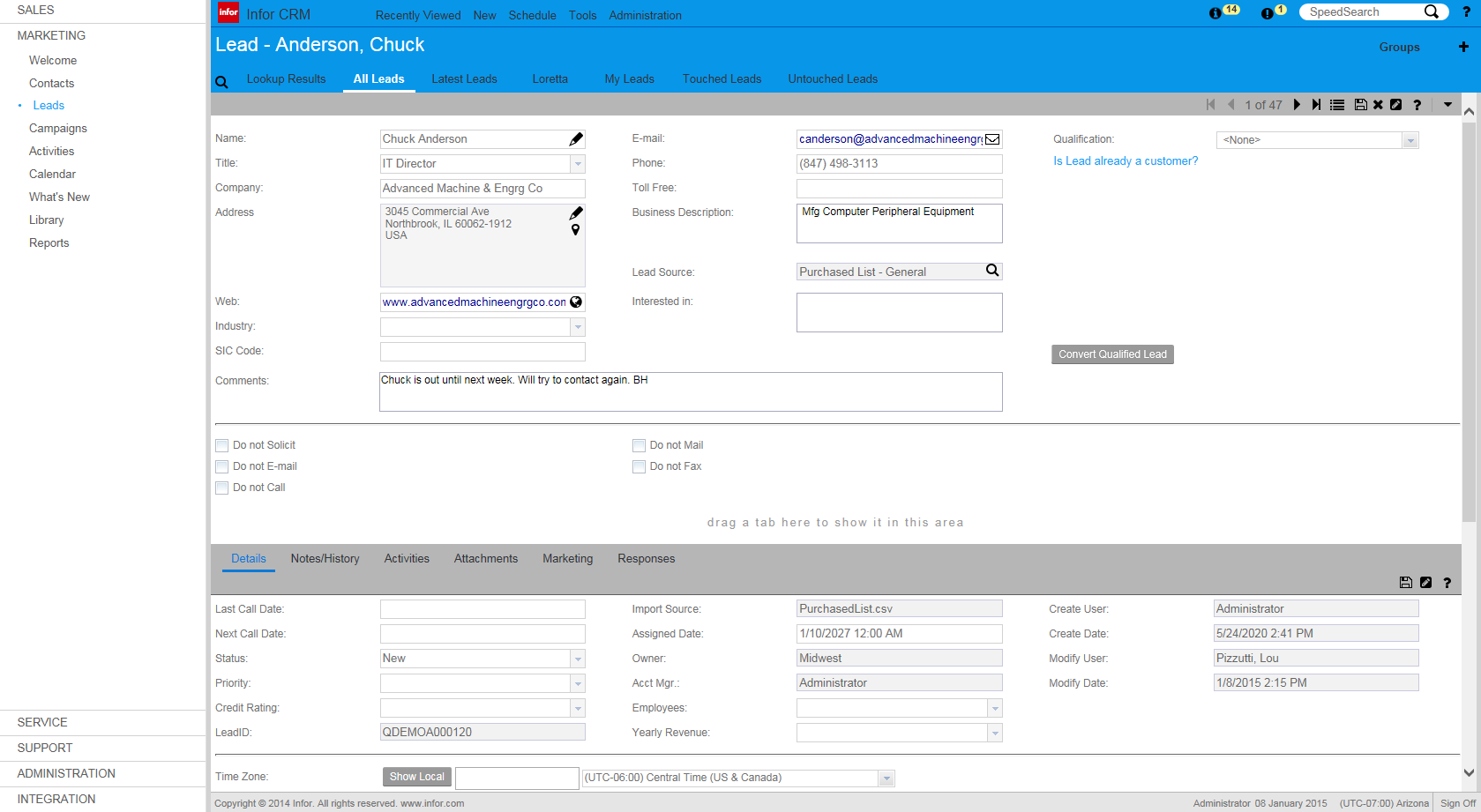
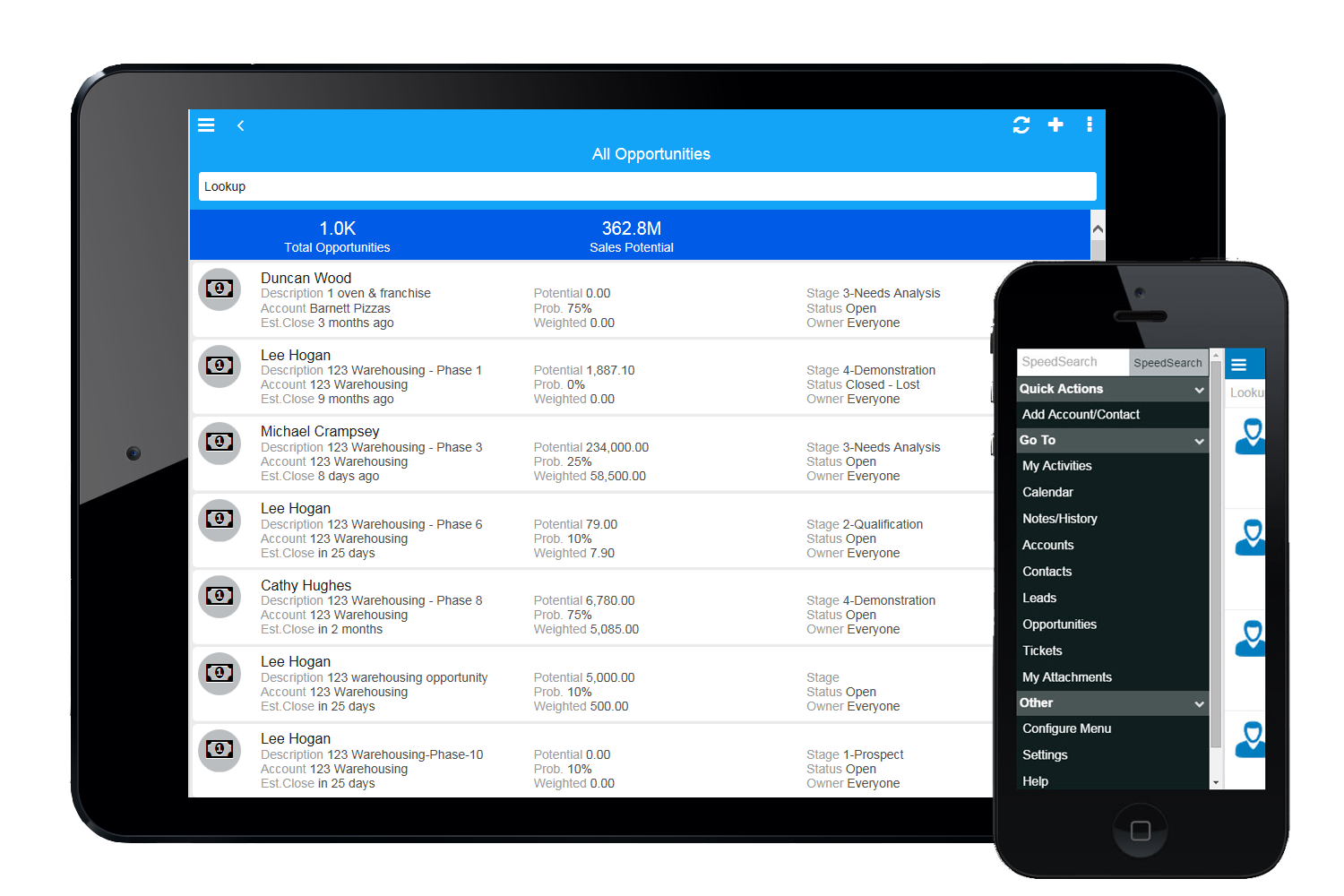
Infor CRM delivers tools for individuals, teams, and companies focused on increasing sales performance and the insights to optimize sales, marketing, and service strategy and execution. Infor CRM provides sales teams with rich customer information from interactions and transactions across the business and accommodates the modern flexible workforce with multiple access methods. Robust process automation capabilities enable efficiencies and the application of best practices across sales…
N/A
Insightly
Score 7.4 out of 10
N/A
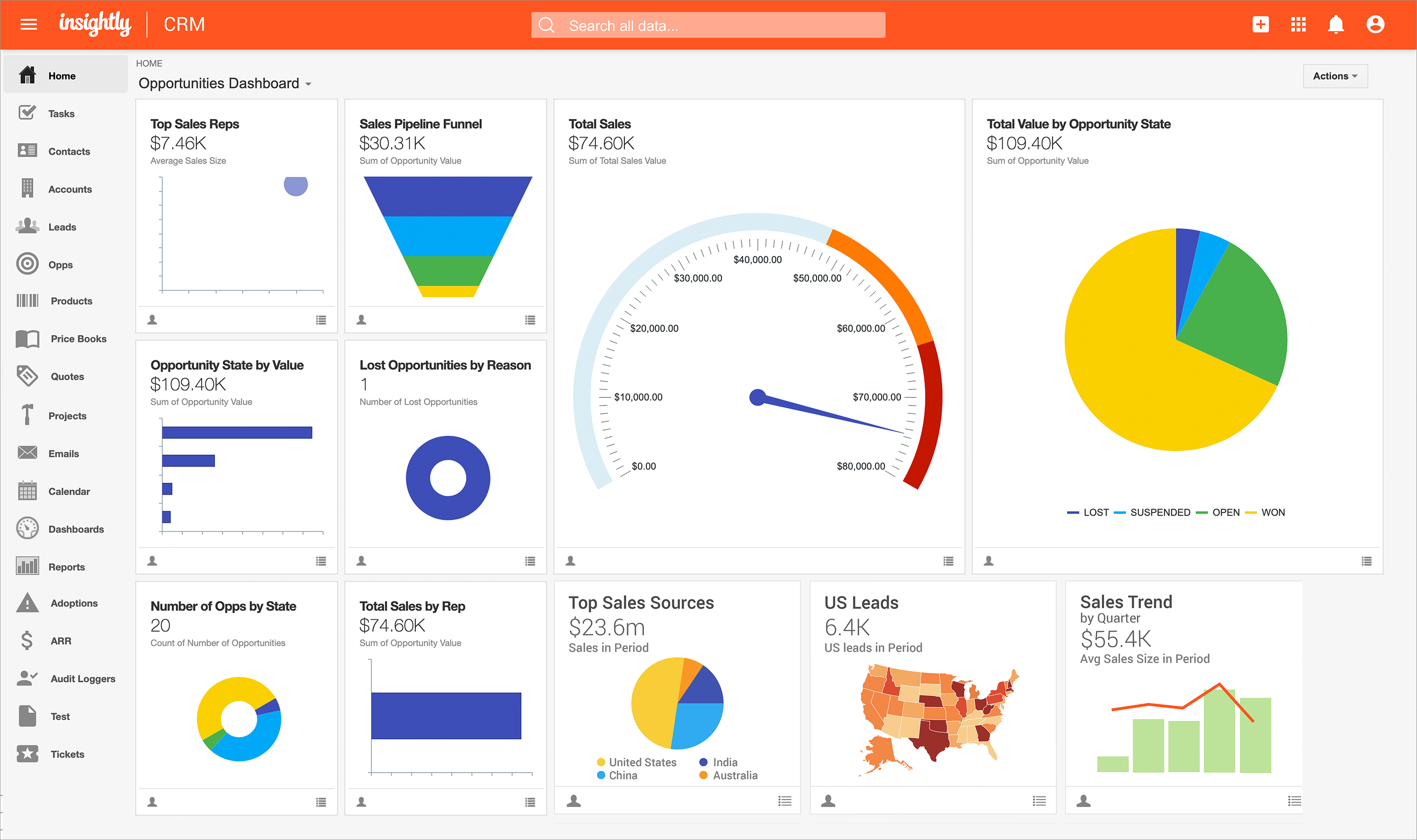
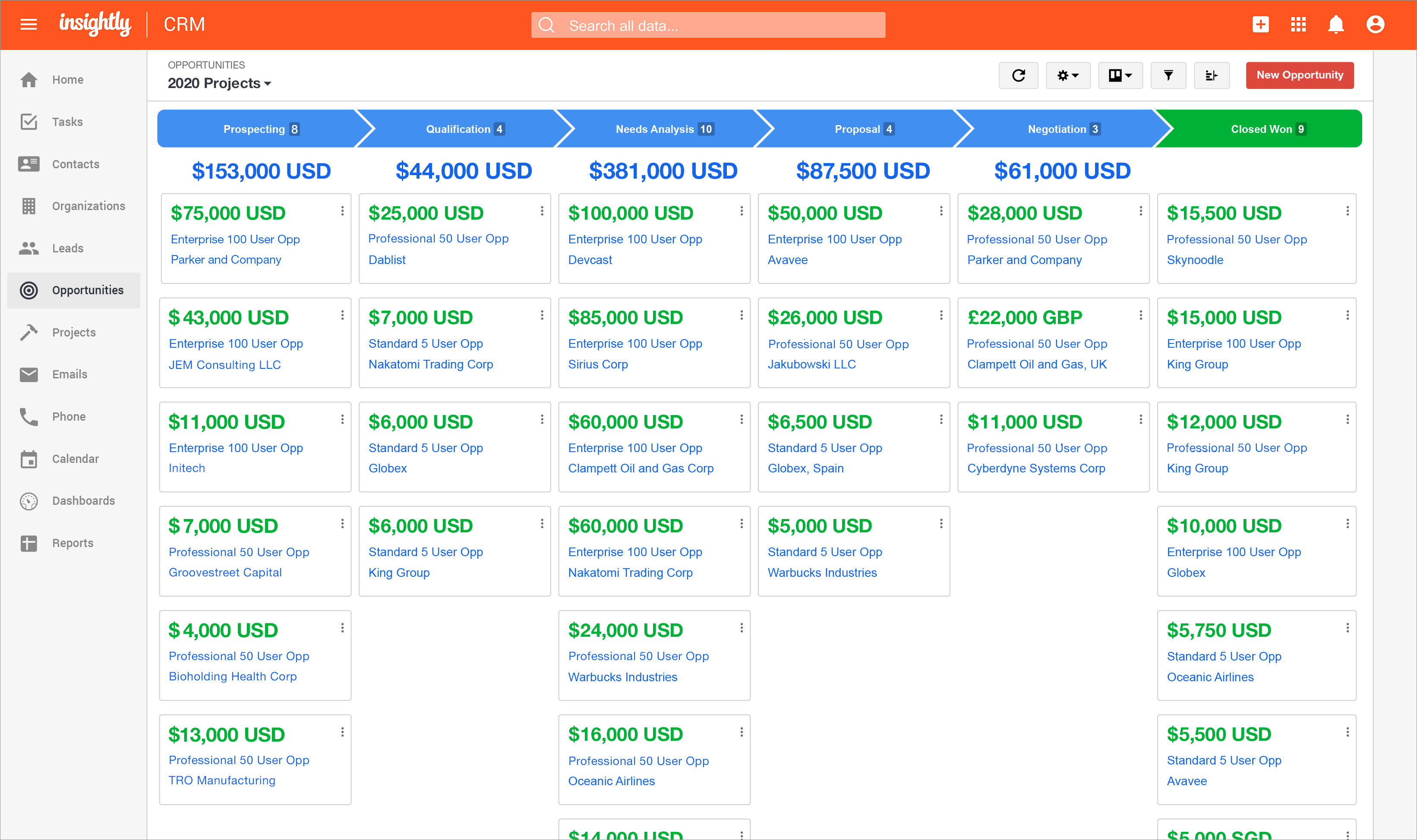
Insightly is presented as a modern, affordable CRM that is easy to use, simple to customize, and that scales with companies as they grow, designed to solve common pain points that legacy CRMs can't. Available in any vertical, Insightly CRM customers can add companion products for marketing automation, customer service, and integrations in the same platform. Insightly has more than a million users worldwide.
$29
per month (billed annually) per user
Pricing
Infor CRM
Insightly
Editions & Modules
No answers on this topic
Plus
$29
per month (billed annually) per user
Professional
$49
per month (billed annually) per user
Enterprise
$99
per month (billed annually) per user
Offerings
Pricing Offerings
Infor CRM
Insightly
Free Trial
Yes
Yes
Free/Freemium Version
No
No
Premium Consulting/Integration Services
No
No
Entry-level Setup Fee
No setup fee
No setup fee
Additional Details
—
—
More Pricing Information
Community Pulse
Infor CRM
Insightly
Features
Infor CRM
Insightly
Sales Force Automation
Comparison of Sales Force Automation features of Product A and Product B
Infor CRM
7.8
Ratings
1% above category average
Insightly
7.3
Ratings
5% below category average
Customer data management / contact management
8.40 Ratings
8.60 Ratings
Workflow management
10.00 Ratings
6.60 Ratings
Territory management
5.40 Ratings
6.80 Ratings
Opportunity management
8.40 Ratings
8.60 Ratings
Integration with email client (e.g., Outlook or Gmail)
5.40 Ratings
6.70 Ratings
Contract management
5.70 Ratings
6.50 Ratings
Quote & order management
7.30 Ratings
8.30 Ratings
Interaction tracking
10.00 Ratings
6.00 Ratings
Channel / partner relationship management
10.00 Ratings
7.70 Ratings
Customer Service & Support
Comparison of Customer Service & Support features of Product A and Product B
Infor CRM
8.3
Ratings
10% above category average
Insightly
7.1
Ratings
6% below category average
Case management
10.00 Ratings
7.00 Ratings
Call center management
5.00 Ratings
7.20 Ratings
Help desk management
10.00 Ratings
7.10 Ratings
Marketing Automation
Comparison of Marketing Automation features of Product A and Product B
Infor CRM
2.5
Ratings
101% below category average
Insightly
5.0
Ratings
41% below category average
Lead management
3.90 Ratings
5.40 Ratings
Email marketing
1.00 Ratings
4.60 Ratings
CRM Project Management
Comparison of CRM Project Management features of Product A and Product B
Infor CRM
4.2
Ratings
58% below category average
Insightly
6.3
Ratings
19% below category average
Task management
7.10 Ratings
6.30 Ratings
Billing and invoicing management
3.60 Ratings
6.00 Ratings
Reporting
2.10 Ratings
6.50 Ratings
CRM Reporting & Analytics
Comparison of CRM Reporting & Analytics features of Product A and Product B
Infor CRM
4.2
Ratings
57% below category average
Insightly
7.5
Ratings
1% below category average
Forecasting
3.60 Ratings
7.00 Ratings
Pipeline visualization
7.00 Ratings
8.00 Ratings
Customizable reports
2.10 Ratings
7.60 Ratings
Customization
Comparison of Customization features of Product A and Product B
Infor CRM
8.6
Ratings
14% above category average
Insightly
6.2
Ratings
19% below category average
Custom fields
10.00 Ratings
6.50 Ratings
Custom objects
7.00 Ratings
6.00 Ratings
Scripting environment
7.20 Ratings
6.80 Ratings
API for custom integration
10.00 Ratings
5.50 Ratings
Security
Comparison of Security features of Product A and Product B
Infor CRM
10.0
Ratings
18% above category average
Insightly
8.0
Ratings
4% below category average
Single sign-on capability
10.00 Ratings
7.80 Ratings
Role-based user permissions
10.00 Ratings
8.10 Ratings
Social CRM
Comparison of Social CRM features of Product A and Product B
Infor CRM
3.5
Ratings
71% below category average
Insightly
7.4
Ratings
1% above category average
Social data
4.00 Ratings
6.80 Ratings
Social engagement
3.00 Ratings
8.00 Ratings
Integrations with 3rd-party Software
Comparison of Integrations with 3rd-party Software features of Product A and Product B
Infor CRM
2.9
Ratings
87% below category average
Insightly
6.0
Ratings
20% below category average
Marketing automation
3.00 Ratings
6.90 Ratings
Compensation management
2.70 Ratings
5.10 Ratings
Platform
Comparison of Platform features of Product A and Product B
If you have a mobile workforce, it likely wouldn't be as appropriate (keep in mind we're using the desktop client, and have very limited experience with the web app). It is well suited if your business needs lots of custom processes- find a good vendor. We utilize SimpleSoft out of Ohio, and they have been excellent. Key question: think about where your business is going to be in 5-10 years, and will this CRM solution be able to grow with us?
For what we use it for and the ease of use I am happy to recommend Insightly however I can appreciate that others may have more complex feature requirements than I use. As such I would mainly only recommend it to people who I feel would use it in a similar capacity to me.
Speed - SalesLogix tends to operate rather clunky (could be my company's deployment) in that it hesistates for long periods between clicks and frequent lockups occur.
User Interface - Difficult to read data at times, the UI is tired looking.
Group View Creation - While a positive, the creation path is very technical for the average user to understand and almost must have programming language capability to complete.
We have too much invested in customizations to walk away from it. Once again, the ability to customize Saleslogix is both a positive and negative attribute. Saleslogix is offering a cloud based solution so they recognize where the future is moving to. Unfortunately it is still an enormous amount of cost, training and functionality to move to that solution. At the time of this writing CustomerFX doesn't have a cloud solution for that quoting module our sales staff depend on. And if we move that direction we will have to pay again to get the cloud based modifications performed. We're on the hamster wheel of technology.
Insightly offers a great product; it's the right fit for our company at this time. We were, however, considering moving to Contactually due to their cost effective automation features. However, they lacked the project management capabilities of Insightly. As our company grows, we would love to stay with Insightly - and if they can nail the automation and add the ability to customize a little bit more, it would be the perfect solution for us. For a larger company with a more involved sales team, you might find the metrics/reporting to be a bit basic. Insightly offers great customer service even to free customers
Some items are not easily accessible as an admin, and the number of available resources is outdated (video from 2017). For basic tasks such as updating prospects or contacts, it is fine. However, when you change the screen size, the system becomes less responsive, with tables often being difficult to read.
The provider is 100% available, with no downtime, maintenance, or unexpected outages. We have been able to perform solid continuous services for 12 months without any interruptions. We have backups as well, unlike the in-house backup that they keep on their end. I believe they have a very good redundancy and backup infrastructure in case they get any outages.
Pages normally load quickly, but every now and then, as entering updates to fields, it take a while to update. Sometimes even after refreshing the screen, we have to exit and go back in to get the fields or queries to update.
We have used Insightly for almost 2 years now. We have always been able to get in touch with support for a variety of reasons and they have never disappointed us. The support staff have always been very understanding. They have assisted with answers to our questions and have provided great tech support. We would highly recommend them.
Well, we didn’t get the chance to do this in-person training but rather one-on-one online training with HR in-house. There were PowerPoints to discuss as well as video instructions on how to use the app, so it was okay. We were able to play around with it during the training or onboarding session.
I've used Insightly's online training &/ or learned as I went. I've found the blogs and online written material helpful. I've also attended a few webinars, which can be useful if you use a J-I-T approach so as not to overwhelm you (or your staff) with functionality that you are using just yet. The fact that it's all available on their website and you can learn at your own pace is invaluable
did not participate in the implementation of this product did not participate in the implementation of this product did not participate in the implementation of this product did not participate in the implementation of this product did not participate in the implementation of this product did not participate in the implementation of this product
We selected INFOR CRM over Salesforce simply because it was affordable and didn't have so many 'bells & whistles' that Salesforce has that we were not using. We didn't realize that the compatibility with upgrades were going to be such an issue.
Insightly actually have many different fields and customization options for data management. Other programs do not have the ability to organize data in this way. It is easy to manage customer contact information, phone call and email tracking, company management and many other data fields. Microsoft and Google do not provide equivalent programs or services. Insightly customer service is quick to respond and address issues. It just takes quite a few emails in order to properly specify an issue or request
(+) Being able to download my LinkedIn connections was a huge benefit. (+) I use the task function to stay on top of my follow-up activity which is another positive feature. (+) The sorting capabilities also help me pinpoint the contacts that I need to stay on top of. (-) When I add a new lead from an existing organization, I would like the organization's information to automatically populate the fields like address, website, description. I enter all that information manually. (-) My mass mailing experience has been tedious due to the email function being interrupted and crashing due to bad email addresses in some of my records. (-) Many of my leads do not have current email addresses. I wish Insightly offered a tool to help find email addresses. I spend too much time researching to find email addresses.
We're launching a new project where we will be building a sales funnel, including sales metrics and KPIs, sales process, and reporting/dashboarding. This is going to be a huge shift in our thinking and how we manage our sales. I'm expecting a substantial ROI on this work.
We've automated a lot of tasks that required attaching items to emails and duplicating work. For example, instead of attaching sample order picks to an email then sending it to our fulfillment group, we assign them the ticket. All communication is done via the ticket process. Once the order has been shipped, the UPS information is added to the ticket and it is assigned back to the original user for tracking. This has saved us so much time, not only in errors, but in missed orders and trying to get tracking information after the recipient has already not received their package.
We really needed to build in functionality that would allow separation between the different types of teams (procurement, certification, sales, etc) that we've had all trying to use InforCRM vs investing in multiple platforms. This is our fault more than InforCRM, but again, being able to have different 'views' based on department and role would be a really nice improvement for the next update.
For negative impact, the time setting up the various data fields and making sure the data was right and how it showed was not easy.
Having the integrations available has saved all of us time jumping from platform to platform. Definitely assisted with focus and probably scrubbed at least one meeting.
For the few issues we had setting up and customizing the tool, the ease of adoption across all the departments has been truly spectacular and beyond expectations.
Hoping the team will make it more plug and play for future rollouts and work on the mobile app and then this platform would be 100!