TrustRadius: an HG Insights company

Save this comparison

Save this comparison

Add Product

Recommended Comparisons

    Overview
    ProductRatingMost Used ByProduct SummaryStarting Price

    Infocyte HUNT

    Score10 out of 10
    N/AInfocyte HUNT aims to provide an easy-to-use, yet powerful enterprise endpoint security solution. Infocyte HUNT is a threat hunting software/platform designed to limit risk and eliminate dwell time by enabling an organization’s own IT and security professionals to proactively discover malware and persistent threats, active or dormant, that have successfully breached existing defenses. According to the vendor, Infocyte HUNT uses a forensic…N/A

    Tripwire Enterprise

    Score8.8 out of 10
    N/ATripwire Enterprise, from Tripwire in Portland, Oregon, is an intrusion detection/prevention system. Tripewire is a HelpSystems brand since the early 2022 acquisition.N/A
    Pricing
    Infocyte HUNTTripwire Enterprise
    Editions & Modules
    No answers on this topic
    No answers on this topic
    Offerings
    Pricing Offerings
    Infocyte HUNTTripwire Enterprise
    Free Trial
    YesNo
    Free/Freemium Version
    NoNo
    Premium Consulting/Integration Services
    YesNo
    Entry-level Setup FeeOptionalNo setup fee
    Additional Details——
    More Pricing Information
    Best Alternatives
    Infocyte HUNTTripwire Enterprise
    Small Businesses
    No answers on this topic
    No answers on this topic
    Medium-sized Companies
    Cisco Identity Services Engine (ISE)
    Score8.7 out of 10
    Cisco Identity Services Engine (ISE)
    Score8.7 out of 10
    Enterprises
    Cisco Identity Services Engine (ISE)
    Score8.7 out of 10
    Cisco Identity Services Engine (ISE)
    Score8.7 out of 10
    All AlternativesView all alternativesView all alternatives
    User Ratings
    Infocyte HUNTTripwire Enterprise
    Likelihood to Recommend
    -
    (0 ratings)
    10.0
    (1 ratings)
    User Testimonials
    Infocyte HUNTTripwire Enterprise
    Likelihood to Recommend
    Infocyte
    No answers on this topic
    Fortra
    Tripwire Enterprise is great for hosting/data center environments and it greatly helps where console screenshots and reporting fill a lot of our client internal audit needs for security and change control.
    Incentivized
    Read full review
    Pros
    Infocyte
    No answers on this topic
    Fortra
    • It allows us to track development changes for engineer accountability.
    • Tripwire Enterprise also allows us to monitor changes/updates being done to our systems in our hosting centers.
    • We use the software to track user access and critical system changes.
    Incentivized
    Read full review
    Cons
    Infocyte
    No answers on this topic
    Fortra
    • In previous versions the management console was a little hard to navigate in some respects.
    • I'm sure this has changed over time but we hope the reporting system has gotten more granular.
    • I really don't have to many cons for this product, I recommend it for every company I work for!
    Incentivized
    Read full review
    Alternatives Considered
    Infocyte
    No answers on this topic
    Fortra
    Honestly, I haven't used other products to do what Tripwire does, it's always my first recommendation.
    Incentivized
    Read full review
    Return on Investment
    Infocyte
    No answers on this topic
    Fortra
    • Tripwire has been a positive business impact for us because of its trusted name. Our customers require software like Tripwire because they know their data and security concerns are in good hands when it's deployed.
    • The ROI for Tripwire is also a positive for our business because of the time and man power saved in due diligence and reporting for our clients' internal auditing.
    Incentivized
    Read full review
    ScreenShots

    Infocyte HUNT Screenshots

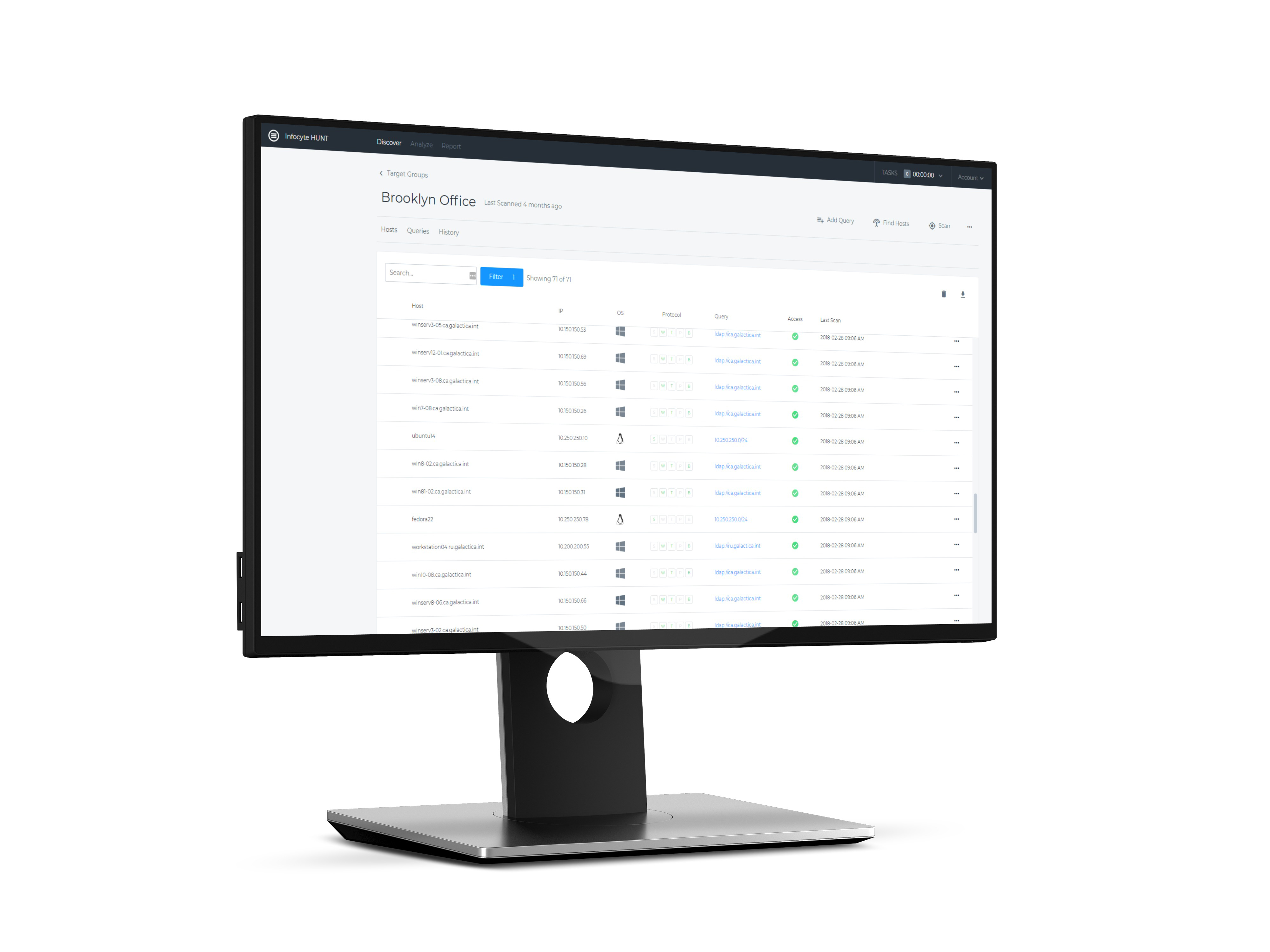
    Screenshot of Analyze > Summary: Infocyte HUNT displays an overview of potential cyber security threats — objects and hosts. From here, you can drill down into specific threat types (along the left side of the screen).Screenshot of Analyze > Processes: View all the processes running on your endpoints (across your network) and dive into specific processes to understand what resources they're utilizing and if they are in fact a threat.Screenshot of Discover > Target Group: Create and manage multiple "Target Groups" within your network. Discover the hosts on your network and quickly assess what protocols they're using.