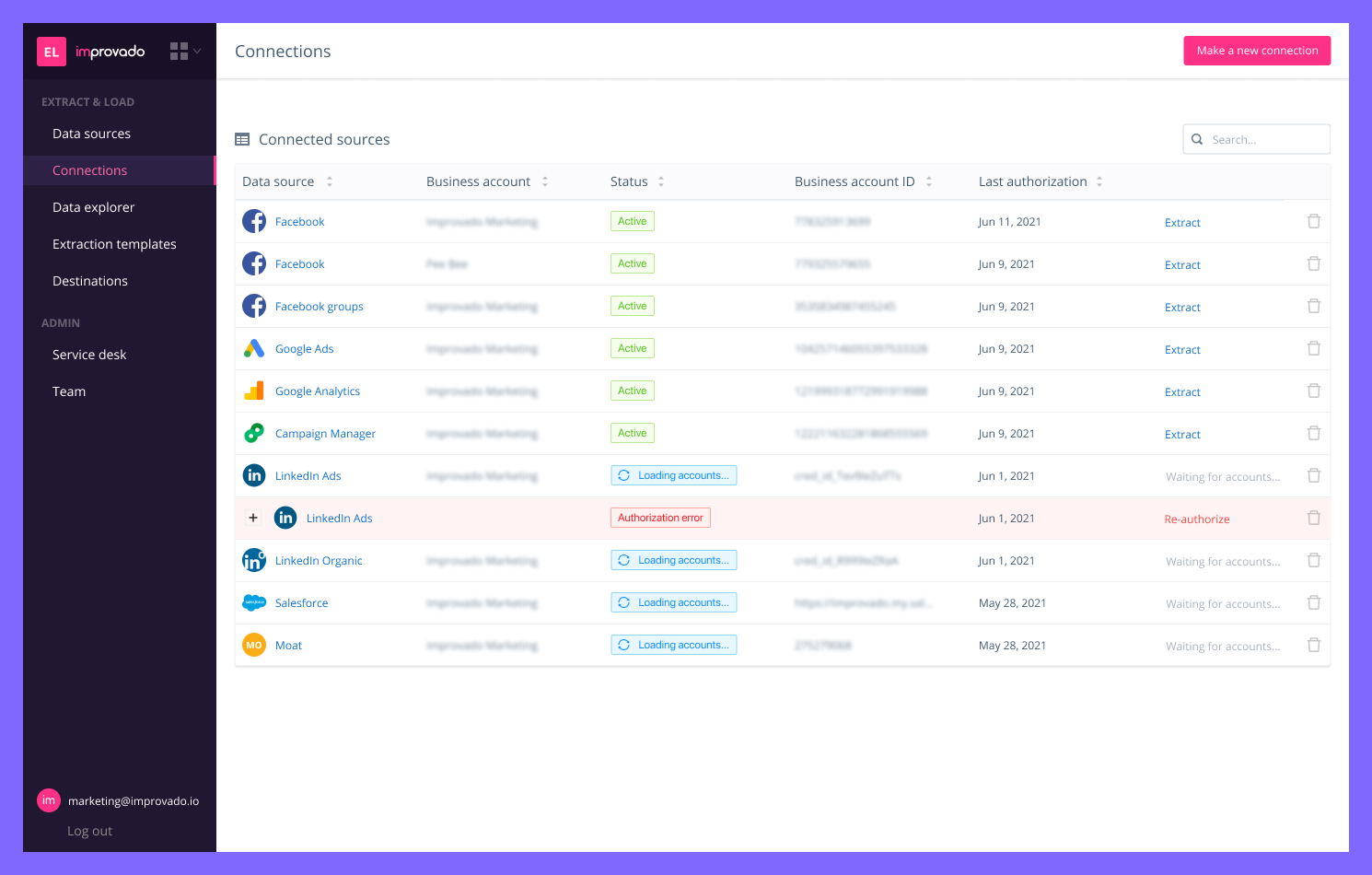
Improvado is a marketing intelligence platform designed for medium to large enterprises and agencies. Improvado integrates, simplifies, governs, and attributes complex data from various sources, delivering a unified view of marketing ROI and performance.
N/A
Panoply
Score8.5 out of 10
N/A
Panoply, from Sqream since the late 2021 acquisition, is an ETL-less, smart end-to-end data management system built for the cloud. Panoply specializes as a unified ELT and Data Warehouse platform with integrated visualization capabilities and storage optimization algorithms.
N/A
Pricing
Improvado
Panoply
Editions & Modules
No answers on this topic
No answers on this topic
Offerings
Pricing Offerings
Improvado
Panoply
Free Trial
No
Yes
Free/Freemium Version
No
No
Premium Consulting/Integration Services
Yes
No
Entry-level Setup Fee
No setup fee
No setup fee
Additional Details
—
Panoply offers simple, transparent pricing. All plans have a 21-day free trial—no credit card required. You'll get an account executive and data architect to help you get the most out of your smart data warehouse. Pricing starts at $325/month.
This solution helped us when we were stuck trying to explore data deeper and didn’t have enough resources to prepare data for further analysis. The software solves data integrity problems bringing more granularity to all insights. Integration with data visualization tools and well-arranged insights shows how each of the company’s marketing channels performs in real-time. Improvado is also useful for risk mitigation when launching or adjusting marketing strategies. It may also become a valuable tool for businesses, who are aiming at automation and the elimination of routine processes. ETL processes automation unleashes marketing analysts’ potential granting them more time for research of marketing reports.
Panoply is well suited for companies with large amounts of data that do not want all users of the company to see or view. It is appropriate for companies that have to store data for several years in case clients need the data. It is not made to constantly be downloading or looking at the documents.
A de minimis incentive was given to thank the reviewer for their time. The incentive was not used to bias or drive a particular response, nor was the incentive contingent on a positive endorsement. More Info
ETL processes. Once adjusted, Improvado never fails to streamline data from our advertisement platforms to the data warehouse.
Variety of data sources. Improvado extracts data from over 200 sources, including both well-established platforms and the ones that are rapidly gaining momentum.
Full-cycle support. Improvado provided us with a dedicated manager available 24/7. Any issues that arose during the product integration were settled in a matter of minutes.
Flexibility and client-focused approach. After the integration, we adjusted our marketing campaign and needed new ad platforms to be integrated. The vendor allocated the development team ASAP to add new connectors to our existing network.
Professional services package. The company doesn't provide dashboard views by default. However, we had no time to figure out how to do it ourselves, so we hired a team of Improvado's analysts that set everything up for us.
Improvado didn’t have all the integrations that we needed. However, they offered full coverage and quickly found ways to extract data from the sources we required.
The user interface for BI tools may be confusing to inexperienced users. Personally, I didn't have any problems. However, some of the junior marketing specialists from my department needed more time to adapt to the UI. Otherwise, the interface is great.
Panoply has much more storage and better organization tools for searching. There are better folders and tools for keeping documents secure and stored for a long period of time. It is better to offload data in mass than singular or Zip drive documents like you would do in Google Drive.
A de minimis incentive was given to thank the reviewer for their time. The incentive was not used to bias or drive a particular response, nor was the incentive contingent on a positive endorsement. More Info