
IDERA SQL Diagnostic Manager for SQL Server vs. IDERA SQL Workload Analysis
| Product | Rating | Most Used By | Product Summary | Starting Price |
|---|---|---|---|---|
 IDERA SQL Diagnostic Manager for SQL Server | Score9 out of 10 | N/A | SQL Diagnostic Manager for Microsoft SQL Server helps database administrators to find and fix Microsoft SQL Server performance problems in physical, virtual, and cloud environments. Unlike its competition, it provides effective scalability, advanced SQL query analysis and optimization, prescriptive analysis with corrective SQL scripts, powerful automated alert responses, broad PowerShell integration, complete customization, and extensive support for current and legacy Microsoft SQL Server and… | $1,996 per instance with first year maintenance included |
 IDERA SQL Workload Analysis | N/A | N/A | Problematic SQL queries can severely reduce the performance of Microsoft SQL Server and the business-critical applications that it supports. With the SQL Workload Analysis add-on, continuously monitor and analyze server workload, leverage the user interface that focuses on wait states and application performance, and troubleshoot problematic SQL code from changes made to database applications. | $400 per instance with first year maintenance included |
| IDERA SQL Diagnostic Manager for SQL Server | IDERA SQL Workload Analysis | |||||||||||||||
|---|---|---|---|---|---|---|---|---|---|---|---|---|---|---|---|---|
| Editions & Modules |
|
| ||||||||||||||
| Offerings |
| |||||||||||||||
| Entry-level Setup Fee | No setup fee | No setup fee | ||||||||||||||
| Additional Details | — | — | ||||||||||||||
| More Pricing Information | ||||||||||||||||
| IDERA SQL Diagnostic Manager for SQL Server | IDERA SQL Workload Analysis | |||||||||||||||||||
|---|---|---|---|---|---|---|---|---|---|---|---|---|---|---|---|---|---|---|---|---|
| SQL Performance Monitoring |
| |||||||||||||||||||
| IDERA SQL Diagnostic Manager for SQL Server | IDERA SQL Workload Analysis | |
|---|---|---|
| Small Businesses | No answers on this topic | No answers on this topic |
| Medium-sized Companies |  SolarWinds SQL Sentry Score9 out of 10 | SolarWinds SQL Sentry Score9 out of 10 |
| Enterprises | SolarWinds SQL Sentry Score9 out of 10 | SolarWinds SQL Sentry Score9 out of 10 |
| All Alternatives | View all alternatives | View all alternatives |
| IDERA SQL Diagnostic Manager for SQL Server | IDERA SQL Workload Analysis | |
|---|---|---|
| Likelihood to Recommend | 9.0 | - |
| IDERA SQL Diagnostic Manager for SQL Server | IDERA SQL Workload Analysis | |
|---|---|---|
| Likelihood to Recommend |
| No answers on this topic |
| Pros |
| No answers on this topic |
| Cons |
| No answers on this topic |
| Alternatives Considered |
| No answers on this topic |
| Return on Investment |
| No answers on this topic |
| ScreenShots | IDERA SQL Diagnostic Manager for SQL Server Screenshots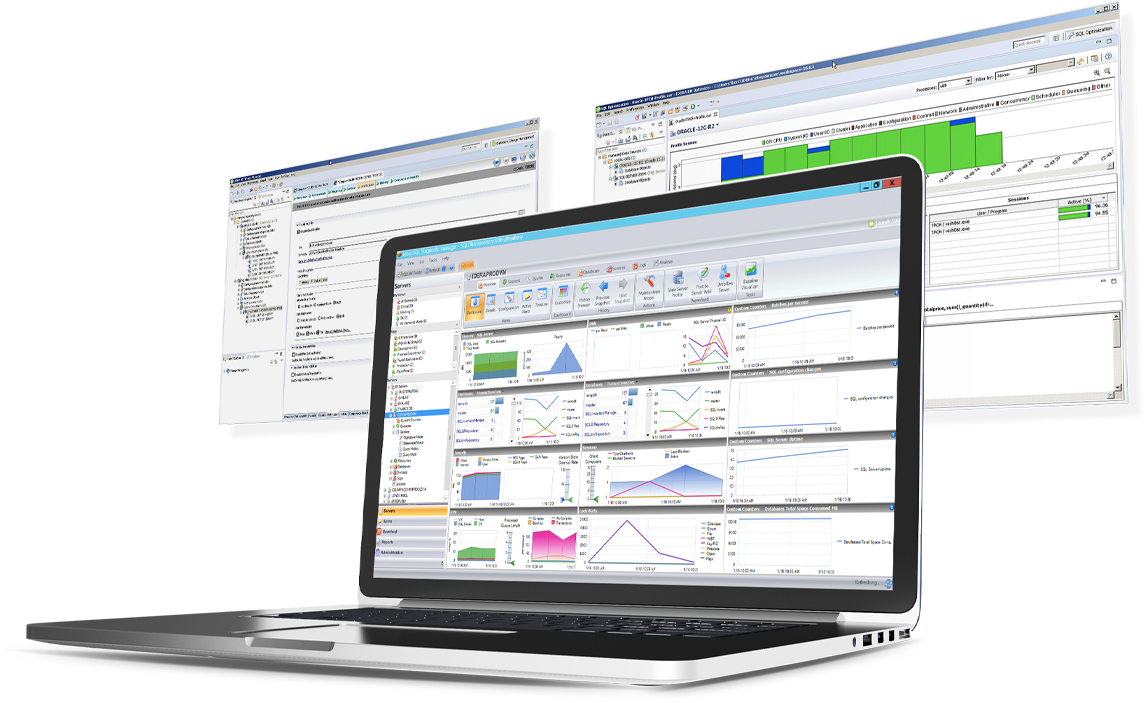 | IDERA SQL Workload Analysis Screenshots |


