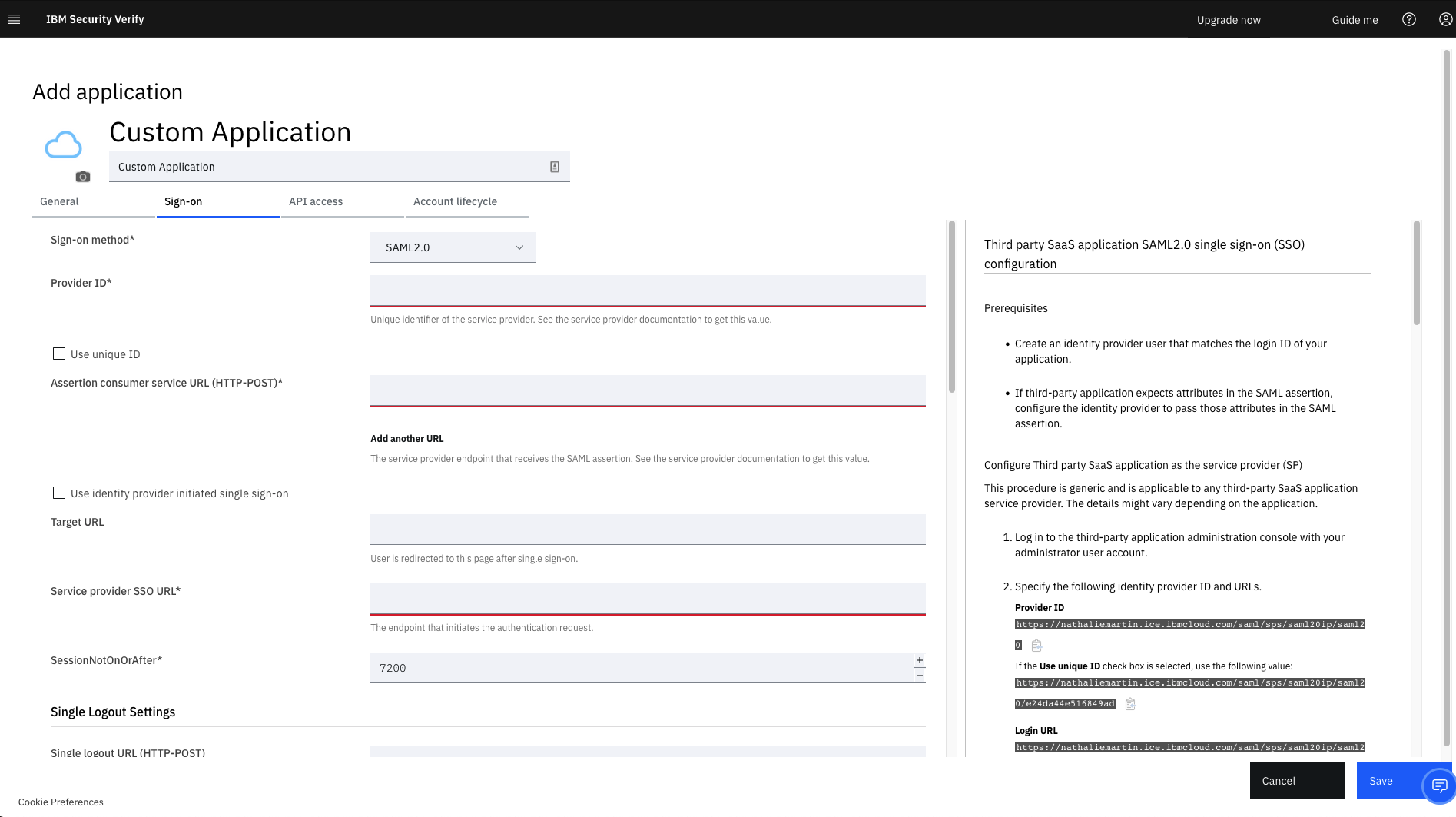
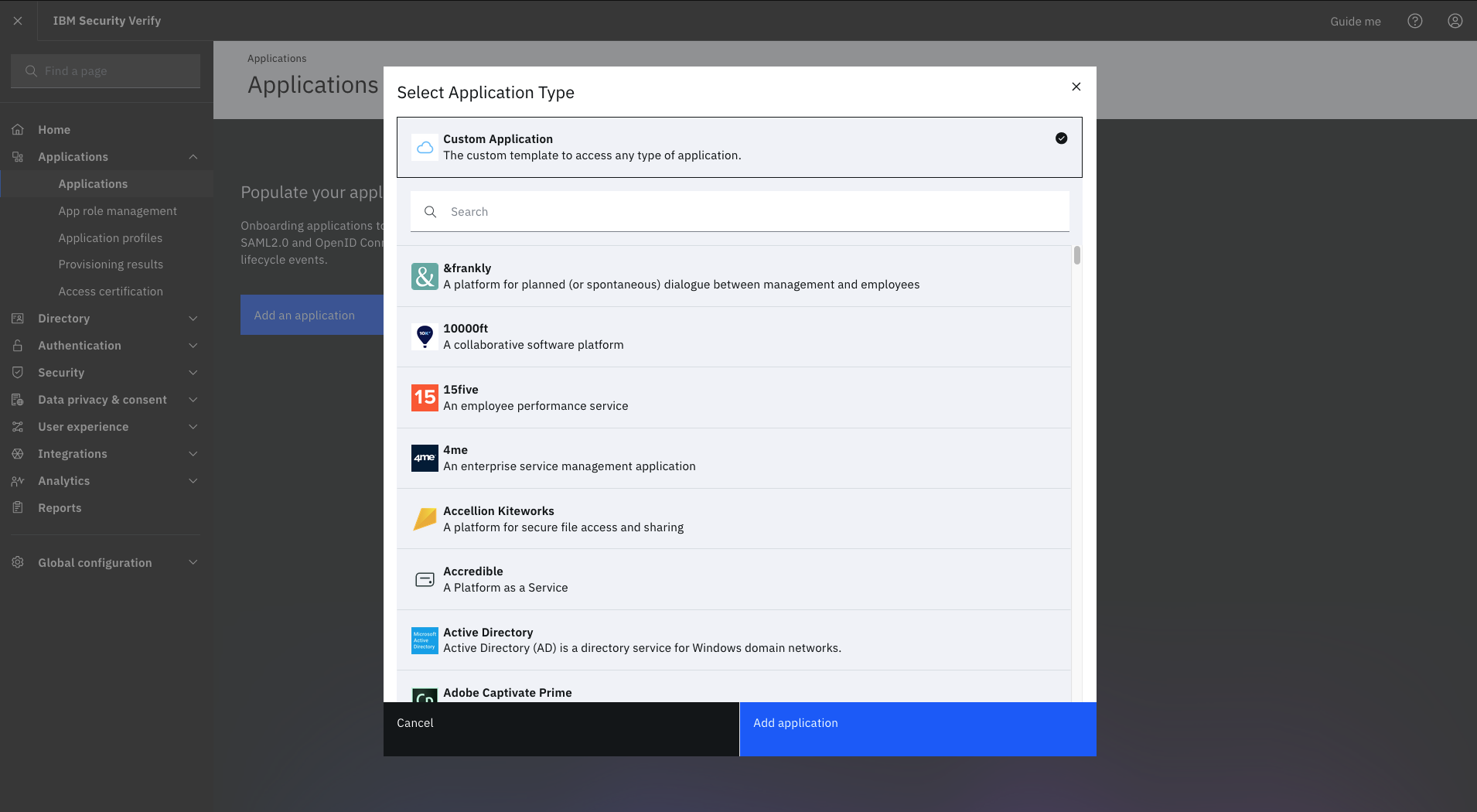
IBM Verify, formerly known as IBM Cloud Identity, is an identity-as-a-service (IDaaS) offering that aggregates dynamic user, device and environmental context to automate risk protection and continuously authenticate any user to any resource.
$1.71
per month per user
Microsoft 365
Score8.7 out of 10
N/A
Microsoft 365 (formerly Office 365) is a Microsoft Cloud subscription service that includes Microsoft Office products (Word, Excel, PowerPoint, OneNote, Outlook, Publisher, and Access). The software can be installed across multiple devices and ensures that users always have the most up-to-date version of the included Office applications.
$5
Per User Per Month
Pricing
IBM Verify
Microsoft 365
Editions & Modules
No answers on this topic
Business Basic
$5.00
Per User Per Month
Individual
$5.84
*Per Month
Business - Apps
$8.25
Per User Per Month
Enterprise - F3
$10.00
Per User Per Month
Business Standard
$12.50
Per User Per Month
Business Premium
$20.00
Per User Per Month
Enterprise - E3
$32.00
Per User Per Month
Enterprise - E5
$57.00
Per User Per Month
Offerings
Pricing Offerings
IBM Verify
Microsoft 365
Free Trial
Yes
No
Free/Freemium Version
No
No
Premium Consulting/Integration Services
Yes
No
Entry-level Setup Fee
Optional
No setup fee
Additional Details
Sample Pricing Breakdown (NOTE: for competitive pricing per contract, please consult with your IBM Security Account Rep)
Users: 5,000
SSO* -- USD 1.71 per user per month
MFA* -- USD 1.71 per user per month
Adaptive Access* -- USD 1.71 per user per month
Lifecycle and provisioning** -- USD 2.01 per user per month
Identity analytics** -- USD 2.13 per user per month
* Single sign-on (SSO), multifactor authentication (MFA) and adaptive access pricing based on total active monthly users per use case. Costs decrease if users are active less than once per month.
** Lifecycle and provisioning and identity analytics pricing based on total users per use case.
Global Marketing & E-Commerce in Marketing at LATAM Airlines (Airlines/Aviation, 10,001+ employees)
Chose IBM Verify
We conducted a comparison study between IBM Verify and Okta as well as Duo Security before making our selection. IBM Verify emerged as the perfect fit because its superior capability to integrate with our current system environment surpassed competitor security solutions. IBM …
A de minimis incentive was given to thank the reviewer for their time. The incentive was not used to bias or drive a particular response, nor was the incentive contingent on a positive endorsement. More Info
Marketing and Digital Communication Specialist in Marketing at Grupo Planeta (Libraries, 5001-10,000 employees)
Chose IBM Verify
Owing to the general findings formulated in this paper, comparing Okta and Microsoft Entra ID to IBM Verify, the latter appears to be the only tool that delivers a number of features for integrating with legacy systems. However, since IBM Verify has the upper hand in terms of …
A de minimis incentive was given to thank the reviewer for their time. The incentive was not used to bias or drive a particular response, nor was the incentive contingent on a positive endorsement. More Info
It is brilliant for use as an identity and access management tool and ensures the safeguarding of our systems and upholds data integrity as a consequence. It was very easy to set up and apart from a straightforward installation, we have found customisation and configuration easy. It was easy to deploy in the cloud after using it previously on premises.
A de minimis incentive was given to thank the reviewer for their time. The incentive was not used to bias or drive a particular response, nor was the incentive contingent on a positive endorsement. More Info
Office everyday things since time immemorial. It's hard for Google Suite or any other to compete with Microsoft. They have everything, and it all works great, with incredible tools and capabilities. The new integrations work seamlessly most of the time, such as embedding a Power BI in a PPT. Expecting too much AI, like note taking, or LLM-based PPT, is not available in my tier at least, so depending on the budget, you won't get all you may expect from an AI leader. For diagramming and process maps, you're better off with other tools like those above.
A de minimis incentive was given to thank the reviewer for their time. The incentive was not used to bias or drive a particular response, nor was the incentive contingent on a positive endorsement. More Info
A de minimis incentive was given to thank the reviewer for their time. The incentive was not used to bias or drive a particular response, nor was the incentive contingent on a positive endorsement. More Info
A de minimis incentive was given to thank the reviewer for their time. The incentive was not used to bias or drive a particular response, nor was the incentive contingent on a positive endorsement. More Info
Microsoft 365 really needs to work on protection part. In complex environment it is not reliable as compared to its competitors like Proofpoint. There are many instances where it fails to perform effectively.
In SharePoint Online the versioning feature of the document needs to be improved by Microsoft. Sometimes when we have to roll back to the previous version it does not work as expected.
In Teams messaging and app permission policies can be improved. There are some settings where we have to add a lot of things manually.
It works flawlessly, i have never faced any major issues with this. It has all the features such as Iam and security management. I think its a good investment and the benefits we reap from this software are worth the price.
A de minimis incentive was given to thank the reviewer for their time. The incentive was not used to bias or drive a particular response, nor was the incentive contingent on a positive endorsement. More Info
A de minimis incentive was given to thank the reviewer for their time. The incentive was not used to bias or drive a particular response, nor was the incentive contingent on a positive endorsement. More Info
While setup and implementation takes work and time, the flexibility and possibilities make up for that in the long run. This is not a product you can just install and run, but if you design and implement your ruleset well, it will save you a lot of work afterwards. Just make sure that the systems you want to use it for have an existing and proven connector.
A de minimis incentive was given to thank the reviewer for their time. The incentive was not used to bias or drive a particular response, nor was the incentive contingent on a positive endorsement. More Info
Throughout the system testing we conducted, we never encountered an issue that wasn't easily solvable. We did find some of the documentation confusing at times, but we overcame this quickly with some speedy support assistance. Implementation into production was a lot smoother following the testing we conducted.
A de minimis incentive was given to thank the reviewer for their time. The incentive was not used to bias or drive a particular response, nor was the incentive contingent on a positive endorsement. TR verified that a representative sample of customers was invited. More Info
The support team has always been the primary consultation base when we are faced by performance problems. From the deployment stage the team has managed to monitor the operation lifecycle and give best insights based on their observation. It works 24/7 to enhance productive service delivery to clients. The IBM Security Verify Support team has been the main player in the successful performance of this software.
A de minimis incentive was given to thank the reviewer for their time. The incentive was not used to bias or drive a particular response, nor was the incentive contingent on a positive endorsement. More Info
Over the past 8 years of using Microsoft 365, I have noticed that they change vendors often. This always leads to a poor experience in the beginning, then levels out after some time for the company to get things worked out. As a customer, it is really frustrating because I don't have time when something isn't working to have them "look into my issue" and get back with me. They have even closed a ticket I specifically told them to keep open. Your applications are only as good as the support.
A de minimis incentive was given to thank the reviewer for their time. The incentive was not used to bias or drive a particular response, nor was the incentive contingent on a positive endorsement. More Info
A de minimis incentive was given to thank the reviewer for their time. The incentive was not used to bias or drive a particular response, nor was the incentive contingent on a positive endorsement. More Info
We conducted a comparison study between IBM Verify and Okta as well as Duo Security before making our selection. IBM Verify emerged as the perfect fit because its superior capability to integrate with our current system environment surpassed competitor security solutions. IBM Verify demonstrated superior reliability through its enterprise-class scalability and fully transparent auditing mechanisms.
A de minimis incentive was given to thank the reviewer for their time. The incentive was not used to bias or drive a particular response, nor was the incentive contingent on a positive endorsement. More Info
Its very user-friendly, collaborative and efficient that boosts productivity using cloud tools. their security is strong and it provides data protection. There are regular updates that shields us from attackers too. It offers a wealth of learning resources, including tutorials, help articles and video guide to help users make the most of the application and personally upgrade their skills.
The licensing terms were favourable due to their flexibility based on the size and purpose of implementation. The billing frequency is done on quarterly basis. The vendor team has enacted best user policies that gives the company the full control of this platform. It is cost-effective as compared to most security verification tools in the market.
A de minimis incentive was given to thank the reviewer for their time. The incentive was not used to bias or drive a particular response, nor was the incentive contingent on a positive endorsement. More Info
In the case of adjustments, we were often able to carry them out completely on our own and only used professional services for new requirements. Particularly in the case of access management, it is very positive that we usually needed IBM for a task in less than an hour and then developed the solution further on our own.
A de minimis incentive was given to thank the reviewer for their time. The incentive was not used to bias or drive a particular response, nor was the incentive contingent on a positive endorsement. More Info
A de minimis incentive was given to thank the reviewer for their time. The incentive was not used to bias or drive a particular response, nor was the incentive contingent on a positive endorsement. More Info
It has helped keep the high-energy culture my company has since it allows easy communication and calls.
Positively impacts responses from clients, since we can see how many times they have been contacted. (the more someone is contacted, the less likely they are to respond. Microsoft helps make sure we all know who and who not to contact)
positively impacts my ability to focus, since you can mute notifications. Since I look at my computer all day, it is helpful to lock in and not get distracted by the many emails I receive a day. You can also change preferences, so emails with high urgency are still seen.