Netcool Network Management integrates the IBM Tivoli Network Manager IP Edition, Tivoli Netcool/OMNIbus and Netcool Configuration Manager products into a unified solution that consolidates the management of networks.
N/A
IBM SevOne
Score8 out of 10
N/A
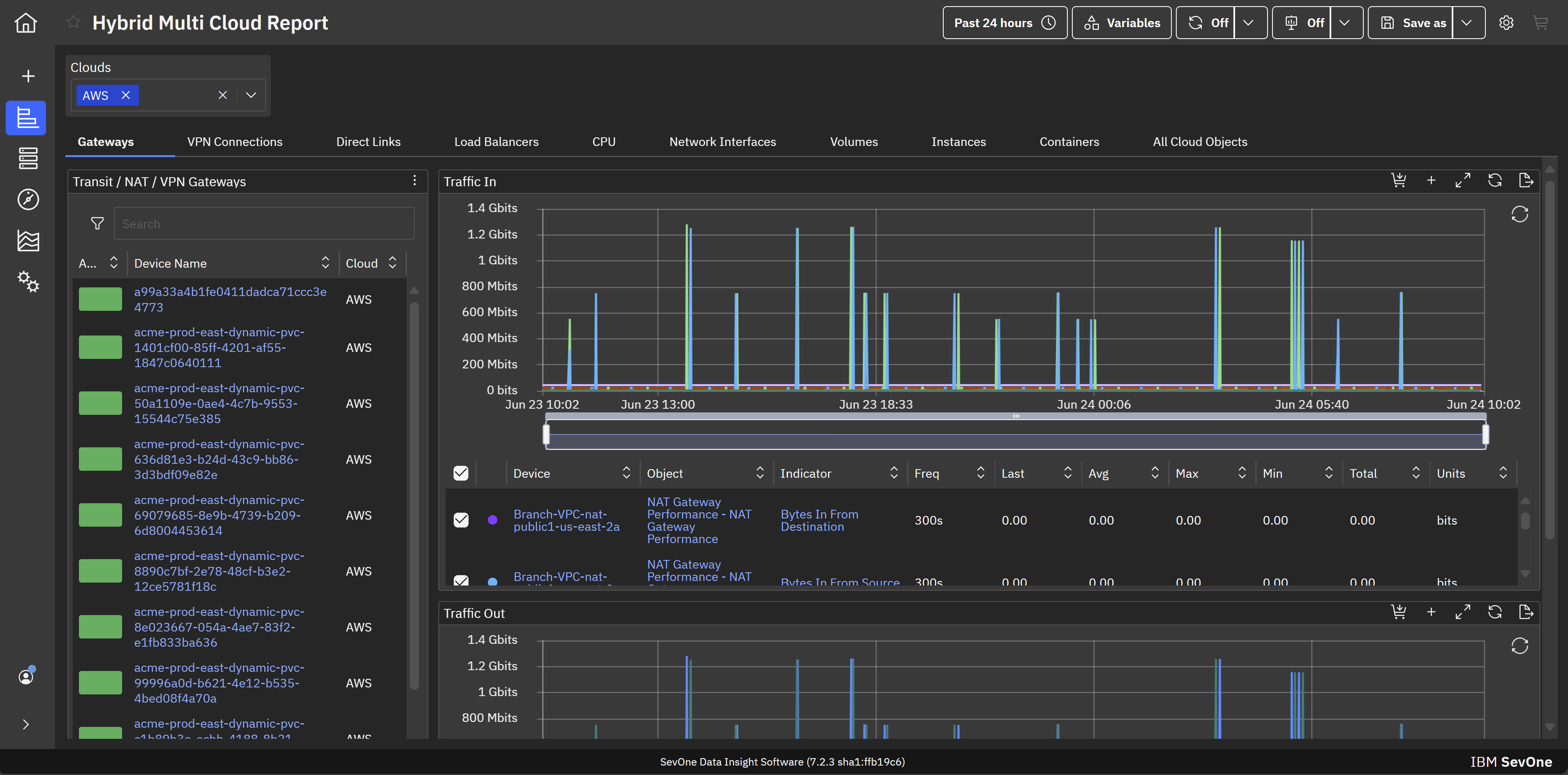
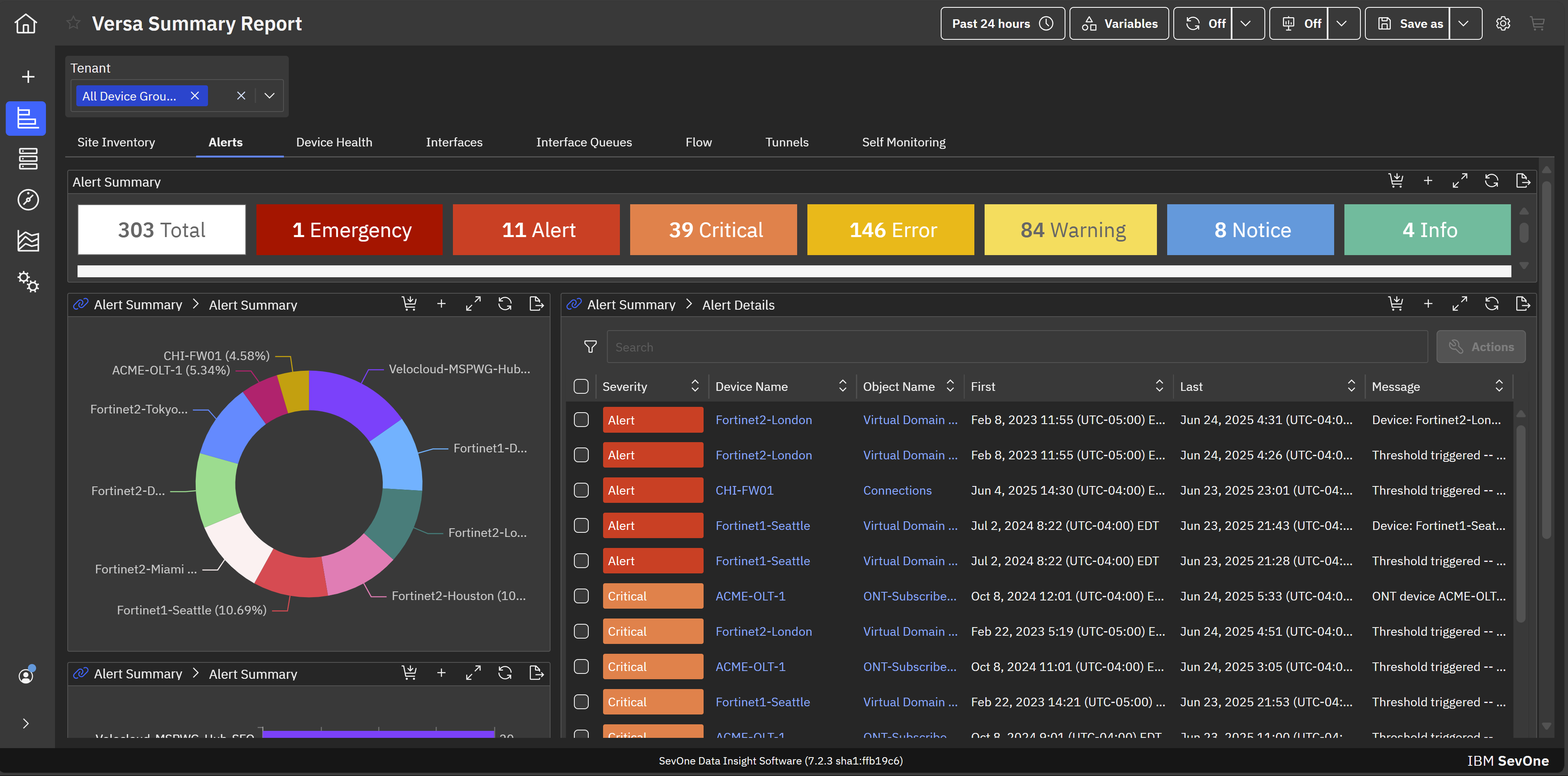
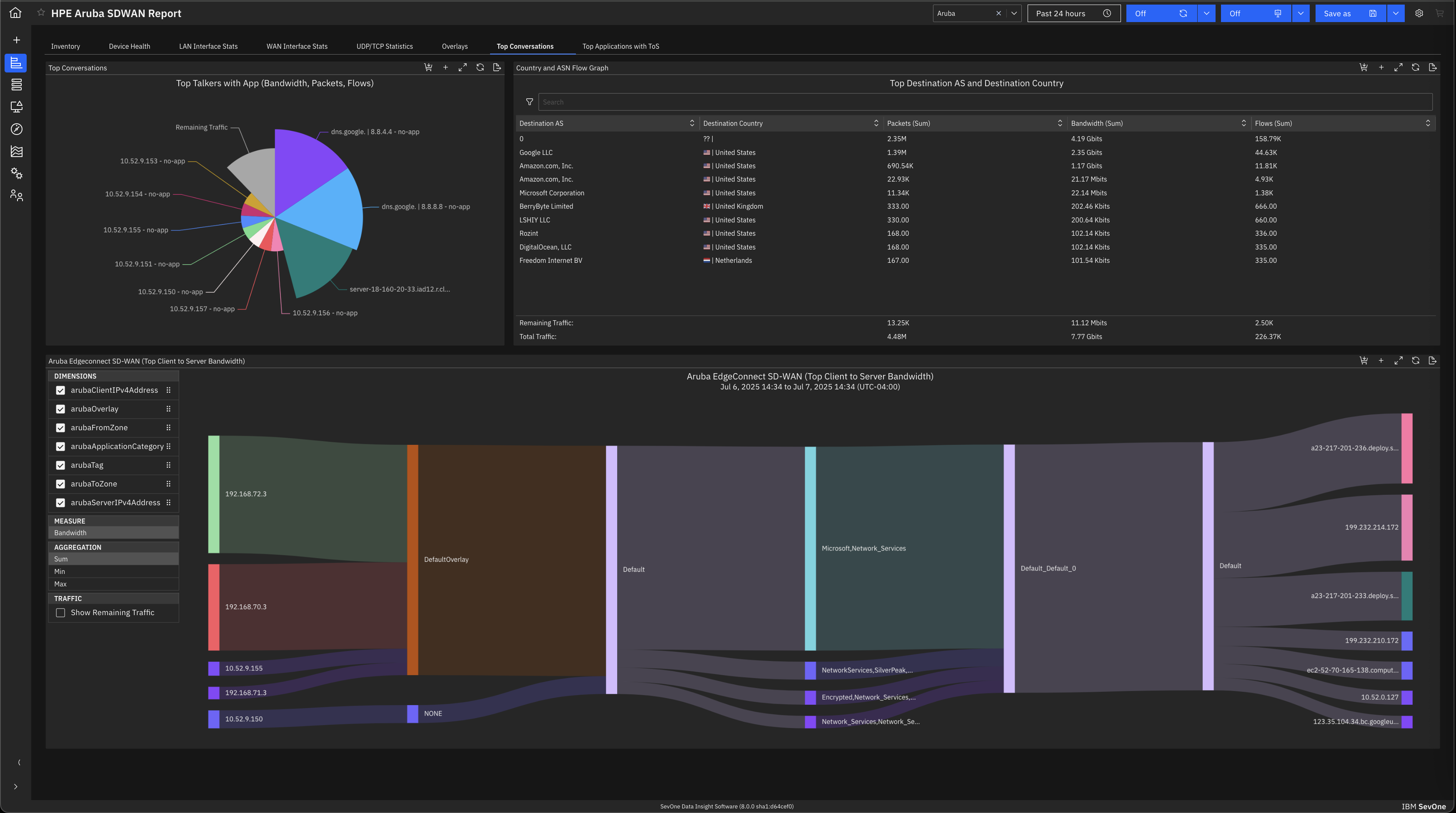
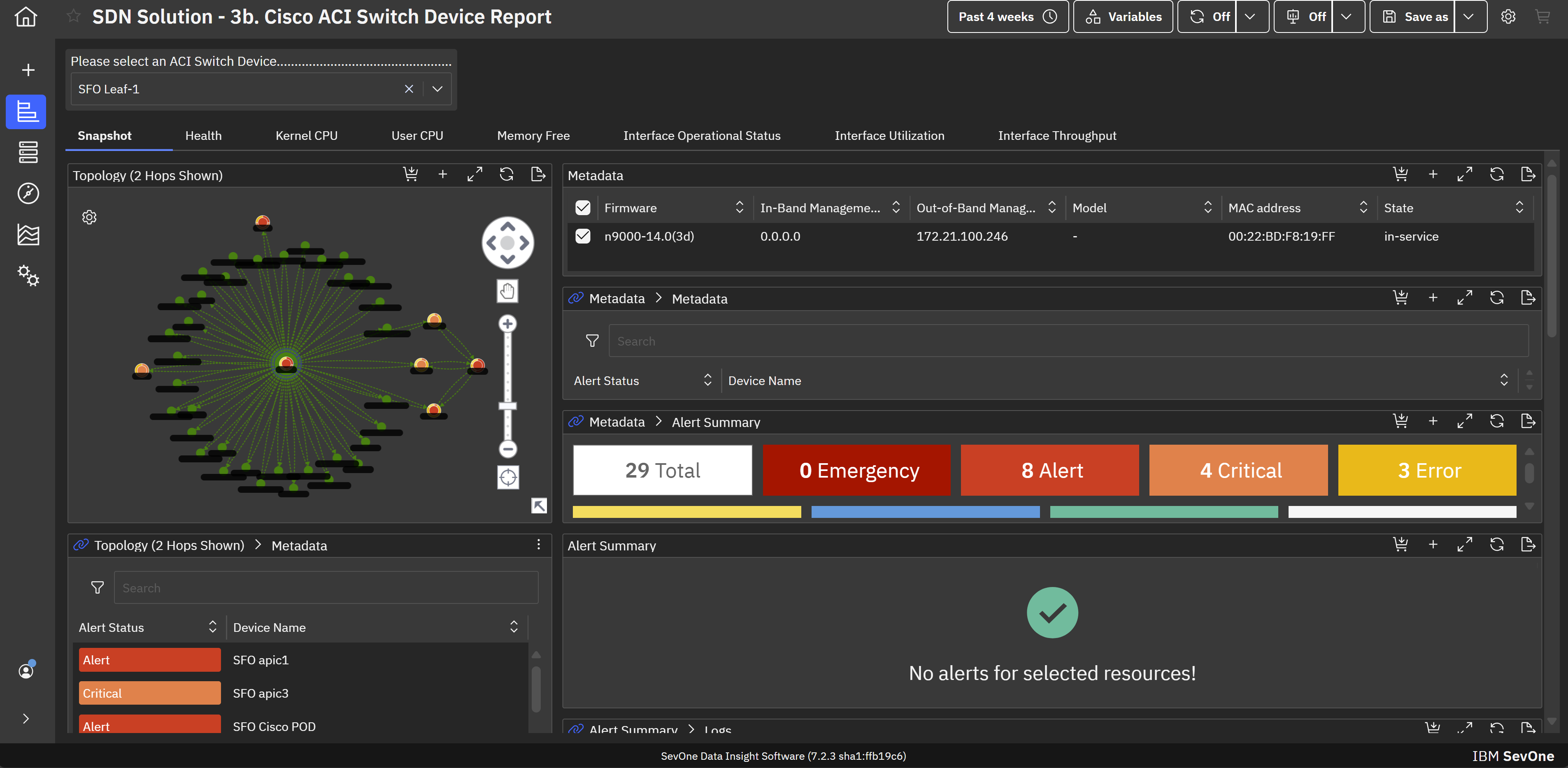
IBM SevOne’s app-centric, hybrid network observability empowers NetOps teams with ML-driven insights, enabling proactive issue prevention and resolution. With a single source of truth for network performance, it delivers visibility to optimize operations and support agility in complex, multi-cloud environments.
N/A
Pricing
IBM Netcool Network Management
IBM SevOne
Editions & Modules
No answers on this topic
No answers on this topic
Offerings
Pricing Offerings
IBM Netcool Network Management
IBM SevOne
Free Trial
No
No
Free/Freemium Version
No
No
Premium Consulting/Integration Services
No
Yes
Entry-level Setup Fee
No setup fee
No setup fee
Additional Details
—
IBM® SevOne® uses Managed Device (MD) and Managed Client Device (MCD) as pricing metrics. These can be mapped to managed devices for physical, virtualized and containerized functions in the managed environment.
More Pricing Information
Community Pulse
IBM Netcool Network Management
IBM SevOne
Considered Both Products
IBM
No answer on this topic
IBM
Verified User
Chose IBM SevOne
Zabbix is very cost effective, good flexibility, easy to start and customizable. This is a plus compared to IBM SevOne. However it is more manual work, less polished user interface and may need more effort to handle larger networks. IBM Netcool has service provider network, …
A de minimis incentive was given to thank the reviewer for their time. The incentive was not used to bias or drive a particular response, nor was the incentive contingent on a positive endorsement. More Info
Key User Insights
Would buy again
No answers on this topic
No answers on this topic
Delivers good value for the price
No answers on this topic
No answers on this topic
Happy with the feature set
No answers on this topic
No answers on this topic
Lived up to sales and marketing promises
No answers on this topic
No answers on this topic
Implementation went as expected
No answers on this topic
No answers on this topic
Features
IBM Netcool Network Management
IBM SevOne
Network Performance Monitoring
Comparison of Network Performance Monitoring features of IBM Netcool Network Management and IBM SevOne
This tool was integrated with Control-M, so whenever we receive any job failure, long-running job, job not started yet, etc, we receive an alert against it. This tool is also integrated with Maximo where we receive the incidents as well for it. Alert's color was as per the criticality of the job and that makes it very easy for an associate to act on it to resolve. We have the SLAs for the jobs as per the urgency of the jobs.
A de minimis incentive was given to thank the reviewer for their time. The incentive was not used to bias or drive a particular response, nor was the incentive contingent on a positive endorsement. More Info
The software is handy and really helps us track all the issues that may occur in our network, allowing us to rectify them before any significant problems with our server can arise. It also enhances the overall performance of all our servers and networks, but, as I mentioned earlier, it will take considerable time for a beginner to become familiar with every feature of the software.
A de minimis incentive was given to thank the reviewer for their time. The incentive was not used to bias or drive a particular response, nor was the incentive contingent on a positive endorsement. More Info
A de minimis incentive was given to thank the reviewer for their time. The incentive was not used to bias or drive a particular response, nor was the incentive contingent on a positive endorsement. More Info
A de minimis incentive was given to thank the reviewer for their time. The incentive was not used to bias or drive a particular response, nor was the incentive contingent on a positive endorsement. More Info
This is one of the essential tools for monitoring. This tool was integrated with Maximo and Control-M in my organization. So whenever any job failed in Control-M, we receive an alert against it in the IBM Netcool/OMNIbus. We receive the alerts in different colors as per the criticality. Black for critical ones(Sev1), red for urgent (Sev2), yellow for major(Sev3), and orange for minor(Sev4). So it makes an easy to operate and act on the alerts as per the severity. This tool is very user-friendly and easy to use. No additional training is required for the tool to operate, just a simple KT is enough.
A de minimis incentive was given to thank the reviewer for their time. The incentive was not used to bias or drive a particular response, nor was the incentive contingent on a positive endorsement. More Info
IBM SevOne was selected instead of Datadog because it is perfect for large insurance networks and also connects trouble-free between the on-premise and cloud environments. Its alerts are in real-time, it offers comprehensive dashboards and it allows to gain a better grip on the network issues, thus helping to keep the downtime small and the operations well managed thanks to the good communication.
A de minimis incentive was given to thank the reviewer for their time. The incentive was not used to bias or drive a particular response, nor was the incentive contingent on a positive endorsement. More Info
A de minimis incentive was given to thank the reviewer for their time. The incentive was not used to bias or drive a particular response, nor was the incentive contingent on a positive endorsement. More Info
A de minimis incentive was given to thank the reviewer for their time. The incentive was not used to bias or drive a particular response, nor was the incentive contingent on a positive endorsement. More Info