IBM Cloud bare metal servers are cloud servers configurable in hourly/monthly options, on-demand, from any location—with a selection of standard features and services for small businesses and enterprise demands. Users can customize RAM and SSDs with 11M+ configurations from which to choose.
$0.51
per hour
IBM Cloud Virtual Servers for VPC
Score 7.9 out of 10
N/A
IBM Cloud Virtual Servers are customizable, public or private, cloud-based servers available from IBM. User can launch applications and software across blended, hybrid environments as the servers integrate with all cloud models.
$0.01
per hour
Pricing
IBM Cloud Bare Metal Servers
IBM Cloud Virtual Servers for VPC
Editions & Modules
IBM Cloud Bare Metal Servers
starting at $0.51
per hour
IBM Cloud Bare Metal Servers
starting at $241.00
per month
IBM Cloud Virtual Servers (dedicated host)
starting at $0.22
per hour
IBM Cloud Virtual Servers (dedicated host)
starting at $149.00
per month
IBM Cloud Virtual Servers (multi-tenant)
starting at $0.038
per hour
IBM Cloud Virtual Servers (multi-tenant)
starting at $25.21
per month
IBM Cloud Virtual Servers (reserved)
starting at $0.02
per hour
IBM Cloud Virtual Servers (reserved)
starting at $13.27
per month
IBM Cloud Virtual Servers (transient)
starting at $0.01
per hour
Offerings
Pricing Offerings
IBM Cloud Bare Metal Servers
IBM Cloud Virtual Servers for VPC
Free Trial
Yes
Yes
Free/Freemium Version
Yes
Yes
Premium Consulting/Integration Services
Yes
Yes
Entry-level Setup Fee
Optional
Optional
Additional Details
IBM Bare Metal Servers offer a choice between hourly or monthly pre-configured servers or can be customized with single to quad processing solutions. Bare metal servers are available worldwide and with no monthly contracts. Amonthly bare metal server built to spec can be ordered and made available in two to four hours—with 500 GB/month outbound bandwidth included. An hourly bare metal server can be ordered, and it is made ready for in 20 to 30 minutes. Public outbound bandwidth is charged per gigabyte.
IBM Cloud virtual servers include 250 GB of outbound public bandwidth, unmetered inbound public bandwidth, and unmetered private and management network bandwidth.
I am currently using all virtual servers and not Bare Metal Servers anymore. I do not see the advantage of paying more and encountering more issues with Bare Metal Servers. Virtual servers seem like a better situation for my use.
Depending on the scenario, a bare metal server has advantages over a virtual machine - It has dedicated resources and therefore offers better and more reliable performance.
IBM Cloud Virtual Servers is much more appropriate than IBM Cloud Bare Metal Servers as a remote development machine, as it is only being billed for a third of the day. However, it has fewer options (such as not having access to the T4 GPU).
We used to have our virtual machines at a contender however IBM's item range is substantially more practical which expanded our ROI. Likewise having a cooperate with IBM opens up entryways that would've recently been closed.
Bare Metal Servers are amazing in performance but they're slow to spin up and slow to reconfigure for additional resources. Virtual Machines allows us to be more flexible and more dynamic in our current workloads.
We used to host our virtual machines at a competitor but IBM's …
IBM Cloud Bare Metal Servers are different from IBM Cloud Virual Servers as Virtual servers are virtualized and are not dedicated. This can lead to less performance rates and optimization. This is why our company has chose to use IBM Cloud Bare Metal Servers to optimize our …
We still haven't reached the critical volumes where every resource is full. For our usage we prefer IBM because it's cheaper than competition plus they have a very generous StartUp programs. The live support chat and debugging is really helpful and it's available even on the …
Well suited - 1) To Install required Products/Software in a middleware technology 2) Customize the file system and size of the storage 3) Install required monitoring tools like Tivoli, Splunk, etc. Less appropriate - 1) Maybe for SAAS products that do not require all of the installations.
One scenario that immediately came to my mind was large-scale data processing, IBM Cloud Virtual Servers is well-suited for organizations that require high-performance computing capabilities, particularly when processing large amounts of data. It can also be useful for companies or organizations that wish to migrate their workplace to the cloud and it may suite companies that have strict compliance requirements since the servers have robust security features.
Performance - the servers perform really well, even under stress. We have some long build processes running concurrently, and the server [can] serve other applications without any problems.
Secure - for the most part, the servers are very secure and IBM provides many tools to help [make] sure the servers stay that way.
Highly Available - while we have experienced various downtimes and outages with other IBM Cloud offerings, so far, we have not experienced any with [IBM Cloud] Bare Metal Servers.
Scalability: IBM Cloud Virtual Servers enable businesses to simply and quickly scale up or down the resources they require in response to changing business demands. This enables firms to respond to traffic spikes, requests for new services, or changes in business size without the need for additional hardware purchases or maintenance.
Cost savings: By employing virtual servers in the cloud, enterprises can decrease capital expenditures for hardware and infrastructure while also lowering ongoing operational expenses by removing server maintenance and management costs. This can result in significant cost savings for enterprises, particularly those that need to raise or decrease their computer capacity fast and easily.
High availability: IBM Cloud Virtual Servers is built with high availability in mind, giving enterprises the certainty that their applications and data will be available and accessible even if hardware fails or other disruptions occur. This assists enterprises in maintaining business continuity and lowering the chance of downtime, which is crucial for firms that rely on 24/7 access to their systems. Furthermore, IBM's comprehensive network and security features aid in the prevention of data breaches and other security risks, assuring the availability and reliability of their applications and data.
[In my experience, the] Customer Service Agreement (CSA) has many gaps in terms of responsibility with Bare Metal Servers.
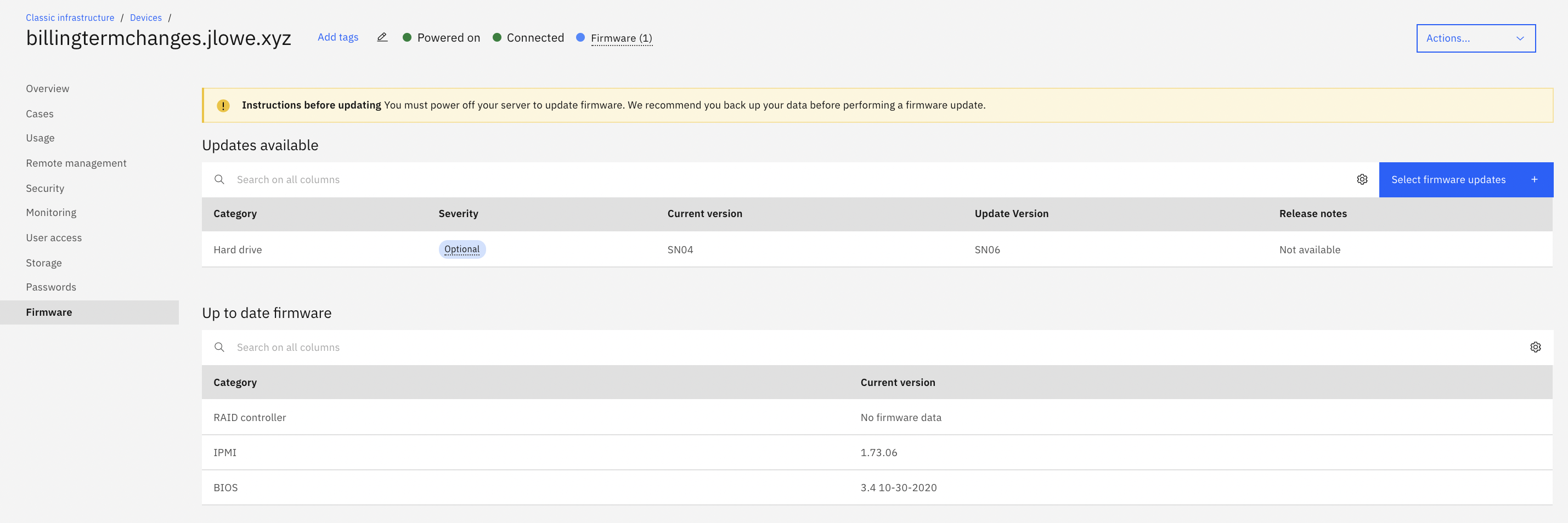
[I believe] IBM should be deploying servers and firmware updating all components before providing them to customers to prevent component failure.
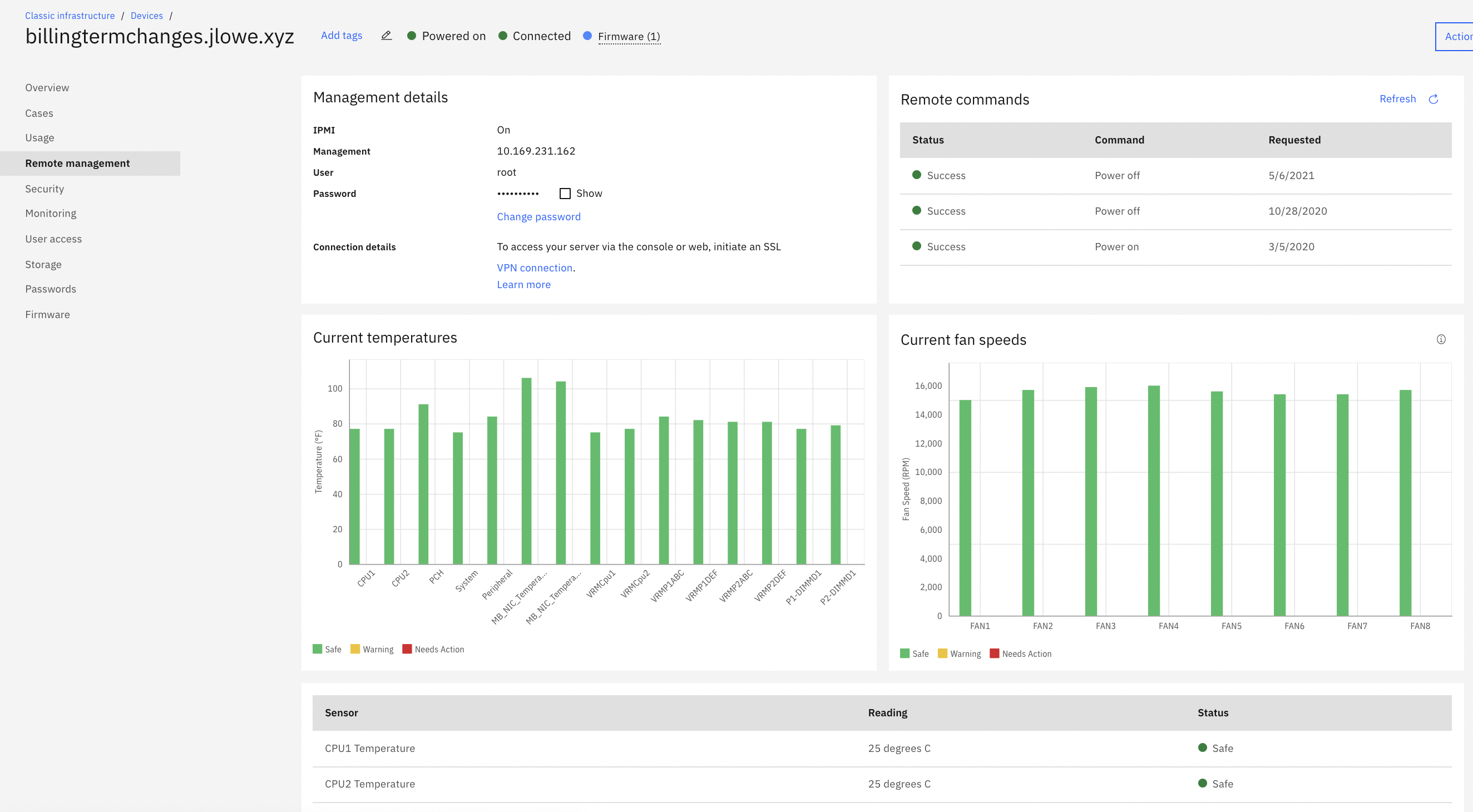
[I feel] IBM needs lots of improvement with their legacy VPN to access IMPI management tools. The level of security of it is unparalleled when it works. Having access to KVM / IPMI is critical for any business, and when their VPN service is not working.
[From my experiences,] IBM deployed faulty hardware, or failed to update firmware per Lenovo notices, only to pass off blame.
[In my opinion,] IBM's General Counsel and Paralegal held our data/company hostage when components failed, [in my experience] to IBM "gross negligence" (in their words), only to release it if we were to limit damages to $1,000.
It would also be nice if there were more templates to choose from when creating a server. Right now there are only a few options, and we'd like to see more variety.
We'd like to see the ability to create server groups. This would make it easier to manage a large number of servers since we could do all of the updates and management tasks for them at once.
There doesn't seem to be a way to automatically install updates on all of the virtual servers. We have to go in and manually update each one, which can be time-consuming. It would be really nice if automatic updates can be done.
Due to cloud computing taking over the market, I have moved to cloud computing. It is so much easier upgrading or downsizing a virtual server on the cloud vs bare metal. I find it way more convenient on cloud computing. The provisioning takes way too long for bare metal servers.
It has a flexible and affordable pricing, easy to configure and manage. It is easy to spawn one or multiple instances and have them up and running in no time
Great responsiveness and detailed know-how from the team. Self Explanatory and good resources on the Web to resolve issues. Good communication on issues via email. Good response times on issues which arise and where we have received support from the IBM support team. We believe that IBM is a great Partner to base our IT applications and we believe that a critical infrastructure like a cloud backend will be well served if we continue to base it on IBM.
It is adequate, but you need to be ready to argue your point - which is fair enough, I suppose, but being given the opposite of the benefit of the doubt every time does not necessarily result in an enjoyable user experience.
The implementation of this software took place as we planned. The performance time taken for full functionality was very reliable with positive results. The customer support team was the best team I have ever met in my career experience. They are always with timely responses when reached to offer any help.
The Best part of this IBM Cloud Bare Metal Servers is performance and a very highly usable part is Security stuff. everyone needs to secure their data and work with a smoothly running app. for this reason I select this server rather than another one. I will use it in feature [definitely].
IBM Cloud Virtual Servers offer more customization options than Amazon EC2, with the ability to select from a range of operating systems, storage types, and network configurations. IBM also provides a wide range of tools and services to help manage and optimize your virtual servers, including a web-based console, CLI, and API.
AWS EC2 is a more managed platform, with a focus on providing a simple and easy-to-use interface. Amazon provides a range of predefined instance types, each with different specs and pricing, to make it easy to find the right option for your needs. AWS also offers a number of management and monitoring tools, but these are often more basic than what is available from IBM.