IBM Cloud bare metal servers are cloud servers configurable in hourly/monthly options, on-demand, from any location—with a selection of standard features and services for small businesses and enterprise demands. Users can customize RAM and SSDs with 11M+ configurations from which to choose.
$0.51
per hour
IBM Cloud File Storage
Score8.7 out of 10
N/A
IBM Cloud provides a File Storage service allows the user to deploy and customize flash-backed NFS-based file storage from 25 GB to 12,000 GB capacity with up to 48,000 IOPS.
N/A
Pricing
IBM Cloud Bare Metal Servers
IBM Cloud File Storage
Editions & Modules
IBM Cloud Bare Metal Servers
starting at $0.51
per hour
IBM Cloud Bare Metal Servers
starting at $241.00
per month
No answers on this topic
Offerings
Pricing Offerings
IBM Cloud Bare Metal Servers
IBM Cloud File Storage
Free Trial
Yes
No
Free/Freemium Version
Yes
No
Premium Consulting/Integration Services
Yes
No
Entry-level Setup Fee
Optional
No setup fee
Additional Details
IBM Bare Metal Servers offer a choice between hourly or monthly pre-configured servers or can be customized with single to quad processing solutions. Bare metal servers are available worldwide and with no monthly contracts. Amonthly bare metal server built to spec can be ordered and made available in two to four hours—with 500 GB/month outbound bandwidth included. An hourly bare metal server can be ordered, and it is made ready for in 20 to 30 minutes. Public outbound bandwidth is charged per gigabyte.
InfraStructure Lead Architect in Information Technology at IBM (Hospital & Health Care, 10,001+ employees)
Chose IBM Cloud Bare Metal Servers
Configured file systems on bare metal servers and was able to increase the size whenever required. Can limit the costs initially to understand the application demand and need. Later, have the flexibility to increase the size of the file system as the application grows bigger …
A de minimis incentive was given to thank the reviewer for their time. The incentive was not used to bias or drive a particular response, nor was the incentive contingent on a positive endorsement. More Info
IBM
Verified User
Chose IBM Cloud File Storage
In my opinion, IBM has produced excellent products that have been instrumental in the development of our business. We rely heavily on data to power the programs in our organization. Because our systems can be accessed from various apps without experiencing any downtime, …
A de minimis incentive was given to thank the reviewer for their time. The incentive was not used to bias or drive a particular response, nor was the incentive contingent on a positive endorsement. More Info
Software Engineer in Finance and Accounting at Nordnet Bank AB (Banking, 501-1000 employees)
Chose IBM Cloud File Storage
High speed to connection when using this platform is incredible with effective data encryption process and volume duplication and replication, always confident that your data is stored safely. Reaching for international dimensions to cater [to] our client's compliance …
A de minimis incentive was given to thank the reviewer for their time. The incentive was not used to bias or drive a particular response, nor was the incentive contingent on a positive endorsement. TR verified that a representative sample of customers was invited. More Info
A de minimis incentive was given to thank the reviewer for their time. The incentive was not used to bias or drive a particular response, nor was the incentive contingent on a positive endorsement. More Info
Well suited - 1) To Install required Products/Software in a middleware technology 2) Customize the file system and size of the storage 3) Install required monitoring tools like Tivoli, Splunk, etc. Less appropriate - 1) Maybe for SAAS products that do not require all of the installations.
A de minimis incentive was given to thank the reviewer for their time. The incentive was not used to bias or drive a particular response, nor was the incentive contingent on a positive endorsement. More Info
well suited: Enterprise File Sharing and Collaboration: Scenario: our organization has teams working on projects across different geographical locations, and they need a centralized and easily accessible file storage solution. IBM Cloud File Storage can facilitate seamless file sharing and collaboration among team members. less appropriate Highly Transactional Databases: Scenario: Your organization has highly transactional and I/O-intensive database workloads that require low-latency access to data. In such cases, block storage or specialized database services might be more appropriate than file storage.
A de minimis incentive was given to thank the reviewer for their time. The incentive was not used to bias or drive a particular response, nor was the incentive contingent on a positive endorsement. More Info
Performance - the servers perform really well, even under stress. We have some long build processes running concurrently, and the server [can] serve other applications without any problems.
Secure - for the most part, the servers are very secure and IBM provides many tools to help [make] sure the servers stay that way.
Highly Available - while we have experienced various downtimes and outages with other IBM Cloud offerings, so far, we have not experienced any with [IBM Cloud] Bare Metal Servers.
A de minimis incentive was given to thank the reviewer for their time. The incentive was not used to bias or drive a particular response, nor was the incentive contingent on a positive endorsement. TR verified that a representative sample of customers was invited. More Info
A de minimis incentive was given to thank the reviewer for their time. The incentive was not used to bias or drive a particular response, nor was the incentive contingent on a positive endorsement. TR verified that a representative sample of customers was invited. More Info
[In my experience, the] Customer Service Agreement (CSA) has many gaps in terms of responsibility with Bare Metal Servers.
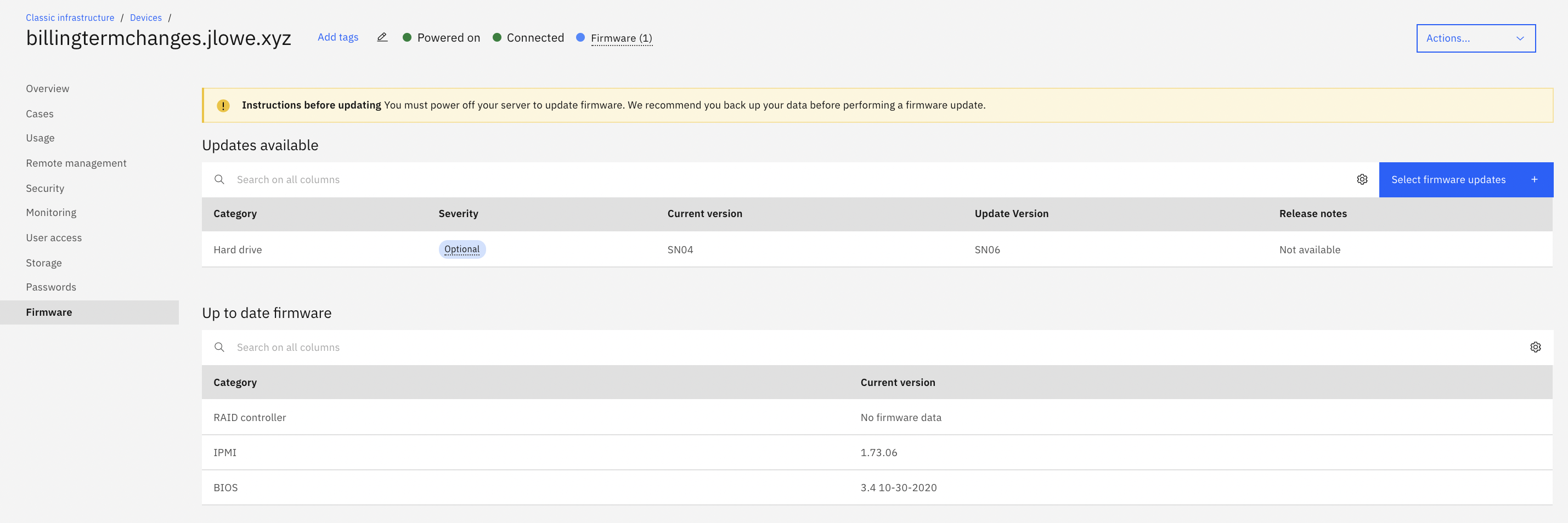
[I believe] IBM should be deploying servers and firmware updating all components before providing them to customers to prevent component failure.
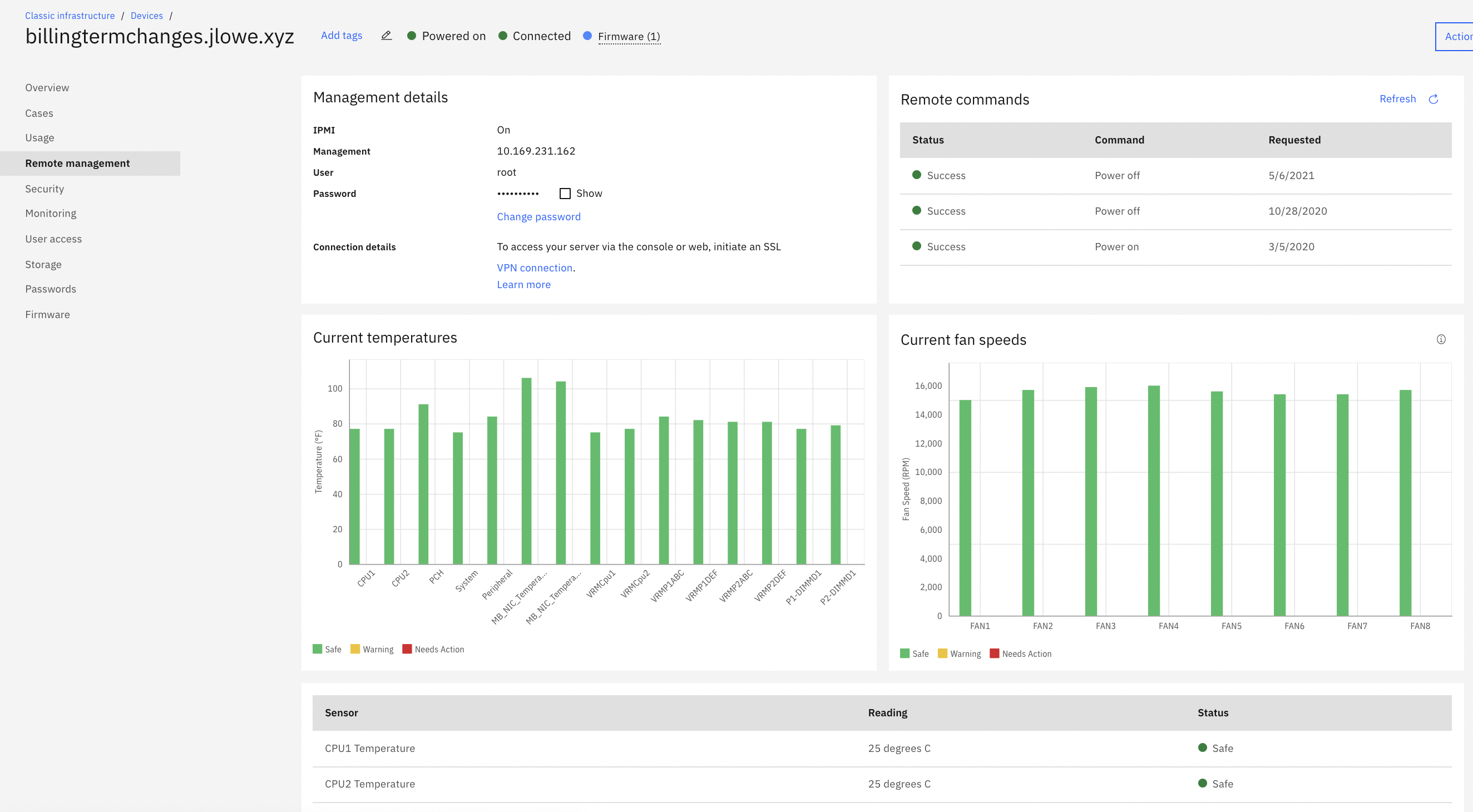
[I feel] IBM needs lots of improvement with their legacy VPN to access IMPI management tools. The level of security of it is unparalleled when it works. Having access to KVM / IPMI is critical for any business, and when their VPN service is not working.
[From my experiences,] IBM deployed faulty hardware, or failed to update firmware per Lenovo notices, only to pass off blame.
[In my opinion,] IBM's General Counsel and Paralegal held our data/company hostage when components failed, [in my experience] to IBM "gross negligence" (in their words), only to release it if we were to limit damages to $1,000.
We have sometimes experienced some outages and hope IBM will fix this soon.
Initial trainings are required for the teams to work and do the setup.
Support documentation from IBM needs improvement with [the] inclusion of more detailed steps and video tutorials for [a] better understanding of the engineers.
The billing process is very complex and you may have to incur additional overhead. Need a simpler approach and clarity on this aspect.
Support response from the IBM team is very slow and lacks information.
A de minimis incentive was given to thank the reviewer for their time. The incentive was not used to bias or drive a particular response, nor was the incentive contingent on a positive endorsement. More Info
Due to cloud computing taking over the market, I have moved to cloud computing. It is so much easier upgrading or downsizing a virtual server on the cloud vs bare metal. I find it way more convenient on cloud computing. The provisioning takes way too long for bare metal servers.
A de minimis incentive was given to thank the reviewer for their time. The incentive was not used to bias or drive a particular response, nor was the incentive contingent on a positive endorsement. More Info
IBM Cloud File Storage is a valuable tool in the arsenal of any small business. It's flexibility combined with its ease of use ensure that there is low operational overhead, combined with a solid return on investment. It's role based access control features combined with sharing capabilities make it a significant win for any business.
A de minimis incentive was given to thank the reviewer for their time. The incentive was not used to bias or drive a particular response, nor was the incentive contingent on a positive endorsement. More Info
Great responsiveness and detailed know-how from the team. Self Explanatory and good resources on the Web to resolve issues. Good communication on issues via email. Good response times on issues which arise and where we have received support from the IBM support team. We believe that IBM is a great Partner to base our IT applications and we believe that a critical infrastructure like a cloud backend will be well served if we continue to base it on IBM.
A de minimis incentive was given to thank the reviewer for their time. The incentive was not used to bias or drive a particular response, nor was the incentive contingent on a positive endorsement. More Info
The IBM team provides effective support for all the cloud operations. They tracks operations and database functionalities closely to enhance reliable operations and remove inefficiencies that affect work processes. The support team has prepared video tutorials and manuals that guides our members on how to work with the database systems effectively.
The implementation of this software took place as we planned. The performance time taken for full functionality was very reliable with positive results. The customer support team was the best team I have ever met in my career experience. They are always with timely responses when reached to offer any help.
A de minimis incentive was given to thank the reviewer for their time. The incentive was not used to bias or drive a particular response, nor was the incentive contingent on a positive endorsement. More Info
The IBM Professional services provided the re4quired infrastructure for getting the best out of this tool. It offered excellent guidelines that enhanced efficient integrations. The organization was pleased with the setup process that was completed quickly than expected. The application has been operation effectively after deployment. We have continued to get support from the IBM support team when there are challenges.
The Best part of this IBM Cloud Bare Metal Servers is performance and a very highly usable part is Security stuff. everyone needs to secure their data and work with a smoothly running app. for this reason I select this server rather than another one. I will use it in feature [definitely].
A de minimis incentive was given to thank the reviewer for their time. The incentive was not used to bias or drive a particular response, nor was the incentive contingent on a positive endorsement. TR verified that a representative sample of customers was invited. More Info
IBM Cloud File Storage, unlike other similar products, offers excellent Cloud data security and its overall data management quality on IBM Cloud File Storage is incredible and its data integration support is perfect because it allows big data migration across many Cloud platforms for effective data analytics generation and data visualization tools are great.
A de minimis incentive was given to thank the reviewer for their time. The incentive was not used to bias or drive a particular response, nor was the incentive contingent on a positive endorsement. More Info
A de minimis incentive was given to thank the reviewer for their time. The incentive was not used to bias or drive a particular response, nor was the incentive contingent on a positive endorsement. More Info
A de minimis incentive was given to thank the reviewer for their time. The incentive was not used to bias or drive a particular response, nor was the incentive contingent on a positive endorsement. TR verified that a representative sample of customers was invited. More Info