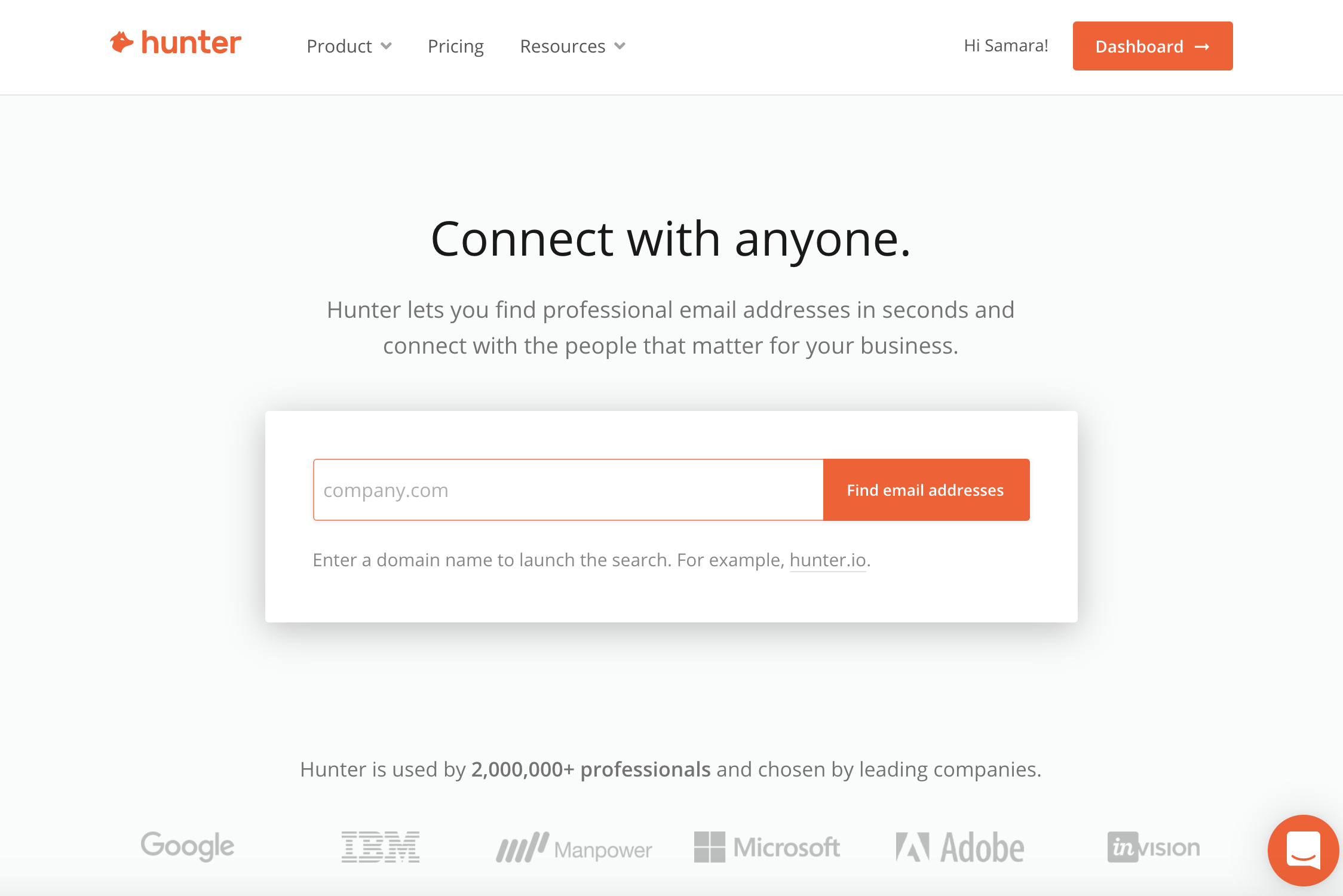
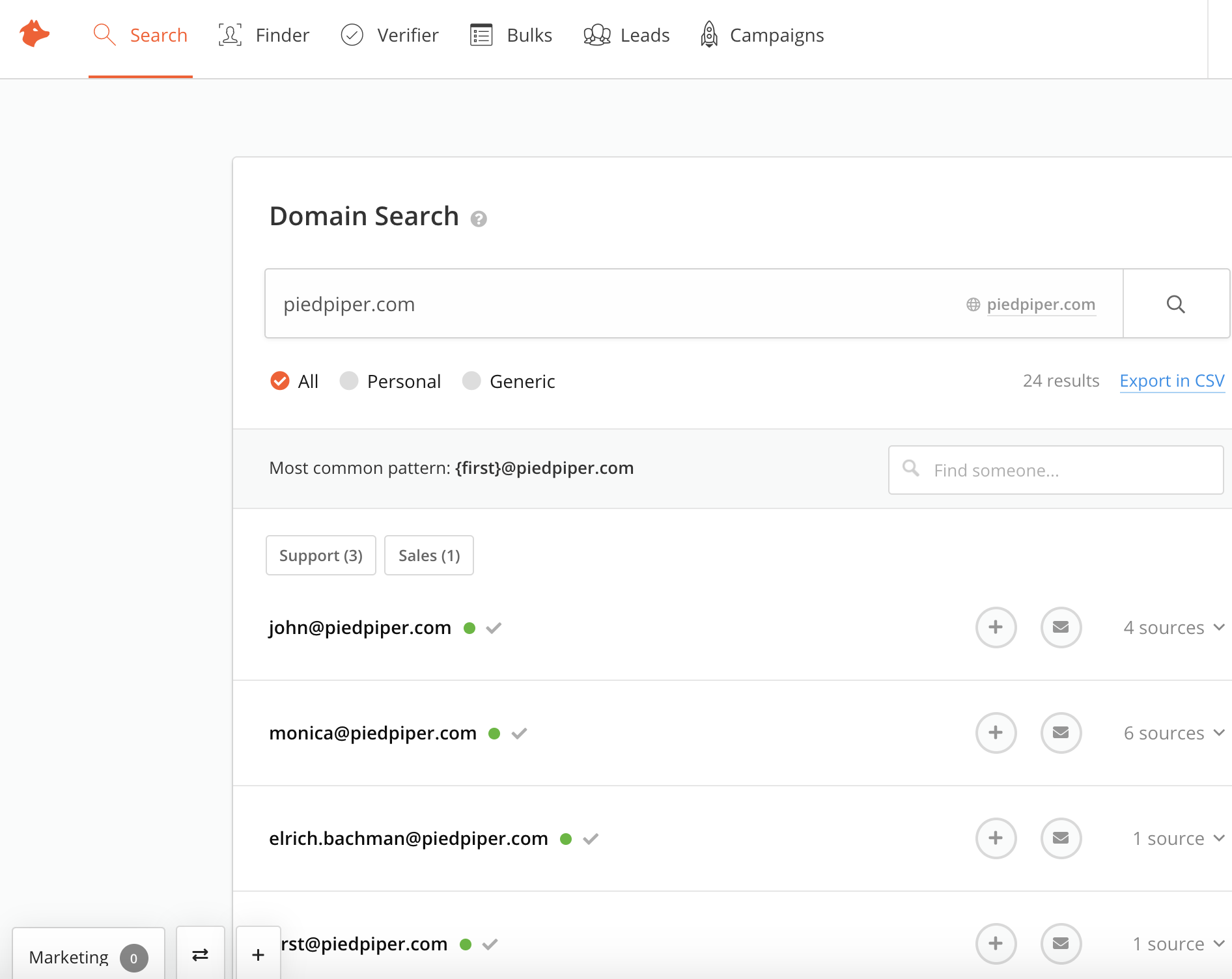
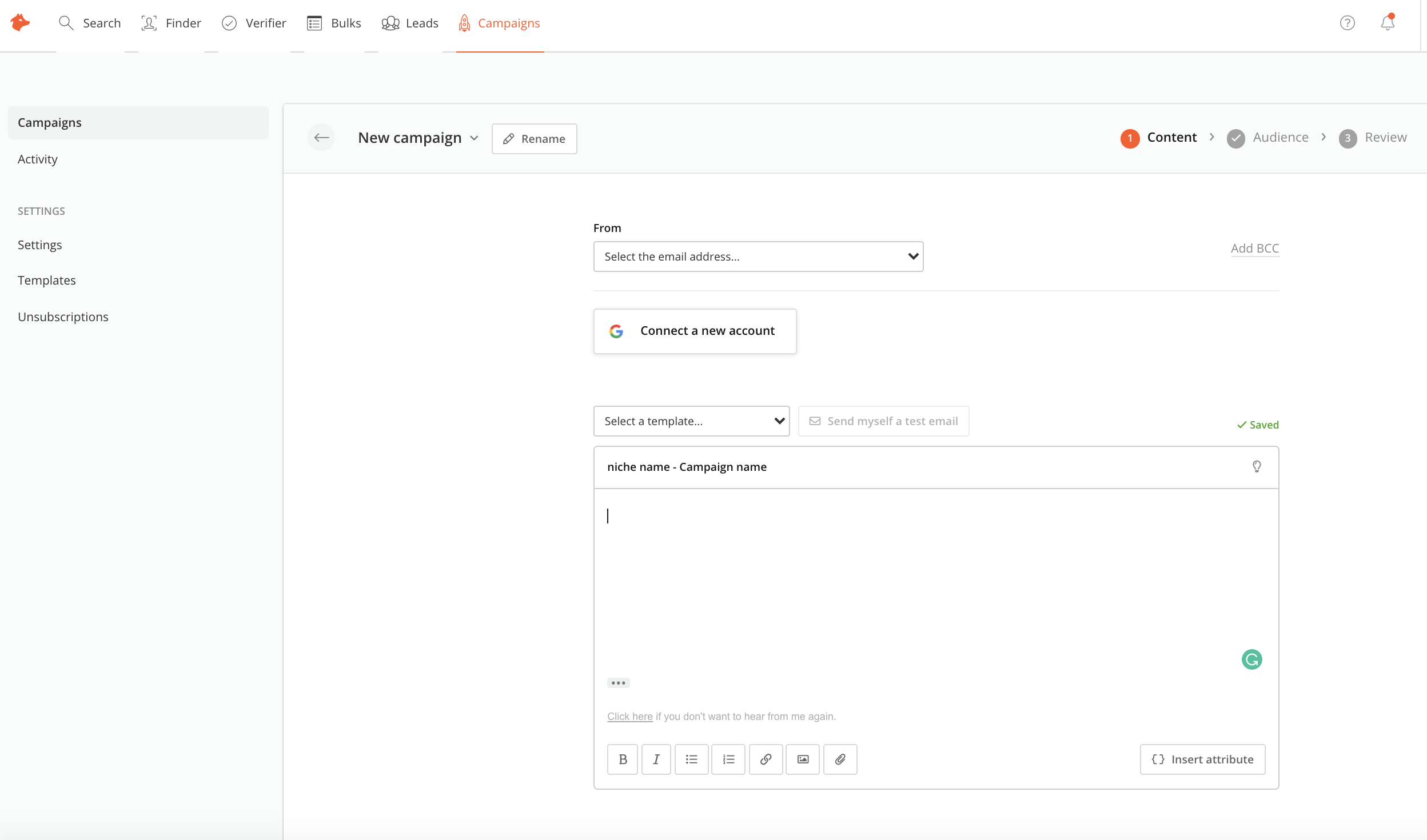
Hunter is a cloud-based email search solution that helps businesses find and verify professional email addresses from domains, companies or a specific professional on the web.
$0
per month
LinkedIn Sales Navigator
Score8.7 out of 10
N/A
LinkedIn Sales Navigator is a sales intelligence software solution offered by LinkedIn.
360 Product Photography Consultant in Sales at Iconasys (Photography, 1-10 employees)
Chose Hunter
LinkedIn Sales Navigator gives no way to contact leads once you've found them. ZoomInfo is powerful for information but not designed to reach out to leads efficiently.
A de minimis incentive was given to thank the reviewer for their time. The incentive was not used to bias or drive a particular response, nor was the incentive contingent on a positive endorsement. More Info
Account Executive in Marketing at Intersection Co. (Marketing and Advertising, 501-1000 employees)
Chose Hunter
While LinkedIn Sales Navigator has a larger and greater amount of data available (including mutual connections, etc.), it is hard to overlook the value that Hunter provides in explicitly and simply sharing a contact's information. Added to the fact that Hunter has a Chrome …
A de minimis incentive was given to thank the reviewer for their time. The incentive was not used to bias or drive a particular response, nor was the incentive contingent on a positive endorsement. More Info
Verified User
Chose Hunter
I have evaluated Lusha, RocketReach, Mail Tester, etc. but I found Hunter more appropriate because it was the tool that completes my need as I don't require the contact numbers of the particular person. But if I required the contact information of the person then Hunter must …
A de minimis incentive was given to thank the reviewer for their time. The incentive was not used to bias or drive a particular response, nor was the incentive contingent on a positive endorsement. More Info
A de minimis incentive was given to thank the reviewer for their time. The incentive was not used to bias or drive a particular response, nor was the incentive contingent on a positive endorsement. More Info
Senior Market Development in Sales at Simply Measured, A Sprout Social Company (Internet, 51-200 employees)
Chose LinkedIn Sales Navigator
I use LinkedIn Sales Nav way, way more - the company information is better and the prospects are better and not outdated. EverString has trouble with understanding context or truly related companies, where LinkedIn, while more manual, allows for better data quality. LISN …
A de minimis incentive was given to thank the reviewer for their time. The incentive was not used to bias or drive a particular response, nor was the incentive contingent on a positive endorsement. More Info
Account Executive in Marketing at Intersection Co. (Marketing and Advertising, 501-1000 employees)
Chose LinkedIn Sales Navigator
LinkedIn sales navigator has a more expansive network and database of potential leads than Winmo because it pulls and aggregates all of the information that employees have on their public LinkedIn profiles vs. info that has been uploaded directly to Winmo. You are more likely …
A de minimis incentive was given to thank the reviewer for their time. The incentive was not used to bias or drive a particular response, nor was the incentive contingent on a positive endorsement. More Info
The scenario we most commonly use Hunter for is to quickly find and retrieve contact email information. Phone numbers are an added bonus, but they tend to only be available for contacts in the US. SDRs have the extension in order to confirm or to help them "guess" as to what a contact's email address might be. This speeds up our prospecting time considerably. Where Hunter falls short is not being flexible where companies have more than one email format.
A de minimis incentive was given to thank the reviewer for their time. The incentive was not used to bias or drive a particular response, nor was the incentive contingent on a positive endorsement. More Info
LinkedIn Sales Navigator is hands down the best tool for identifying targeted contacts or leads. You can drill down on a company and look at its entire workforce, or search by the exact title that is your key target. The information is up to date, as people tend to keep their LinkedIn profiles current. In terms of other marketing functions LI Sales Navigator is extremely limited. BUT if you are looking to identify contacts for prospecting purposes, then this tool is what you need.
A de minimis incentive was given to thank the reviewer for their time. The incentive was not used to bias or drive a particular response, nor was the incentive contingent on a positive endorsement. More Info
A de minimis incentive was given to thank the reviewer for their time. The incentive was not used to bias or drive a particular response, nor was the incentive contingent on a positive endorsement. More Info
Search Functionality: LinkedIn Sales Navigator has one of the most powerful search functions. The filters are not unnecessary and some are very well thought of. You can drill down to finding a needle in a haystack of 20000 employee company when it comes to using LinkedIn Sales Navigator if done in the right manner.
Smart Links: Gone are the days of attached Decks. One can simply create their deck online using this feature on LinkedIn Sales Navigator, or even upload an existing ppt. A smart link is shareable as well as trackable for opens and clicks.
Fewer Clicks: With a single click, I can filter out decision-makers in any company. With a single click, I can import contacts from LinkedIn Sales Navigator to Salesforce. Lesser clicks are actually less stressful if you think.
Hunter is only as valuable as the information it is able to scrape from the internet. If a company has not listed any email addresses online, then Hunter is not going to be able to find it.
Sometimes Hunter is only able to identify non-personal-specific email addresses (ex: info @, support@, etc.). This makes it difficult to identify personnel emails
Sometimes companies will have different email domains that Hunter is not able to correlate. For example, when searching for an email address at Lead.com, Hunter is not able to point to ParentCompany.com email addresses that would be more useful.
A de minimis incentive was given to thank the reviewer for their time. The incentive was not used to bias or drive a particular response, nor was the incentive contingent on a positive endorsement. More Info
A de minimis incentive was given to thank the reviewer for their time. The incentive was not used to bias or drive a particular response, nor was the incentive contingent on a positive endorsement. More Info
This question is a no-brainer. The tool is the industry standard for anyone tied to sales and marketing. The name "LinkedIn Sales Navigator" is synonymous with streamlining relevant customer and account data in an easy to use format that is actionable and intelligent. The focus on continuous improvement and richer means of communicating with customers and prospects is evident each time new features are rolled out. The social component of the tool even includes a gamification component to ensure that peers remain relevant among each other, which is refreshing and enjoyable for those who engage the tool on a daily basis.
A de minimis incentive was given to thank the reviewer for their time. The incentive was not used to bias or drive a particular response, nor was the incentive contingent on a positive endorsement. More Info
Overall, it's very user-friendly. It's hard for a tool to make sorting through loads of data easy, but Sales Nav does this very well. Its advanced search features enable us to be selective in finding the right people to talk to and connect with.
A de minimis incentive was given to thank the reviewer for their time. The incentive was not used to bias or drive a particular response, nor was the incentive contingent on a positive endorsement. More Info
I would recommend LinkedIn Sales Navigator entirely. It has been the most user-friendly tool to use starting off in a sales role. I genuinely enjoy the navigation of the tool and how easy it is to save lists and see job changes within those lists. Generating leads and finding the most up to date information on prospects is all housed within this tool.
A de minimis incentive was given to thank the reviewer for their time. The incentive was not used to bias or drive a particular response, nor was the incentive contingent on a positive endorsement. More Info
I am unsure of the rollout, as I was not involved. I was an early adopter, and I have had a lot of success with the tool personally at multiple organizations, but I have no idea whether the implementation process encountered any errors. I can personally say that it works, and that I have not encountered significant issues with the tool since adoption, although a few issues like messages showing up as being unread even though they have been opened have been an on-again/off-again issues throughout the past few years. Overall, the company is doing a great job, and our implementation seems to have been effective.
A de minimis incentive was given to thank the reviewer for their time. The incentive was not used to bias or drive a particular response, nor was the incentive contingent on a positive endorsement. More Info
We have been trying to get lead information on SalesTools and PLENTY, however, these two tools are mostly oriented to create follow-up campaigns and the setup is pretty complicated. If you are looking to create just a list of semi-qualified leads, you may try Hunter, but SalesTools has already an inner feature to build prospects in a better way.
A de minimis incentive was given to thank the reviewer for their time. The incentive was not used to bias or drive a particular response, nor was the incentive contingent on a positive endorsement. More Info
LinkedIn Sales Navigator is much more valuable than Dice or Cognism, as we do most of our prospecting on LinkedIn. Therefore, it means we can build lists of our prospects based on activity, connections, and buying intention. With Cognism and Dice, you cannot do this as they do not work alongside the LinkedIn platform and, therefore, lack the functionality that is essential to what we are using the platform for.
A de minimis incentive was given to thank the reviewer for their time. The incentive was not used to bias or drive a particular response, nor was the incentive contingent on a positive endorsement. More Info
A de minimis incentive was given to thank the reviewer for their time. The incentive was not used to bias or drive a particular response, nor was the incentive contingent on a positive endorsement. More Info
A de minimis incentive was given to thank the reviewer for their time. The incentive was not used to bias or drive a particular response, nor was the incentive contingent on a positive endorsement. More Info