
Hubstaff vs. WorkTime
| Product | Rating | Most Used By | Product Summary | Starting Price |
|---|---|---|---|---|
 Hubstaff | Score9.4 out of 10 | Small Businesses (1-50 employees) | Hubstaff is a workforce analytics software tailored to boost productivity in remote, hybrid, and in-house teams while fostering a positive employee experience. Integrating with over 30 apps, Hubstaff's key features include time tracking, screenshots, activity tracking, URL and app monitoring, workforce analytics, automatic payroll and invoicing, scheduling, GPS and location monitoring, and timesheets. Hubstaff is compatible with Mac, Windows, Linux, Chrome, iOS, and… | $14 per month 2 seats (minimum) |
 WorkTime | Score9 out of 10 | N/A | WorkTime is an employee monitoring software designed to analyze employee behavior and help companies boost productivity and performance. The software is compatible with Windows OS and Mac OS and operates both on-premise and in cloud. After installation, the WorkTime agent collects information, analyzes it and provides employers with personalized reports to help them better understand the working habits of their office workers and remote teams. WorkTime analyzes the general trends in attendance… | $4.99 per employee per month |
| Hubstaff | WorkTime | |||||||||||||||
|---|---|---|---|---|---|---|---|---|---|---|---|---|---|---|---|---|
| Editions & Modules |
|
| ||||||||||||||
| Offerings |
| |||||||||||||||
| Entry-level Setup Fee | No setup fee | No setup fee | ||||||||||||||
| Additional Details | Discount available for annual pricing. | WorkTime is free for up to 3 employees. Annual discounts – two months free. 30 days FREE fully-featured evaluation. | ||||||||||||||
| More Pricing Information | ||||||||||||||||
| Hubstaff | WorkTime | |
|---|---|---|
| Considered Both Products | No answer on this topic | No answer on this topic |
| Key User Insights | ||
| Would buy again | ||
100% Would buy again 19 Answers | No answers on this topic | |
| Delivers good value for the price | ||
95% Delivers good value for the price 18 Answers | No answers on this topic | |
| Happy with the feature set | ||
95% Happy with the feature set 18 Answers | No answers on this topic | |
| Lived up to sales and marketing promises | ||
100% Lived up to sales and marketing promises 17 Answers | No answers on this topic | |
| Implementation went as expected | ||
89% Implementation went as expected 17 Answers | No answers on this topic | |
| Hubstaff | WorkTime | |
|---|---|---|
| Small Businesses |  Time Doctor Score8.8 out of 10 | No answers on this topic |
| Medium-sized Companies |  Toggl Track Score9.1 out of 10 | No answers on this topic |
| Enterprises |  TimeCamp Score8.3 out of 10 | No answers on this topic |
| All Alternatives | View all alternatives | View all alternatives |
| Hubstaff | WorkTime | |
|---|---|---|
| Likelihood to Recommend | 9.4 | 9.0 |
| Usability | 9.5 | - |
| Support Rating | 10.0 | 7.3 |
| Hubstaff | WorkTime | |
|---|---|---|
| Likelihood to Recommend |
|
|
| Pros |
|
|
| Cons |
|
|
| Likelihood to Renew |
| No answers on this topic |
| Usability |
| No answers on this topic |
| Reliability and Availability |
| No answers on this topic |
| Performance |
| No answers on this topic |
| Support Rating |
|
|
| Implementation Rating |
| No answers on this topic |
| Alternatives Considered |
|
|
| Contract Terms and Pricing Model |
| No answers on this topic |
| Professional Services |
| No answers on this topic |
| Return on Investment |
|
|
| ScreenShots | Hubstaff Screenshots  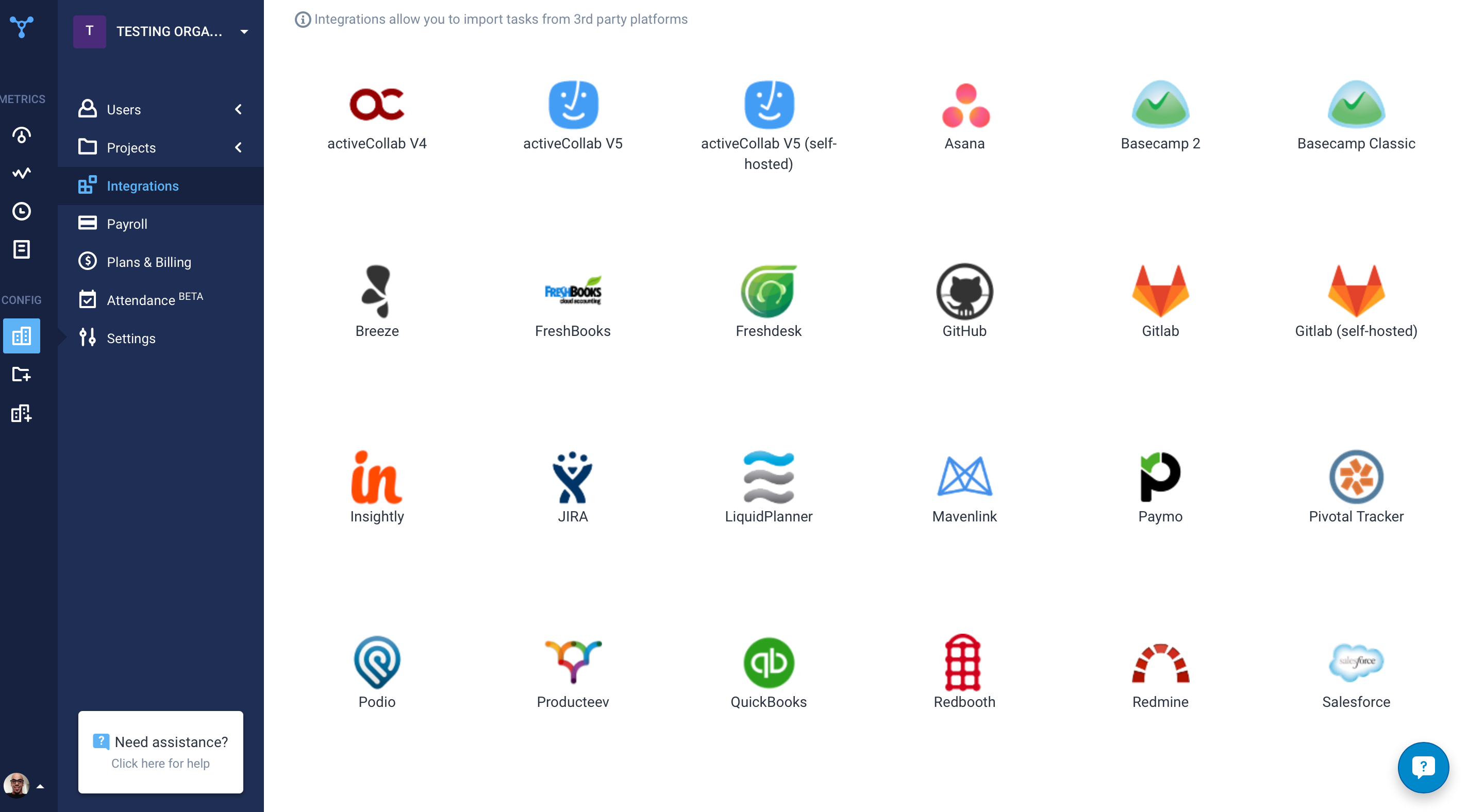 | WorkTime Screenshots    |


