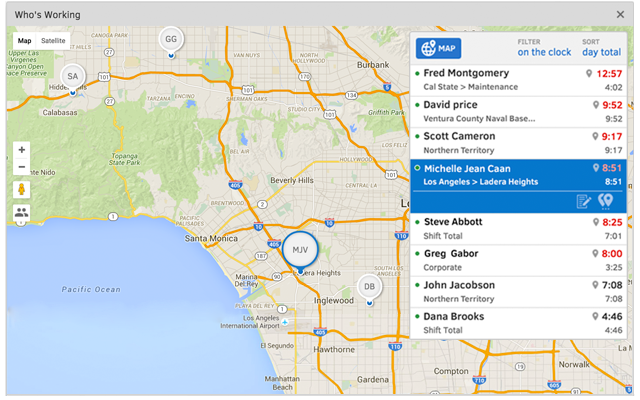
Hubstaff is a workforce analytics software tailored to boost productivity in remote, hybrid, and in-house teams while fostering a positive employee experience. Integrating with over 30 apps, Hubstaff's key features include time tracking, screenshots, activity tracking, URL and app monitoring, workforce analytics, automatic payroll and invoicing, scheduling, GPS and location monitoring, and timesheets. Hubstaff is compatible with Mac, Windows, Linux, Chrome, iOS, and…
$7
per month per user (2 seat minimum)
QuickBooks Time
Score 8.6 out of 10
N/A
QuickBooks Time (formerly TSheets) is a cloud-based time tracking and scheduling app that allows employees to clock in and out from the job site with the devices they’ve already got in their pockets. The vendor aims to help companies replace paper timesheets with accurate, electronic time data as well as make payroll and invoicing faster and less costly. QuickBooks Time also accurately tracks time and GPS points (even without cell or internet service) then automatically syncs when back…
$0
1 user, unlimited projects
Pricing
Hubstaff
QuickBooks Time
Editions & Modules
Starter
$7
per month per user (2 seat minimum)
Grow
$9
per month per user (2 seat minimum)
Team
$12
per month per user (2 seat minimum)
Enterprise
$300
per year per seat
Free
$0
1 user, unlimited projects
Premium
$8
per user/month + $20 base fee/month (paid annually)
Elite
$10
per user/month + $40 base fee/month (paid annually)
It enables you to monitor workers' time on every project. It monitors productivity even if an internet connection is not available. It provides a customizable interface. Every task is customizable to suit project requirements. It allows you to track time from anywhere in the world. In this way, it provides powerful insights to determine how many hours are required to do a project.
It would be very useful for certain remote jobs that require a high level of presence, as in the case of web development, or remote maintenance sessions, so that when reviewing the work data it is possible to ensure that there will be no failures. By being able to include files in the management, from the equipment tab, it is possible to fully control the hours in which each change in these files were made.
It has all the features that need to have while managing the project like screen capturing, sending invoices, create and view reports, pay and quick insights.
It also gives me the reports of my team effectiveness.
It tracks all the project progress along with team effectiveness and productivity at the workplace, gives me all the insights into team performance, and also helps me to track team productivity easily.
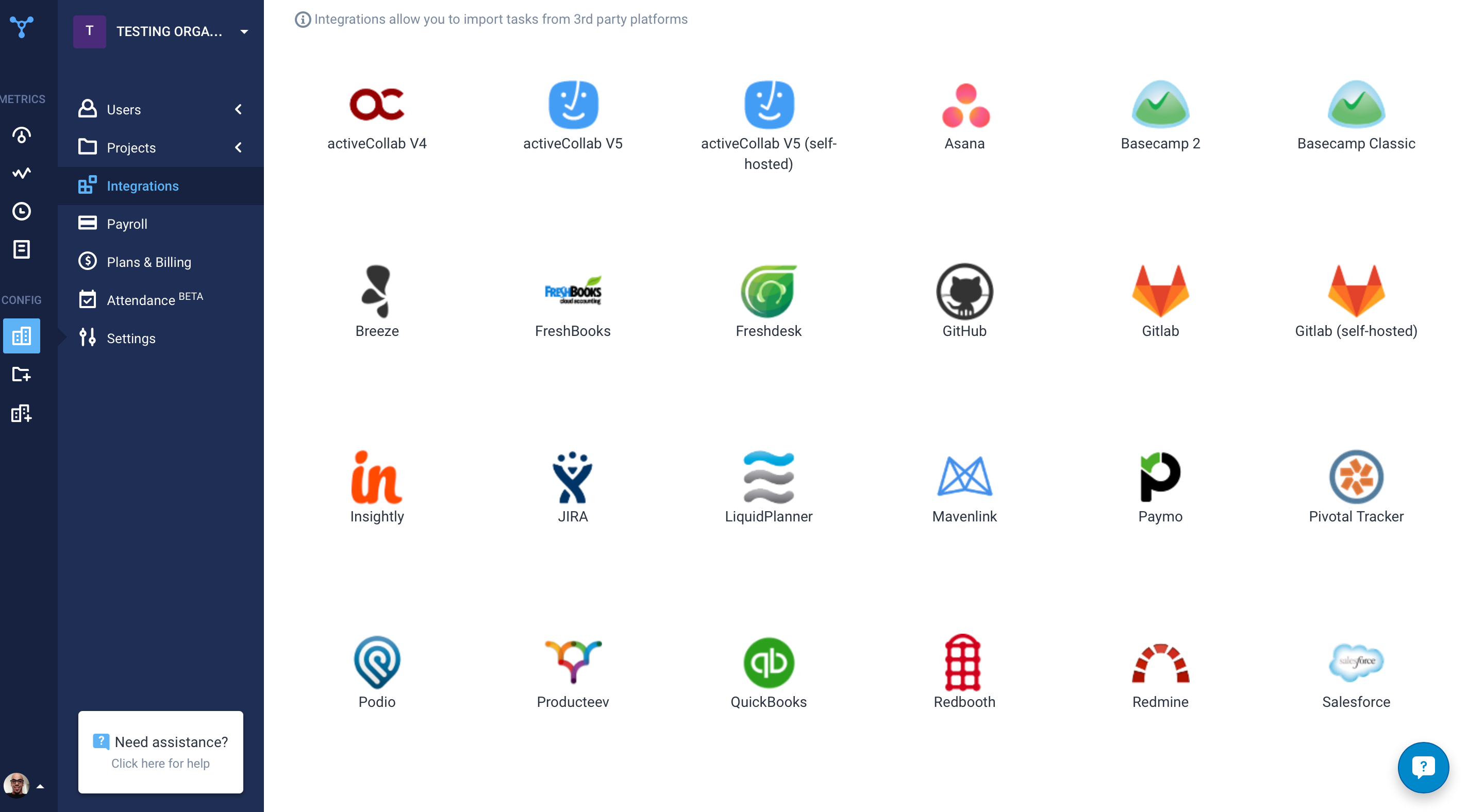
Another great feature that Hubstaff has which is its integration module.
[Hubstaff] is limited to integrations, while working on the projects I face difficulty to drag the drop because sometimes the plan requires to be discussed and it becomes a necessity to insert various attachments on the spot so that we could achieve the maximum.
TSheets tech support people, like Shawn Sommer, from Tsheets. She has been instrumental, after terminating the person in charge of TSheets I was left with a learning curve too high to climb but after 10 mins of her instructions I was able to make payroll in no time. She cleared all errors that nobody had fixed before. TSheets is not a vendor for me, TSheets is my partner in business. Thank you TSheets.
I give it 9 because it is really good for time tracking and managing remote teams. It helps me to manage my team very efficiently. Still, prices are high, so don't give 10. I need more discounts to add more team. Also need more accuracy as users are now fooling the tools with various cheats. Overall it is good and helfull
Overall good product. I think some integration issues that are probably on the way would give it a higher score. Easy to use, easy to see how well it connects to current book keeping software we use, and would be easy to adopt by someone who is a QuickBook user that has billable clients or just wants that metric to see how their time is allocated.
I've never had any issues and always received proper support. They let you know in advance when they'll be in maintenance and it's always in odd hours, so it's good. You still can use it when they are maintaining it.
Hubstaff has always responded to support requests in a timely manner and has kept me in the loop of changes. When contacting them about future changes/features they've always been upfront on whether that is a change they are looking to make and when that change may occur. Finally, if the person I have communicated with was unable to resolve, they always escalated to the next best person who can answer/resolve.
I have never failed to have an issue resolved within minutes of contacting Support. Jen D recently assisted my with an export issue and I was back on track in less the 10 minutes. She was knowledgable and thought about the current and future contexts of the issue and assured there would be no recurrence next payroll.
Hubstaff is a better tool than Hubstaff. There are certain details which if present can enhance the overall user experience and I must mention that Hubstaff has carefully taken into account and has given attention to detail by even making easy to understand training videos available for beginners that can further help and aid them in training.
We used to do all of our scheduling manually or in archaic software that wasn't user-friendly. We researched other software and found that this was going to meet our needs most comprehensively. Staff used to track their hours on a notepad on their phone or on an excel spreadsheet. There was really nothing else available to us that did what TSheets could do and the price fit in our budget. We have been very happy with our decision!
The availability of the recording feature is the biggest plus of this software so that I can easily record things that can be proved helpful to me further.
It has replaced timesheets with spreadsheets and this is how it makes my work easier and interesting for me.
Helps to ensure that employees are being held accountable for their clocked in time and allows us to clock them out if we see they're not where they say they are, saving us money.
Decreases time our staffing coordinator has to spend on inputting times after events - when managers can clock staff in and out during the event, it allows our staffing coordinator to use their office time more effectively.