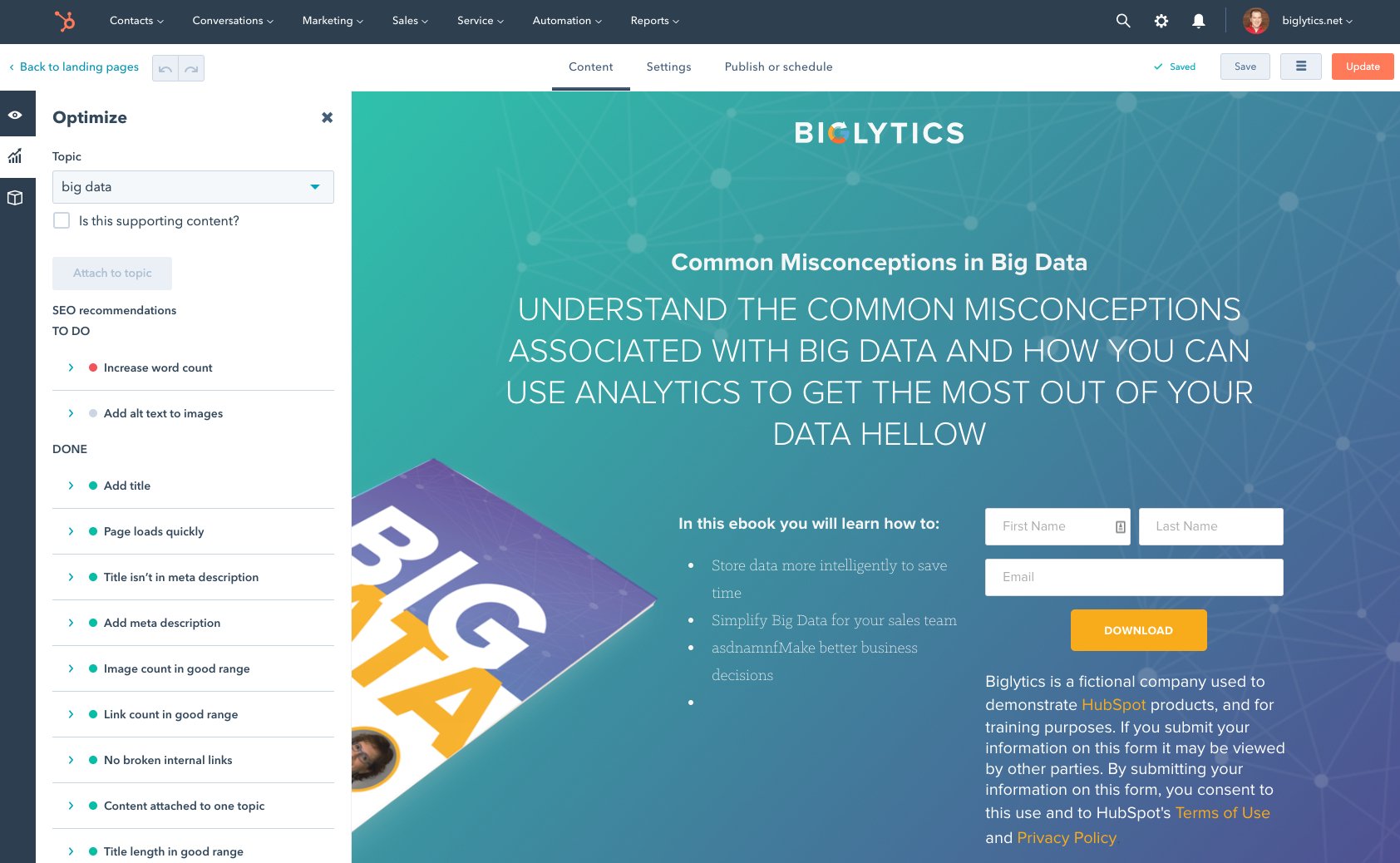
HubSpot's Marketing Hub is an all-in-one inbound marketing engine that includes tools for email marketing, landing page creation, social media marketing, content management, reporting & analytics, search engine optimization (SEO), and more.
$15
per month per seat
Sender
Score 8.0 out of 10
N/A
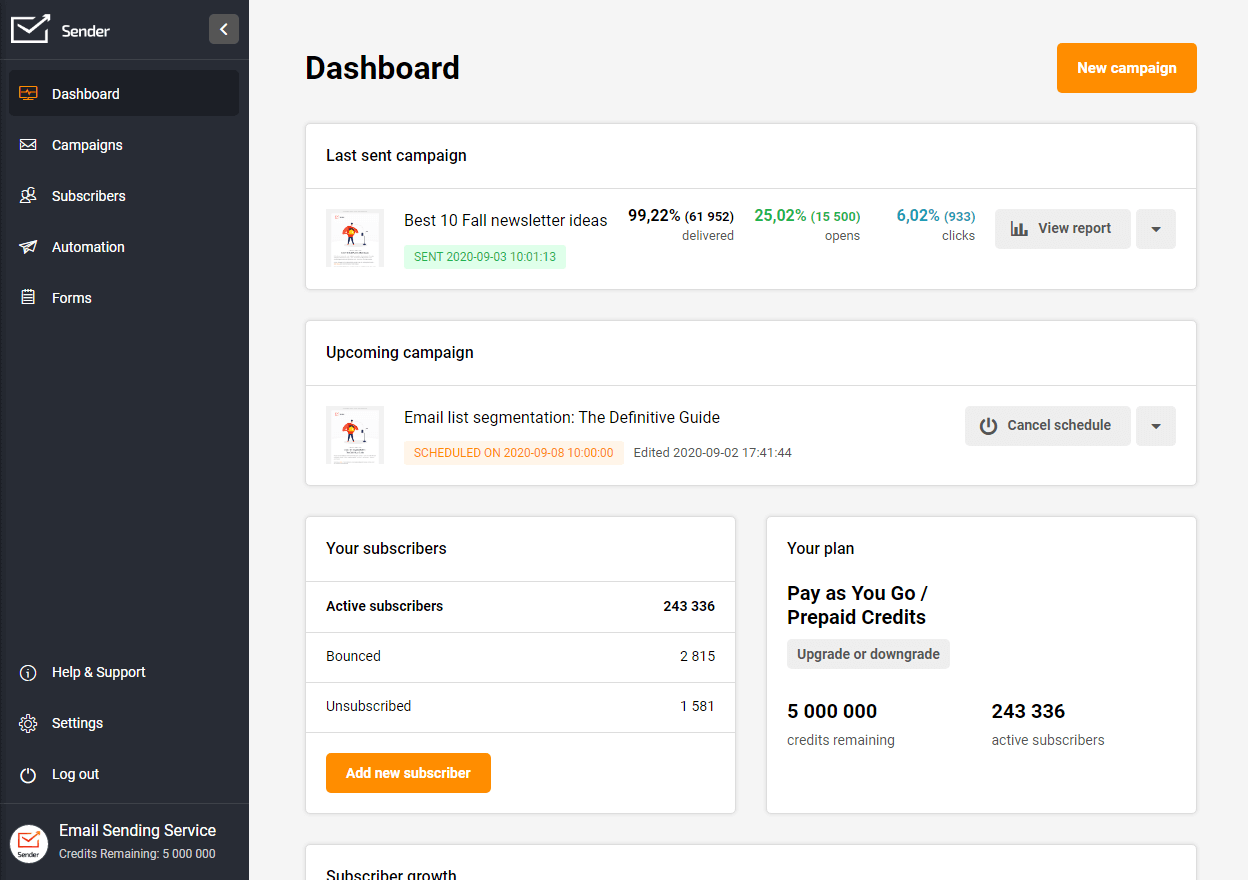
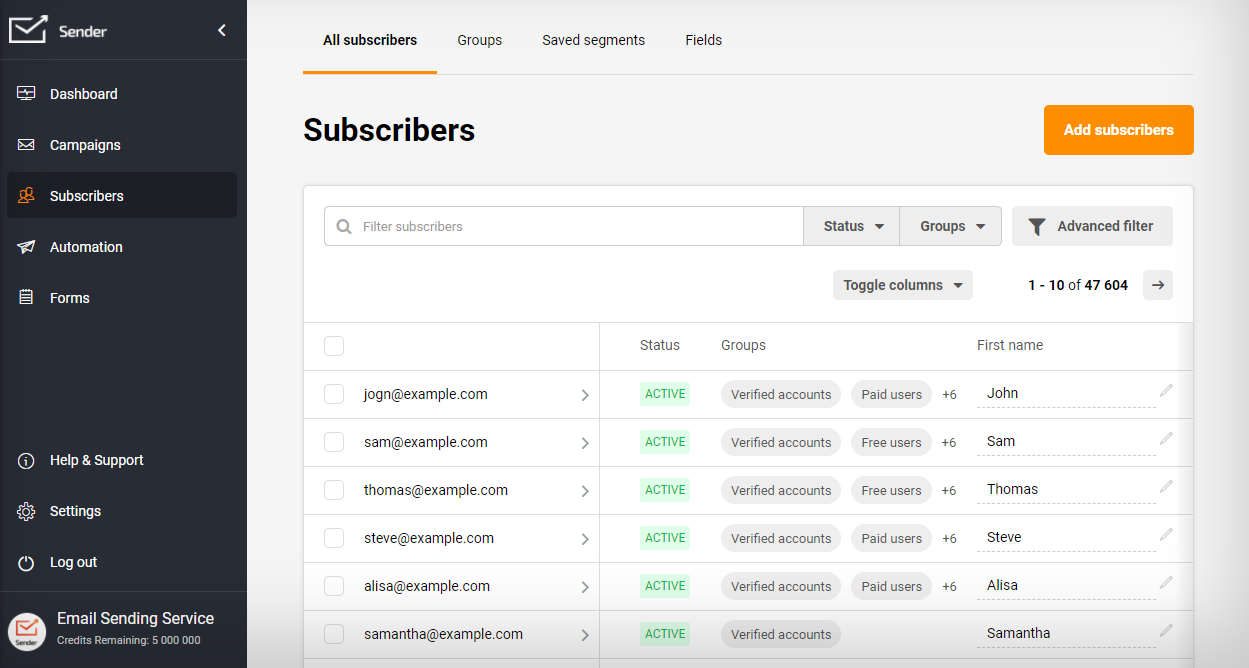
Sender.net is email marketing software tailored for e-commerce and small business marketing. It is highly focused on user-friendly experience and interface, with features for automating processes and boosting email marketing response, which aim to save users 2x time to send beautiful newsletters. Sender.net includes: drag&drop design builder.
$11
Up to 5 000 subscribers and up to 60 000 emails/month.
Pricing
HubSpot Marketing Hub
Sender
Editions & Modules
Marketing Hub Starter
$15
per month per seat
Marketing Hub Professional
$890
per month Includes 3 Core Seats (Additional Core Seats start at $50)
Marketing Hub Enterprise
Starts at $3,600
per month Includes 5 Core Seats (Additional Core Seats start at $75)
Up to 5 000 subscriber plan
$11
Up to 5 000 subscribers and up to 60 000 emails/month.
Up to 10 000 subscriber plan
$22
Up to 10 000 subscribers and up to 120 000 emails/month.
Up to 25 000 subscriber plan
$58
Up to 25 000 subscribers and up to 300 000 emails/month.
Up to 50 000 subscriber plan
$117
Up to 50 000 subscribers and up to 600 000 emails/month.
Up to 100 000 subscriber plan
$235
Up to 100 000 subscribers and up to 1 200 000 emails/month.
Offerings
Pricing Offerings
HubSpot Marketing Hub
Sender
Free Trial
Yes
Yes
Free/Freemium Version
Yes
Yes
Premium Consulting/Integration Services
No
No
Entry-level Setup Fee
Required
No setup fee
Additional Details
—
You can choose from Monthly Plans or Prepaid Credits (Pay-as-you-go).
More Pricing Information
Community Pulse
HubSpot Marketing Hub
Sender
Features
HubSpot Marketing Hub
Sender
Email & Online Marketing
Comparison of Email & Online Marketing features of Product A and Product B
HubSpot Marketing Hub
8.4
Ratings
10% above category average
Sender
7.4
Ratings
7% below category average
WYSIWYG email editor
9.20 Ratings
8.00 Ratings
Dynamic content
8.40 Ratings
5.00 Ratings
Ability to test dynamic content
7.50 Ratings
6.00 Ratings
Landing pages
8.50 Ratings
00 Ratings
A/B testing
5.90 Ratings
00 Ratings
Mobile optimization
7.80 Ratings
9.00 Ratings
Email deliverability reporting
8.60 Ratings
8.50 Ratings
List management
10.00 Ratings
8.50 Ratings
Triggered drip sequences
10.00 Ratings
7.00 Ratings
Lead Management
Comparison of Lead Management features of Product A and Product B
HubSpot Marketing Hub
9.5
Ratings
20% above category average
Sender
-
Ratings
Lead nurturing automation
9.30 Ratings
00 Ratings
Lead scoring and grading
9.60 Ratings
00 Ratings
Data quality management
9.20 Ratings
00 Ratings
Automated sales alerts and tasks
10.00 Ratings
00 Ratings
Campaign Management
Comparison of Campaign Management features of Product A and Product B
HubSpot Marketing Hub
7.1
Ratings
4% below category average
Sender
-
Ratings
Calendaring
7.30 Ratings
00 Ratings
Event/webinar marketing
6.90 Ratings
00 Ratings
Social Media Marketing
Comparison of Social Media Marketing features of Product A and Product B
HubSpot Marketing Hub
9.4
Ratings
22% above category average
Sender
-
Ratings
Social sharing and campaigns
8.70 Ratings
00 Ratings
Social profile integration
10.00 Ratings
00 Ratings
Reporting & Analytics
Comparison of Reporting & Analytics features of Product A and Product B
HubSpot Marketing Hub
9.2
Ratings
23% above category average
Sender
8.6
Ratings
11% above category average
Dashboards
9.20 Ratings
8.30 Ratings
Standard reports
9.20 Ratings
8.50 Ratings
Custom reports
9.10 Ratings
9.00 Ratings
Platform & Infrastructure
Comparison of Platform & Infrastructure features of Product A and Product B
HubSpot Marketing Hub
9.0
Ratings
19% above category average
Sender
-
Ratings
API
9.00 Ratings
00 Ratings
Role-based workflow & approvals
8.90 Ratings
00 Ratings
Customizability
8.30 Ratings
00 Ratings
Integration with Salesforce.com
10.00 Ratings
00 Ratings
Integration with Microsoft Dynamics CRM
10.00 Ratings
00 Ratings
Integration with SugarCRM
7.70 Ratings
00 Ratings
Pre-Send Testing
Comparison of Pre-Send Testing features of Product A and Product B
As I said previously, I was not a fan at the beginning because, like everyone, I don't take change so well. Once I started following leads through HubSpot Marketing Hub, I integrated it with my email and created templates for what I needed, I started to see the positives immediately. My time working was better spent as I eliminated time put in routine tasks. I was able to track all communication in HubSpot Marketing Hub, we created systems in the office assigning tasks to one another and, through HubSpot Marketing Hub, our leads were able to book meetings in my calendar automatically. To be honest, if you are in sales and marketing, I cannot think of scenarios where HubSpot Marketing Hub cannot help. All I would like to say is, when using templates, pay attention to where you send them - you may need some personalization. I would encourage the management of HubSpot Marketing Hub to create short tutorials for beginners like me who need to configure and start using various features: setting up deals, templates, and dashboards.
If you want your emails delivered to people's inboxes instead of spam, this ain't it. Not sure if it's their fault at all or if it's just that spammers are more likely to use lower-cost products and thus ruin it for others?
It is less about HubSpot as a platform and more about the app, but I wish they were able to bring a bit more functionality to the app such as being able to schedule posts. It would make trade shows much easier.
I wish the template designs were easier to make changes to because without CSS knowledge they can be complex to adjust. Many other sites have more user-friendly designs and this one is very rigid and sometimes hard to adjust.
While I love HubSpot Academy, I wish it listed out your current courses versus having to search for them. It would help remind me which ones I need to finish.
I've been using Hubspot for about 6 years off and on but I highly recommend it as a CMS, especially with co workers all over the United States who need a one stop shop to find customer information and teamwork activities on Deals and Tasks.
While there are some frustrating things that pop up unexpectedly ("wait... I can't do X?"), I have found HubSpot to be easy to use and extremely helpful to my daily work. The documentation is really good, and when it's not helpful, the support staff have been amazing.
They have had issues with system availability over the course of days. Sometimes the system is unusable, other times updates simply take a long time to show up. It's better now but, from a reliaibility standpoint, HubSpot is not Salesforce.com yet. Still great software though.
With all the new features in HubSpot, the system can get a tad slow sometimes... That said, most of the time it is lightning fast and I have no problems. Because most of the integrations are API, they silently work in the background. I have not had trouble with lag due to HubSpot integration
During the few times I've needed it, HS support has been accessible, helpful and efficient. Often rolling up their sleeves to make changes for you as opposed to leaving you with a list of instructions to decipher on your own.
I did the 2-day classroom at HubSpot's corporate office in Cambridge. First off, it was amazing to see their corporate office in general. They have such a cool office environment. But it was also great to have the ability to learn in a workshop format with other HubSpot users and meet my Account Manager/ Inbound Marketing Consultant in person.
I went through Inbound Marketing University in 2006. Great training and helped my transition from traditional (outbound) marketing to inbound marketing that I've been able to apply to a number of businesses from wastewater and water reuse, to professional services and SaaS. Share information of value to build awareness and trust. Answer customers' questions in a transparent way to generate more qualified leads. Understand the difference between a marketing qualified lead and a sales qualified lead and put together a lead nurturing program. Your sales and marketing efforts will see significant ROI.
My biggest piece of advice for those who are implementing Hubspot is that you need to devote the time up front and learn how to use the product. Once you learn how to use Hubspot, it will be much more effective as well as much easier to use in the long run
Other competing software such as Zoho and Boomtown may have more bells and whistles, but it is too cumbersome and has many parts that only advanced users can operate. With HubSpot, each function is within reach of the average agent. It doesn't overpromise and then makes you feel incompetent when you can't use it all...
Its deliverability makes it more effective than other email marketing tools. It gives more than satisfactory results. And that shows in my organization's sales revenue.
HubSpot is addressing this more and more. Currently you can assign tasks to designated sales teams, which grow as you grow. They've added free baseline products for those just getting started. These and more contribute to the scalability of HubSpot - so I gave it an 8 and am hoping for more in the future!
Ads - built-in ROI measurement in HubSpot's Ads to help improve ad optimization.
Workflows - opened the door to automate some processes at scale.
Campaigns - some room for improvement here. It could be a knowledge gap, but we've found that having email opens as a default engagement that's part of campaign performance muddies the waters on what actually is working in campaigns.