HubSpot’s CRM enables growth-minded businesses to optimize their relationships with leads and customers. Through harnessing the power of carefully crafted sales, marketing, customer service, content management, and operations tools, the software aims to make it easy to unify team strategy and drive conversion. Additionally, the software allows users to connect with over 875 integration apps, APIs, and solutions partners to create a customizable user experience that suits the way teams work.…
$0
Per Month [Unlimited Users]
Pobuca
Score 8.7 out of 10
Mid-Size Companies (51-1,000 employees)
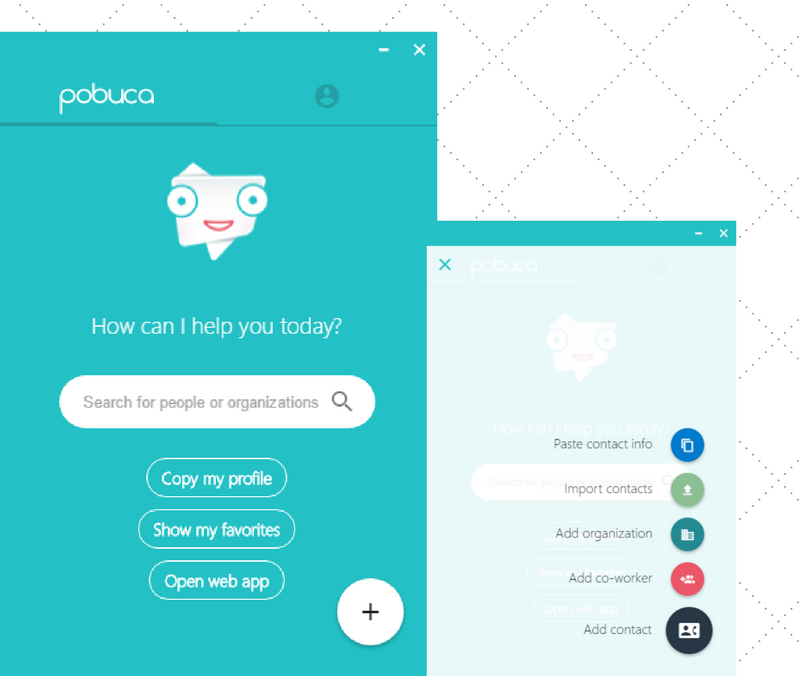
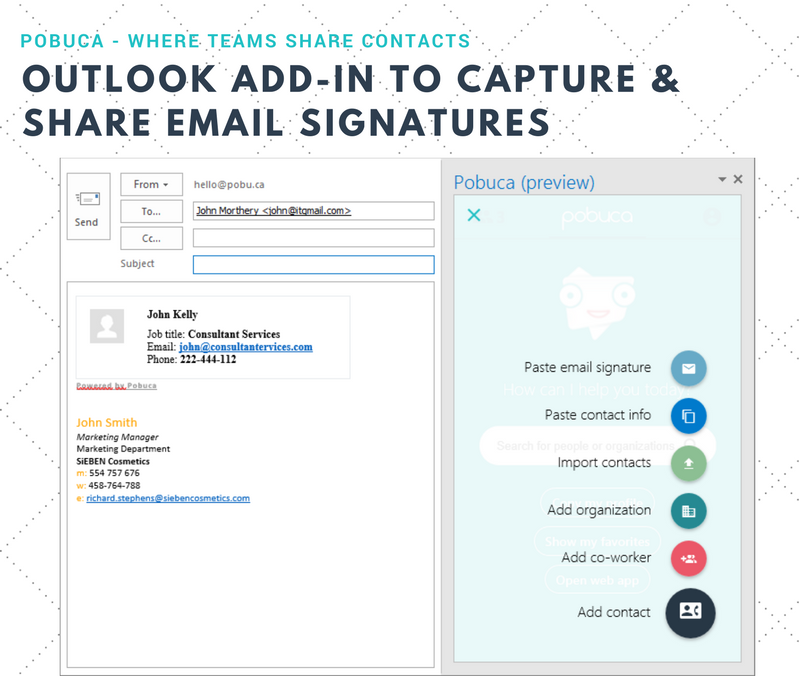
Pobuca Connect is a cloud app that turns multiple, overlapping and non-connected business contact lists into one unified company address book that’s easy to access from everywhere and ready to share with co-workers or business associates. It also includes the built-in Pobuca Bot, a virtual assistant to help keep business contacts up to date.
$0
Pricing
HubSpot CRM
Pobuca
Editions & Modules
Free Forever
$0
Per Month [Unlimited Users]
CRM Bundle
$50
per month
Free
$0.00
Pro
$3.00
per user/per month
Enterprise
$5.00
per user/per month
Offerings
Pricing Offerings
HubSpot CRM
Pobuca
Free Trial
Yes
Yes
Free/Freemium Version
Yes
Yes
Premium Consulting/Integration Services
No
No
Entry-level Setup Fee
No setup fee
No setup fee
Additional Details
—
—
More Pricing Information
Community Pulse
HubSpot CRM
Pobuca
Features
HubSpot CRM
Pobuca
Sales Force Automation
Comparison of Sales Force Automation features of Product A and Product B
HubSpot CRM
7.5
Ratings
3% below category average
Pobuca
-
Ratings
Customer data management / contact management
8.70 Ratings
00 Ratings
Workflow management
6.50 Ratings
00 Ratings
Territory management
4.90 Ratings
00 Ratings
Opportunity management
7.60 Ratings
00 Ratings
Integration with email client (e.g., Outlook or Gmail)
7.80 Ratings
00 Ratings
Contract management
7.90 Ratings
00 Ratings
Quote & order management
7.60 Ratings
00 Ratings
Interaction tracking
8.60 Ratings
00 Ratings
Channel / partner relationship management
8.20 Ratings
00 Ratings
Customer Service & Support
Comparison of Customer Service & Support features of Product A and Product B
HubSpot CRM
7.8
Ratings
3% above category average
Pobuca
-
Ratings
Case management
8.60 Ratings
00 Ratings
Call center management
6.20 Ratings
00 Ratings
Help desk management
8.70 Ratings
00 Ratings
Marketing Automation
Comparison of Marketing Automation features of Product A and Product B
HubSpot CRM
7.4
Ratings
2% below category average
Pobuca
-
Ratings
Lead management
7.80 Ratings
00 Ratings
Email marketing
6.90 Ratings
00 Ratings
CRM Project Management
Comparison of CRM Project Management features of Product A and Product B
HubSpot CRM
8.0
Ratings
5% above category average
Pobuca
-
Ratings
Task management
9.20 Ratings
00 Ratings
Billing and invoicing management
7.60 Ratings
00 Ratings
Reporting
7.20 Ratings
00 Ratings
CRM Reporting & Analytics
Comparison of CRM Reporting & Analytics features of Product A and Product B
HubSpot CRM
7.1
Ratings
6% below category average
Pobuca
-
Ratings
Forecasting
7.10 Ratings
00 Ratings
Pipeline visualization
7.00 Ratings
00 Ratings
Customizable reports
7.20 Ratings
00 Ratings
Customization
Comparison of Customization features of Product A and Product B
HubSpot CRM
6.8
Ratings
10% below category average
Pobuca
-
Ratings
Custom fields
7.90 Ratings
00 Ratings
Custom objects
5.30 Ratings
00 Ratings
Scripting environment
6.30 Ratings
00 Ratings
API for custom integration
7.60 Ratings
00 Ratings
Security
Comparison of Security features of Product A and Product B
HubSpot CRM
7.9
Ratings
5% below category average
Pobuca
-
Ratings
Single sign-on capability
8.00 Ratings
00 Ratings
Role-based user permissions
7.80 Ratings
00 Ratings
Social CRM
Comparison of Social CRM features of Product A and Product B
HubSpot CRM
5.7
Ratings
25% below category average
Pobuca
-
Ratings
Social data
5.50 Ratings
00 Ratings
Social engagement
5.80 Ratings
00 Ratings
Integrations with 3rd-party Software
Comparison of Integrations with 3rd-party Software features of Product A and Product B
HubSpot CRM
8.1
Ratings
10% above category average
Pobuca
-
Ratings
Marketing automation
6.80 Ratings
00 Ratings
Compensation management
9.40 Ratings
00 Ratings
Platform
Comparison of Platform features of Product A and Product B
Most of our clients are either government institutions or Education sector clients, such as universities, colleges, Coaching Institutes, and Competitive boards. We store their data in a single place. That means we can keep our one client's data in one place without any confusion. Our data is always clear and understandable while it is in HubSpot CRM.
Pobuca works well with small businesses. Your whole company can have access to contacts and can easily share contacts. It's easy to use and input information. It's simple to set up for all your employees. Having access to business cards with simply taking a picture is a nice feature. It's overall ease of use and simple interface makes it an effective program
The ability to create marketing campaigns and have control over when to stop and when to send the next according to your cadence design is excellent. However the ability to see the performance and the history for each prospect is so simple and so accessible - I kicked myself for not getting it sooner.
Having one place to create companies and contacts as well as score leads and track all contract products means we don't have to miss any renewals.
The Deal tracker gives us the ability to track multiple pipelines as well as team and individual metrics like average sale, percentage of goal, contribution to team effort which when mixed with an activity tracker means the team stays lean and mean to crush all goals.
The real time chat feature means prospects can navigate to our landing page for info about us, levels of product availability, pricing and begin a quick chat with members of the sales and support team.
Intel features along with lead scoring, SEO integration, podcasts and white papers all combine to be the most comprehensive CRM you could need.
To be honest there are some barriers due to which we are unable to use Hubspot at it's full potentials. The region that we work in has some restrictions that don't allow us to make calls or text which leaves us to just Email to the client.
Once you are set up with HubSpot CRM, it becomes difficult to use any other tool, as it integrates you into the workflow and makes it a habit to log in to HubSpot to identify tasks for the day. The overall ease of use is also a brilliant factor in using HubSpot. They push you towards deal closure and revenue generation.
Because when I needed help HubSpot responded immediately and provided me with the information I needed which enabled me to realize that HubSpot was even more customizable and easier to use than I thought! And I already thought HubSpot was very user friendly and easy to use, and then Support showed me how to manipulate the settings, columns and the appearance of the tool.
If you've had any prior experience with cloud based marketing automation or group communication tools, you can do the implementation without paid outside support. Though getting to a SLA (service level agreement) would be best achieved with the help of a third party who can facilitate
Our team and senior managers deemed these products worth reviewing and requested that every team assess them, enabling our company to make an informed decision about the software to purchase. Everybody checked, and a survey was conducted among all those employees. We received the most votes for HubSpot CRM, as most employees preferred it.
BizConnect’s customer service was not good and was a bit slow in searching contacts. But Pobuca is the best choice in this regard--from customer service to the ease with which we can add contact into it is amazing. Its flexibility is another major factor in choosing Pobuca. Finding any contact through this software is very simple, but its scanning feature is a bit slow and takes time.
Gave a ton of visibility into user and sales funnel.
Able to get back to new signups or inbound leads much faster, sometimes within minutes. We have a Slack integration that's super helpful.
Saved hours each week that were earlier spent digging through emails or spreadsheets for context; meetings are a lot shorter because it is super easy to go through the created reports.