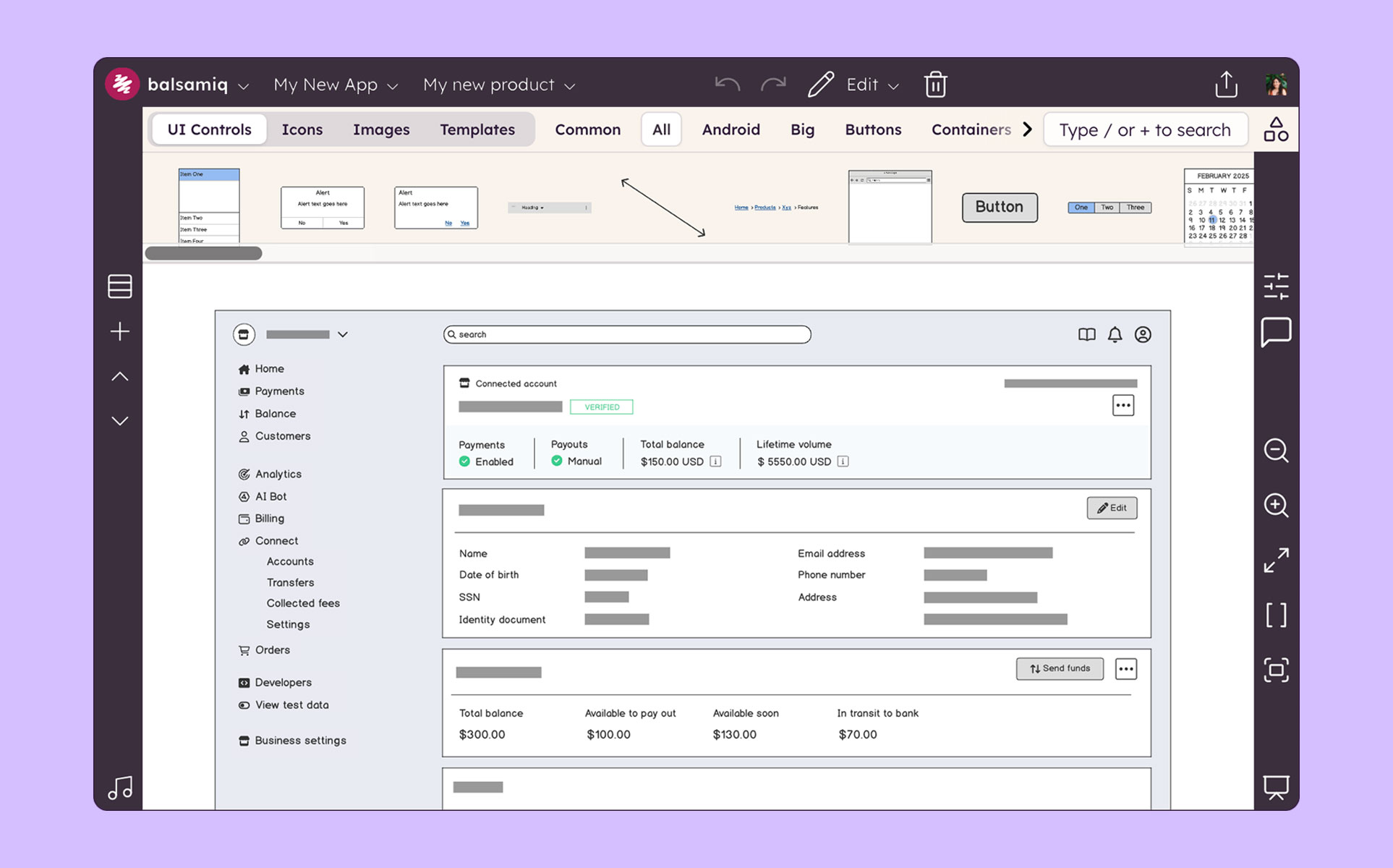
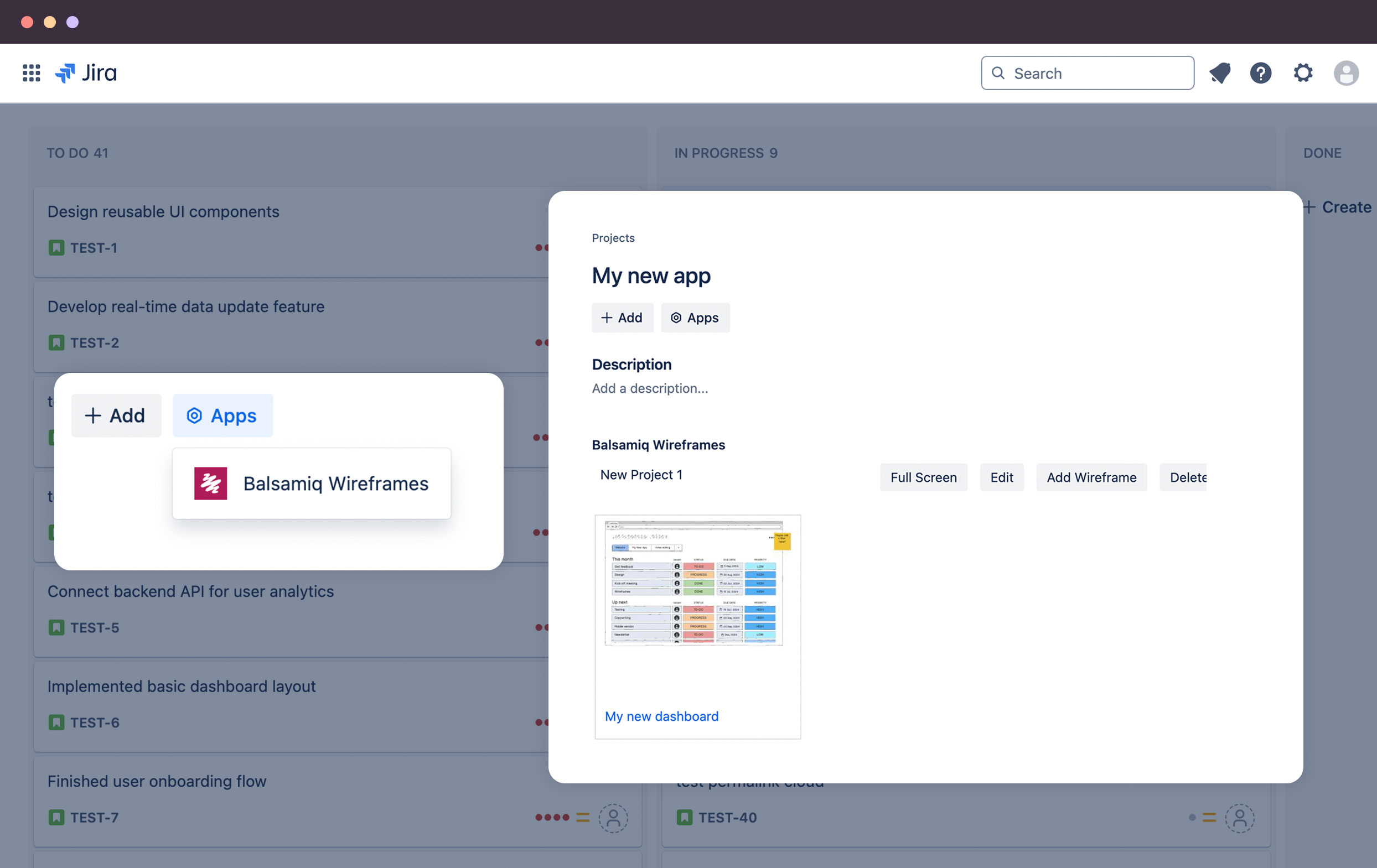
Balsamiq is a wireframing tool that helps lean product teams turn early ideas into clear, actionable direction. The tool helps product managers, founders, and engineers worldwide share concepts, reduce rework, and build better products.
$12
per month (up to 2 projects)
HotGloo
Score8 out of 10
Small Businesses (1-50 employees)
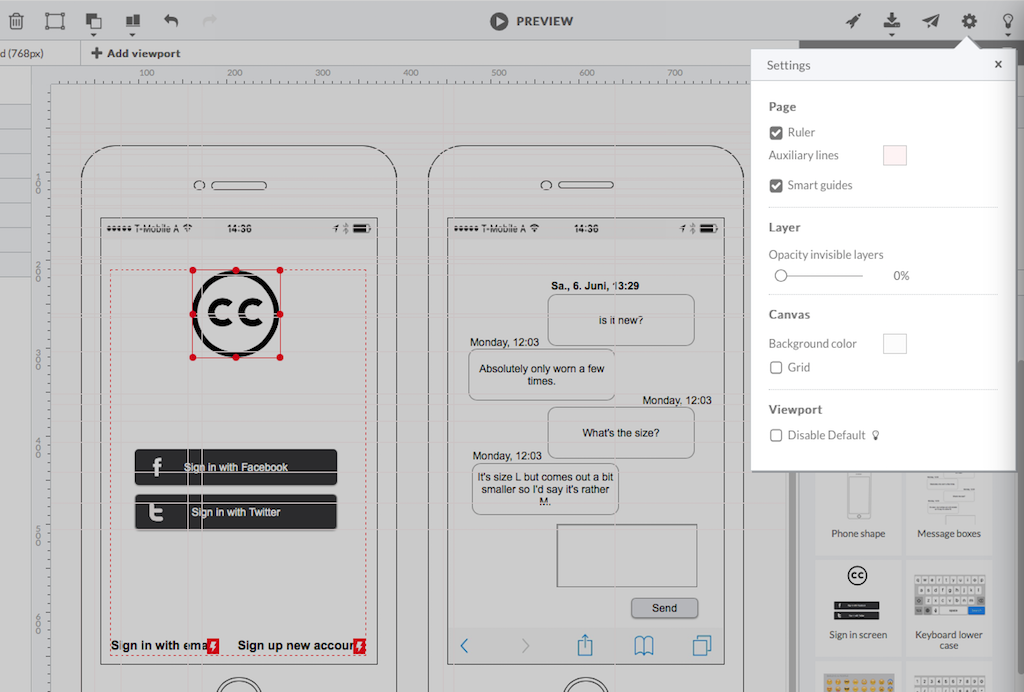
HotGloo is an online wireframing and prototyping tool. This solution has been designed for all those engaged in the concept, design and development of web or app projects: project managers, information architects, usability experts, freelancers, concept people, digital agencies, web companies, publishers, web designers, web developers and many more. The vendor’s value proposition is that this solution makes it easy to wireframe web and mobile sites and to collaborate with others due to the…
$13
up to 4 users, 2 active projects, unlimited reviewers
Pricing
Balsamiq
HotGloo
Editions & Modules
No answers on this topic
Group
$13
up to 4 users, 2 active projects, unlimited reviewers
Team
$27
up to 10 users / 6 active projects / unlimited reviewers
Agency
$54
up to 20 users / 15 active projects / unlimited reviewers
Enterprise
150 +
More users and projects, priority support. Get in touch for an individual quote.
Offerings
Pricing Offerings
Balsamiq
HotGloo
Free Trial
Yes
Yes
Free/Freemium Version
No
No
Premium Consulting/Integration Services
No
Yes
Entry-level Setup Fee
No setup fee
No setup fee
Additional Details
Pay per project, not per user
The billing period starts on the day you upgrade from the free trial to a paying plan. If you pay by credit card the service is billed in advance on a monthly basis and is non-refundable. There will be no refunds or credits for partial months of service, upgrade/downgrade refunds, or refunds for months unused with an open account. If you do choose to cancel your account in the future, you will never be charged again, but you are responsible for charges already incurred up until your cancellation. For monthly recurring payments we accept Visa, MasterCard and American Express through our online payment system. You can also prepay any account for 12 months with credit card. In certain cases we also take money transfers – please contact us beforehand if you want to use this option.
System Designer in Corporate at Bounteous (Food & Beverages, 501-1000 employees)
Chose HotGloo
Being able to export the finished wireframe to HTML was a huge time saver for me and my team. Getting to that next step quickly and seamlessly was a massive help. Not only that, but other tools that do this, we have not as much luck. HotGloo's functionality was a step above the …
A de minimis incentive was given to thank the reviewer for their time. The incentive was not used to bias or drive a particular response, nor was the incentive contingent on a positive endorsement. More Info
Balsamiq is a great tool for quickly getting ideas into visual form. At first it seems like there are not that many UI assets, but this constraint actually adds to the speed. There are less things for you to fuss over, you can focus on getting your ideas down. This is a tool for lofi rough drawings not a tool for building beautiful prototypes for developers to code to. It is fantastic for ideation because you mostly just drag and drop components onto the canvas and move things around. It's great in a live workshop setting for that reason.
A de minimis incentive was given to thank the reviewer for their time. The incentive was not used to bias or drive a particular response, nor was the incentive contingent on a positive endorsement. More Info
Overall, I am happy with HotGloo. It supports and fits well into my workflow. Here, I use HotGloo mainly during the prototyping scale. More preciously for wireframing. Eventhough, there are other tools - which I also use in subsequent steps - that would support wireframing as well, I like HotGloo and will keep using it during this stage. This is mainly because I think the elements and symbol library has just the right depth and detail for wireframing. It is important in wireframing to not include to much detail yet. Otherwise, testers get distracted by design aspects. Therefore, I like HotGloo and us it for different Product and Service design projects.
A de minimis incentive was given to thank the reviewer for their time. The incentive was not used to bias or drive a particular response, nor was the incentive contingent on a positive endorsement. More Info
Mock ups are obviously only just mock ups (this is important as if users see mock-ups in HTML, for example, they tend to think the system is ready to use or not far off)
Has a good selection of standard shapes that mock real world fields / controls
Allows not for profit organisations use it for free
A de minimis incentive was given to thank the reviewer for their time. The incentive was not used to bias or drive a particular response, nor was the incentive contingent on a positive endorsement. More Info
A de minimis incentive was given to thank the reviewer for their time. The incentive was not used to bias or drive a particular response, nor was the incentive contingent on a positive endorsement. More Info
The sketch-like style can be off-putting to some stakeholders, and it’s not initially very clear that there is the option to turn this “off.” While I do think there is benefit to the default style, knowing from the start that this flexibility existed would have helped us be able to use this tool more often in the past and in different situations.
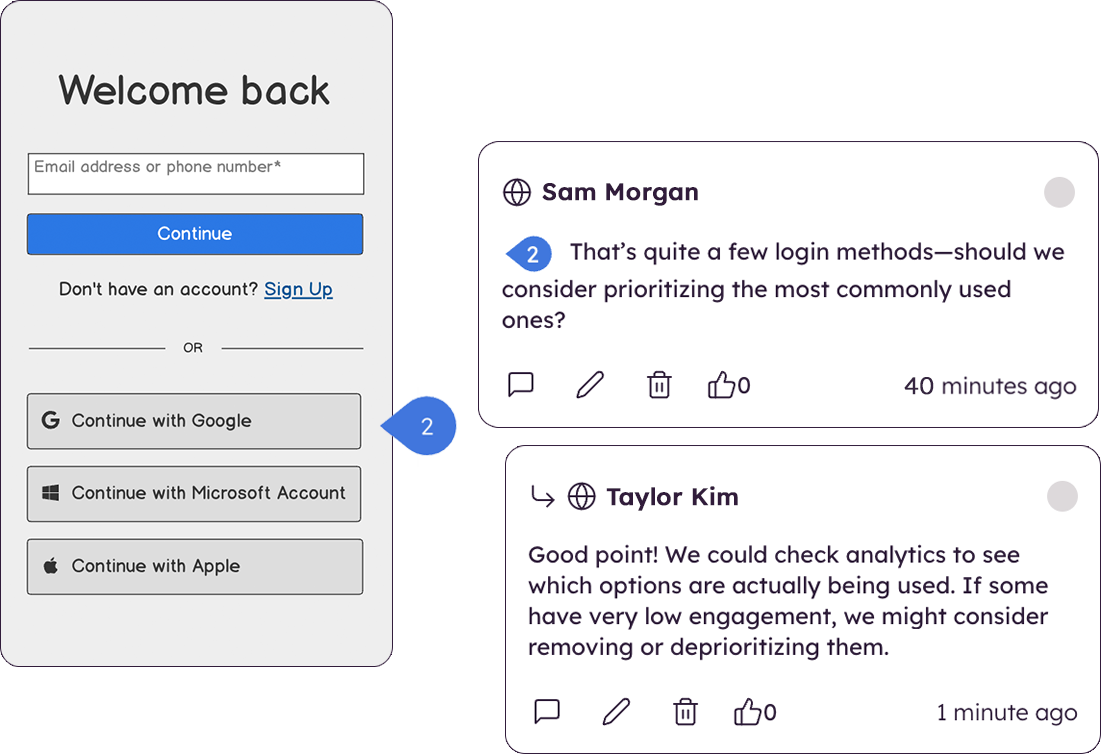
There are very limited collaborative functionalities. When it’s early in the design process, it’s often really helpful to have a number of people in the design to offer in-app feedback so the designer doesn’t have the burden of collecting feedback from many disparate sources in order to incorporate the feedback.
There are limited UI elements. As design evolves, there are more and more UI elements to consider, and many to stop using. Our Balsamiq wireframes would be a lot more effective in communicating design ideas to stakeholders if there was a wider range of UI elements to choose from.
A de minimis incentive was given to thank the reviewer for their time. The incentive was not used to bias or drive a particular response, nor was the incentive contingent on a positive endorsement. More Info
A de minimis incentive was given to thank the reviewer for their time. The incentive was not used to bias or drive a particular response, nor was the incentive contingent on a positive endorsement. More Info
I'm not sure how else we would be able to complete our work without Balsamiq or another similar tool. All of my experience with Balsamiq has been positive and they continue to develop new features so that my job gets easier. I would be very surprised if we didn't renew Balsamiq
A de minimis incentive was given to thank the reviewer for their time. The incentive was not used to bias or drive a particular response, nor was the incentive contingent on a positive endorsement. More Info
Very intuitive and easy to understand. It only takes minutes to get the hang of it and get back to work. For new analysts (like, brand new, fresh out of school) it's not difficult and they need minimal to no hand-holding. The training content that is embedded is easy to find and use.
A de minimis incentive was given to thank the reviewer for their time. The incentive was not used to bias or drive a particular response, nor was the incentive contingent on a positive endorsement. More Info
A de minimis incentive was given to thank the reviewer for their time. The incentive was not used to bias or drive a particular response, nor was the incentive contingent on a positive endorsement. More Info
Creating digital wireframes in Photoshop is a nightmare. Photoshop was not really designed for this purpose. It doesn't have good collaboration options and it doesn't allow pattern libraries, which are essential for consistency and efficiency. We use UXPin and Axure for some time, but found that these platforms were a bit bloated. Balsamiq is much simpler than any of these options. It's a perfect wireframing platform for non-designers or for designers that want to focus on content and element-placement prior to design
A de minimis incentive was given to thank the reviewer for their time. The incentive was not used to bias or drive a particular response, nor was the incentive contingent on a positive endorsement. More Info
Being able to export the finished wireframe to HTML was a huge time saver for me and my team. Getting to that next step quickly and seamlessly was a massive help. Not only that, but other tools that do this, we have not as much luck. HotGloo's functionality was a step above the others.
A de minimis incentive was given to thank the reviewer for their time. The incentive was not used to bias or drive a particular response, nor was the incentive contingent on a positive endorsement. More Info
The product works very well for showing product owners and developers design ideas for purposes of discussion, debate and refinement.
The products also works very well for specifying new designs for developers. This is best done in a series of screens that show various screen states and user interactions.
I also use the products to document bugs in software products and websites we have developed. This includes outlining and documenting bugs and changes to user interactions and refinements to the usability of completed interfaces and user experiences.
A de minimis incentive was given to thank the reviewer for their time. The incentive was not used to bias or drive a particular response, nor was the incentive contingent on a positive endorsement. More Info
A de minimis incentive was given to thank the reviewer for their time. The incentive was not used to bias or drive a particular response, nor was the incentive contingent on a positive endorsement. More Info