HipChat was discontinued by Atlassian because it wasn't as versatile as Slack and couldn't handle Video/Audio calls as well as Zoom. It lacked the screen sharing capabilities of Skype and ScreenHero (now owned by Slack). It wasn't great at any particular area and its competitors were obviously better in those areas. This lack of versatility negatively impacted it's adoption at GLG, and I'd imagine the rest of world as well. HipChat excels at instant messaging communication (which is the one thing they got right) and although you could make specific rooms to chat about certain topics, Slack was already doing this way better. Overall it's impossible to recommend this software today. If I recall it was very expensive compared to better and more feature rich competitors. If you're seeking a bare bones method of communication you may consider the free version of it, but outside of that scenario, you are almost certainly better off going with a different product.
If you don't have a huge budget and want something that works with minor quirks here and there then Zoho Mail is definitely something you should look into. For half the price of Google G Suite or Office account you get 5GB of storage per user and can send up to 25MB emails without restrictions. Great for small businesses in my opinion. I have had some issues with their spam filter, but we use SpamTitan and just shut off the one that comes with Zoho Mail. Zoho's spam filter isn't horrible but you should definitely use something in addition or instead of what comes with Zoho.
HipChat is very stable and reliable. I have never had issues with not being able to connect or being able to communicate with others on HipChat.
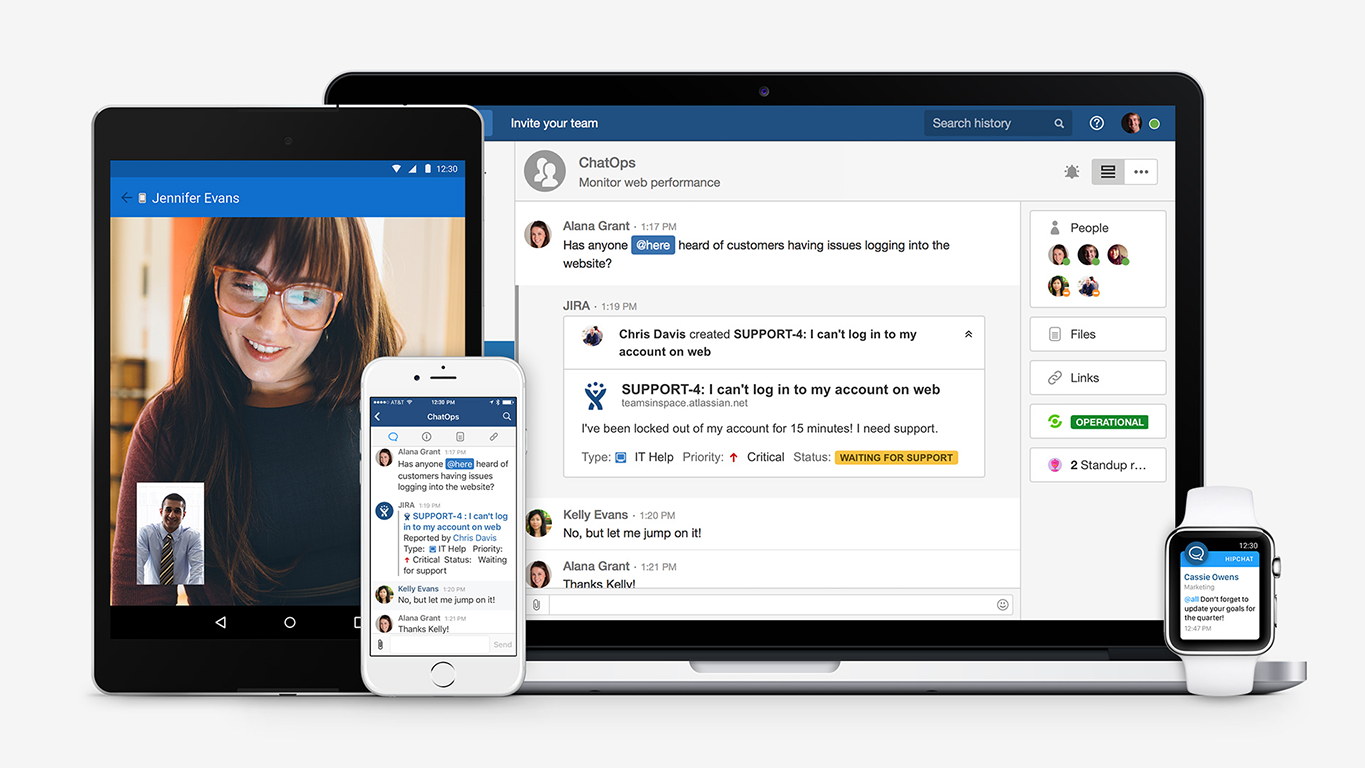
HipChat integrates quite well with other applications, such as Jira and Stash. This is a main selling point for my team. It provides a convenient feed of actions on a JIRA story or Stash pull request.
HipCat does a good job of allowing 1-1 and group chats. It is simple to start a new conversation and it is easy to hold a group conversation and keep track of who is in the room.
I like how HipChat has away/here/on mobile statuses. This makes it easy to see if a person is available to be contacted.
I really like that there is a free version in which a single user can be created. It is really useful because it allows you to evaluate each characteristic of the service without having to buy it.
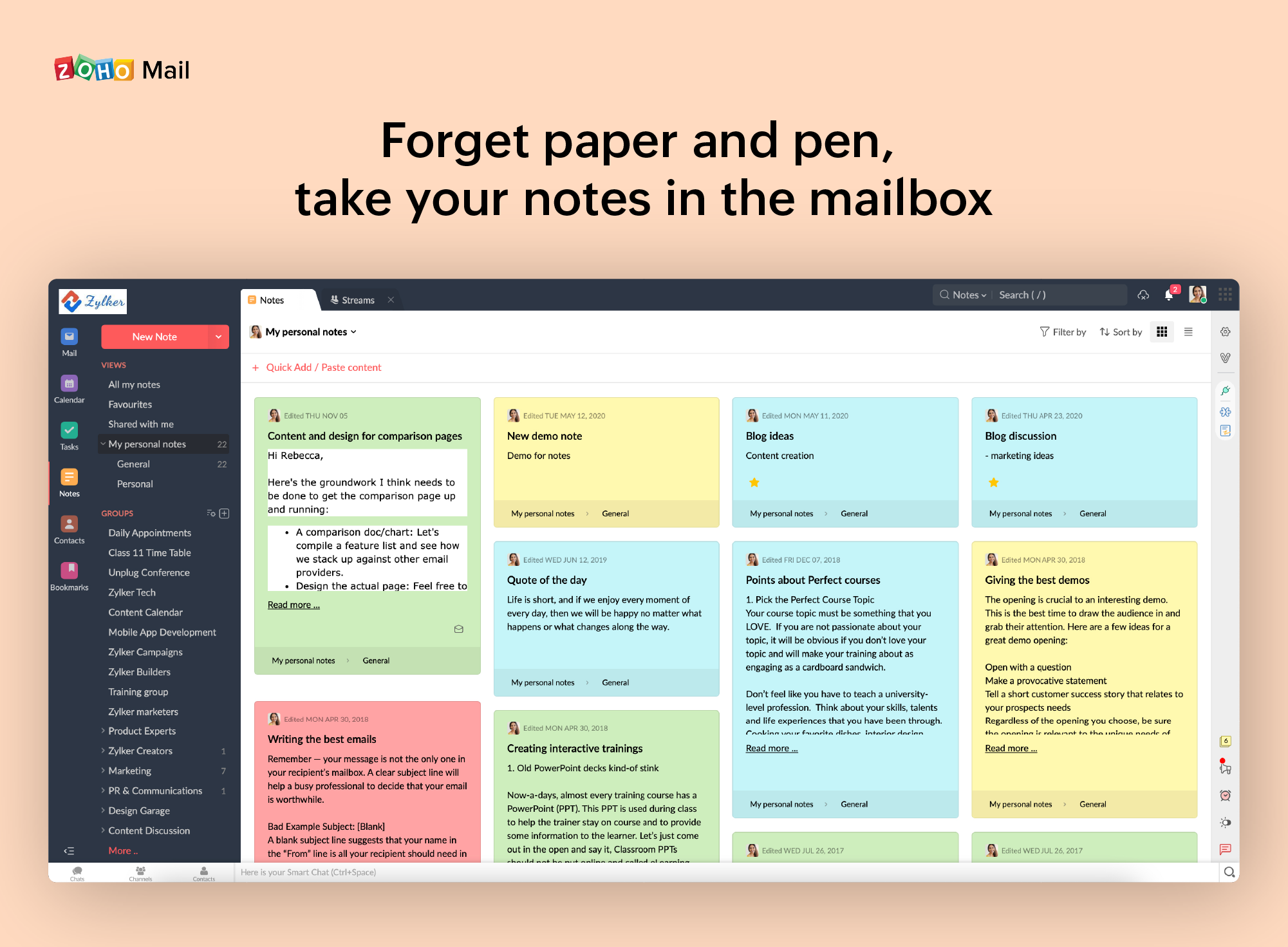
I also really like the visual aspect of the inbox, which is partially customizable. Because you can make small changes such as changing the color, the language, and among other things.
Mobile app is not very responsive on iOS. Sometimes connection to Hipchat servers is taking too long even on good networks.
Both mobile and desktop versions have no alphabetical or recent sorting for groups and chat rooms.
Video and audio calls are pretty useless, they're slow and not always work.
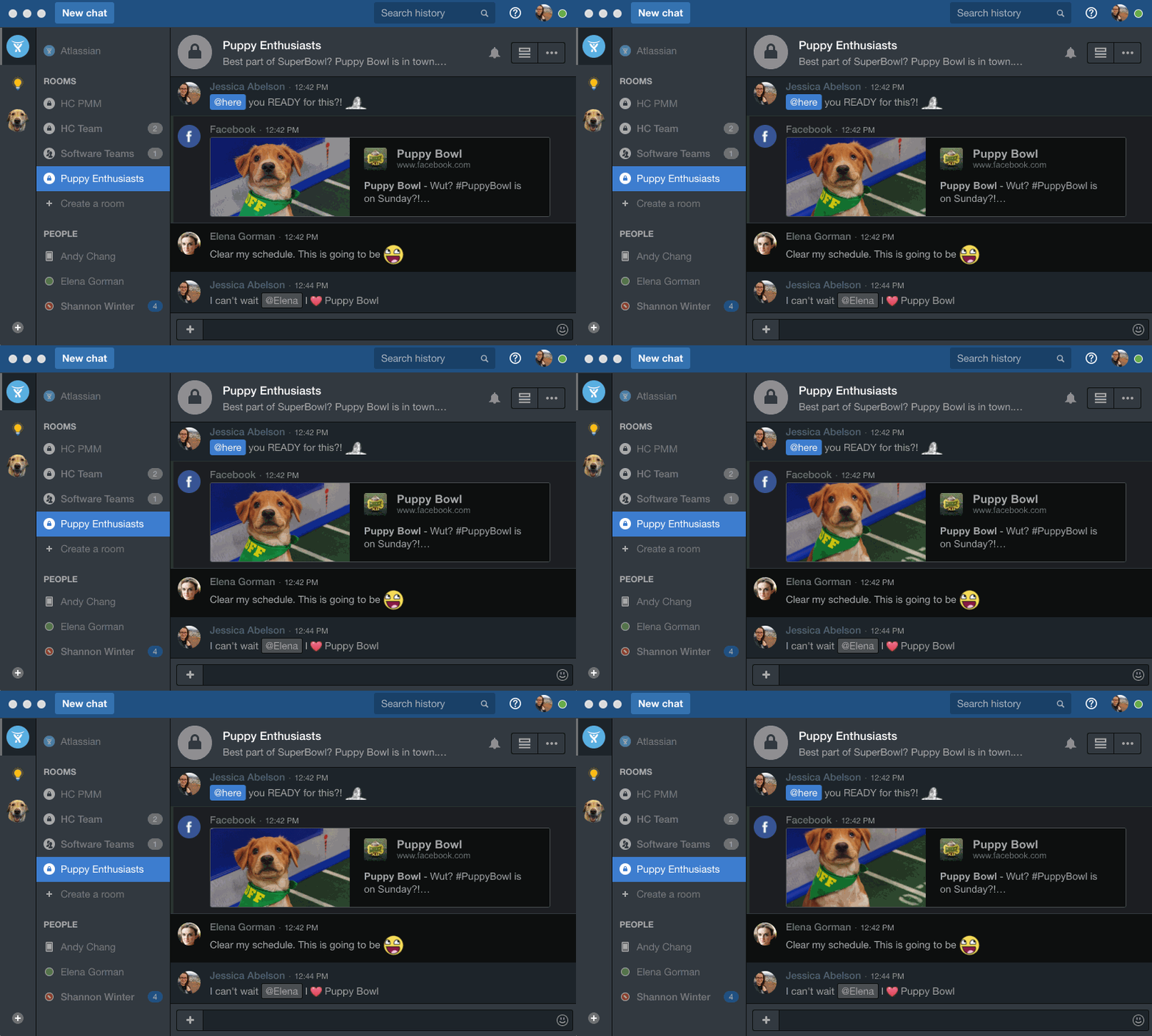
The whole user interface is simple but very outdated - apparently Atlassian didn't focus too much on Hipchat even though they tried in the last 2 years.
When receiving an email with images that are not displayed automatically, you have to activate this function manually. It is a bit uncomfortable, I would prefer that it be activated automatically
The filter to search for information is not very accurate and unfriendly
The way to manage the storage capacity and to buy more space for the mail is not very friendly
i like how its easy to login , create rooms or start private conversations . The best feature i like describing usability is searching history of conversation in either a room or private conversation just by typing single word .Easy file uploading and downloading .Mention feature is very easy to use which shows all the names starting with given letter .
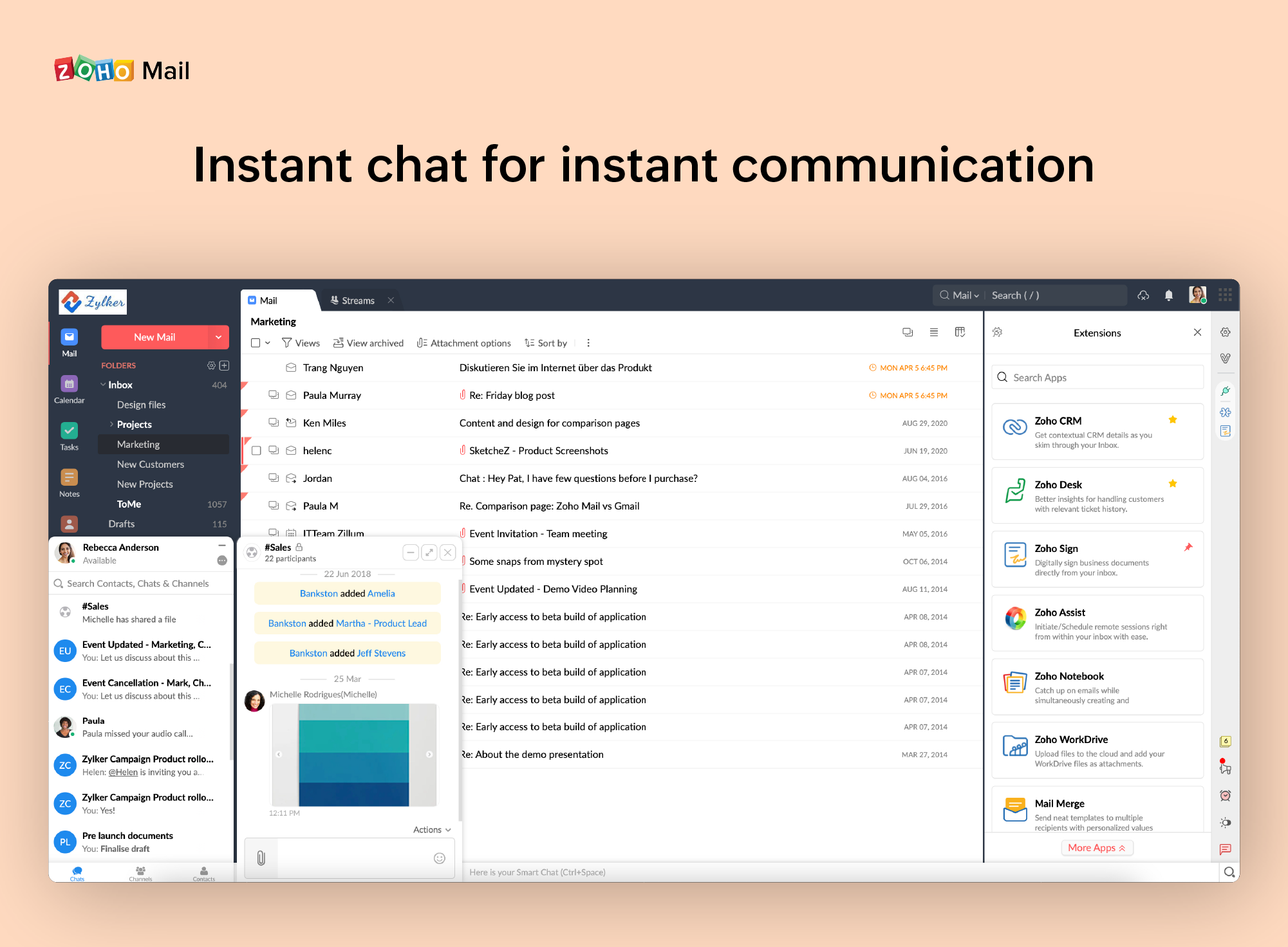
It is very easy to use and does all you need. It sends newsletters to their own folder. A notification folder for more important things. The Spam folder collect the right amount of spam emails
HipChat support was one of the best I've encountered. When we faced difficult tasks in terms of updates to infrastructure (where HipChat sits on top) or updates to the application itself, HipChat support was very responsive to our questions, concerns, and comments. HipChat also had some really good online documentation. We were able to find step-by-step guidelines and documentation when implementing new features or installing new updates/patches.
I have spoken with Zoho several times and their support is always friendly and helpful. I have always been asked for security pins and codes when seeking assistance which helps me to feel my accounts are secure and I have never had to wait on hold to speak with someone for more than 5 minutes. They always seem to have someone available to help. If you call asking for instructions on how to do something they gladly walk you through the process and if you just need something done and don't have time to do it yourself they will happily customize whatever you need without you having to spend all day with it.
I've used Slack and it's much better app in comparison with HipChat. Slack is much faster than HipChat. Slack has strong user community and lot of documentation around how to use it. Product functionality and performance is superb with Slack compared to HipChat. Slack has more emojis and icons which brings them closer to how people use their cell phones in text conversations.
Zoho is free. Also, there is no need for a separate IT guy for creating mail, or if any issues come you don't have to find anyone anyone can check and fix all issues from their super admin panel. Zoho overview is much better than outlook and its appearance of getting mail popup and functionality is better than outlook. My friend suggested for this and also after using I have referred my friend
Actually I never shared of HipChat using with more than 25 persons in team simultaneously, but I believe it can be scaled for much largest collaboration teams. At least it works flawlessly for us, with transparent integration with Jira, and I am not see any reasons for some troubles for work at big scale.
HipChat has increased the effiency with which I am able to communicate with my coworkers, particularly those who work out of other offices. Having a light, portable messaging solution has been beneficial for checking in on small things without the need to send emails or schedule phone calls.