HID DigitalPersona vs. Mati

Overview
ProductRatingMost Used ByProduct SummaryStarting Price
HID DigitalPersona
Score 9.3 out of 10
N/A
HID DigitalPersona (formerly Crossmatch) provides a comprehensive multi-factor authentication solution. The vendor’s value proposition is that their solution frees users from cumbersome login activities while making it easy for an IT Team to secure access to their networks, data and applications.
$3.75
per user per month
Mati
Score 0.0 out of 10
Small Businesses (1-50 employees)
Mati is presented by the vendor as an all-in-one User Verification platform with a high level of biometrics and document analysis. Users can integrate its API into a product to onboard customers faster and reduce the risk of fraud. The vendor states they work with over 200 companies, big and small. From email verification to government databases, biometrics checks or watchlists, users can run everything through Mati and get to know who their users really are.N/A
Pricing
HID DigitalPersonaMati
Editions & Modules
HID DigitalPersona
$3.75
per user per month
No answers on this topic
Offerings
Pricing Offerings
HID DigitalPersonaMati
Free Trial
YesYes
Free/Freemium Version
NoNo
Premium Consulting/Integration Services
NoNo
Entry-level Setup FeeRequiredOptional
Additional Details
More Pricing Information
Community Pulse
HID DigitalPersonaMati
User Ratings
HID DigitalPersonaMati
Likelihood to Recommend
9.2
(0 ratings)
-
(0 ratings)
Likelihood to Renew
9.5
(0 ratings)
-
(0 ratings)
Usability
9.0
(0 ratings)
-
(0 ratings)
Support Rating
9.0
(0 ratings)
-
(0 ratings)
Implementation Rating
9.0
(0 ratings)
-
(0 ratings)
Ease of integration
7.3
(0 ratings)
-
(0 ratings)
User Testimonials
HID DigitalPersonaMati
Likelihood to Recommend
During the onboarding process, remote workers can enroll their fingerprints or create secure PINs. This eliminates the need for complicated passwords and enables them to safely access company resources and critical apps from remote locations. HID DigitalPersona's robust authentication techniques and access control features can assist you in adhering to data security laws.
Read full review
No answers on this topic
Pros
  • Super fast to recognize fingerprint and authenticate .
  • Accurate with a wide area of fingerprint. Most windows laptops with built in fingerprint scanners only recognize a small area of print.
  • Units are inexpensive.
  • Quick and easy to install server software and client hardware.
  • When workstations were upgraded from Windows 8.1 to Windows 10 the software continued working flawlessly.
Read full review
No answers on this topic
Cons
  • Multiple domains - DigitalPersona struggles with multiple domains. Since the solution is licensed per domain, migrating users between domains can be troublesome to keep licensed. Additionally, migrating to a new domain removes the AD leaf objects that store all digital persona information, essentially wiping out and credentials or other stored information.
  • Password change - DigitalPersona can be confusing to update when a stored password for a website is updated. The password is entered, and then the user is redirected to the websites password change page. Users must then authenticate with a Digital persona credential again before being prompted by Digital Persona to update the password. If the user is allowed to change the password manually through the websites page, this will lead to what is stored in Digital Persona being out of sync with the new password, and eventually account lockouts.
  • Terminal Server - DigitalPersona has performance issues when utilized on a high-traffic terminal server. Often it causes big CPU spikes as well as hanging sessions upon disconnect.
Read full review
No answers on this topic
Likelihood to Renew
It is wonderful for multifactor authentication and gives us many options for what we use to authenticate. All of our users use it and it is engrained into our group policies and people would be very disappointed if it went away.
Read full review
No answers on this topic
Usability
I think there are still fundamental enhancements needed to be added to the management consoles and I think there ought to be a Centralized, Windows Based "Thick" Management Application instead of individual utilities which vary from MMCs, Scripts, Wizards, etc.
Read full review
No answers on this topic
Support Rating
Extremely poor; I've never encountered such. Professional Services completely dropped us for months. Crossmatch tech support seems like it has 3 techs tops! No response to emails, calls, the absolute worst! I will never recommend DP to anyone.
Read full review
No answers on this topic
Implementation Rating
Could use tools to audit license usage at a more granular level as to allow an administrator to free up licenses from users whom seldom use their biometrics to login.
Read full review
No answers on this topic
Alternatives Considered
We evaluated Cisco DUO but ultimately chose HID because of their support for biometrics. With DUO every user would have to have the authentication app on their personal phone and pull it out each time they had to log in. We definitely did not want this for our frontline staff as it would slow the process way down
Read full review
No answers on this topic
Return on Investment
  • Provides a quick one finger authentication\log-on.
  • Logging onto a machine that is used by several other users, such as in retail is no problem because the DigitalPersona software does a switch user function instead of logging out the other user.
  • One negative that was apparent immediately after installing the DigitalPersona software was that users very easily forgot their Windows passwords because of the one finger log-on.
Read full review
No answers on this topic
ScreenShots

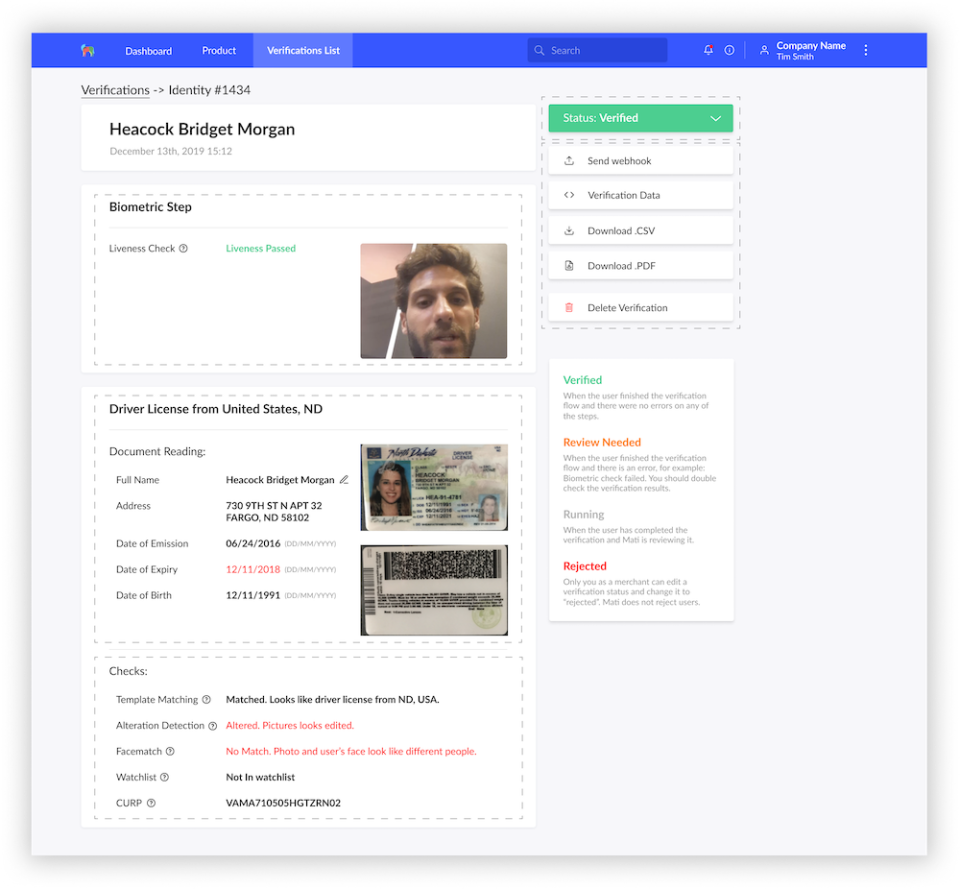
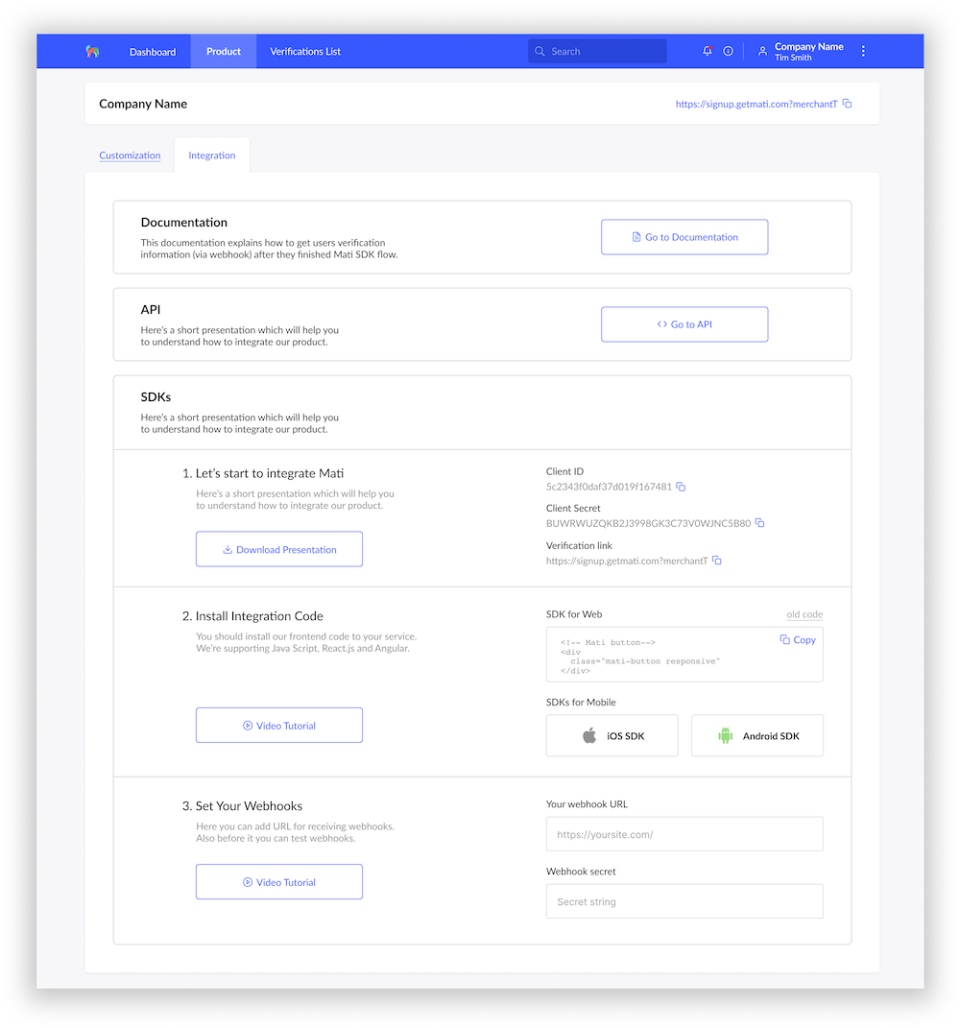
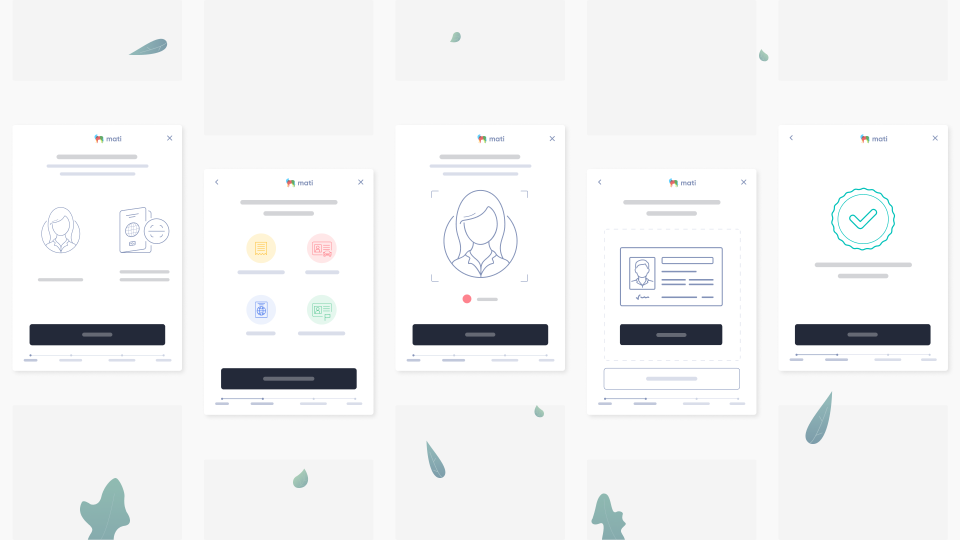
Mati Screenshots

Screenshot of Mati - User profileScreenshot of Mati - Integration optionScreenshot of Mati - Verification flowScreenshot of Mati - Verification List