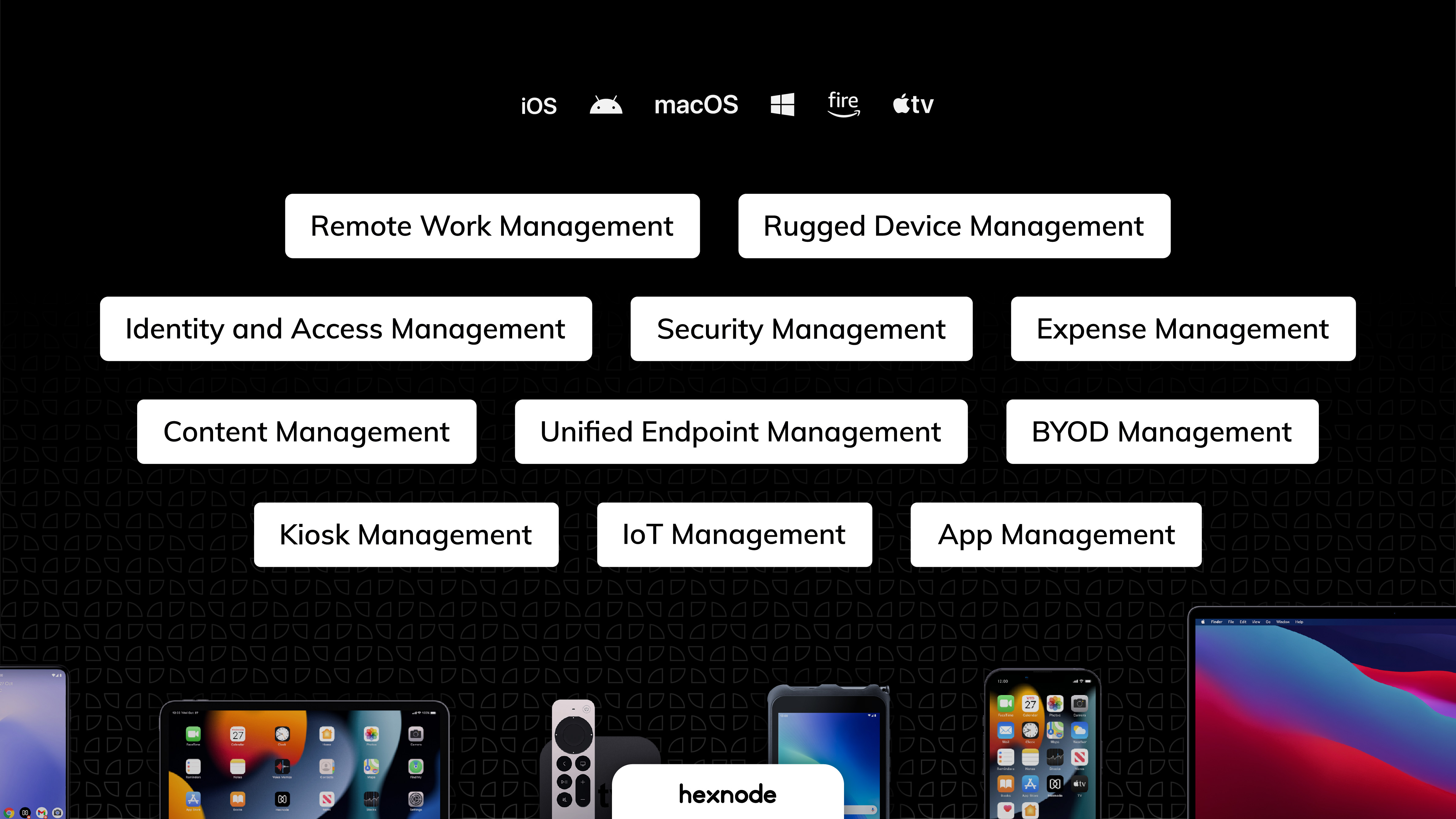
Hexnode is a Unified Endpoint Management solution from Mitsogo Inc. that aims to simplify the way people work with the help of intelligent tools. The management platform streamlines the device lifecycle model to offer its support at every stage, from device onboarding to the end of its life. It also gives a hands-free experience with automatic enrollment using Zero-touch enrollment, Knox Mobile Enrollment, and ABM and endpoint management with the help of dynamic group allocation in…
$2.40
per month per device
ManageEngine Mobile Device Manager Plus
Score 9.1 out of 10
N/A
The ManageEngine Mobile Device Manager Plus application is an enterprise mobile device management (MDM) solution.
N/A
Pricing
Hexnode UEM
ManageEngine Mobile Device Manager Plus
Editions & Modules
Pro
$2.40
per month per device
Enterprise
$3.60
per month per device
Ultimate
$5.20
per month per device
Ultra
Contact Hexnode for a Quote
No answers on this topic
Offerings
Pricing Offerings
Hexnode UEM
ManageEngine Mobile Device Manager Plus
Free Trial
Yes
No
Free/Freemium Version
Yes
No
Premium Consulting/Integration Services
No
No
Entry-level Setup Fee
No setup fee
No setup fee
Additional Details
No support costs, No maintenance charges. Per device pricing. Discount available for annual pricing.
Hexnode was best suited for us to manage android devices and more specifically for Kiosk Lockdown and restrictions. Hexnode being a UEM offers support for platforms as well. It certainly does open doors for us to increase and take up more devices under the management of Hexnode. As said earlier, Hexnode does not support wearables as of now; would be great if they could start supporting them soon.
An amazing solution for an organisation of up to 25 devices as they offer a free subscription. You could use this to trial the product at your organisation. The perfect fit for any size of organisation with the software being simple enough for non-technical staff to be able to deploy and manage devices.
Integration with our user system (Windows Active Directory/Azure).
An amazing feature which automatically syncs users from our central source so we don't have to do this manually, reducing errors and automating the staff onboarding experience. This also allows groups which we can use to target devices / profiles.
Remote control of devices.
Being able to remotely screen share and take control of devices allowed us to instantly respond and resolve issues with settings/apps on our users devices without having to bring the devices into the office allowing a quicker resolution of problem and minimising impact to business.
Simple Setup
The configuration of devices through profiles is incredibly easy to do, yet flexible with numerous options we can enable. The best feature ultimately is the simplicity. You just select the options you want without having to select 10 other required settings.
Responsive support.
On a few occasions we had some issues (down to user error) we were able to joing live chat with support and within a matter of minutes they were able to show us where we went wrong before anyone noticed the mistake.
We utilize a small number of Windows devices in addition to Android ones, however, Hexnode UEM has very few Windows-specific restrictions compared to those for other platforms.
When we turned on the remote control, the Hexnode for Work app would periodically crash.
We had to get in touch with their tech support to resolve the issue because the Multi app kiosk mode for Windows devices was not correctly pushed.
Documents are sorted by some random order by default, users need to manually select "sort by A-Z", and even by doing so, coming out of documents and back in will reset the order to the random one. Would be amazing if A-Z was default, or if I could find out what this default order was to edit the files accordingly.
Playing audio files from the app is approached as if it was a video: if you come out of the app or lock the screen, the audio will stop. Would be great if it could act like music apps and keep playing with locked screen.
UX is pretty good, but various screens are a bit redundant. Managing user and managing devices is often one in the same operation, but is broken across multiple screens. Device management policies are strange because if you make a "macOS" policy, why does it have all the Windows, iOS, Android etc options? It's unlikely you'll want all of these options for all possible OSes in one policy, but that's the only way to build a policy. Manage policy changes require remote system restart which is highly disruptive to employees.
The ManageEngine Mobile Device Manager Plus overall usability is very good. So far, they provided all functionalities that we need to manage mobile devices and also applications deployment and security.
We previously utilized Miradore MDM for all of our tablets and management. We have since made the switch to Hexnode UEM and are migrating all of our tablets to it instead. We have saved money with this switch and we have been able to easily remove our tablets from Miradore and set them up within Hexnode UEM instead.
After exploring some MDM system, we choose ManageEngine Mobile Device Manager Plus as the out-of-the-box features and functionalities meet our business needs, reasonable license cost, reputable company, and provide good supports.
We already had someone try to walk away with an ipad after deploying Hexnode, and we were immediately able to force an activation lock telling them to bring it back and they did.
It has saved us a lot of time setting up ios devices as we have a limited amount of IT staff and Hexnode makes it take probably around ten minutes an ipad.
Employee experience has improved since we can reset code remotely and they no longer have to send the ipads back to the corporate office to get reset.