
Hetman Photo Recovery vs. Systools Recovery Tools
| Product | Rating | Most Used By | Product Summary | Starting Price |
|---|---|---|---|---|
 Hetman Photo Recovery | Score7 out of 10 | Small Businesses (1-50 employees) | Hetman Photo Recovery is a new software solution that addresses problems with digital photo security and restoration, in case of a power failure, a computer crash, a virus attack or improper handling of a memory card or a USB flash drive that has damaged digital image files. The vendor says Hetman Photo Recovery is an efficient remedy for such situations. Hetman Photo Recovery has an intuitive wizard-driven interface that aims to make the process of restoring lost photographs easy… | $47.95 per user |
 Systools Recovery Tools | Score8.4 out of 10 | N/A | Systools Recovery Tools product line includes Outlook Mac Recovery allows conversion and recovery of multiple OLM file emails in EML file format. It generates .eml file for each mail in Outlook for Mac mailbox. Any number of OLM emails can be converted to EML. There is no size or quantity limitation. Outlook Mac Repair maintains folder hierarchy during OLM to EML file conversion. In order to save emails, it provides two options - Save as Subject and Save as Guide. | N/A |
| Hetman Photo Recovery | Systools Recovery Tools | |||||||||||||||
|---|---|---|---|---|---|---|---|---|---|---|---|---|---|---|---|---|
| Editions & Modules |
| No answers on this topic | ||||||||||||||
| Offerings |
| |||||||||||||||
| Entry-level Setup Fee | No setup fee | $149 | ||||||||||||||
| Additional Details | The Home Edition allows you to use the program for personal purposes only. If you want to use the program at work for your corporate needs, you need the Office Edition. If you want to provide data recovery services to third parties, you need the Commercial Edition. | — | ||||||||||||||
| More Pricing Information | ||||||||||||||||
| Hetman Photo Recovery | Systools Recovery Tools | |
|---|---|---|
| Likelihood to Recommend | - | 9.0 |
| Hetman Photo Recovery | Systools Recovery Tools | |
|---|---|---|
| Likelihood to Recommend | No answers on this topic |
|
| Pros | No answers on this topic |
|
| Cons | No answers on this topic |
|
| Alternatives Considered | No answers on this topic |
|
| Return on Investment | No answers on this topic |
|
| ScreenShots | Hetman Photo Recovery Screenshots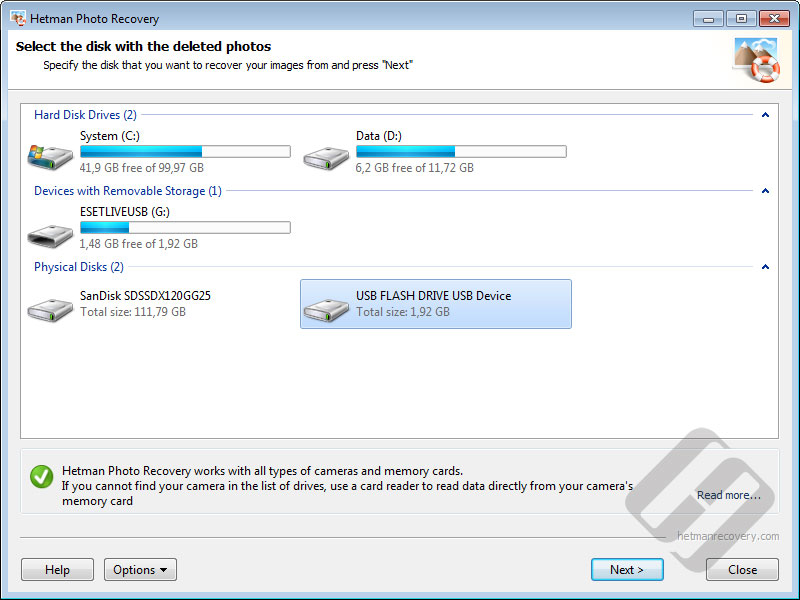    | Systools Recovery Tools Screenshots |