
HelpCrunch vs. UseResponse
HelpCrunch vs. UseResponse
| Product | Rating | Most Used By | Product Summary | Starting Price |
|---|---|---|---|---|
 HelpCrunch | N/A | All-in-one software for better customer communication HelpCrunch toolset includes: Live chat Email marketing automation Simple Helpdesk It's a perfect solution for customer support, sales & marketing teams at SaaS, E-commerce, and any other online businesses. Acquire, convert more leads, and support your customers better. | $12 per month | |
 UseResponse | Mid-Size Companies (51-1,000 employees) | UseResponse helps companies provide customer service support using several channels and organize their community around products or services on their server. It's all-in-one support suite with feedback, help desk ticketing system, knowledge base and live chat in one package. Integrate it using API, built-in translation tool and fully customizable interface with extended modular system. | $39 per 2 agents/month |
| HelpCrunch | UseResponse | |||||||||||||||
|---|---|---|---|---|---|---|---|---|---|---|---|---|---|---|---|---|
| Editions & Modules |
|
| ||||||||||||||
| Offerings |
| |||||||||||||||
| Entry-level Setup Fee | No setup fee | No setup fee | ||||||||||||||
| Additional Details | Unlike most competitors, HelpCrunch's pricing is agent-based (not contacts-based) which gives you a full transparency of your chosen pricing plan and straightforward billing. Free 14-day trial is available to take the solution for a test drive. We're pretty flexible in terms of pricing. If you need a custom pricing plan - just message us via our website chat and we'll come up with a suitable pricing for your needs. | — | ||||||||||||||
| More Pricing Information | ||||||||||||||||
| HelpCrunch | UseResponse |
|---|
| HelpCrunch | UseResponse | |
|---|---|---|
| Small Businesses |  Gist Score 9.5 out of 10 |  Agiloft Service Desk (discontinued) Score 9.0 out of 10 |
| Medium-sized Companies |  Genesys DX (discontinued) Score 10.0 out of 10 | Agiloft Service Desk (discontinued) Score 9.0 out of 10 |
| Enterprises | Genesys DX (discontinued) Score 10.0 out of 10 |  SysAid Score 9.1 out of 10 |
| All Alternatives | View all alternatives | View all alternatives |
| HelpCrunch | UseResponse | |
|---|---|---|
| Likelihood to Recommend | 8.0 (4 ratings) | - (0 ratings) |
| Support Rating | 10.0 (1 ratings) | - (0 ratings) |
| HelpCrunch | UseResponse | |
|---|---|---|
| Likelihood to Recommend | HelpCrunch
|  UseResponse No answers on this topic |
| Pros | HelpCrunch
| UseResponse No answers on this topic |
| Cons | HelpCrunch
| UseResponse No answers on this topic |
| Support Rating | HelpCrunch
| UseResponse No answers on this topic |
| Alternatives Considered | HelpCrunch
| UseResponse No answers on this topic |
| Return on Investment | HelpCrunch
| UseResponse No answers on this topic |
| ScreenShots | HelpCrunch Screenshots   | UseResponse Screenshots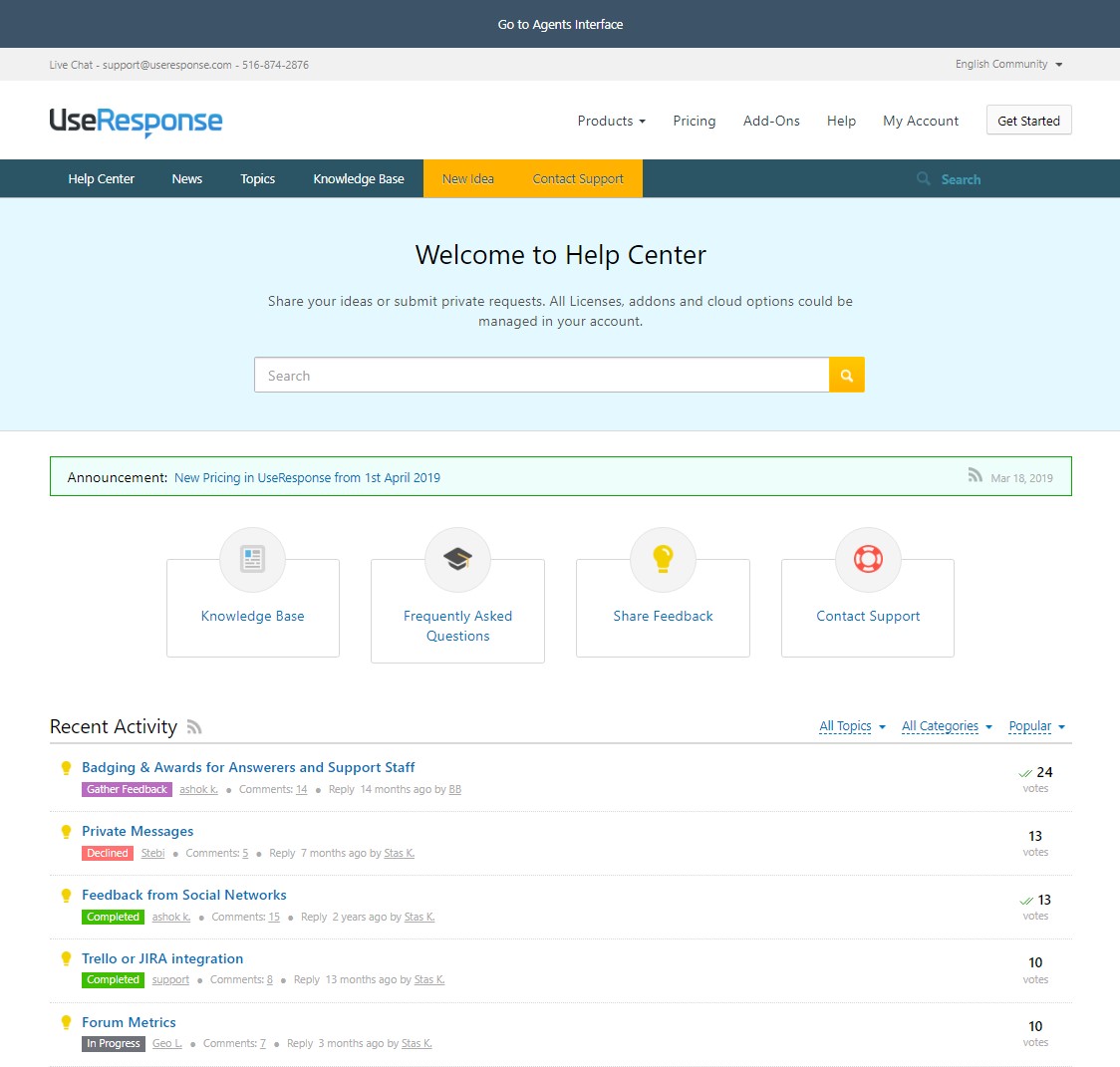 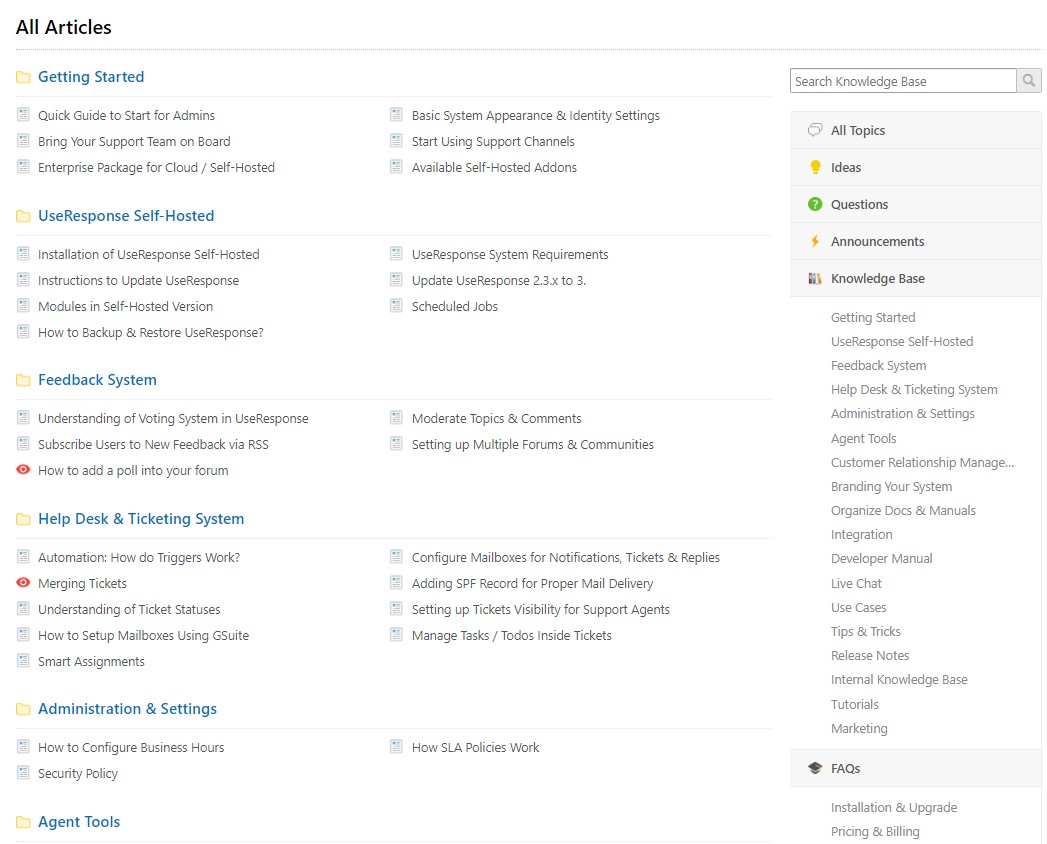   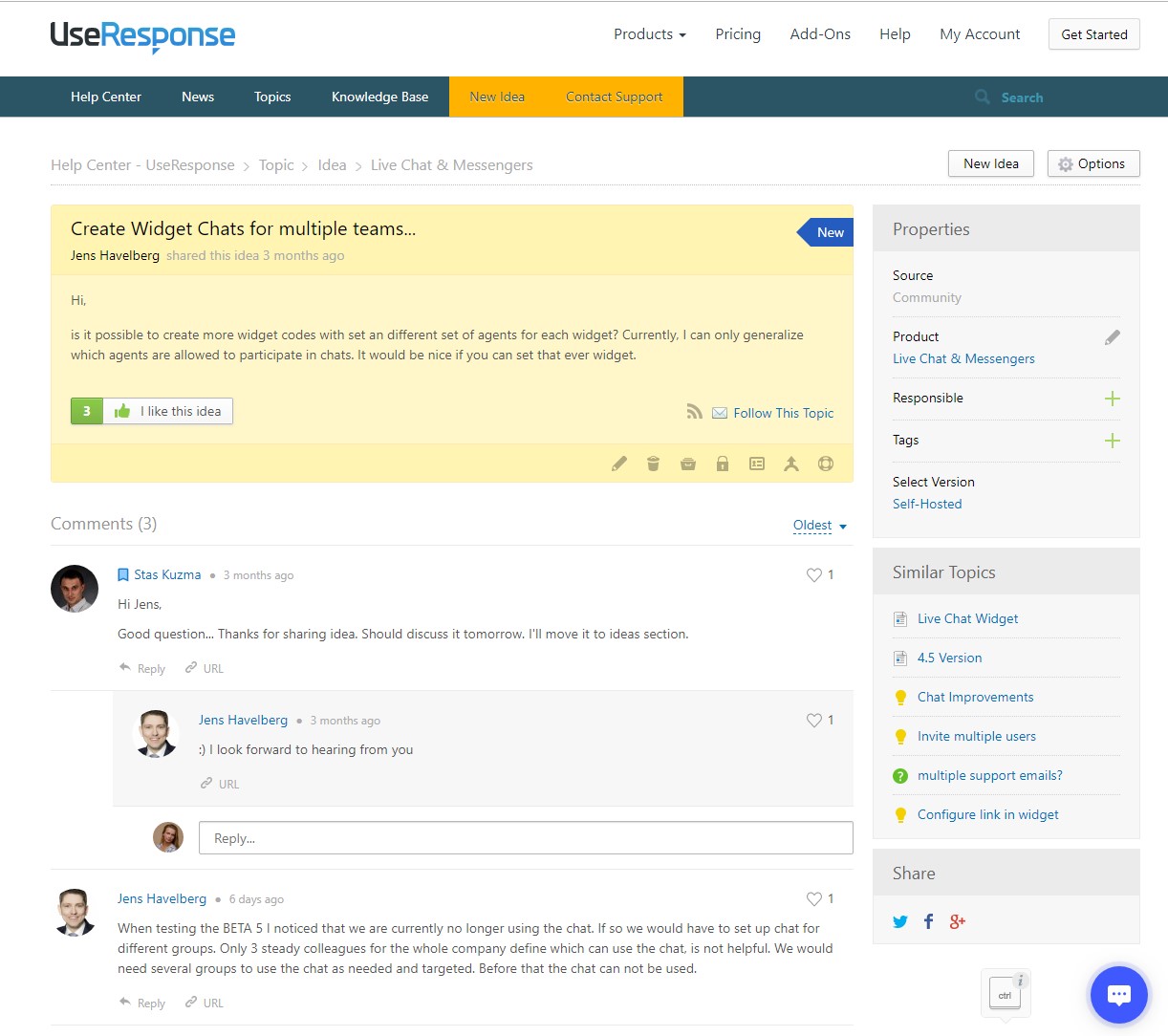  |