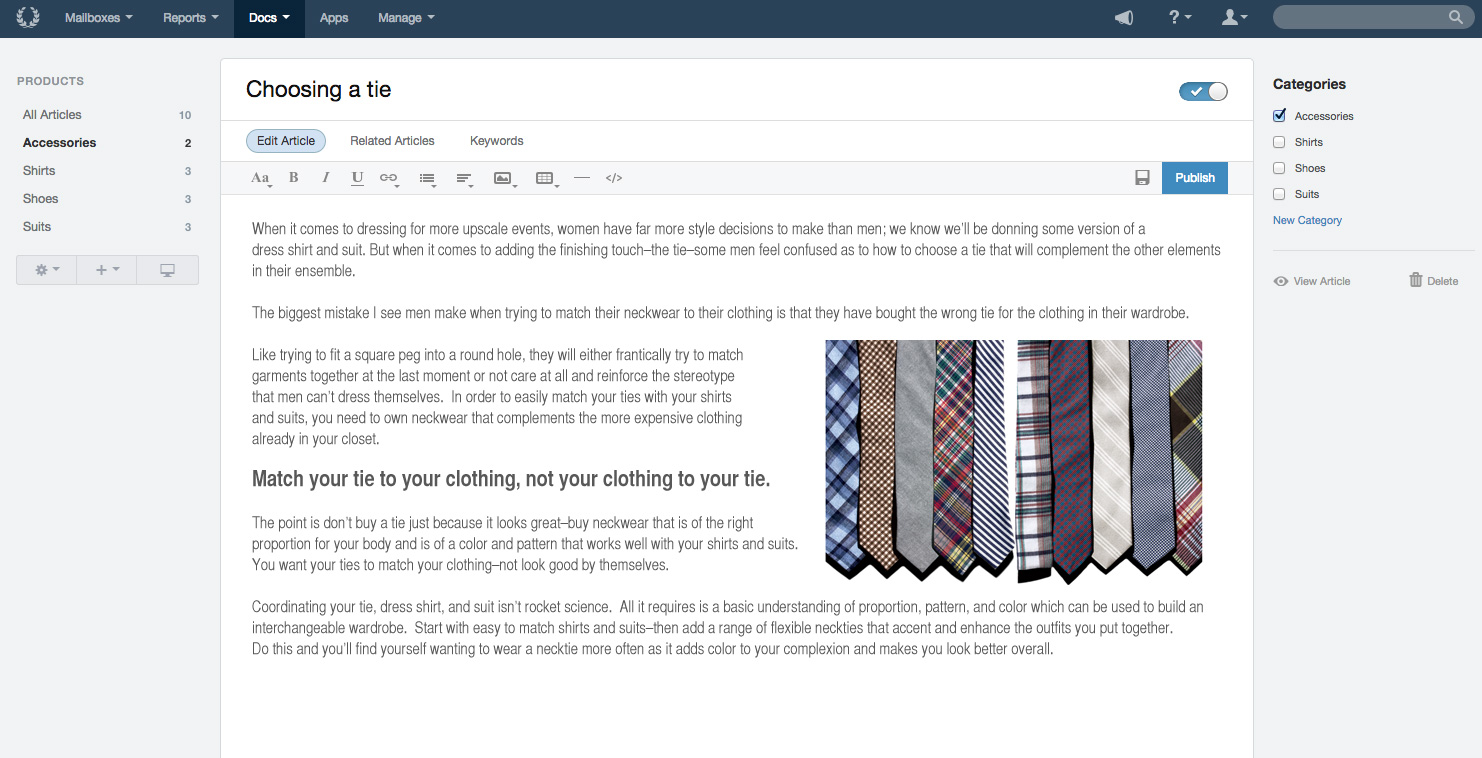
Help Scout is help desk software. The vendor’s value proposition is that that their solution reduces time spent on training users because Help Scout is simple to use and set up and scales like any enterprise product. This solution includes multiple mailboxes to support as many email addresses as needed in order to work collaboratively across teams, and manage several products or brands from one account. Reports on conversation trends, team performance, productivity, and customer happiness are…
$30
per month starts with 100 contacts
Sprinklr Service
Score8.5 out of 10
N/A
Sprinklr Service is a cloud-native unified customer service platform powered by AI that enables customer and agent experience across 30+ digital, social and voice channels, and delivers real-time insights. Enables customers to interact with a brand on their preferred channel for consistent brand experience. Empowers agents with unified/360 customer view and recommends the most relevant responses with AI to improve agent productivity and experience.…
Small businesses that want a conversational type of customer support experience. Nothing wrong with support tickets, but it does make you feel like a number. Also, we needed to get up and running quickly so the "inbox" feel of the dashboard was already familiar with the team so they could adopt the new software quickly.
A de minimis incentive was given to thank the reviewer for their time. The incentive was not used to bias or drive a particular response, nor was the incentive contingent on a positive endorsement. More Info
Sprinklr Service has always been well-suited for all of the work we do. As it's all social media content, and most require responses or escalations, Sprinklr Service covers all of that. The only time I think we wouldn't need it is if we were working with a much smaller client who didn't need us to have eyes on so many platforms at once.
A de minimis incentive was given to thank the reviewer for their time. The incentive was not used to bias or drive a particular response, nor was the incentive contingent on a positive endorsement. More Info
Extremely simple to use and understand as a user - treats communications like human beings and provides a much more personal feel to communication (as opposed to making people feel like numbers).
The email newsletter.
They are super responsive. They are pretty rad and transparent: if something goes wrong on their end they are not afraid of admitting fault. Which leads me to trust them because I can believe them. I know that tells you very little about the product, but as leadership, that's something that I really need
Help Scout does exactly what it needs to (facilitate organized, efficient conversations between customers and support people) without getting in the way.
A de minimis incentive was given to thank the reviewer for their time. The incentive was not used to bias or drive a particular response, nor was the incentive contingent on a positive endorsement. More Info
Automated notifications for certain types of content or posts from certain users
The reporting options are fantastic.
We've integrated a chatbot seamlessly with Sprinklr modern care so our team members can pick up a conversation if our bot isn't able to provide an answer.
A de minimis incentive was given to thank the reviewer for their time. The incentive was not used to bias or drive a particular response, nor was the incentive contingent on a positive endorsement. More Info
Trying to group tickets is a bit unflexible. You can create folders which can be part of a workflow (automatic trigger) but you can't create a folder based on tags. This needs to be improved because there's a need to create smarter segments and mix them.
Metrics are useful but there needs to be more details about them. You can drill down in some but others are still not very actionable or visible (ok, that number went down, but what was the cause? what's the criteria with what you measure that?)
A de minimis incentive was given to thank the reviewer for their time. The incentive was not used to bias or drive a particular response, nor was the incentive contingent on a positive endorsement. More Info
I find it difficult to dive into analytics for each social post. The reporting tool gives me an overview of the channels but I would love to look at a breakdown of each post performance.
You currently can't add closed caption subtitles to videos uploaded through Sprinklr so this results in having to revert to the native platform.
I would love to be able to set up a newsfeed that includes posts from a number of our partner accounts, so I can keep up to date with what they're posting.
A de minimis incentive was given to thank the reviewer for their time. The incentive was not used to bias or drive a particular response, nor was the incentive contingent on a positive endorsement. TR verified that a representative sample of customers was invited. More Info
We are receiving feedback from the organizational level that they may want us to transition to a different solution to provide consistency across the company.
A de minimis incentive was given to thank the reviewer for their time. The incentive was not used to bias or drive a particular response, nor was the incentive contingent on a positive endorsement. More Info
The biggest reason we renewed, and kept up with Sprinklr Modern Care is because it is an active community and there is customer buy-in already. They continue to update and improve the product, but more importantly, the customers are using it. It's easy to switch products when it's not an active component in your daily structure, but switching and migrating the data or providing alternatives becomes difficult when customers have grown accustomed to a specific experience. As long as they continue to improve the available features and the community stays active, renewed use will continue.
A de minimis incentive was given to thank the reviewer for their time. The incentive was not used to bias or drive a particular response, nor was the incentive contingent on a positive endorsement. More Info
Help Scout is a great solution for support teams. There are many articles and webinars to help you learn how to use Help Scout. There are also many features to help make your workflows easier and more efficient. I would readily recommend Help Scout to any small or medium-growing support teams.
A de minimis incentive was given to thank the reviewer for their time. The incentive was not used to bias or drive a particular response, nor was the incentive contingent on a positive endorsement. More Info
I've spent year designing products so I'm a tough judge when it comes to other solutions. It's clear that Sprinklr Modern Care was designed for the average online consumer with a very user friendly interface. They have made improvements to the admin tools to make that area of the product easier to use as well.
No issues with system availability. They manage updates in off-peak hours and I usually don't notice the changes until I log into the system the next day.
Performance is great and is not negatively effecting our processes. We have to make sure it doesn't effect out load times. Not currently seeing any issues with widgets affecting page load times.
I know the Sprinklr conference calls have been helpful, but sometimes submitting a ticket can be a little daunting. In the past, we've included information in screenshots that are then asked for by a member of the support staff. The turnaround time has been between 3 days, which isn't horrible.
A de minimis incentive was given to thank the reviewer for their time. The incentive was not used to bias or drive a particular response, nor was the incentive contingent on a positive endorsement. More Info
Basic setup took me less than 30 minutes. This includes initial configuration, putting in the initial content, and getting the look-and-feel customized. The domain routing took the normal lag time any other website or blogging service. The really important thing was to get the user accounts setup and begin seeding the system with content before a public launch.
Only have minimal experience with G-Suite for a much smaller company. This worked well for that organization but did not have similar specialization functions that suite our larger organization very well. Help Scout's pricing makes sense, and continues to service our needs well. Minimal usage of other programs, but have no need to explore alternatives at this time.
A de minimis incentive was given to thank the reviewer for their time. The incentive was not used to bias or drive a particular response, nor was the incentive contingent on a positive endorsement. More Info
First, we had a social studio which was good in terms of functionalities but slow. After that, we had the chance to use Talkwalker & social bakers which were good tools yet not enough compares to Sprinklr
A de minimis incentive was given to thank the reviewer for their time. The incentive was not used to bias or drive a particular response, nor was the incentive contingent on a positive endorsement. TR verified that a representative sample of customers was invited. More Info
We are able to retain our customer base due to the outstanding customer service our Customer Experience department provides. Without an organized tool like Help Scout, this would not be possible. We pride ourselves in quick response times to customers and are able to do so by effectively routing tickets to the right agents.
A de minimis incentive was given to thank the reviewer for their time. The incentive was not used to bias or drive a particular response, nor was the incentive contingent on a positive endorsement. More Info
Increased employee efficiency: Having a clear, one-stop "shop" where users can leave feedback, ask questions, and find bug fixes or workarounds has saved me (and other community managers at my company) loads of time that was once spent responding to numerous emails on an individual basis.
Better customer service: Since everyone in the company is alerted of what's being written on our forum, it's easy to spot a high-priority issue, delegate to the person in charge, resolve it, and respond as soon as possible.
A de minimis incentive was given to thank the reviewer for their time. The incentive was not used to bias or drive a particular response, nor was the incentive contingent on a positive endorsement. More Info