Connections from HCL Technologies (formerly from IBM, acquired by HCL in 2018) is a collaboration tool and employee digital workspace with key features like social analytics, blogs, document management, and a social network.
N/A
Nconnect
Score 8.5 out of 10
N/A
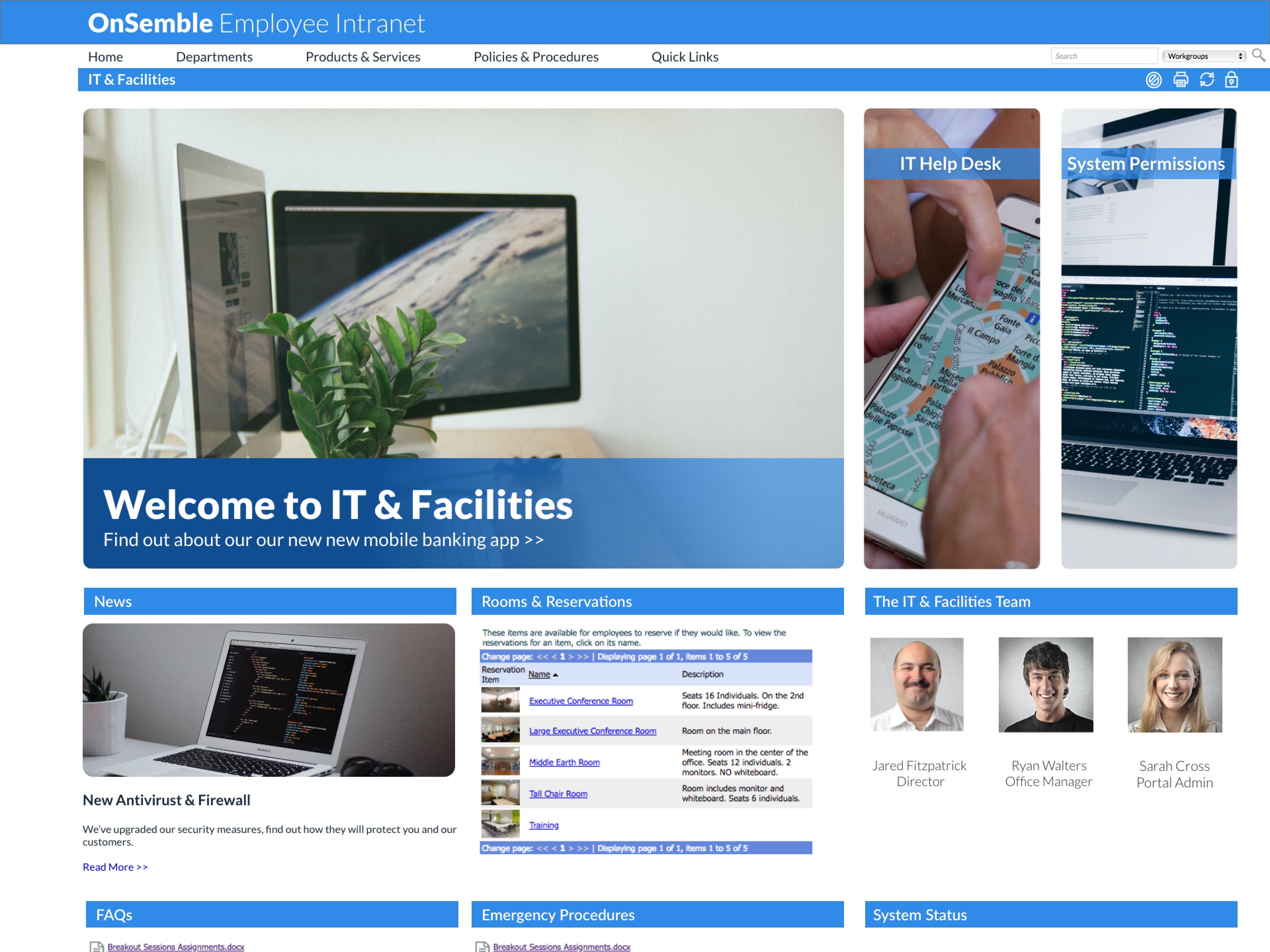
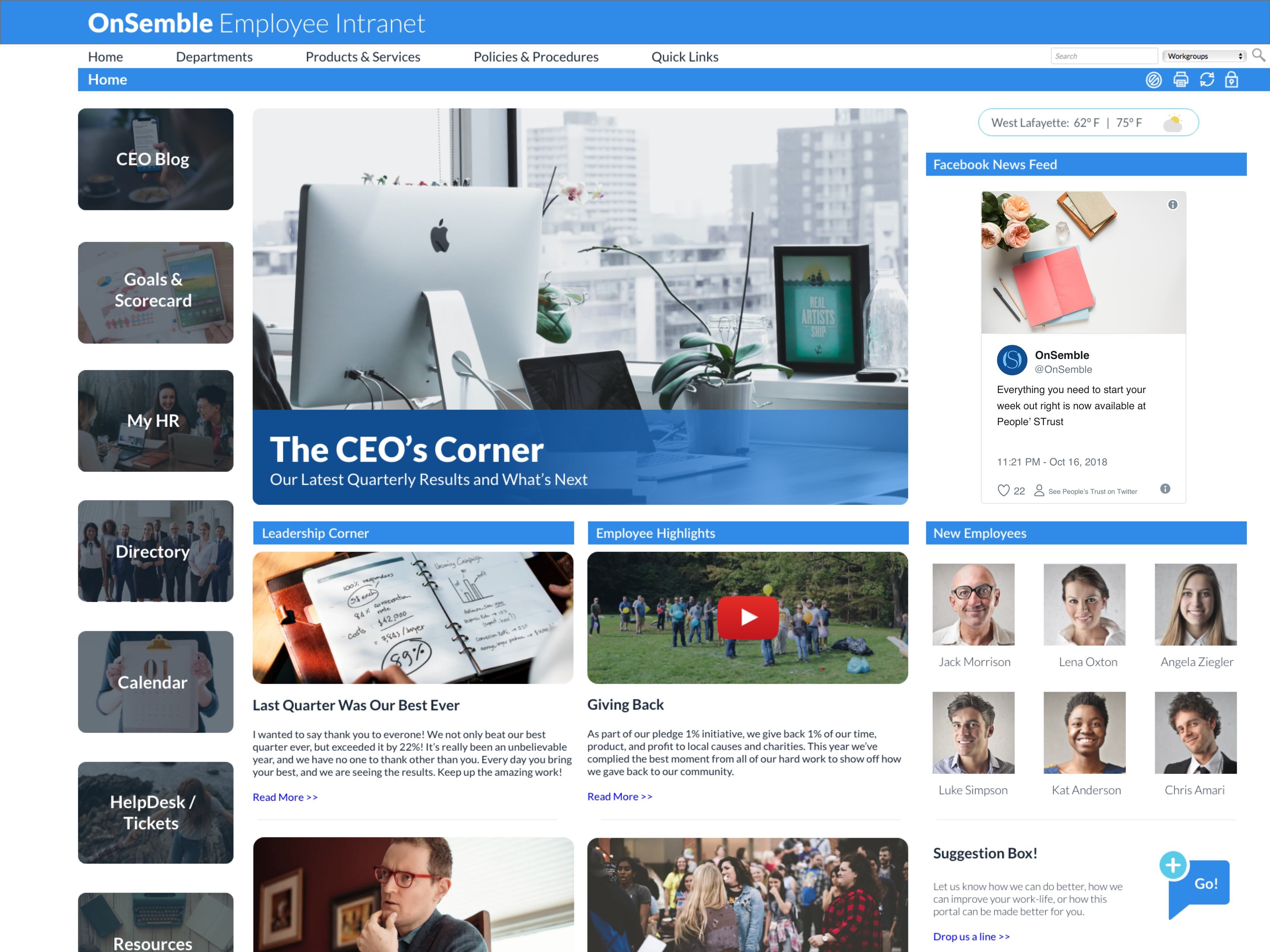
Nconnect (formerly OnSemble Intranet) is an mployee intranet that keeps everyone connected, a digital workplace to make employees feel valued. It is designed to keep remote teams engaged, and acts as the culture champion for the organization.
IBM Connections is possibly most suited for larger organizations where bigger teams are able to have more people to share with. Also, it may be less appropriate when there is so much security that it would hinder the anytime, anywhere access capabilities and prevent users from being able to enjoy sharing content with each other.
OnSemble is solving a lot of problems that our organization had prior to its implementation:
We can track communication readership.
We can engage with our fellow teammates through chats and recognition.
We have a central location for all job-related links.
We are just now delving into adding departmental pages so folks can communicate within their teams.
I'm not sure of a scenario where OnSemble wouldn't be appropriate - if you have a company that needs to centralize communication, documentation, and share ideas, it's an excellent choice.
Ease of Use - with limited html or design experience, I was able to pick up building and updating in our OnSemble portal with minimal struggles.
Customer Service and Support - Passageways employees are hands down the best, always willing to take extra time to dig in, troubleshoot, and resolve any issues in an extremely timely manner. They are always pleasant and super helpful.
Customization - the available site of modules offered allow for a "site" that is suited for the differing needs of each business OnSemble is being used by. From calendars, to document repository, to creating content pages for staff, the possibilities for customization are almost limitless.
Search in connections is incredibly poor. It's commonly joked that once data goes into Connections, you never find it again, unless you have a direct link. This alone kills usability for Connections.
Embedded content in wiki pages in connections is poorly implemented. While the content displays, you can't interact with it, or edit it reasonably, and it's really slow to load.
The "social" features in Connections are pretty lame, and no self-respecting user spends any time trying to build their profile. It's just disappointing.
Now that we're customers, the support function is not as strong. If we have a question, we are pointed towards articles so we can "self serve". Sometimes it is important to pick up the phone and talk to someone, which is a service that they've eliminated. Everything is self-help or email ticketing.
When creating the portal, we didn't know what we didn't know. There were some instances that if we hadn't asked a question, we never would have been told about a product/feature that we didn't know we had access to. Our banner almost wasn't implemented in time because the person in charge of it left the company and we didn't know that we needed to follow up on that.
While being able to completely customize the portal is a HUGE strength and not a problem since our implementation team consisted of marketing professionals with design experience, it is also a weakness. If you are tasked with creating the portal but don't have design capabilities, I highly recommend looping in someone who does.
Connections has continued to more than meet our needs from a collaboration point of view and we are currently working on integration with our IBM Websphere portal platform to provide an integrated collaboration solution. This scenario will provide our users the best both products have to offer in a single interface.
Connections combines all the most useful abilities from various social networks. This makes it useful of course, but it also reduces user adoption time initially by allowing users to get comfortable with basic features. Once they are comfortable, it's easy for users to start exploring. They find new people in the organization to contact, new sources of information, etc. Before you know it, about half of the users are contributing back in some form -- and all with little or no training needed by IT.
Once Connections was installed, patched, etc. it was ALWAYS up. We only had to bring it down for OS updates to the servers. That seems to be typical of anything that runs on WebSphere; it's bulletproof and could probably run for months and years if the underlying OS didn't require constant patching.
IBM Connections web UI, mobile app (data sync to / from the device), and file transfer speeds were almost always very fast. It was rare for a slow-down of any kind, even when doing searches.
IBM Support has ALWAYS been quick to respond, regardless of the product. Even first level techs seldom provide "canned" responses and they really try to help. If they can't help, they don't wallow around but engage the right person immediately. It's very rare that the first level tech needs to escalate, and even more rare when they do escalate and the next person engaged cannot solve it. We have been more than satisfied with IBM support's quick and professional responses to our issues.
I have always been pleased with my experiences with OnSemble's Support team. First, they have a great library of articles to help me study and guide for many of my questions. But when I cannot quite comprehend, or I "run into the wall", I can be assured that I'll be contacted quickly with a pleasant voice to work through whatever my question/issue may be. Kudos to OnSemble Support!
Try to understand you will never find a product which suites all your end user for 100%. IBM Connections is the best of all breeds but if you go look on each functionality on its own there are better example out there. But as IBM COnnections delivers it all in just one platform makes it the best example about integration of different functionality into one platform.
IBM Connections offers a complete package of tools that can be useful but it doesn't integrate well with other services. Competitors like Yammer offer slightly fewer features but are cheaper and much easier to maintain. If we were making a decision today we probably would choose a combination of Yammer, Slack, Microsoft Teams, and other Microsoft or Google Tools.
Scaling UP is never an issue with IBM's core technologies like WebSphere, DB2, etc. as long as you have or can find the technical resources to implement it. Where IBM seems to fail is scaling DOWN for smaller organizations. Connections 5.0 on-premises would have required us to create 7 servers -- yes, they would be virtualized, but still that's 7 OS licenses, 40 virtual CPU cores, 80GB RAM, and a few TB of hard disk space. All to replace Quick which runs on 1 server with 1 OS license, 4 cores, 8GB RAM and 600GB of disk. Granted, there are major differences in capabilities between the two, but how do you get a CFO understand why features like a mobile app, file sync, and social sharing require 10x the back-end resources?
Having the proper, current form readily available is paramount since many are guided by regulatory dictates.
The corporate directory provides a pix, hire anniversary date, and birthdate (sans year), along with the usual location and contact information. So besides being a tremendous convenience when needing to contact someone, we can meet new people and celebrate life events with one another.
Having "controlled" and "guided" help desks helps manage the extreme variety of information [that] may come in. It helps translate the user's interpretation of the issue into something more understandable.