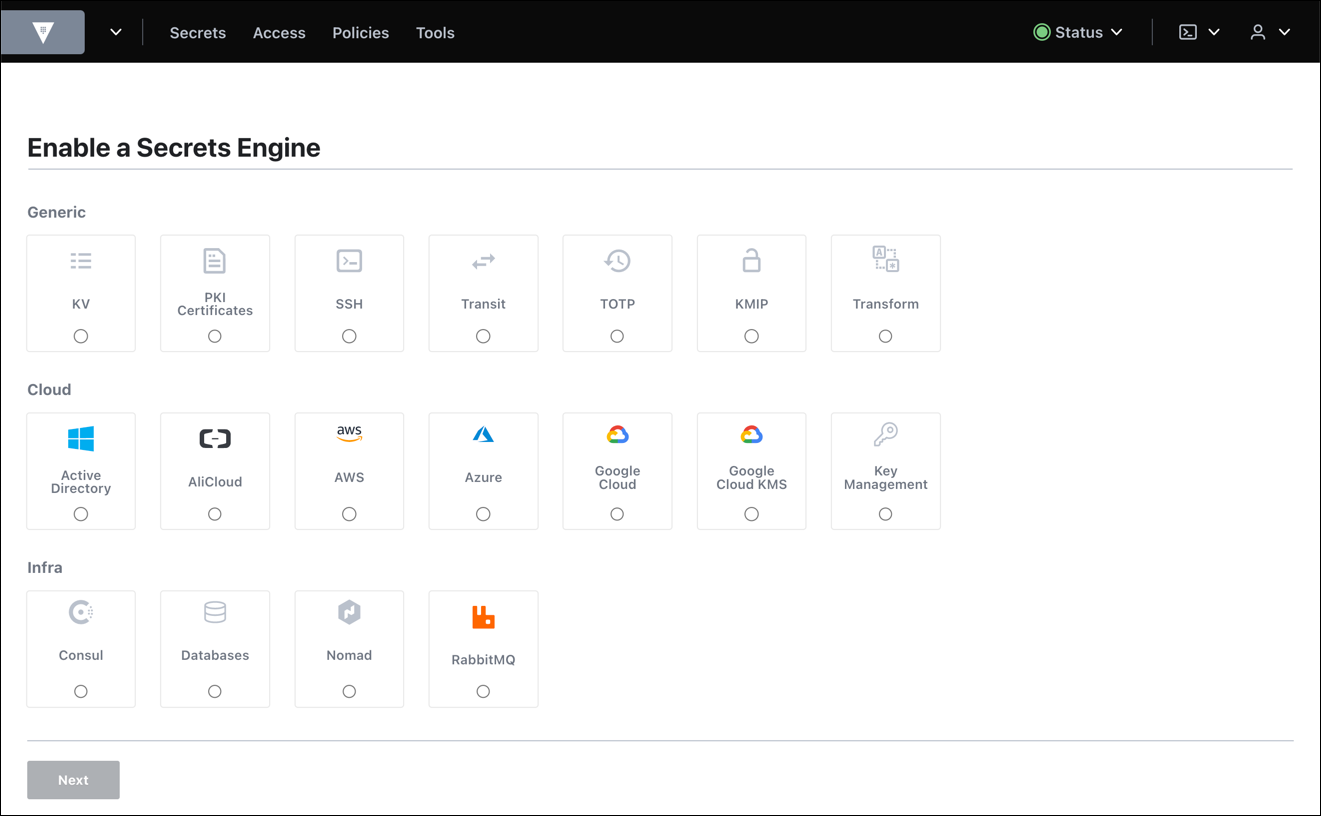
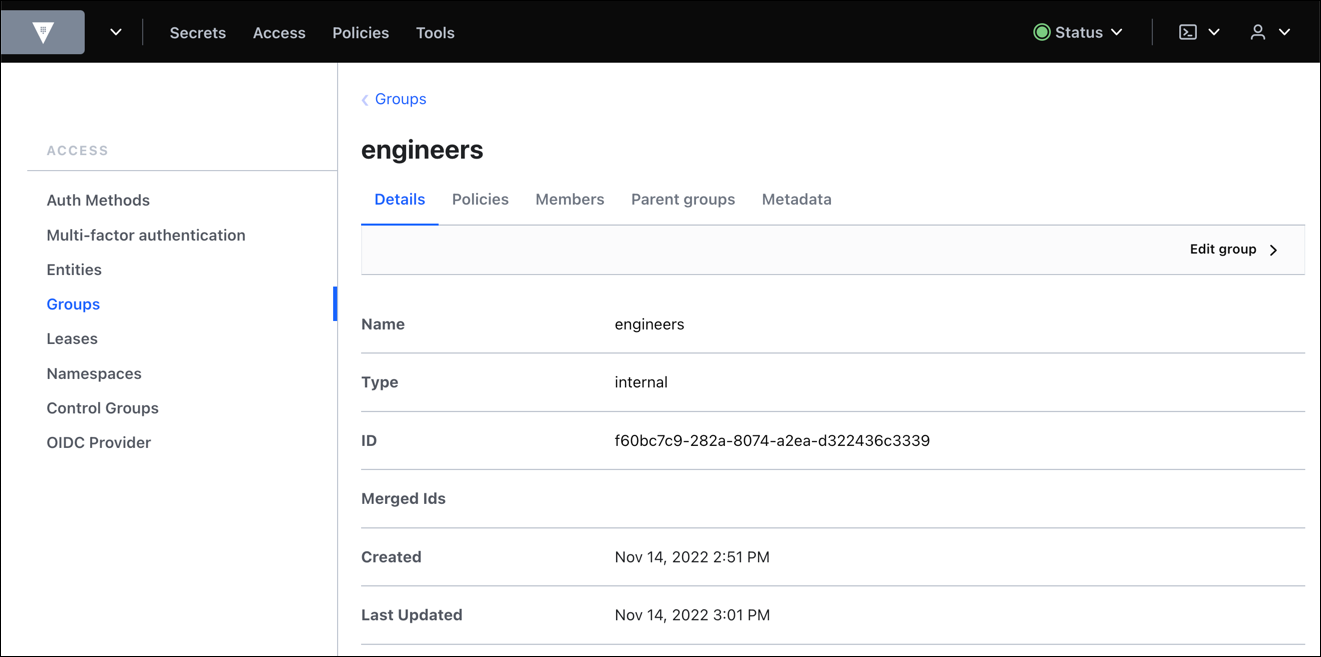
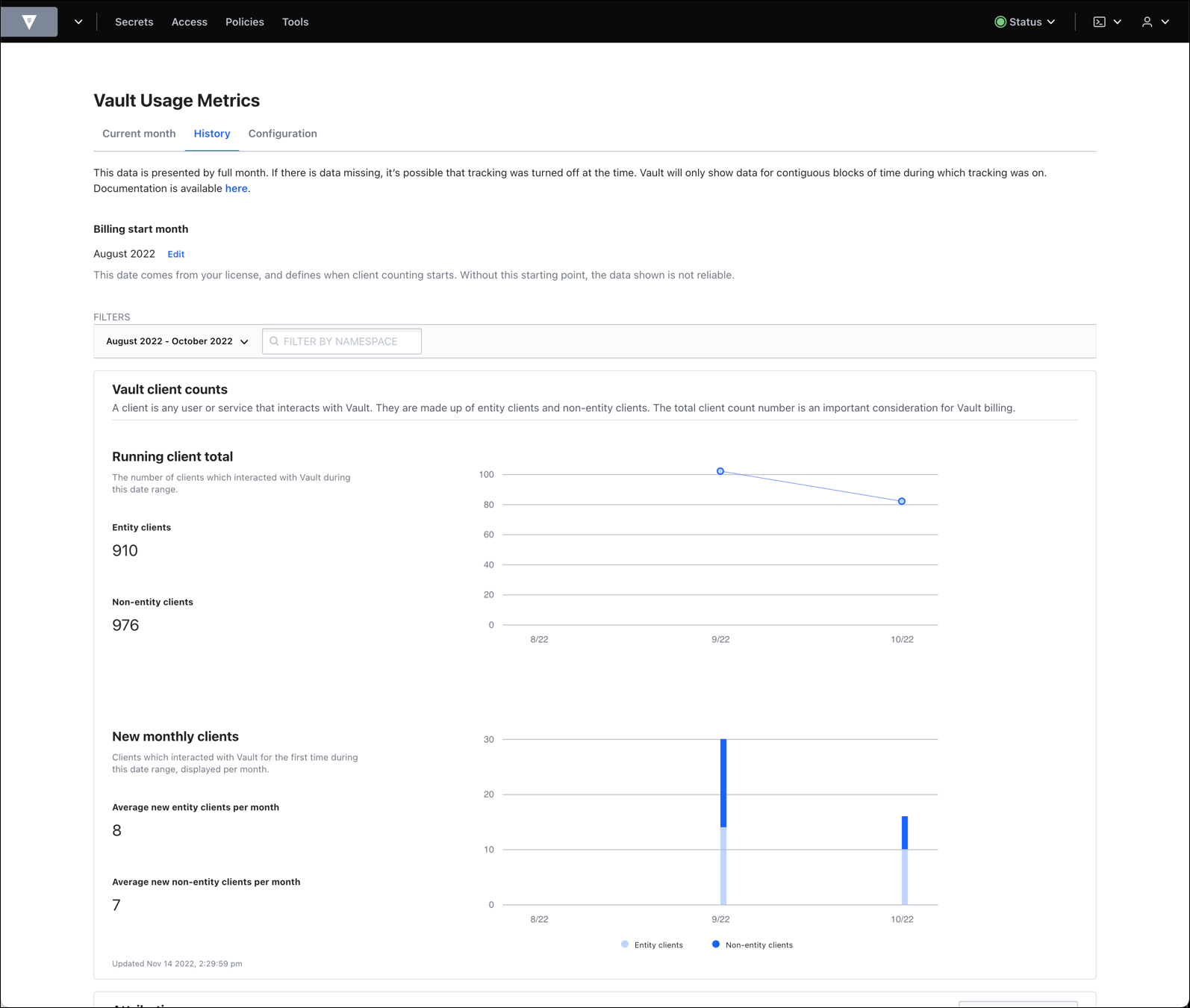
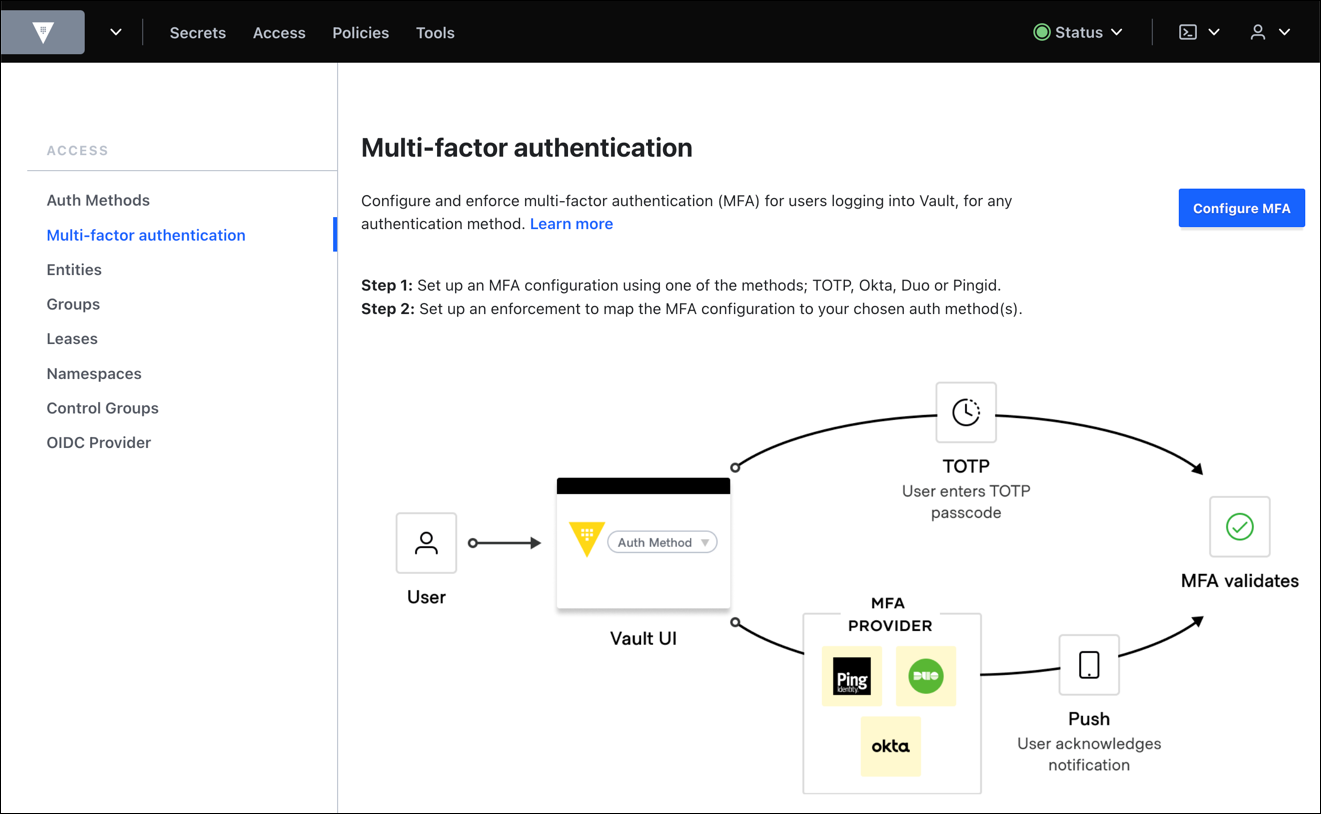
HashiCorp offers Vault, an encryption tool of use in the management of secrets including credentials, passwords and other secrets, providing access control, audit trail, and support for multiple authentication methods. It is available open source, or under an enterprise license.
$0.03
ManageEngine Key Manager Plus
Score8 out of 10
N/A
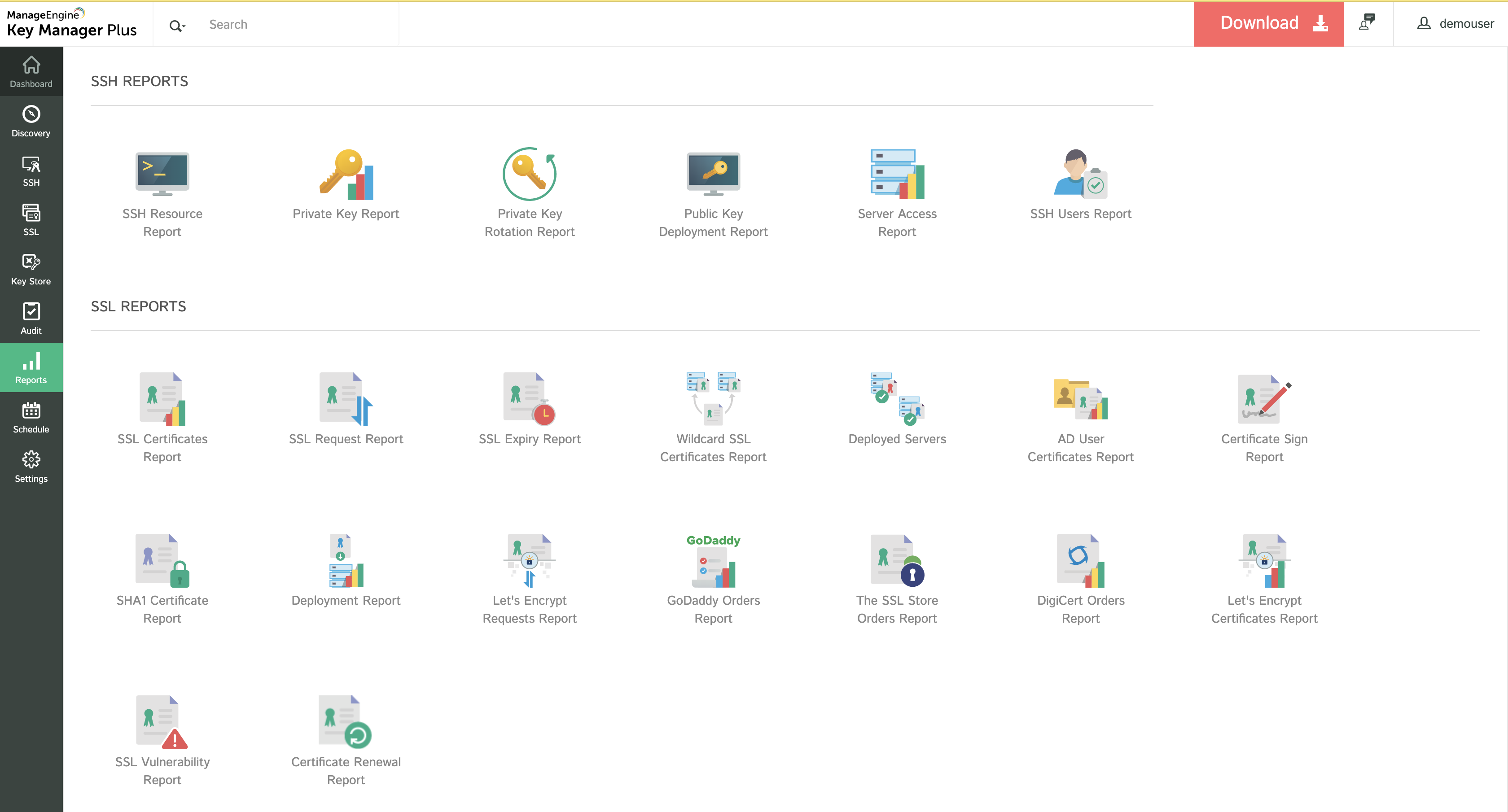
ManageEngine Key Manager Plus is a web-based key management solution that helps users consolidate, control, manage, monitor, and audit the entire life cycle of SSH (Secure Shell) keys and SSL (Secure Sockets Layer) certificates. It provides visibility into the SSH and SSL environments and helps administrators take total control of the keys to preempt breaches and compliance issues.
HashiCorp Vault, in my opinion, is a defacto standard for any cloud or automation implementation. They're the best of the best as far as products for secrets management and the ability to use it against relatively any service you have is unheard of for other products. HashiCorp has really taken out all the stops when it comes to creating a nice, extensible tool that people can use to suit their needs.
A de minimis incentive was given to thank the reviewer for their time. The incentive was not used to bias or drive a particular response, nor was the incentive contingent on a positive endorsement. More Info
The tool is really good for the enterprise having major exposure to public-facing web applications and this can be used to maintain the SSL Certificate Inventory and automated alerts can be set so that SSL Certificates can be renewed before the expiry. Organizations who don't have the visibility of the SSL Certificate deployed across various and then tool can be used to identify the certificates and inventory can be prepared. This tool must be handled by Information Security Team since the private key information is confidential in nature. This tool has the capability to extract the information from various cloud instances including Azure, GCP, and AWS. I will not recommend this tool for organizations that don't have many public-facing apps and for 8 to 10 apps this can be managed manually rather than purchasing this tool.
A de minimis incentive was given to thank the reviewer for their time. The incentive was not used to bias or drive a particular response, nor was the incentive contingent on a positive endorsement. More Info
A de minimis incentive was given to thank the reviewer for their time. The incentive was not used to bias or drive a particular response, nor was the incentive contingent on a positive endorsement. More Info
A de minimis incentive was given to thank the reviewer for their time. The incentive was not used to bias or drive a particular response, nor was the incentive contingent on a positive endorsement. More Info
A de minimis incentive was given to thank the reviewer for their time. The incentive was not used to bias or drive a particular response, nor was the incentive contingent on a positive endorsement. More Info
HashiCorp Vault is the best there is out there, and it has become critical to our secret management use cases. It would be difficult to find anything that would suit our needs better and that would be beneficial for us to switch over to.
A de minimis incentive was given to thank the reviewer for their time. The incentive was not used to bias or drive a particular response, nor was the incentive contingent on a positive endorsement. More Info
We spent a little more time than we imagined to conceptually understand how HashiCorp Vault operates, as well as how it is configured. This is not trivial, and keep in mind that you will need to take some time to get a thorough understanding of the tool. The documentation could be more helpful in this regard.
A de minimis incentive was given to thank the reviewer for their time. The incentive was not used to bias or drive a particular response, nor was the incentive contingent on a positive endorsement. More Info
Overall good product. The solution was able to meet our business case. It is not an expensive product as compared to other key vault solutions. Implementation is an easy and user-friendly console. We got the training on how to use the solution after it was deployed. It is widely used by many organizations. With this solution, we managed to create a centralized SSL Certificates Inventory and other details which were very difficult to extract using the manual search.
A de minimis incentive was given to thank the reviewer for their time. The incentive was not used to bias or drive a particular response, nor was the incentive contingent on a positive endorsement. More Info
Hashicorp has been very responsive to our questions and inquiries up to this point. We are currently working on them to develop a more granular permissions model within Vault. We are very close to achieving our objectives with the help of their support team. We do not seem to be in the same time zone which makes it hard for escalated issues.
A de minimis incentive was given to thank the reviewer for their time. The incentive was not used to bias or drive a particular response, nor was the incentive contingent on a positive endorsement. More Info
Technical Support is good and available 24/7. Licensing Policy is also good and we have taken a yearly subscription model. Integration with Digi Cert is also possible. Secure Solution for management of SSL Certificates Life Cycle. We have not faced any issue with the deployment of the product and not many bugs in the products except some false positives and false negatives ratios.
A de minimis incentive was given to thank the reviewer for their time. The incentive was not used to bias or drive a particular response, nor was the incentive contingent on a positive endorsement. More Info
A de minimis incentive was given to thank the reviewer for their time. The incentive was not used to bias or drive a particular response, nor was the incentive contingent on a positive endorsement. More Info
A de minimis incentive was given to thank the reviewer for their time. The incentive was not used to bias or drive a particular response, nor was the incentive contingent on a positive endorsement. More Info
A de minimis incentive was given to thank the reviewer for their time. The incentive was not used to bias or drive a particular response, nor was the incentive contingent on a positive endorsement. More Info