CyberArk is a privileged account and access security suite issued by the company of the same name in Massachusetts . The Core Privileged Access Security Solution unifies Enterprise Password Vault, Privileged Session Manager and Privileged Threat Analytics to protect an organization’s most critical assets.
N/A
HashiCorp Vault
Score8.4 out of 10
N/A
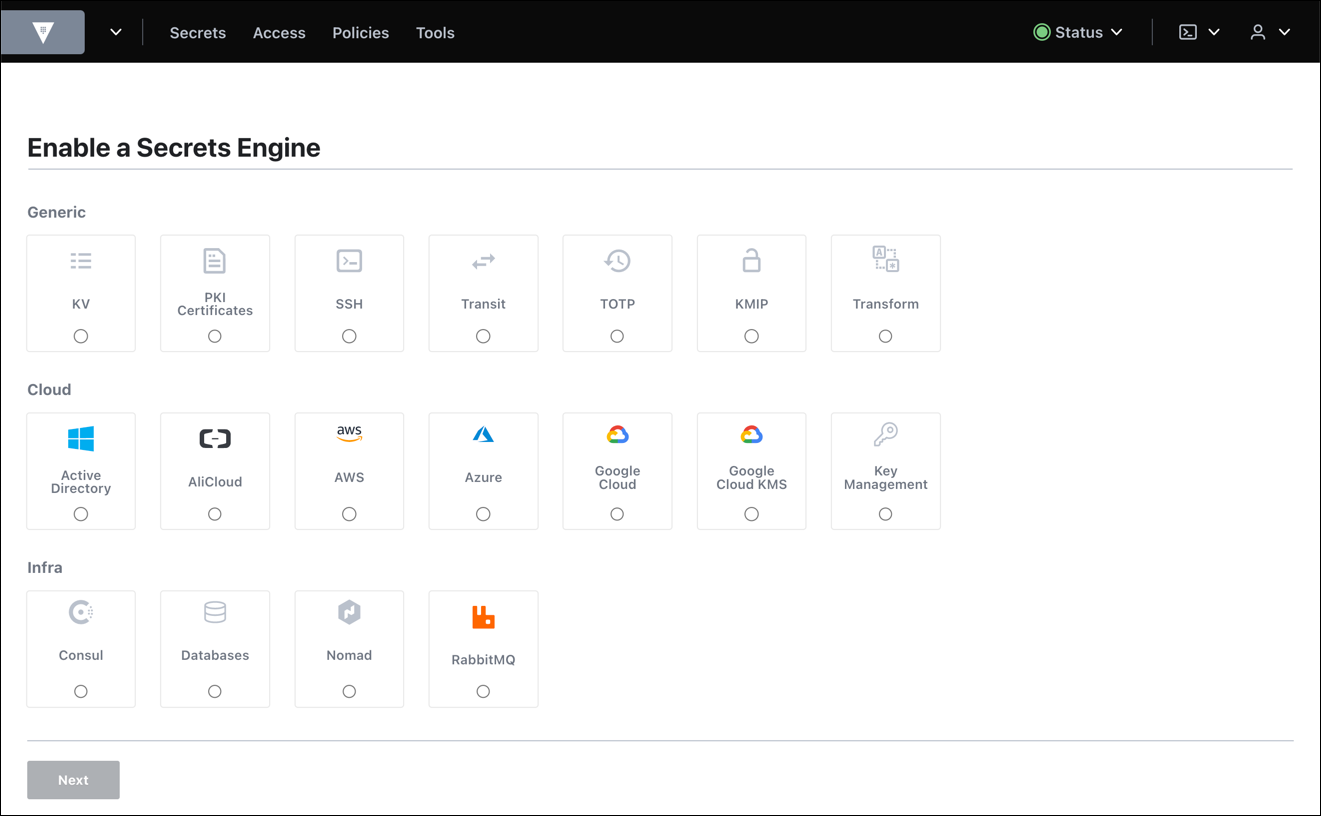
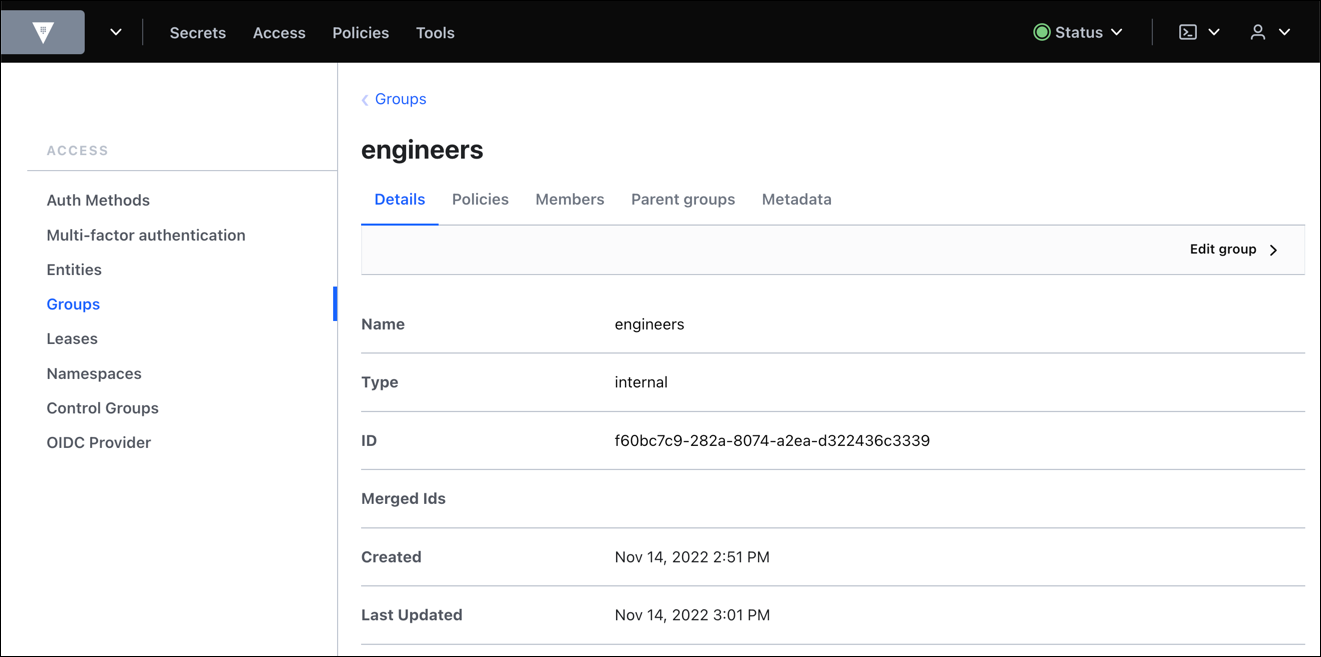
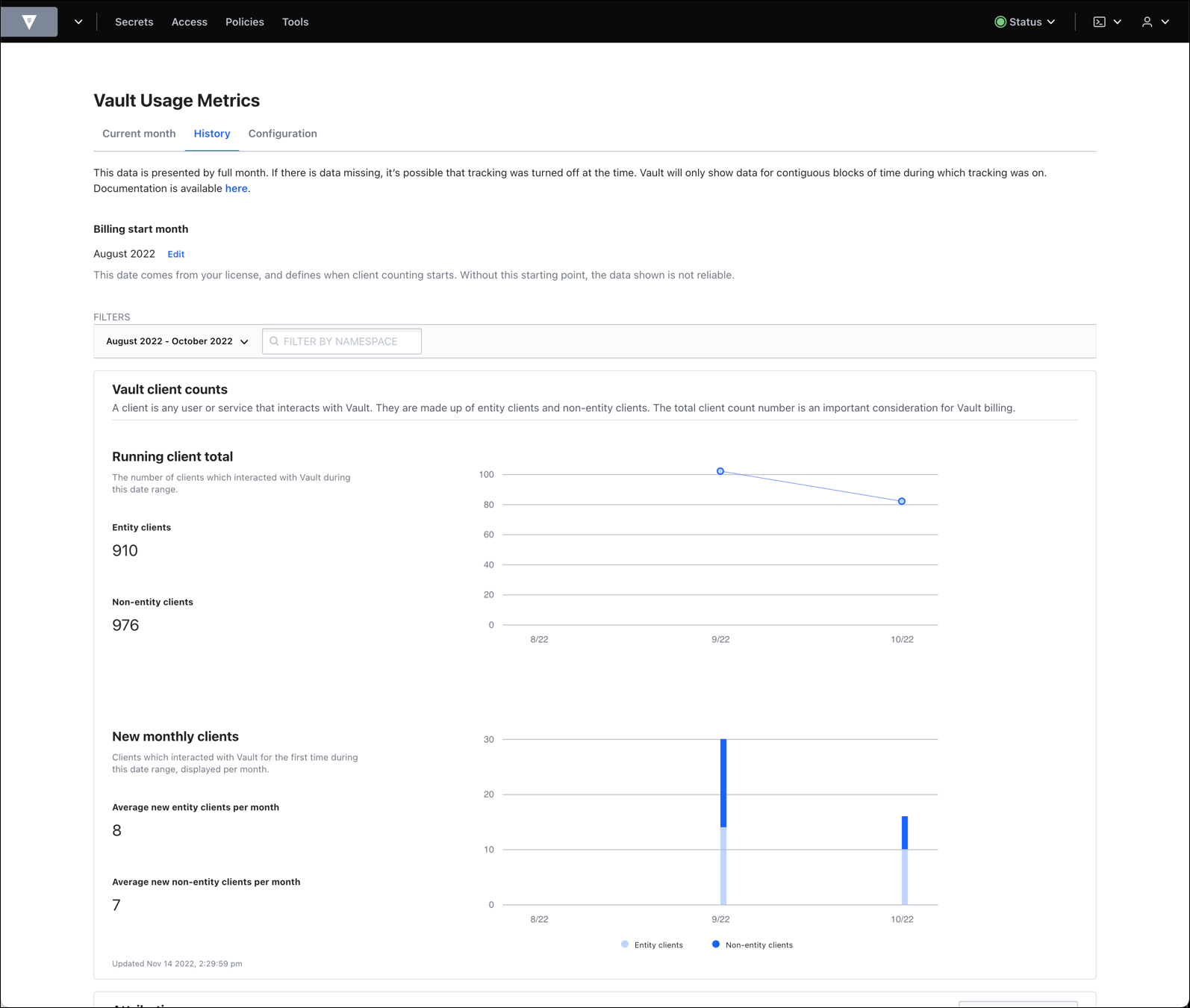
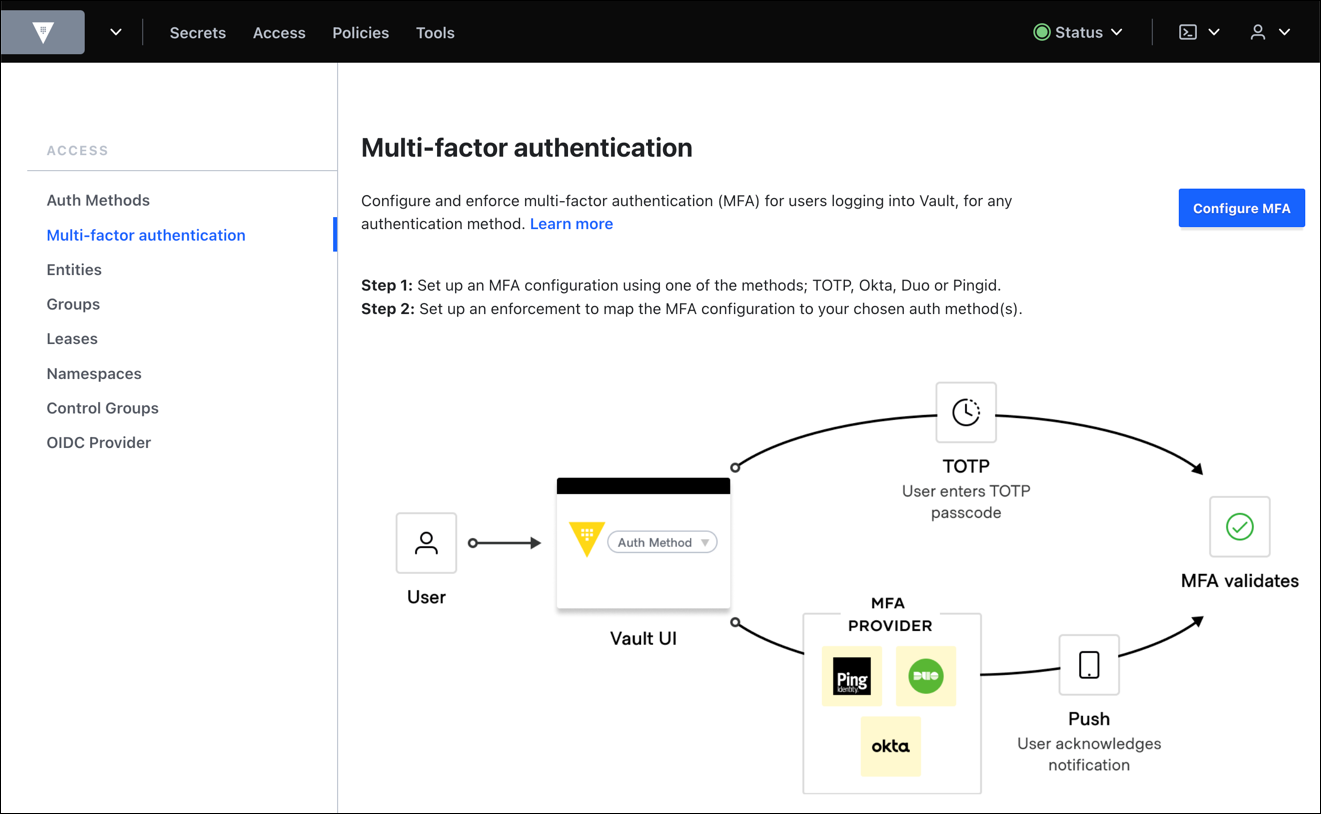
HashiCorp offers Vault, an encryption tool of use in the management of secrets including credentials, passwords and other secrets, providing access control, audit trail, and support for multiple authentication methods. It is available open source, or under an enterprise license.
$0.03
Pricing
CyberArk Privileged Access Management
HashiCorp Vault
Editions & Modules
No answers on this topic
Cloud - HCP Vault
$0.03/hr
Open Source
Free
Enterprise
Contact sales team
Offerings
Pricing Offerings
CyberArk Privileged Access Management
HashiCorp Vault
Free Trial
Yes
No
Free/Freemium Version
No
Yes
Premium Consulting/Integration Services
No
No
Entry-level Setup Fee
No setup fee
No setup fee
Additional Details
CyberArk offers a variety of Identity Security packages for different user types within an organization.
Senior Solutions Engineer in Information Technology at Erie Insurance Group (Insurance, 5001-10,000 employees)
Chose HashiCorp Vault
We evaluated Symantec as an existing partner within our enterprise. We found that the API provided by Vault is superior and that was a critical use case in our organization. We also found that Vault has more engine types which allow different types of data to be stored. This …
A de minimis incentive was given to thank the reviewer for their time. The incentive was not used to bias or drive a particular response, nor was the incentive contingent on a positive endorsement. More Info
The system is great for enterprise or larger IT departments or teams where temporary or full access may be given using privileged IDs. Requirements for needing local admin access is also eliminated which can help with specific Windows workstation related tasks. It can be very useful when working with remote teams or contractors who may need temporary access to a system when required.
A de minimis incentive was given to thank the reviewer for their time. The incentive was not used to bias or drive a particular response, nor was the incentive contingent on a positive endorsement. More Info
HashiCorp Vault, in my opinion, is a defacto standard for any cloud or automation implementation. They're the best of the best as far as products for secrets management and the ability to use it against relatively any service you have is unheard of for other products. HashiCorp has really taken out all the stops when it comes to creating a nice, extensible tool that people can use to suit their needs.
A de minimis incentive was given to thank the reviewer for their time. The incentive was not used to bias or drive a particular response, nor was the incentive contingent on a positive endorsement. More Info
Automatically discover new servers on the network and take control of the local admin password by vaulting it and ensuring nobody knows the password. A different password on every server.
Automatically roll the password in a configurable manner - after each use, after a certain period of time, etc.
Track and govern sensitive account usage by ensuring only properly authorized users can access the vault and obtain the credentials and then monitor usage.
A de minimis incentive was given to thank the reviewer for their time. The incentive was not used to bias or drive a particular response, nor was the incentive contingent on a positive endorsement. More Info
A de minimis incentive was given to thank the reviewer for their time. The incentive was not used to bias or drive a particular response, nor was the incentive contingent on a positive endorsement. More Info
A de minimis incentive was given to thank the reviewer for their time. The incentive was not used to bias or drive a particular response, nor was the incentive contingent on a positive endorsement. More Info
HashiCorp Vault is the best there is out there, and it has become critical to our secret management use cases. It would be difficult to find anything that would suit our needs better and that would be beneficial for us to switch over to.
A de minimis incentive was given to thank the reviewer for their time. The incentive was not used to bias or drive a particular response, nor was the incentive contingent on a positive endorsement. More Info
We spent a little more time than we imagined to conceptually understand how HashiCorp Vault operates, as well as how it is configured. This is not trivial, and keep in mind that you will need to take some time to get a thorough understanding of the tool. The documentation could be more helpful in this regard.
A de minimis incentive was given to thank the reviewer for their time. The incentive was not used to bias or drive a particular response, nor was the incentive contingent on a positive endorsement. More Info
Customer support and technical support have always been great when we require assistance. Especially when we come across issues that we're not familiar with.
A de minimis incentive was given to thank the reviewer for their time. The incentive was not used to bias or drive a particular response, nor was the incentive contingent on a positive endorsement. More Info
Hashicorp has been very responsive to our questions and inquiries up to this point. We are currently working on them to develop a more granular permissions model within Vault. We are very close to achieving our objectives with the help of their support team. We do not seem to be in the same time zone which makes it hard for escalated issues.
A de minimis incentive was given to thank the reviewer for their time. The incentive was not used to bias or drive a particular response, nor was the incentive contingent on a positive endorsement. More Info
It is known as one of the safest products in the market. It has good support and is also available as on-premise. You can run it virtually on VMWare (and probably on other hypervisors as well). You can have a second instance on bare metal and that makes it a very safe system.
A de minimis incentive was given to thank the reviewer for their time. The incentive was not used to bias or drive a particular response, nor was the incentive contingent on a positive endorsement. More Info
A de minimis incentive was given to thank the reviewer for their time. The incentive was not used to bias or drive a particular response, nor was the incentive contingent on a positive endorsement. More Info
A de minimis incentive was given to thank the reviewer for their time. The incentive was not used to bias or drive a particular response, nor was the incentive contingent on a positive endorsement. More Info
A de minimis incentive was given to thank the reviewer for their time. The incentive was not used to bias or drive a particular response, nor was the incentive contingent on a positive endorsement. More Info