
GS-Base vs. Toad Data Point
GS-Base vs. Toad Data Point
| Product | Rating | Most Used By | Product Summary | Starting Price |
|---|---|---|---|---|
 GS-Base | N/A | GS-Base is a database with spreadsheet and ETL functions that can be used to store any type of data: text and numeric fields, dates, long text memo fields, files, images, code snippets with syntax highlighting for 16 programming languages. It can also analyze very large data sets using pivot tables with up to 256 million rows and 16,384 columns. It features around 300 built-in calculation function in calculated fields, for data validation, cleaning and conversion. GS-Base can use… | $39 one-time fee user's PC + laptop | |
 Toad Data Point | N/A | Toad Data Point is a cross-platform, self-service, data-integration tool that simplifies data access, preparation and provisioning. It provides data connectivity and desktop data integration, and with the Workbook interface for business users, it provides simple-to-use visual query building and workflow automation. | $365 |
| GS-Base | Toad Data Point | |||||||||||||||
|---|---|---|---|---|---|---|---|---|---|---|---|---|---|---|---|---|
| Editions & Modules | No answers on this topic |
| ||||||||||||||
| Offerings |
| |||||||||||||||
| Entry-level Setup Fee | No setup fee | No setup fee | ||||||||||||||
| Additional Details | — | — | ||||||||||||||
| More Pricing Information | ||||||||||||||||
| GS-Base | Toad Data Point |
|---|
| GS-Base | Toad Data Point | |
|---|---|---|
| Small Businesses |  IBM SPSS Modeler Score 7.1 out of 10 | IBM SPSS Modeler Score 7.1 out of 10 |
| Medium-sized Companies |  IBM InfoSphere Information Server Score 8.0 out of 10 | IBM InfoSphere Information Server Score 8.0 out of 10 |
| Enterprises | IBM InfoSphere Information Server Score 8.0 out of 10 | IBM InfoSphere Information Server Score 8.0 out of 10 |
| All Alternatives | View all alternatives | View all alternatives |
| GS-Base | Toad Data Point | |
|---|---|---|
| Likelihood to Recommend | - (0 ratings) | 7.0 (10 ratings) |
| Usability | - (0 ratings) | 10.0 (2 ratings) |
| GS-Base | Toad Data Point | |
|---|---|---|
| Likelihood to Recommend | Citadel5 No answers on this topic | Quest Software
|
| Pros | Citadel5 No answers on this topic | Quest Software
 Yoni Dvorkis Lead Data Scientist |
| Cons | Citadel5 No answers on this topic | Quest Software
|
| Usability | Citadel5 No answers on this topic | Quest Software
|
| Alternatives Considered | Citadel5 No answers on this topic | Quest Software
|
| Return on Investment | Citadel5 No answers on this topic | Quest Software
|
| ScreenShots | GS-Base Screenshots 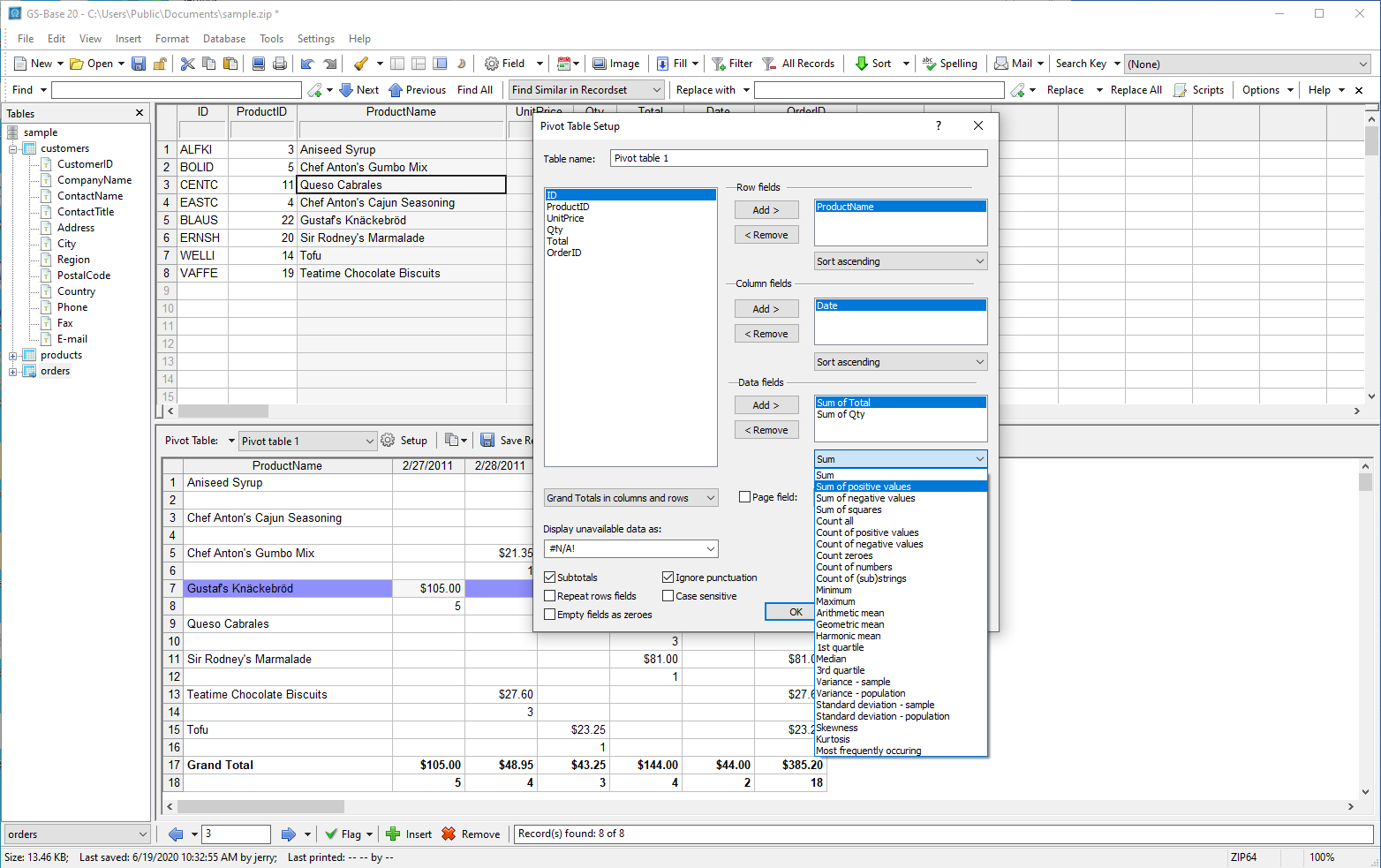   |