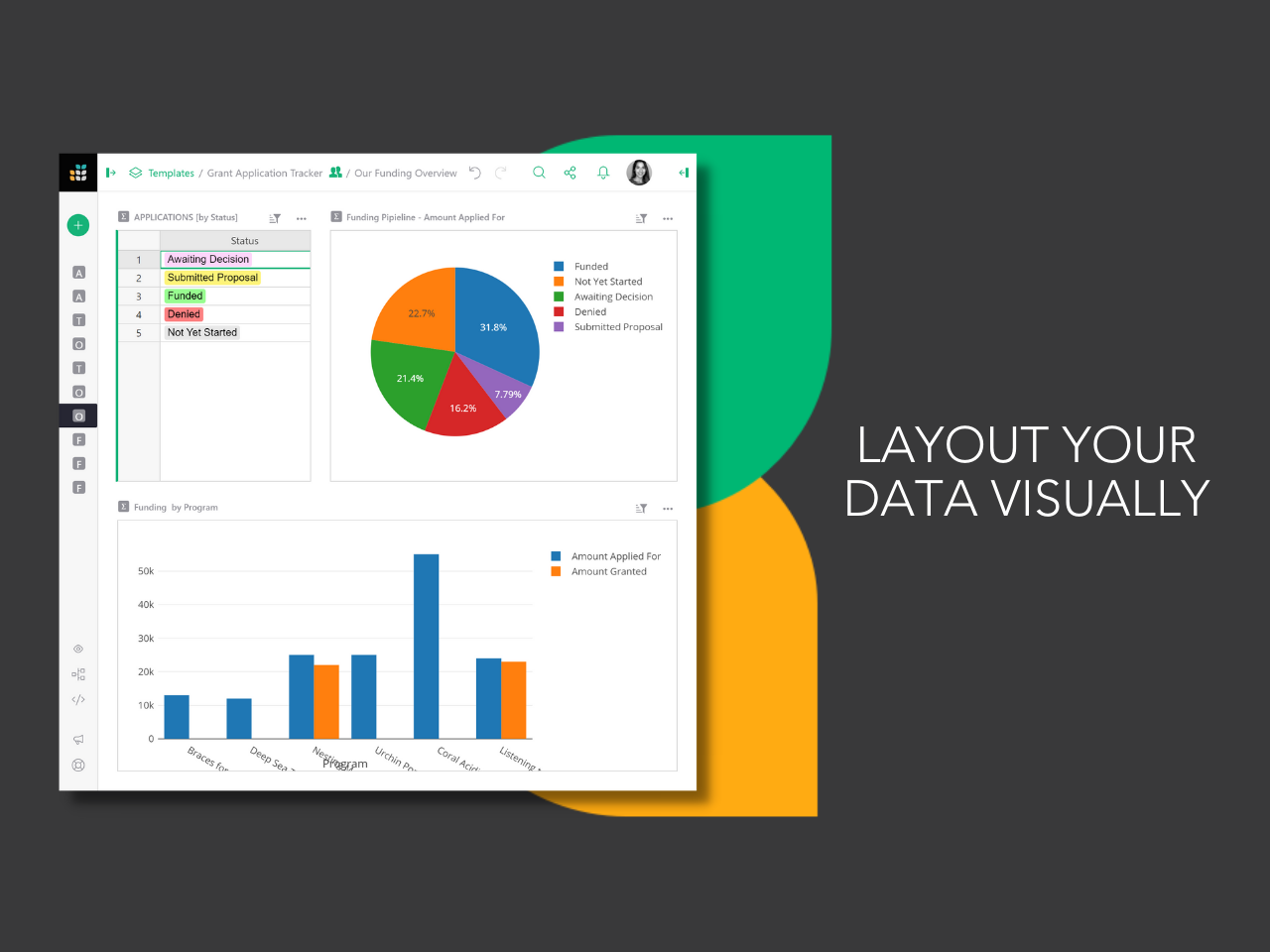
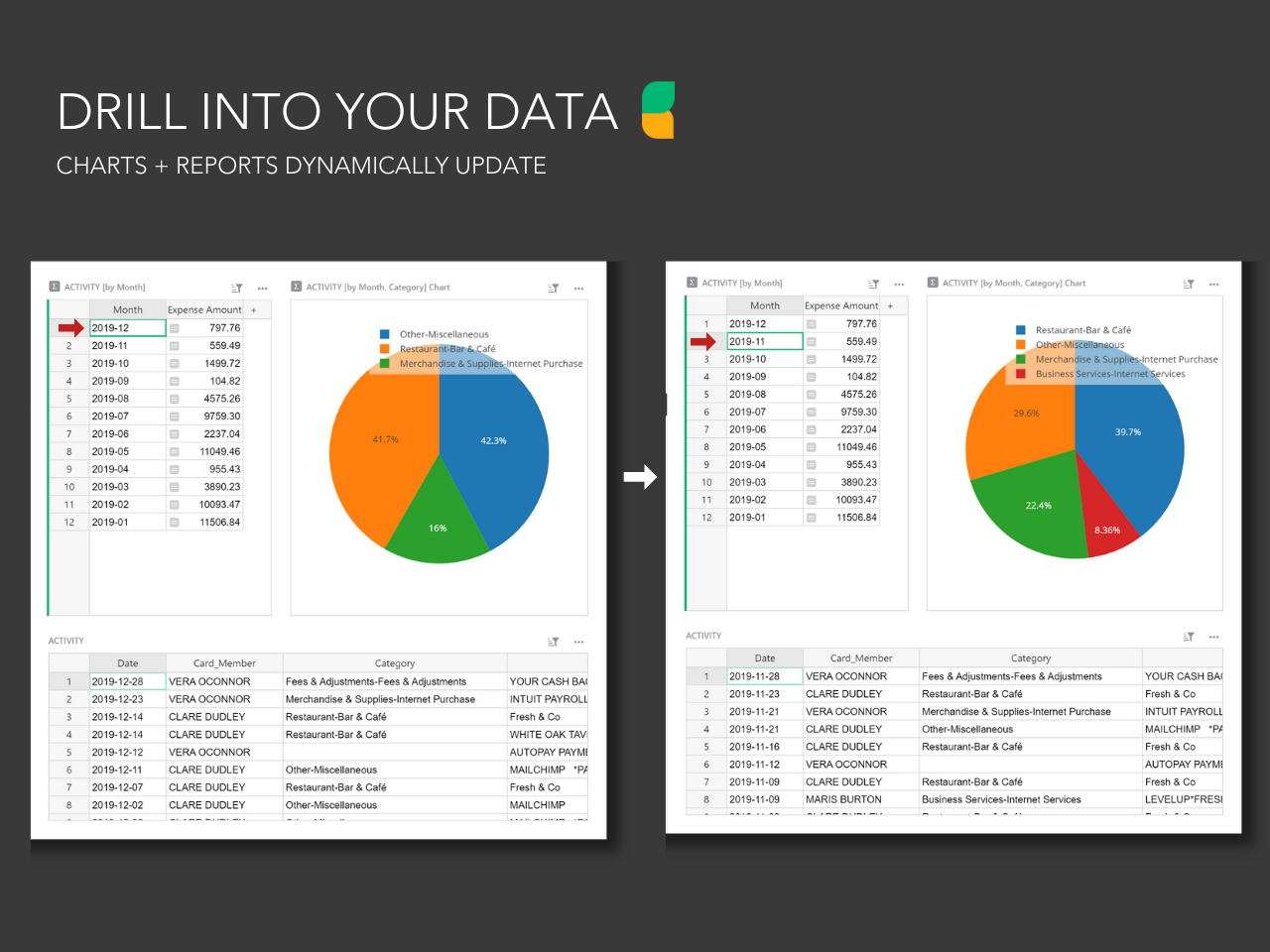
Grist combines the capabilities of spreadsheets, databases and app builders. Using a familiar spreadsheet interface, information can be organized as a relational database, and dashboards built using drag-and-drop. Solving spreadsheet problems Ensures data is well-structured and stored in one place with no duplication, no spreadsheet-wrangling, no merging documents. Collaboration on sensitive data Data is protected…
$8
per month per user
LibreOffice
Score 9.4 out of 10
N/A
LibreOffice is a free and open-source Office Suite from The Document Foundation, presented as the successor to OpenOffice.org. The suite includes Writer (word processing), Calc (spreadsheets), Impress (presentations), Draw (vector graphics and flowcharts), Base (databases), and Math (formula editing).
We came to Grist from monday.com. Grist is a clean layout and not cluttered. The ease of use is great and it's to the point. There are some areas that are not right out of the box easy to use, such as their formulas and python coding. However, they will help you achieve what you need. Amazing customer service. They not only showed me an example of what I was looking for but explained step by step how to get there. Which in return teaches me about their software. You will need some patience for this is not a quick and go type of spreadsheet software. But no worries, it can get the job done. Thank you, Grist :)
The fact that it is free of charge for desktop use sets LibreOffice at the top of my list. Given our low software budget, and its feature set which is for all intents and purposes equivalent to big name brands, it is more than appropriate for our needs. I have noticed in some situations that exporting a spreadsheet in a particular format on my machine and then sharing it with someone who is using say Microsoft Excel results in unexpected behavior (i.e., formatting issues or unreadable data).
It's free, which is the biggest difference between Office. It definitely feels like a full-fledged office suite of software for no more than the cost of an optional donation.
Lots of templates exist out on the internet for Writer and Impress (the Word and PowerPoint equivalents in LibreOffice). The open source community really likes to support one another in their usage of each other's software.
It works smoothly on almost every OS out there, including Windows, MacOS, and Linux.
We use it consistently and have a lot of documents in the OpenDocument format so it will be necessary to use LibreOffice or a compatible product such as Openoffice in the future to be able to open these files. Because the license fee for Libreoffice is zero it is not very costly to keep using it - the costs are mostly for keeping it installed on the office PCs and regularly updated, and solving employee issues with the user support.
Most people can quickly start using Writer or Calc or Impress for basic tasks even if they see Libreoffice for the first time, because the interface is similar to older (97-2003) MS Office or other software. Some features are less intuitive than in recent MS Office and some power users of MS Office need to re-learn some things before being proficient in Libreoffice.
Libreoffice is a desktop app not requiring any server part so it is always available when the PC is working normally. Installing it on another machine if one PC fails is very quick and easy. This is a non-issue.
For big/imported tables or text documents with images loaded from the internet it is sometimes getting very slow, RAM and CPU intensive, and sometimes even hangs due to some memory leaks or other bugs. This is a long-term problem and is still not resolved perfectly.
Support is not officially offered. However, you can find answers to any usage questions or trouble-shooting online easily, typically starting with a Google search. (I believe that all forums / tips for OpenOffice apply equally to LibreOffice, and vice versa.) While Microsoft Office, for example, officially includes support, I find that typically you end up going to a Google search in any case. So, this is not really a downside. However, in all these cases, you end up doing a lot of figuring things out for yourself.
Generally easy to perform, issues are how to ensure regular automatic updates on Mac OS X. Fortunatly we have only a few machines with OS X run by management and we can do these updates manually occasionally. Windows updates are quite easy with the support of third party software such as Ninite or Chocolatey, and Linux updates are super-easy thanks to the package manager (apt-get).
I still have subscriptions to both of the above and use them sporadically. Infinity is less user friendly in terms of copying data and moving around the tables, entering data using the keyboard only as I tend to do on a spreadsheet. For this reason, I tended to move across to Stackby prior to using Grist instead of using Infinity. Stackby works well, and has some features that are better than Grist (Predominantly the powerups that I use, and integrations that I don't). However, Grist is still a level above in manipulation of data using python (or Excel functions too), the ability to use widgets and the table duplicated in a seperate page.
I have used MS Office, Google Docs as other comparable products. I like MS Office best of all. I like LibreOffice better than Google Docs; however, I believe that if Google Docs wasn't so limited in many of its features and web-based only, I think it has the potential to surpass LibreOffice if they don't fix the problems between full functionalities.
With more users using it in the company there are more cases when a simultaneous editing of the same document is needed and this feature is lacking in Libreoffice even though the files concerned are shared and synced by some solution (we use ownCloud). Google Docs or MS Office365 via Sharepoint/Onedrive offer a better function for this.
It's saved a lot of time in both creating an advertising database and managing it week to week effectively. I had previously created in others that haven't worked, and this does, saving me a good 1 hour weekly, and 5 hours or more each time I had problems with the last ones
Being able to stay on track with this has meant I'm following up at the right time (advertisers) and keeping a professional manner and not losing business due to missed communication
Saving me $ from buying a program like Access (or Airtable monthly) and then the learning curve that that has. This has a much easier learning curve to say the least.
Being a free GNU-based software, it is ideal for computers used outside the company's network or for users which do not require online collaboration tools.
Importing and exporting word processing documents is easy. PDF functionality is adequate and works very well.
You will probably need to invest in fonts if, for example, most of your company is using Microsoft Word fonts, which may be proprietary. In our case, we paid for a few key fonts; installation in the system was simple but done through IT, not the user.
For complex graphs and presentations, LibreOffice may not be the best alternative.