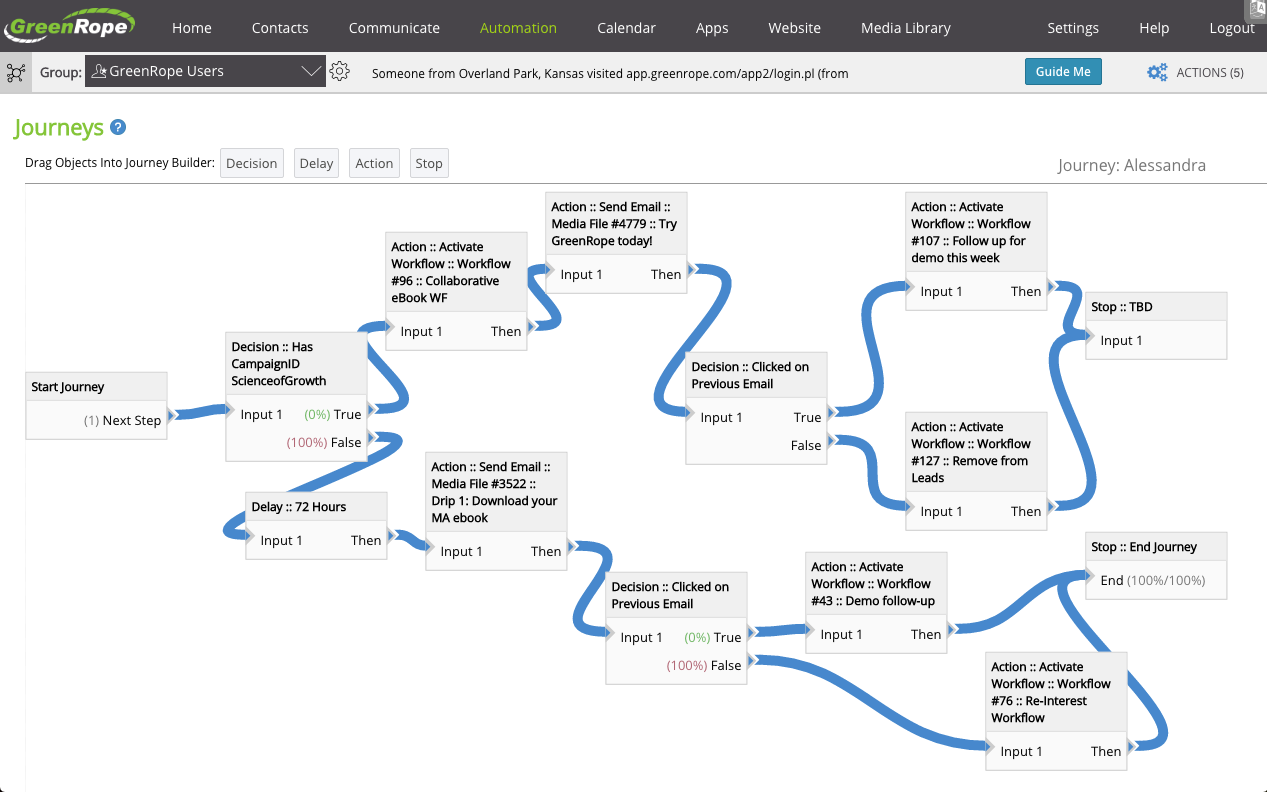
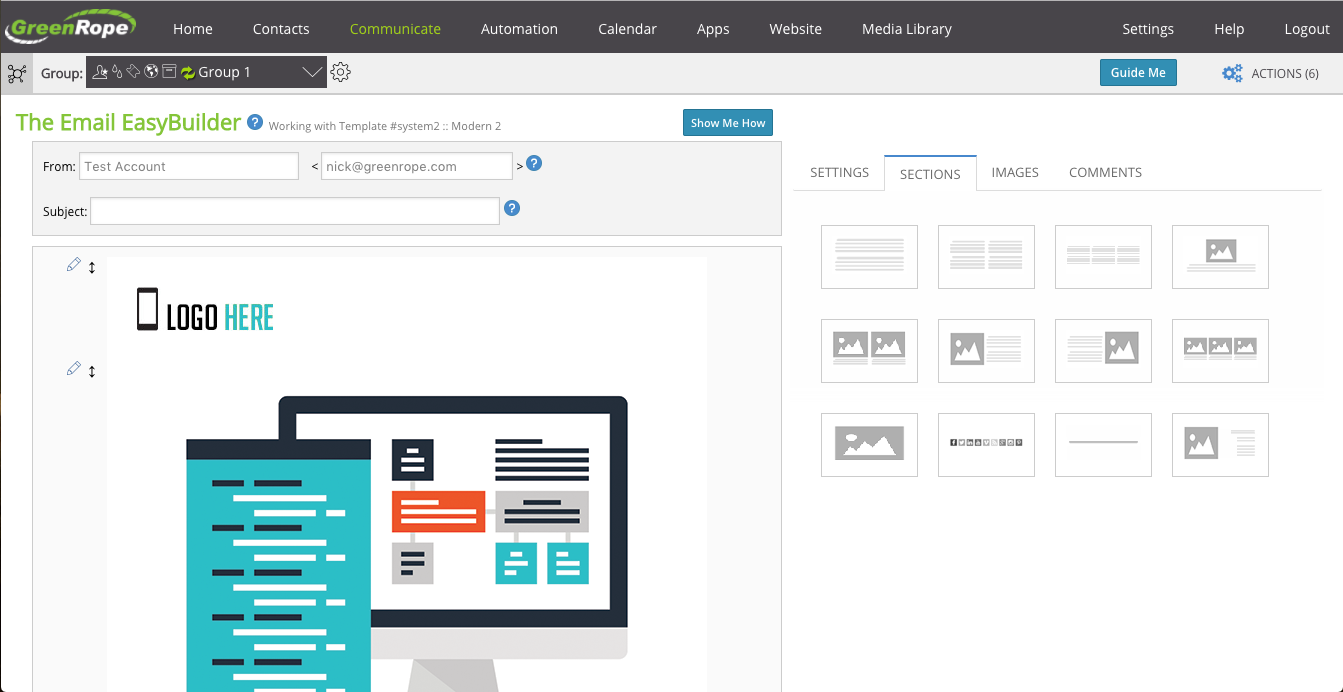
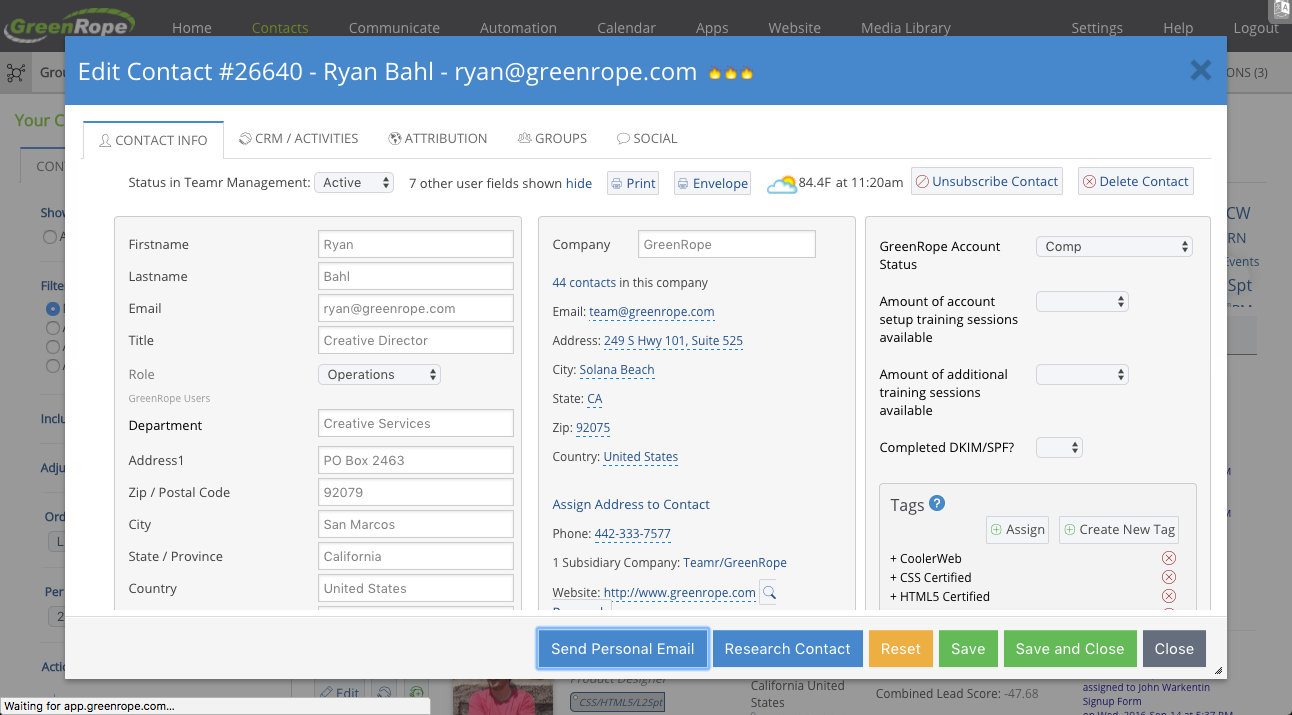
GreenRope is a CRM tool focused on marketing automation, sales pipelines, and customer service. It includes advanced marketing automation capabilities, sales force automation, and a tool box of features to help manage and operate the business.
$149
Per Month [Unlimited Users]
Salesforce Sales Cloud
Score 8.7 out of 10
N/A
Salesforce Sales Cloud is a platform for sales with a community of Sellers, Sales Leaders, and Sales Operations, who use the solution to grow sales and increase productivity. The AI CRM for Sales features data built right in, so that companies can sell faster, sell smarter and sell efficiently. Salesforce Sales Cloud is used for, and supports: Buyer Engagement Sales Engagement Enablement Sales AI Sales Analytics Team…
$25
per month per user
Pricing
GreenRope
Salesforce Sales Cloud
Editions & Modules
Starter
$149
Per Month [Unlimited Users]
Prime
$199
Per Month [Unlimited Users]
Pro
$249
Per Month [Unlimited Users]
Premium
$299
Per Month [Unlimited Users]
Powerhouse
$349
Per Month [Unlimited Users]
Supreme
$449
Per Month [Unlimited Users]
Ultimate
$699
Per Month [Unlimited Users]
Starter
$25.00
per month per user
Professional
$80.00
per month per user
Enterprise
$165.00
per month per user
Unlimited
$330.00
per month per user
Agentforce 1 Sales
$550
per month per user
Offerings
Pricing Offerings
GreenRope
Salesforce Sales Cloud
Free Trial
Yes
Yes
Free/Freemium Version
No
No
Premium Consulting/Integration Services
No
No
Entry-level Setup Fee
$399 Per Account
Optional
Additional Details
All price plans include unlimited users, unlimited emails, and all features.
—
More Pricing Information
Community Pulse
GreenRope
Salesforce Sales Cloud
Features
GreenRope
Salesforce Sales Cloud
Sales Force Automation
Comparison of Sales Force Automation features of Product A and Product B
GreenRope
8.4
Ratings
9% above category average
Salesforce Sales Cloud
8.4
Ratings
9% above category average
Customer data management / contact management
9.60 Ratings
9.30 Ratings
Workflow management
9.10 Ratings
8.30 Ratings
Territory management
8.30 Ratings
7.70 Ratings
Opportunity management
9.80 Ratings
8.70 Ratings
Integration with email client (e.g., Outlook or Gmail)
9.50 Ratings
8.60 Ratings
Contract management
3.80 Ratings
7.90 Ratings
Quote & order management
8.90 Ratings
7.70 Ratings
Interaction tracking
9.80 Ratings
8.80 Ratings
Channel / partner relationship management
6.60 Ratings
8.10 Ratings
Customer Service & Support
Comparison of Customer Service & Support features of Product A and Product B
GreenRope
9.7
Ratings
25% above category average
Salesforce Sales Cloud
7.9
Ratings
5% above category average
Case management
9.80 Ratings
8.30 Ratings
Call center management
9.70 Ratings
7.80 Ratings
Help desk management
9.80 Ratings
7.50 Ratings
Marketing Automation
Comparison of Marketing Automation features of Product A and Product B
GreenRope
9.2
Ratings
19% above category average
Salesforce Sales Cloud
8.4
Ratings
10% above category average
Lead management
8.90 Ratings
8.50 Ratings
Email marketing
9.60 Ratings
8.20 Ratings
CRM Project Management
Comparison of CRM Project Management features of Product A and Product B
GreenRope
9.7
Ratings
24% above category average
Salesforce Sales Cloud
8.4
Ratings
10% above category average
Task management
9.60 Ratings
8.90 Ratings
Billing and invoicing management
9.80 Ratings
7.70 Ratings
Reporting
9.80 Ratings
8.60 Ratings
CRM Reporting & Analytics
Comparison of CRM Reporting & Analytics features of Product A and Product B
GreenRope
8.9
Ratings
16% above category average
Salesforce Sales Cloud
8.3
Ratings
9% above category average
Forecasting
8.80 Ratings
8.10 Ratings
Pipeline visualization
8.30 Ratings
8.10 Ratings
Customizable reports
9.50 Ratings
8.80 Ratings
Customization
Comparison of Customization features of Product A and Product B
GreenRope
8.4
Ratings
11% above category average
Salesforce Sales Cloud
8.7
Ratings
15% above category average
Custom fields
9.20 Ratings
9.00 Ratings
Custom objects
8.20 Ratings
8.90 Ratings
Scripting environment
7.00 Ratings
8.20 Ratings
API for custom integration
9.10 Ratings
8.60 Ratings
Security
Comparison of Security features of Product A and Product B
GreenRope
8.6
Ratings
3% above category average
Salesforce Sales Cloud
8.9
Ratings
7% above category average
Single sign-on capability
8.60 Ratings
8.90 Ratings
Role-based user permissions
8.60 Ratings
8.80 Ratings
Social CRM
Comparison of Social CRM features of Product A and Product B
GreenRope
9.0
Ratings
20% above category average
Salesforce Sales Cloud
8.8
Ratings
18% above category average
Social data
9.00 Ratings
8.90 Ratings
Social engagement
9.00 Ratings
8.70 Ratings
Integrations with 3rd-party Software
Comparison of Integrations with 3rd-party Software features of Product A and Product B
GreenRope
9.2
Ratings
23% above category average
Salesforce Sales Cloud
8.2
Ratings
11% above category average
Marketing automation
9.00 Ratings
8.40 Ratings
Compensation management
9.50 Ratings
8.00 Ratings
Platform
Comparison of Platform features of Product A and Product B
The price point and full featured application of GreenRope makes it perfect for small and medium sized businesses. GreenRope is an excellent alternative to some of the higher priced, better known CRM systems (Infusionsoft, AWeber, Ontraport, etc.). If you have specific requirements for your industry or business, GreenRope support will help to ensure that you get set up properly with what you need
It’s great at bringing in members from different sources and streamlining their journey — making it easier for our staff to manage follow-ups and tailor actions based on where each member is in their path. As for where it’s less suited, I’d say it depends on company size — it might be a bit too much for a very small organization.
Easy to get going with. They were great help in importing data from infusion soft. Great people to work with in training.
Low cost. This program is affordable for us little guys. Does what you need. Cost less than half of infusion soft for more.
Powerful. It lets me do all the things that I want. They are responsive to new feature requests too. When you make a suggestion you feel like it is heard and appreciated.
Logging notes: SF makes it easy to log notes in the timeline or static notes that live in an easy-to-see spot for longevity.
Logging activities: It's easy to post a call, text, email, etc.
API data: Once connected, SF is critical to automation, such as website activity, login activity, pages visited, etc., which saves the Customer Success side time in understanding account activity.
Custom fields: you can add custom fields to really personalize your experience. We use quite a few and it's brilliant.
The only thing I can say is that it has so many features that I do not think I have had the time to use and evaluate. I think I am probably missing out of a lot of great features.
GreenRope has many email templates but seem to be directed to specific industries like retail, restaurants, etc. Would like to see more email templates.
I have hard-coded the auto-update of the phone number format and state format from some codes shared by the community, but I do not know where to do it. I cannot reset it either.
It is unclear what functionalities each version has. We use the enterprise version, and it seems we can only have one design of the pipeline. But different business segments would have very different sales cycles, and hence, pipeline tracking would be different. It would be nice to have this available in our version.
It seems I cannot create a report to pull notes logged at the account levels.
They have monthly renewals, so at any time you can cancel and not feel like they are holding your money. Their customer support is easy to work with. Their ticketing system to communicate with you about service issues is fantastic(which is included in the monthly fee) allows you to track issues. We use the ticketing system and add it to our website. This gives people the ability to communicate with us 24/7.
There are days when I wish we hadn't switched, but I know that if we put in the time, we will get to where we want to be with the software and that it has many more capabilities than anything else we looked at. However, the amount of time and onboarding we need to do is also far greater than we realized/were told when we originally bought the product. They told us we should hire onboarding support, but at the end, after we had already reached our budget maximum for this, so it's been slower than we had hoped.
It takes time to learn this system. It is not going to happen over night, but once you master it it will be worth it. I am already seeing some great results, all I have to do is keep learning.
Salesforce has been designed on the basis of "Clicks, not code". So anyone willing to learn the Salesforce user interface (which is quite good as far as management software platforms go) is able to become a Salesforce user or even a Salesforce administrator. You don't have to know coding language to work in the Salesforce environment. Also, Salesforce has one of the best software training resources (Trailhead) that I have ever encountered. It is free to all, easy to use, and most importantly it is interactive. No scrolling through endless text in a user manual. There are hands-on modules and related videos interlaced and through it all you earn points and badges to display your level of learning.
All Force.com apps run on world-class data centers with backup, failover, and disaster-recovery facilities. Force.com has had a proven 99.9 percent uptime record for years. Accordingly, I only recall our instance of Salesforce having one unscheduled, brief down time over 6 years. I can't remember for sure, but it may have been due to our Internet Service Provider (ISP) versus Salesforce itself. Also, Salesforce does it's best to keep customers in the loop:
Trust.salesforce.com is the salesforce.com community's home for real-time information on system performance and security. On this site you'll find:
Live and historical data on system performance Up-to-the minute information on planned maintenance Phishing, malicious software and social engineering threats Best security practices for your organization Information on how we safeguard your data
For a SaaS provider, I'd rate their performance to be one of the best. At times, reporting tends to slow down if the data set is very large, which is the case in any system. But, that's a very rare phenomenon
Many times I have to repeat the issue several times before the person understands correctly. There was also an instant where support was not available when help was needed, had to wait for a response and it was a business day.
The overall support has been good. More and more features are being released quite frequently. Very small features are also making big difference in how the tool can be adapted and used better. If there is anything we need or are stuck, the support team sets up a call and helps in resolving the issue/provides workarounds.
I attended two training sessions. I would rate them a 4 as an advanced user. It was very basic – great for someone new – would give 8+ for new person.
I had 3 years of experience at the time. I skipped basic and went onto advanced and still not helpful. A lot of it was best practices that didn’t feel relevant for our business
I have gone through multiple. The content that’s delivered is quite basic – I wish they had more advanced training.
We are grandfathered into premium support plus training. We get unlimited access to instructor led and online training for free. We have taken advantage of this
I think there are some cheat sheets and best practises lists that could be created that would save a business a lot of time and frustration. BUT, even as it is, the frustrations and challenges disappear as things start working. I am going to be offering up a few of the tricks I have learned to the team at GreenRope to share with other users because when customers offer valuable work arounds that they find helpful to others, we accomplish a few things. The coders get an idea of things that aren't working quite as expected so they can look into fixes, other customers get benefit and we all win
Just from an organizational standpoint - we standardized our data prior to moving to Salesforce. But we essentially standardized it wrong. That's created a big disgusting mess for us know that I'll have to deal with as the Admin. Be sure you think through use cases prior to doing something like that - seek outside opinions on how the data will work best, especially depending on what else you're going to integrate with Salesforce.
I use some of these softwares in conjunction with GreenRope. Simply put, one software cannot do everything. So I still like to use a combination of WordPress-centric software for my ecommerce. I use Edgar to schedule my social media only because it allows me to keep a library of posts -- otherwise, GreenRope replaces HootSuite. Outlook integrates (and RingCentral will soon). My business is too big to not have separate accounting (Xero) but GreenRope would be adequate for solos. GreenRope reduced my software quite a bit. It replaced Zoho, Infusionsoft, Mail Chimp, Access, Wufoo, Basecamp and InstantCustomer. It's not a great project management software, but it serves my needs for managing the pre-engagement process and nurture processes. GreenRope is best as a CRM and it forms a central part of my overall business technology machine.
Salesforce sales can do everything Front does regarding email integrations and communicating with your peers. Still, it provides even more insight for our salespeople and leadership team. Although Front is cheaper, we decided the added productivity and visibility provided to the team would be well worth the higher price tag.
Salesforce Sales Cloud is highly scalable and designed to accommodate the needs of businesses of all sizes, from small startups to large enterprises. It offers flexible subscription models and can easily scale up or down based on the organization's requirements. Whether a company is expanding its sales team, increasing its customer base, or adding new features and functionalities, Sales Cloud can adapt to support growth without sacrificing performance or reliability. Additionally, Salesforce's cloud-based architecture ensures that users have access to resources and capabilities as needed, making it a highly scalable solution for organizations looking to automate customer relationship management at scale.
GR has made our company much more organized from client details/history, sales work flow, email campaigns, website tracking and lead conversions.
We have grown our business 60% in the last 12 months. GR definitely helped us reach that growth.
Prior to GR we did everything the old fashioned way. I don't have anything to compare it to because we had no prior experience with another CRM provider. I can say that I am truly happy with our progress in GR and learning the program was pretty easy.