GoTo Room vs. Virtual Office

Overview
ProductRatingMost Used ByProduct SummaryStarting Price
GoTo Room
Score 10.0 out of 10
N/A
GoTo (formerly LogMeIn) offers GoToRoom, a video conferencing room solution available as a bundle with Dolby and Poly equipment.N/A
Virtual Office
Score 9.0 out of 10
Small Businesses (1-50 employees)
Based in Germany, Virtual Office offers a take on permanent home office. Companies looking to reduce hard office space can use Virtual Office to manage their teams. Users can create an office, select a name, invite team members, get guests on board and start collaborating. The service rebuilds the user's office - virtually - so they don't lose out on interpersonal encounters. With it, the vendor states users can get away from cold meetings, endless video conferences and…
$8
per month per user
Pricing
GoTo RoomVirtual Office
Editions & Modules
No answers on this topic
Free
$0
user/month
Free
$0
user/month
Startup
$8
user/month
Startup
$8
user/month
Business
$16
user/month
Business
$16
user/month
Offerings
Pricing Offerings
GoTo RoomVirtual Office
Free Trial
NoYes
Free/Freemium Version
NoYes
Premium Consulting/Integration Services
NoYes
Entry-level Setup FeeOptionalNo setup fee
Additional Details
More Pricing Information
Community Pulse
GoTo RoomVirtual Office
Best Alternatives
GoTo RoomVirtual Office
Small Businesses
Lifesize Video Conferencing
Score 10.0 out of 10
Lifesize Video Conferencing
Score 10.0 out of 10
Medium-sized Companies
Cisco Desk Series
Cisco Desk Series
Score 8.7 out of 10
Cisco Desk Series
Cisco Desk Series
Score 8.7 out of 10
Enterprises
Cisco Desk Series
Cisco Desk Series
Score 8.7 out of 10
Cisco Desk Series
Cisco Desk Series
Score 8.7 out of 10
All AlternativesView all alternativesView all alternatives
User Ratings
GoTo RoomVirtual Office
Likelihood to Recommend
5.0
(1 ratings)
-
(0 ratings)
Support Rating
5.0
(1 ratings)
-
(0 ratings)
User Testimonials
GoTo RoomVirtual Office
Likelihood to Recommend
GoTo (formerly LogMeIn)
It works really well in a one on one settings when teachers are coordinating with individual trainers or workshops. It can be helpful as well during a team setting Q&A for follow up training. However, it is a struggle to use in large group settings when one presenter is speaking to a large group of people for trainings.
Read full review
digitally induced GmbH
No answers on this topic
Pros
GoTo (formerly LogMeIn)
  • Video conferencing is clear and precise
  • Scheduling is emailed and easy to access.
  • The ease of getting used to the program is quick for all of our teachers.
Read full review
digitally induced GmbH
No answers on this topic
Cons
GoTo (formerly LogMeIn)
  • Learning how to work through multiple documents or presentations in a call can be tricky.
  • Our rural setting does not allow for consistent internet connection, video is not always clear.
  • Audio can be limited to a large room setting in workshops.
Read full review
digitally induced GmbH
No answers on this topic
Support Rating
GoTo (formerly LogMeIn)
Haven’t had a chance to need to connect with the service staff as we haven’t had to deal with any large issues beyond internet bandwidth restrictions. However, we feel like support would be very quick and efficient if we were to need it. The observations of setting up our doc cams and getting connected with workshop presenters has been smooth so far.
Read full review
digitally induced GmbH
No answers on this topic
Alternatives Considered
GoTo (formerly LogMeIn)
GoToRoom does a great job of video conferencing with multiple users, similar to Zoom, but has easier access to documents similar to Google Classroom or Google Hangouts. It’s a nice blend of these three pieces of software.
Read full review
digitally induced GmbH
No answers on this topic
Return on Investment
GoTo (formerly LogMeIn)
  • It has been helpful for us to connect with professional development consultants that are out of our region.
  • It has provided opportunities for teachers to get training that otherwise would not have had an opportunity without driving long distances.
Read full review
digitally induced GmbH
No answers on this topic
ScreenShots

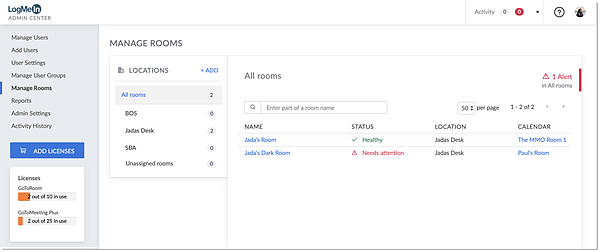
GoTo Room Screenshots

Screenshot of

Virtual Office Screenshots

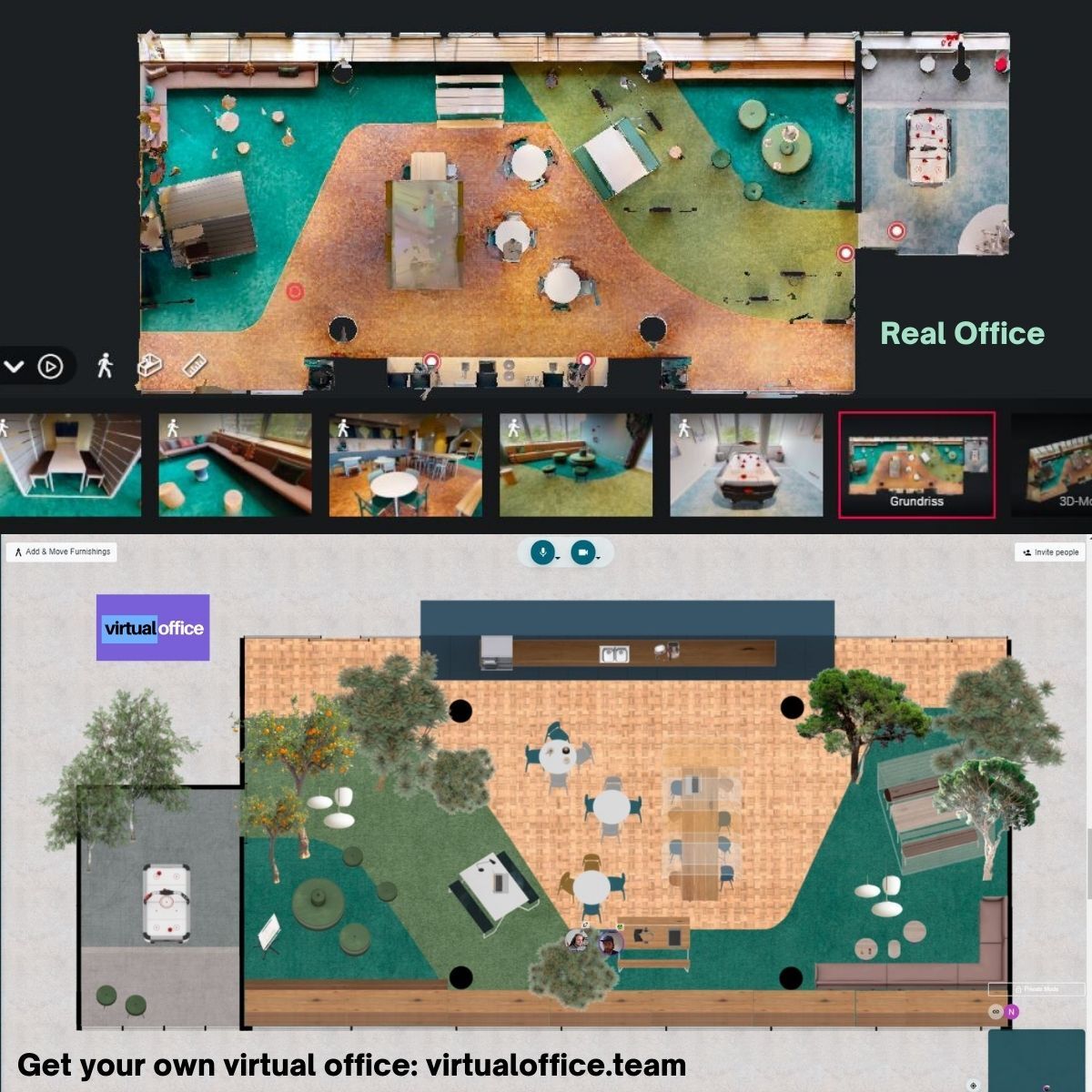
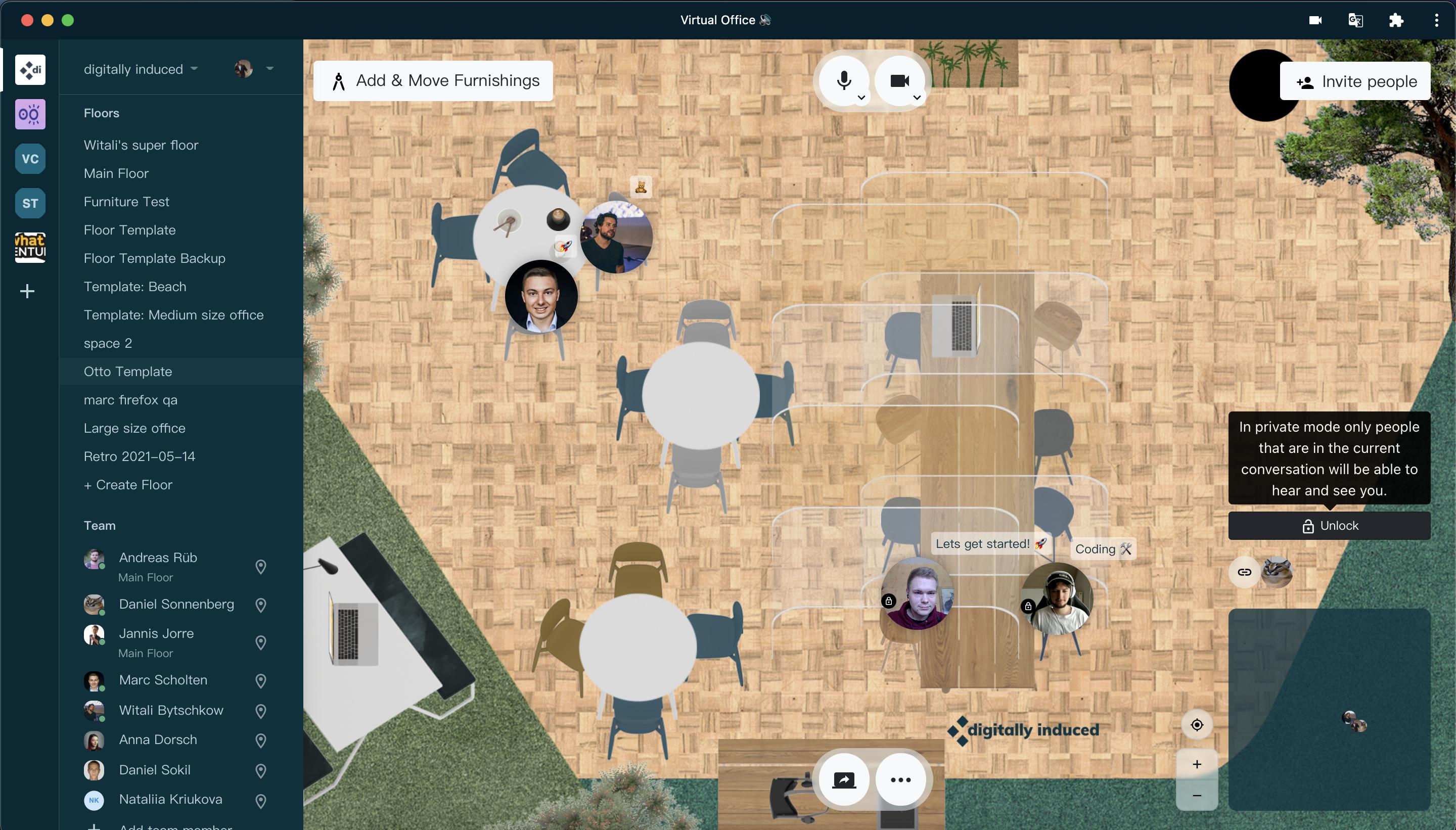
Screenshot of Send us pictures of your office, and our Interior design team will custom render and rebuild your office. If you like, we can also put you and your team on the moon. Or Mars. Even Jupiter. You get the idea.Screenshot of Like before covid. Walk down to your coworkers, catch up with them, plan your next step. If you don't want to be interrupted, just go into private mode. Also useful for sensitive topics or private, one-on-one talks.Screenshot of Share your screen, embed entire websites, watch videos together - you are not limited. At least not by us. These features allow a seamless experience between different teams that use different software. Combine, harmonize and get to work.Screenshot of Gather your workforce, use those braincells and write down great ideas, directly in there to visualize it. Our sticky notes will never fall off, too! Unless you remove them...then they're gone.Screenshot of Private mode for more discrete matters. One-on-one talks, or when you just don't want to be bothered during an intense work session. Broadcasting feature, so you can talk to everyone in the room (without being interrupted) will be added soon