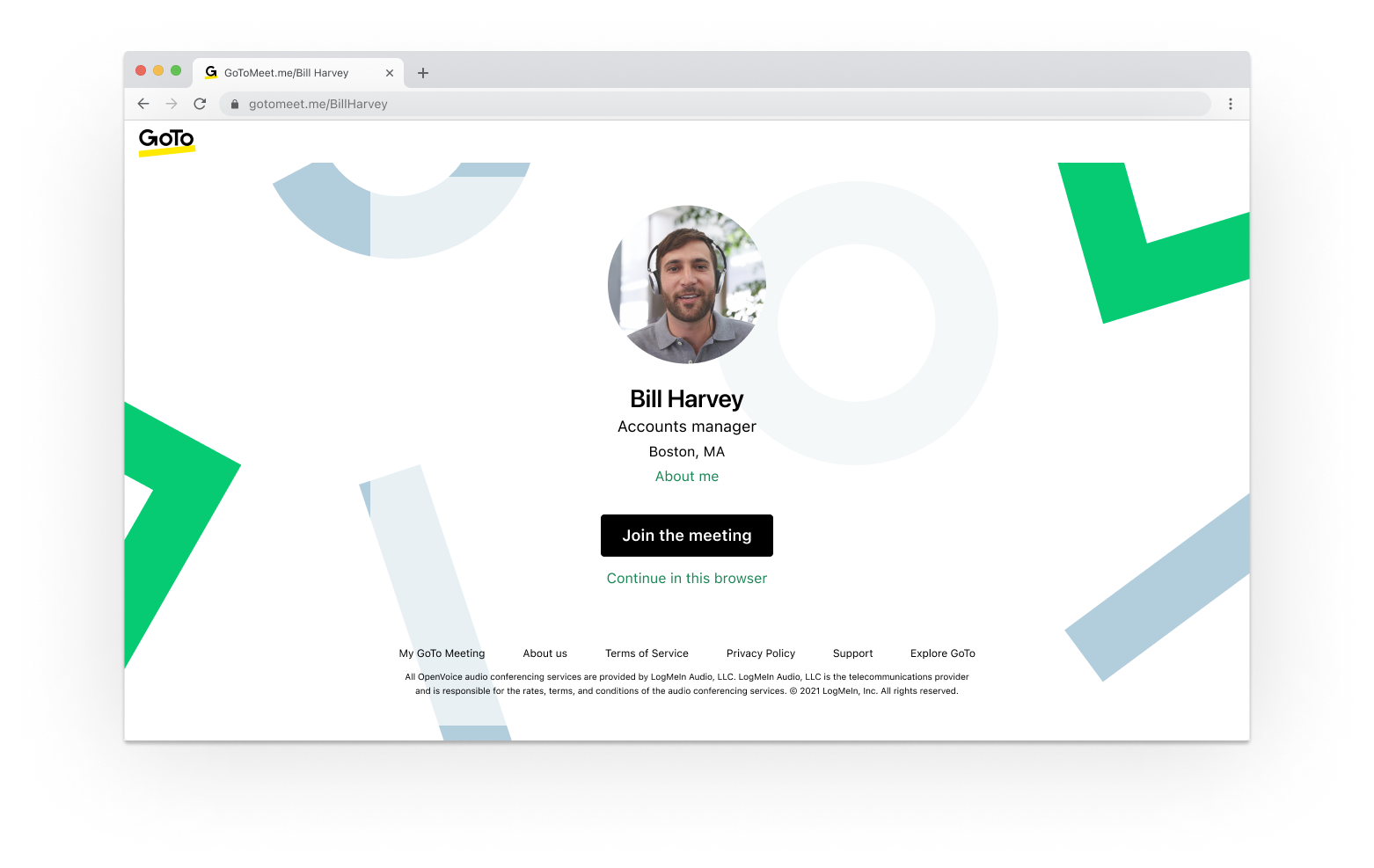
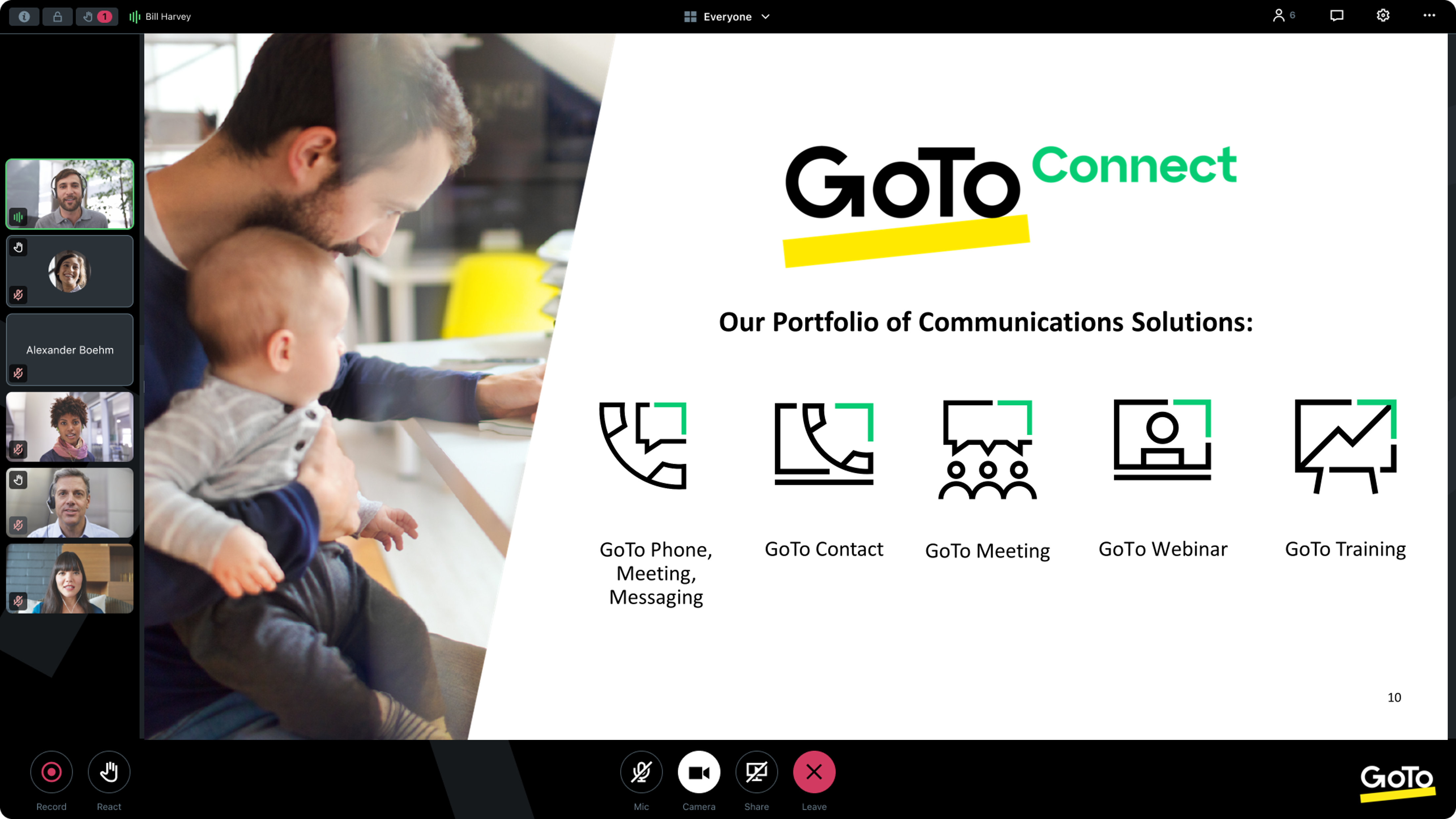
From GoTo (formerly LogMeIn), GoToMeeting is an online meeting, desktop sharing, and video conferencing software that enables users to connect via the internet. It hosts a suite of online meeting tools, including real-time screen sharing and integrated audio.
$12
Per Organizer / Per Month for 150 Participants [billed annually]
Webinato
Score 5.0 out of 10
N/A
Webinato is a webinar tool from omNovia Technologies, a provider of web conferencing software.
$699
Per Room Per Month
Pricing
GoTo Meeting
Webinato
Editions & Modules
Professional
$12.00
Per Organizer / Per Month for 150 Participants [billed annually]
Business
$16.00
Per Organizer / Per Month for 250 Participants [billed annually]
Enterprise
Custom Pricing
3,000 Participants
Webinato
$699.00
Per Room Per Month
Offerings
Pricing Offerings
GoTo Meeting
Webinato
Free Trial
Yes
No
Free/Freemium Version
No
No
Premium Consulting/Integration Services
No
No
Entry-level Setup Fee
No setup fee
No setup fee
Additional Details
Pricing available by monthly or annual subscription, with discounts for annual commitments.
—
More Pricing Information
Community Pulse
GoTo Meeting
Webinato
Features
GoTo Meeting
Webinato
Performance & Compatibility of Online Events Software
Comparison of Performance & Compatibility of Online Events Software features of Product A and Product B
GoTo Meeting
8.1
Ratings
2% above category average
Webinato
-
Ratings
High quality audio
8.80 Ratings
00 Ratings
High quality video
8.70 Ratings
00 Ratings
Low bandwidth requirements
7.00 Ratings
00 Ratings
Mobile support
8.00 Ratings
00 Ratings
Screen Sharing
Comparison of Screen Sharing features of Product A and Product B
GoTo Meeting
8.2
Ratings
3% above category average
Webinato
-
Ratings
Desktop sharing
8.20 Ratings
00 Ratings
Whiteboards
8.10 Ratings
00 Ratings
Online Meetings / Events
Comparison of Online Meetings / Events features of Product A and Product B
GoTo Meeting
8.1
Ratings
2% below category average
Webinato
-
Ratings
Calendar integration
8.00 Ratings
00 Ratings
Meeting initiation
8.40 Ratings
00 Ratings
Integrates with social media
7.70 Ratings
00 Ratings
Record meetings / events
8.10 Ratings
00 Ratings
Slideshows
8.10 Ratings
00 Ratings
Online Events Collaboration
Comparison of Online Events Collaboration features of Product A and Product B
GoTo Meeting
8.2
Ratings
0% above category average
Webinato
-
Ratings
Live chat
8.30 Ratings
00 Ratings
Audience polling
8.10 Ratings
00 Ratings
Q&A
8.40 Ratings
00 Ratings
Online Events Security
Comparison of Online Events Security features of Product A and Product B
Microsoft Teams has always given us issues if we run an extensive meeting with more than 30 participants. Often, HR would train many people at once, and call quality would degrade or crash. This provides a good alternative when Teams is not working correctly, but we must continue orientation or training. It is inappropriate for all meetings since we are embedded in the Microsoft ecosystem, and Teams integrates well with SharePoint.
PowerPoint integration was a key element in our implementation of OmNovia. In short, "old school" mentalities could easily integrate with a "new age" presentation platform. Specifically, the feature was highly-compatible with different file types, sizes, and formats. More so than similar platforms I've used in the past.
Additionally, a lot of our end-users were without comprehensive media equipment or in low-bandwith environments, so the Audio Chat was a great way for folks to participate with their laptop microphones.
The support materials, video, and direct customer service was integral in our adoption of the platform and, in turn, with the dissemination of it's use through the department and affiliate offices, agencies, and organizations. I refer to the omNovia website and the available YouTube videos that provide those who desire a more complex and intricate virtual experience the know-how to do it.
Lack of security updates (Not sure if they are taking care of but they should make users aware of it frequently)
Brand recognition improvement (Specifically in the US market where many customers still prefer Zoom)
Many prospects still consider GoTo as a legacy platform compared to Meet, Teams, Zoom. This is not a missing feature but GoTo team should really position themselves as innovative rather than pre-existing perceived notion of being legacy.
We used other software like goto meetings but found it best because of its user friendly interface and easy interfacing. It helped us in COVID and now we can say we are depending on it and love it. We recommend it to our friends company and they are also using it. It is very affordable and easy to integrate with system
I am not at the level to make the decision nor am I at the company still. Although, I do suggest omNovia to current and future companies I work for as a tool that works, can solve business problems, and I am familiar with.
The simplicity of GoToMeetings desktop, mobile, and web-based applications make it a very robust and user-friendly meeting solution. At times, it may be more complex than needed, but it is nice to have so many features that can be used if needed. Once installed, it is very easy to use and navigate.
When we have issues, they seem to respond quickly and do everything they can to help us. They have even tried to find other ways we could get more use out of their product, or improve the way we are currently using it. Overall, their support has been fairly good for us.
GoTo Meetings has no time limit for sessions with more than x attendees. GoTo Meetings provides an easy way to allow attendees to share their screens. GoTo Meeting does not require membership/license/registration attendees; they are not required to download the desktop application. They can attend from the web if they choose to do so.
Having an assortment of licenses at my disposal with different web platform products was key given the clients included embassies, consulates, universities, etc. all over the world in different bandwidth environments, with different media equipment available, etc. omNovia performed well for the users with moderate to high bandwidth and higher quality equipment. Low-bandwith users did use the audio chat function but preferred less intense platforms that allowed for video. Other products: Watchitoo, Adobe Connect, Google Hangout, WebEx, GoTo Meeting.
in person networking since OmNovia allows for live events to be streamed. Without this ability we would only have regular webinars and would miss out on the networking opportunity.