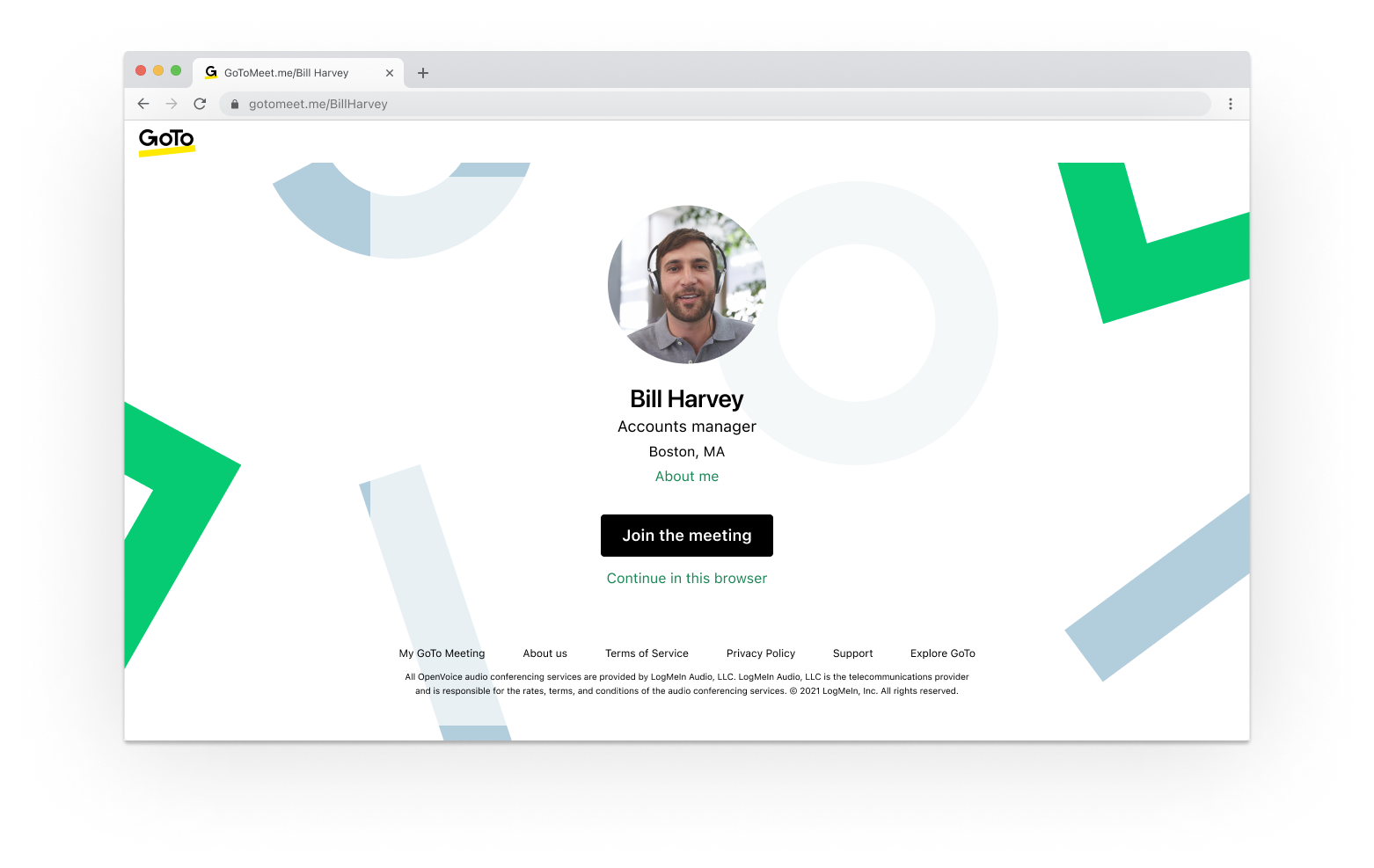
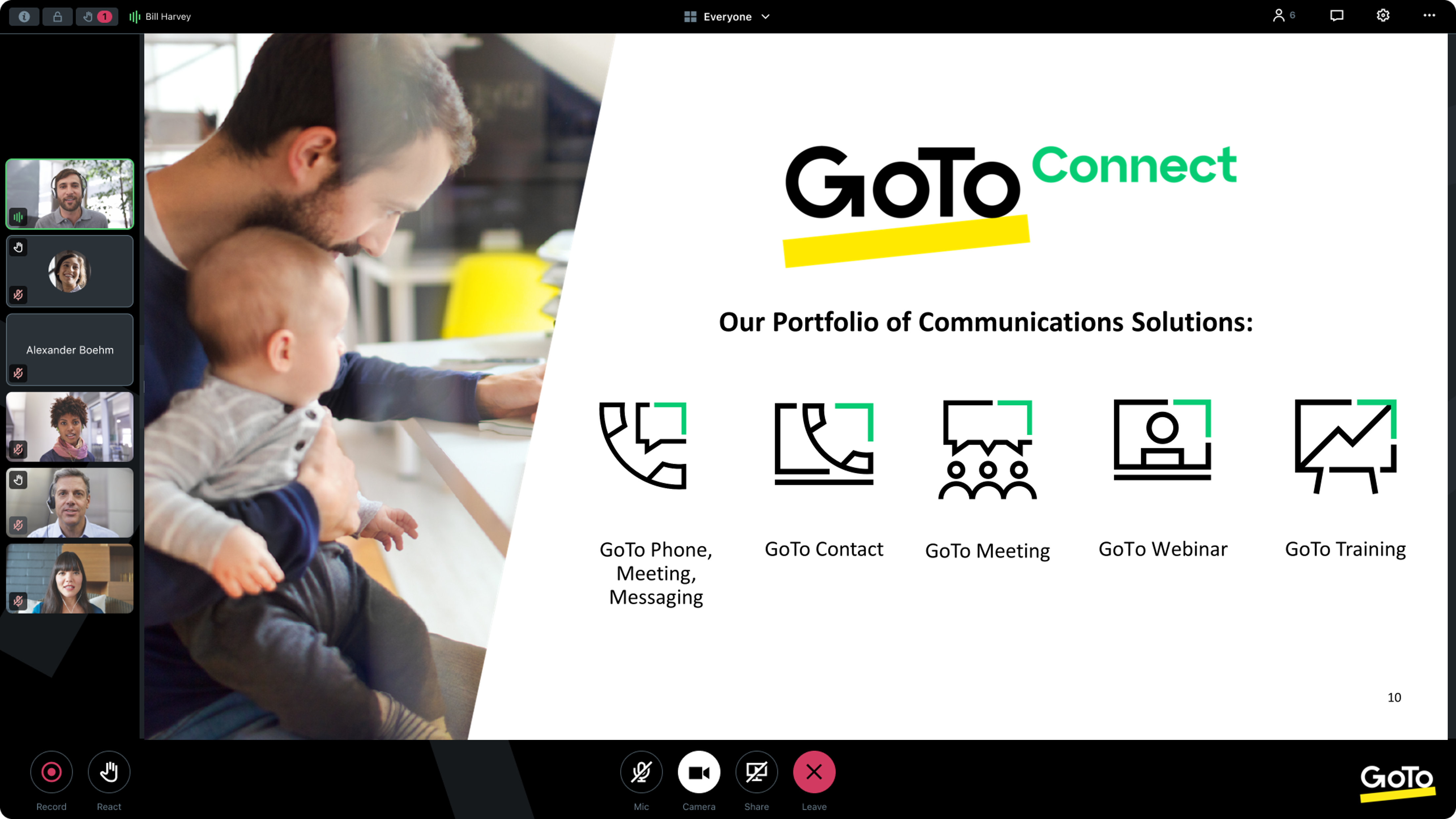
From GoTo (formerly LogMeIn), GoToMeeting is an online meeting, desktop sharing, and video conferencing software that enables users to connect via the internet. It hosts a suite of online meeting tools, including real-time screen sharing and integrated audio.
$12
per month
Webex App
Score8.3 out of 10
N/A
The Webex App brings together Webex Calling, Meetings, and Messaging into a single application, fostering collaboration and unlocking more productive ways to work.
$0
user/month
Pricing
GoTo Meeting
Webex App
Editions & Modules
Professional
$12.00
Per Organizer / Per Month for 150 Participants [billed annually]
Business
$16.00
Per Organizer / Per Month for 250 Participants [billed annually]
Enterprise
Custom Pricing
3,000 Participants
Basic Plan
$0.00
user/month
Meet Plan
$13.50
user/month
Meet + Call Plan
$25.00
user/month
Enterprise Plan
Contact Sales
Offerings
Pricing Offerings
GoTo Meeting
Webex App
Free Trial
Yes
Yes
Free/Freemium Version
No
Yes
Premium Consulting/Integration Services
Yes
Yes
Entry-level Setup Fee
No setup fee
Optional
Additional Details
Pricing available by monthly or annual subscription, with discounts for annual commitments.
System Administrator in Customer Service at The Planning Council (Non-profit Organization Management, 11-50 employees)
Chose GoTo Meeting
GoTo Meetings has no time limit for sessions with more than x attendees. GoTo Meetings provides an easy way to allow attendees to share their screens. GoTo Meeting does not require membership/license/registration attendees; they are not required to download the desktop …
A de minimis incentive was given to thank the reviewer for their time. The incentive was not used to bias or drive a particular response, nor was the incentive contingent on a positive endorsement. More Info
A de minimis incentive was given to thank the reviewer for their time. The incentive was not used to bias or drive a particular response, nor was the incentive contingent on a positive endorsement. More Info
Verified User
Chose GoTo Meeting
GoTo Meeting is better than Zoom in terms of price and time/steps needed to join calls/meetings. In terms of brand value and awareness, many users and customers still prefer Zoom and Google Meet to GoTo Meeting. For GoTo to scale up and have more pie-share they need to position …
A de minimis incentive was given to thank the reviewer for their time. The incentive was not used to bias or drive a particular response, nor was the incentive contingent on a positive endorsement. More Info
Game Programmer in Engineering at Scale AI (Computer Software, 201-500 employees)
Chose GoTo Meeting
When exploring virtual meeting solutions, we evaluated alternatives such as Zoom and Microsoft Teams. GoTo Meeting stood out for its user-friendly interface, robust features, and a reputation for reliability, making it the preferred choice for our organization's diverse virtual …
A de minimis incentive was given to thank the reviewer for their time. The incentive was not used to bias or drive a particular response, nor was the incentive contingent on a positive endorsement. More Info
Coordinador DB & AS in Information Technology at SSA Sistemas (Information Technology & Services, 11-50 employees)
Chose GoTo Meeting
easy to use rather another tools, improve performance in my solutions to my customers, when i use zoom has issues with guest machine because rare characters are typed with some disgusting with my customers, and we are not productive because lost several time correcting my …
A de minimis incentive was given to thank the reviewer for their time. The incentive was not used to bias or drive a particular response, nor was the incentive contingent on a positive endorsement. More Info
Senior Support Specialist in Information Technology at M&T Bank (Investment Banking, 10,001+ employees)
Chose GoTo Meeting
It's comparative but in a lot of the places I have worked GO TO is considered not as advanced as the bigger players but I think its come a long way. I think the other big players have there hands in the game more but it has the potential to move up. I think more people need to …
A de minimis incentive was given to thank the reviewer for their time. The incentive was not used to bias or drive a particular response, nor was the incentive contingent on a positive endorsement. More Info
Lead UI/UX in Information Technology at Ideal User (Information Technology & Services, 11-50 employees)
Chose GoTo Meeting
Zoom uses same technology for Meetings but to me zoom seems a bit less secure. zoom has chat feature which I like better as it helps chatting with individuals on the meetings. Webex is also same technology but seems slower for meetings.Webex seems to use a lot of internet …
A de minimis incentive was given to thank the reviewer for their time. The incentive was not used to bias or drive a particular response, nor was the incentive contingent on a positive endorsement. TR verified that a representative sample of customers was invited. More Info
A de minimis incentive was given to thank the reviewer for their time. The incentive was not used to bias or drive a particular response, nor was the incentive contingent on a positive endorsement. TR verified that a representative sample of customers was invited. More Info
Consultant in Professional Services at Upward Technologies LLC (Computer Software, 1-10 employees)
Chose GoTo Meeting
GoTo Meeting does not offer end-to-end encryption as Zoom does. However, meeting experiences are all comparable among GoTo Meeting, Zoom, and Webex. GoTo Meeting is probably the least expensive of all these products. The screen-sharing experience is also about equal between …
A de minimis incentive was given to thank the reviewer for their time. The incentive was not used to bias or drive a particular response, nor was the incentive contingent on a positive endorsement. More Info
Verified User
Chose GoTo Meeting
I am end user. GoTo Meeting helped to remote sharing with on low bandwidths. The audio quality is better when we have low bandwidths and from Mobile data. Our OEM provides GoTo Meeting to attend their webinars, trainings and support assistance.
A de minimis incentive was given to thank the reviewer for their time. The incentive was not used to bias or drive a particular response, nor was the incentive contingent on a positive endorsement. More Info
Manager Telecom & Field Services in Information Technology at Party City (Retail, 10,001+ employees)
Chose GoTo Meeting
Functionality amongst all the standard video/chat conference collaboration tools is about the same with the exception of better integration of other companies' software applications in their portfolio. I ran into issues with buffering with users on low bandwidth or "hot spot" …
A de minimis incentive was given to thank the reviewer for their time. The incentive was not used to bias or drive a particular response, nor was the incentive contingent on a positive endorsement. TR verified that a representative sample of customers was invited. More Info
Verified User
Chose GoTo Meeting
Other than business and organization calls and conference applications like MS Teams, GoTo Meeting provides the possibility of having a larger number of participants and also having the option to have external parties join as well. And it allows a user to have full control over …
A de minimis incentive was given to thank the reviewer for their time. The incentive was not used to bias or drive a particular response, nor was the incentive contingent on a positive endorsement. TR verified that a representative sample of customers was invited. More Info
Verified User
Chose GoTo Meeting
We actually use several products. Google Meet for our classroom teachers to use with students because it is cheaper. GoTo Meeting offers a better quality experience but uses more bandwidth. Zoom has some great features that are comparable to GoTo Meeting. Zoom provides a better …
A de minimis incentive was given to thank the reviewer for their time. The incentive was not used to bias or drive a particular response, nor was the incentive contingent on a positive endorsement. More Info
A de minimis incentive was given to thank the reviewer for their time. The incentive was not used to bias or drive a particular response, nor was the incentive contingent on a positive endorsement. More Info
Verified User
Chose GoTo Meeting
Cisco WebEx > GoToMeeting > Microsoft Teams > Skype for Business. Cisco WebEx still remains one of the best technically available tools in the market, but it's expensive as well. And Microsoft Teams, bundled with Office 365 makes it a very attractive proposition to have. Still, …
A de minimis incentive was given to thank the reviewer for their time. The incentive was not used to bias or drive a particular response, nor was the incentive contingent on a positive endorsement. More Info
A de minimis incentive was given to thank the reviewer for their time. The incentive was not used to bias or drive a particular response, nor was the incentive contingent on a positive endorsement. More Info
Human Resources Information System Analyst in Human Resources at Genworth (Insurance, 1001-5000 employees)
Chose GoTo Meeting
It is right there with the others I have used. I wonder what separates those that are at the top of the list for 2018 from the software I've used. I've had the pleasure of meeting with other companies on a few other platforms and they all seem similar.
A de minimis incentive was given to thank the reviewer for their time. The incentive was not used to bias or drive a particular response, nor was the incentive contingent on a positive endorsement. More Info
Senior Associate in Information Technology at Stir Architecture (Architecture & Planning, 11-50 employees)
Chose GoTo Meeting
GoToMeeting competes head-to-head to competitors like Cisco's WebEx. There really is no difference currently between what GoToMeeting offers vs. WebEx.
A de minimis incentive was given to thank the reviewer for their time. The incentive was not used to bias or drive a particular response, nor was the incentive contingent on a positive endorsement. More Info
Technical Support Engineer in Information Technology at Kyndryl solutions pvt Ltd (Information Technology & Services, 10,001+ employees)
Chose Webex App
Webex had better connectivity in comparison to the other two. GoTo Meeting has a little complicated layout and Zoom's annoying feature of connecting to the audio every time you join a meeting. Webex had no such things, it joins meetings and doesn't ask you if you want to …
A de minimis incentive was given to thank the reviewer for their time. The incentive was not used to bias or drive a particular response, nor was the incentive contingent on a positive endorsement. More Info
Verified User
Chose Webex App
The user interface of Webex is way too good compared to GoToMeeting. There is no copy-paste option on the latter whereas Webex supports that like a charm. The audio clarity on Webex is nothing compared to what I saw in the GoToMeeting app. Webex does not require very high data …
A de minimis incentive was given to thank the reviewer for their time. The incentive was not used to bias or drive a particular response, nor was the incentive contingent on a positive endorsement. More Info
Verified User
Chose Webex App
Webex App is better than other tools because it can be easily used both by employee and internal partners and external ones. Other tools ask for credential passcode or tailor made permission, Webex App doesn’t work in this sense and this is a plus. Also Webex App reminds you …
A de minimis incentive was given to thank the reviewer for their time. The incentive was not used to bias or drive a particular response, nor was the incentive contingent on a positive endorsement. TR verified that a representative sample of customers was invited. More Info
Verified User
Chose Webex App
Webex App stands out in this crowded space of similar products due to it's high audio and video quality during meetings. It's transcript generation, video recording and other AI features makes it a great product for team collboration and communication. However, it's cost and …
A de minimis incentive was given to thank the reviewer for their time. The incentive was not used to bias or drive a particular response, nor was the incentive contingent on a positive endorsement. TR verified that a representative sample of customers was invited. More Info
A de minimis incentive was given to thank the reviewer for their time. The incentive was not used to bias or drive a particular response, nor was the incentive contingent on a positive endorsement. TR verified that a representative sample of customers was invited. More Info
Verified User
Chose Webex App
I had to choose Webex App, my company uses it. It stacks up very poorly in the UI/UX department. The whole app is a mess. If it wasn’t a mess it would’ve taken over as the app of the pandemic. It needs a fundamental redesign. I hate using it.
A de minimis incentive was given to thank the reviewer for their time. The incentive was not used to bias or drive a particular response, nor was the incentive contingent on a positive endorsement. More Info
Customer Success Manager in Professional Services at Opiniion Inc. (Marketing & Advertising, 11-50 employees)
Chose Webex App
Webex is definitely more user-friendly than most other platforms. There are a lot more controls than the basic Google Meet platform and definitely a lot easier than LogMeIn.
A de minimis incentive was given to thank the reviewer for their time. The incentive was not used to bias or drive a particular response, nor was the incentive contingent on a positive endorsement. More Info
Verified User
Chose Webex App
Webex is as good as any of these competitors, and because the messaging, calling and conferencing features are integrated, it is actually better than some of these, which are stand-alone for only one of the features. Also, since we are a Microsoft house and use Outlook for …
A de minimis incentive was given to thank the reviewer for their time. The incentive was not used to bias or drive a particular response, nor was the incentive contingent on a positive endorsement. More Info
IFS Consultant in Professional Services at Platned Syngco (Information Technology & Services, 51-200 employees)
Chose Webex App
Webex Meetings proved to be better when stacked against Zoom and Microsoft Teams when it comes to hosting large meetings and providing documents to audiences. Also, not like MS Teams, Webex app have the capability to provide control over to the attendees outside of the …
A de minimis incentive was given to thank the reviewer for their time. The incentive was not used to bias or drive a particular response, nor was the incentive contingent on a positive endorsement. More Info
Director, Instructional Technology in Information Technology at UMBC (Higher Education, 1001-5000 employees)
Chose Webex App
Webex App offers high-quality audio and video so it is comparable to other web conferencing tools. It has strong end-to-end encryption for security and data privacy settings that are important when working in higher education. Unlike Zoom or Meet, Webex also provides persistent …
A de minimis incentive was given to thank the reviewer for their time. The incentive was not used to bias or drive a particular response, nor was the incentive contingent on a positive endorsement. More Info
Workspace Specialist in Professional Services at EEC Services (Information Technology & Services, 51-200 employees)
Chose Webex App
It was not my choice, but some customers have it for conference rooms or simply communication or support so I am always acting as a user for this app and it will be difficult to replace it with any other app as they don't have the same functionalities or the whole capabilities …
A de minimis incentive was given to thank the reviewer for their time. The incentive was not used to bias or drive a particular response, nor was the incentive contingent on a positive endorsement. TR verified that a representative sample of customers was invited. More Info
Verified User
Chose Webex App
More features available for collaboration, sharing ideas, and design thinking. Design thinking as a problem-solving framework is used in the business. I’ve found Miro boards to be a great way to emulate design thinking activities virtually during a Webex [App] meeting (and they …
A de minimis incentive was given to thank the reviewer for their time. The incentive was not used to bias or drive a particular response, nor was the incentive contingent on a positive endorsement. More Info
Security Professional Services Team Lead in Professional Services at Systems Engineering of Egypt - SEE (Information Technology & Services, 1001-5000 employees)
A de minimis incentive was given to thank the reviewer for their time. The incentive was not used to bias or drive a particular response, nor was the incentive contingent on a positive endorsement. More Info
Network Architect in Professional Services at BSS (Telecommunications, 10,001+ employees)
Chose Webex App
Similar features between all of the various products. The interface on the other products seem much more intuitive and easier to use. New users prefer other products as they find the Webex (formerly Webex Teams) interface dated and difficult to navigate. Good security …
A de minimis incentive was given to thank the reviewer for their time. The incentive was not used to bias or drive a particular response, nor was the incentive contingent on a positive endorsement. More Info
A de minimis incentive was given to thank the reviewer for their time. The incentive was not used to bias or drive a particular response, nor was the incentive contingent on a positive endorsement. More Info
IT Network Coordinator in Information Technology at Environmental Products & Services of Vermont (Chemicals, 201-500 employees)
Chose Webex App
It has more features, a LOT more security, ROI is in the region of up to 10x cheaper than our existing PBXes that are at sites. The Spaces and Teams set up is very easy to do, the extended features, once enabled, are even more so. The fact you can also manage it from a web …
A de minimis incentive was given to thank the reviewer for their time. The incentive was not used to bias or drive a particular response, nor was the incentive contingent on a positive endorsement. More Info
Process Optimization Analyst in Corporate at Quad (Printing, 10,001+ employees)
Chose Webex App
Webex Teams is one of the industry standards among business collaboration tools. Our business has utilized Cisco products for a long time and have continued to utilize the service as the platform as evolved. Webex Teams stacks up well against the competition and even exceeds in …
A de minimis incentive was given to thank the reviewer for their time. The incentive was not used to bias or drive a particular response, nor was the incentive contingent on a positive endorsement. More Info
Network Services Manager in Information Technology at M. J. Electric, LLC (Construction, 1001-5000 employees)
Chose Webex App
WebEx and WebEx Teams offers many more features and functionality that the other solutions could not. With our large investment in CUCM we saw WebEx Teams and the best platform to integrate with our existing investment. Cisco has proven to be a leader in this type of …
A de minimis incentive was given to thank the reviewer for their time. The incentive was not used to bias or drive a particular response, nor was the incentive contingent on a positive endorsement. More Info
I provide regular training as a big portion of my job. There is weekly training with an infinite number of users in attendance on any given date—GoTo Meeting is not the best option for this because I would have to mute users as they join the meeting. However, I also provide frequent training sessions to a small number of users that feature more individualized content, and having them able to mute/unmute at will is a better fit for a smaller group with in-depth materials.
A de minimis incentive was given to thank the reviewer for their time. The incentive was not used to bias or drive a particular response, nor was the incentive contingent on a positive endorsement. More Info
It can be useful for organizations which uses hybrid and work from home model. By using this application we can seamlessly connect with each and every person in the organization. Used to conduct meetings about progress of project and can be able to present our data to others by screensharing option.
A de minimis incentive was given to thank the reviewer for their time. The incentive was not used to bias or drive a particular response, nor was the incentive contingent on a positive endorsement. TR verified that a representative sample of customers was invited. More Info
A de minimis incentive was given to thank the reviewer for their time. The incentive was not used to bias or drive a particular response, nor was the incentive contingent on a positive endorsement. More Info
The online meeting within the internal team using Webex App is always a good experience as it helps well in sharing screen, and any content for that matter.
It helps in arranging online interviews and it is also very good experience using the web version of Webex App.
It also helps in arranging online training sessions and webinars which generally involve huge number of participants generally over 200+ participants and Webex App handles it very well.
A de minimis incentive was given to thank the reviewer for their time. The incentive was not used to bias or drive a particular response, nor was the incentive contingent on a positive endorsement. More Info
A de minimis incentive was given to thank the reviewer for their time. The incentive was not used to bias or drive a particular response, nor was the incentive contingent on a positive endorsement. More Info
A de minimis incentive was given to thank the reviewer for their time. The incentive was not used to bias or drive a particular response, nor was the incentive contingent on a positive endorsement. TR verified that a representative sample of customers was invited. More Info
We used other software like goto meetings but found it best because of its user friendly interface and easy interfacing. It helped us in COVID and now we can say we are depending on it and love it. We recommend it to our friends company and they are also using it. It is very affordable and easy to integrate with system
A de minimis incentive was given to thank the reviewer for their time. The incentive was not used to bias or drive a particular response, nor was the incentive contingent on a positive endorsement. More Info
While Webex has strong adoption on the administrative side, the LTI tool for Webex is lacking some important support for teaching and learning. Therefore, faculty do not see much value in Webex and prefer to use other tools that are easier to access and more likely to benefit their students within the LMS. Webex has not been the easiest to work with for identifying pedagogical roadmap improvements, especially compared to competitors who work closely in the education space
A de minimis incentive was given to thank the reviewer for their time. The incentive was not used to bias or drive a particular response, nor was the incentive contingent on a positive endorsement. More Info
The simplicity of GoToMeetings desktop, mobile, and web-based applications make it a very robust and user-friendly meeting solution. At times, it may be more complex than needed, but it is nice to have so many features that can be used if needed. Once installed, it is very easy to use and navigate.
A de minimis incentive was given to thank the reviewer for their time. The incentive was not used to bias or drive a particular response, nor was the incentive contingent on a positive endorsement. More Info
Webex is quite usable, and it is, in fact very easy to use as well. You don't need a lot of documentation to learn how to use the app as it's mostly self-explanatory. The user interface is easy on the eyes, and people can see buttons without issues. Overall, WebEx's front-end design is great and I don't have much issue with it.
A de minimis incentive was given to thank the reviewer for their time. The incentive was not used to bias or drive a particular response, nor was the incentive contingent on a positive endorsement. More Info
A de minimis incentive was given to thank the reviewer for their time. The incentive was not used to bias or drive a particular response, nor was the incentive contingent on a positive endorsement. More Info
I would say every time I open it, it is there, there are times that our users have to sign out and back in to get it to work or even do a full exit as the app will disconnect from the controlling the desk phone, but some easy steps to sign-out or fully exit the app gets the user back up and running quickly.
A de minimis incentive was given to thank the reviewer for their time. The incentive was not used to bias or drive a particular response, nor was the incentive contingent on a positive endorsement. TR verified that a representative sample of customers was invited. More Info
A de minimis incentive was given to thank the reviewer for their time. The incentive was not used to bias or drive a particular response, nor was the incentive contingent on a positive endorsement. More Info
On standalone it works fine, it used to consume a considerable amount of system resources in the past, but with updates and upgrades, this has improved quite a lot. As far as integrations with other systems, we have not come across any critical issues with the app.
A de minimis incentive was given to thank the reviewer for their time. The incentive was not used to bias or drive a particular response, nor was the incentive contingent on a positive endorsement. TR verified that a representative sample of customers was invited. More Info
When we have issues, they seem to respond quickly and do everything they can to help us. They have even tried to find other ways we could get more use out of their product, or improve the way we are currently using it. Overall, their support has been fairly good for us.
A de minimis incentive was given to thank the reviewer for their time. The incentive was not used to bias or drive a particular response, nor was the incentive contingent on a positive endorsement. More Info
Talking about Webex App technical support is talking about the quality because they are always attentive and willing to attend to our needs, and the response is immediate; every time we have needed help to solve a problem or find out a function, they have not responded quickly, Cisco has always been characterized by being efficient and deserving 10 points.
A de minimis incentive was given to thank the reviewer for their time. The incentive was not used to bias or drive a particular response, nor was the incentive contingent on a positive endorsement. More Info
I am very satisfied with my experience with Webex App in online training. The creation of the event is very easy with the possibility of scheduling it in advance. The management of participants, organizers, and animators is complete. The invitations are automated and by simply using emails we can create all the schedules of the training session
I would rate the online training 8/10. It provided clear and well-structured content, making it easy to understand the core features of Webex. However, I believe it could have been more interactive, with practical exercises or real-life scenarios to enhance user engagement. More advanced topics or troubleshooting guides could also be helpful for deeper learning.
A de minimis incentive was given to thank the reviewer for their time. The incentive was not used to bias or drive a particular response, nor was the incentive contingent on a positive endorsement. TR verified that a representative sample of customers was invited. More Info
A de minimis incentive was given to thank the reviewer for their time. The incentive was not used to bias or drive a particular response, nor was the incentive contingent on a positive endorsement. More Info
There was quite a bit of back and forth with TAC and Cisco Reps to get it fully up and running but we did get there. Some of which had to do with documentation was not fully understandable. But with Cisco TAC we were able to get fully up and running.
A de minimis incentive was given to thank the reviewer for their time. The incentive was not used to bias or drive a particular response, nor was the incentive contingent on a positive endorsement. TR verified that a representative sample of customers was invited. More Info
Many times, it seems like GoTo Meeting requires less bandwidth to run. We noticed with a few test machines that if you have over twenty video streams, this product could handle the load better than if we used Microsoft Teams and had many video streams.
A de minimis incentive was given to thank the reviewer for their time. The incentive was not used to bias or drive a particular response, nor was the incentive contingent on a positive endorsement. More Info
Microsoft Teams, while being built for more file sharing, completely misses the mark. I prefer Webex App which focuses on being a great chat tool, rather than trying to become something it is not. Slack is preferred over Webex App, but just barely, and it is only because Slack has a slightly more intuitive group discussion function.
A de minimis incentive was given to thank the reviewer for their time. The incentive was not used to bias or drive a particular response, nor was the incentive contingent on a positive endorsement. More Info
Once everything is in place on the back end getting Webex on a user's PC is now very easy and with single sign-on, users are able to sign in without having to remember another password. Just make sure you have all the user settings in CUCM, CUC set right, and that they have the needed licenses in Webex Control Hub.
A de minimis incentive was given to thank the reviewer for their time. The incentive was not used to bias or drive a particular response, nor was the incentive contingent on a positive endorsement. TR verified that a representative sample of customers was invited. More Info
Any collaboration app these days are now a great addition for those organizations which have more than one office and they need to collaborate with each other.
GoTo Meeting can contribute to cost savings by reducing the need for extensive travel, accommodation, and related expenses associated with in-person meetings especially in case like us as we have multiple branches.
A de minimis incentive was given to thank the reviewer for their time. The incentive was not used to bias or drive a particular response, nor was the incentive contingent on a positive endorsement. More Info
Comfort in switching multiple OS platforms, when there is similar UI design.
HD video quality and HD screen share, make up presentations look more professional and standardized.
Less call/meeting drops as seen in other platforms applications.
Builds a level of trust, when we connect on Cisco's application platform with customers who are having their whole communication infrastructure shifted to Cisco Webex App.
A de minimis incentive was given to thank the reviewer for their time. The incentive was not used to bias or drive a particular response, nor was the incentive contingent on a positive endorsement. More Info