
Google Slides vs. simpleshow video maker
| Product | Rating | Most Used By | Product Summary | Starting Price |
|---|---|---|---|---|
 Google Slides | Score7.9 out of 10 | N/A | Google Slides is a presentation tool that enables users to create, edit, collaborate, and present. It is free for personal use, and available to businesses via a Google Workspaces subscription. | N/A |
 simpleshow video maker | Score9 out of 10 | N/A | simpleshow is a platform for digital products and services around explainer videos. Guided by the mission to make modern communication simple and concise, the solution helps users explain a complex topic very simply. The artificial intelligence of the SaaS solution simpleshow video maker supports the user in creating a professional explainer video with just a few clicks - in more than 20 languages. The simpleshow team boasts experience with building tens of thousands of video and… | $129 per month |
| Google Slides | simpleshow video maker | |||||||||||||||
|---|---|---|---|---|---|---|---|---|---|---|---|---|---|---|---|---|
| Editions & Modules | No answers on this topic |
| ||||||||||||||
| Offerings |
| |||||||||||||||
| Entry-level Setup Fee | No setup fee | No setup fee | ||||||||||||||
| Additional Details | — | Discount available for annual pricing. A free Classroom edition is available for teachers in educational institutions for classrooms of up to 50 students. | ||||||||||||||
| More Pricing Information | ||||||||||||||||
| Google Slides | simpleshow video maker | |
|---|---|---|
| Considered Both Products | No answer on this topic | No answer on this topic |
| Key User Insights | ||
| Would buy again | ||
88% Would buy again 7 Answers | No answers on this topic | |
| Delivers good value for the price | ||
100% Delivers good value for the price 7 Answers | No answers on this topic | |
| Happy with the feature set | ||
75% Happy with the feature set 6 Answers | No answers on this topic | |
| Lived up to sales and marketing promises | ||
No answers on this topic | No answers on this topic | |
| Implementation went as expected | ||
100% Implementation went as expected 5 Answers | No answers on this topic | |
| Google Slides | simpleshow video maker | |
|---|---|---|
| Small Businesses |  Adobe Presenter Score9 out of 10 |  Vidyard Score9.7 out of 10 |
| Medium-sized Companies |  Microsoft Powerpoint Online Score6.9 out of 10 |  Ensemble Video Score9.1 out of 10 |
| Enterprises | Adobe Presenter Score9 out of 10 |  Panopto Score8 out of 10 |
| All Alternatives | View all alternatives | View all alternatives |
| Google Slides | simpleshow video maker | |
|---|---|---|
| Likelihood to Recommend | 6.0 | - |
| Likelihood to Renew | 10.0 | - |
| Usability | 7.3 | - |
| Google Slides | simpleshow video maker | |
|---|---|---|
| Likelihood to Recommend |
| No answers on this topic |
| Pros |
| No answers on this topic |
| Cons |
| No answers on this topic |
| Likelihood to Renew |
| No answers on this topic |
| Usability |
| No answers on this topic |
| Alternatives Considered |
| No answers on this topic |
| Return on Investment |
| No answers on this topic |
| ScreenShots | simpleshow video maker Screenshots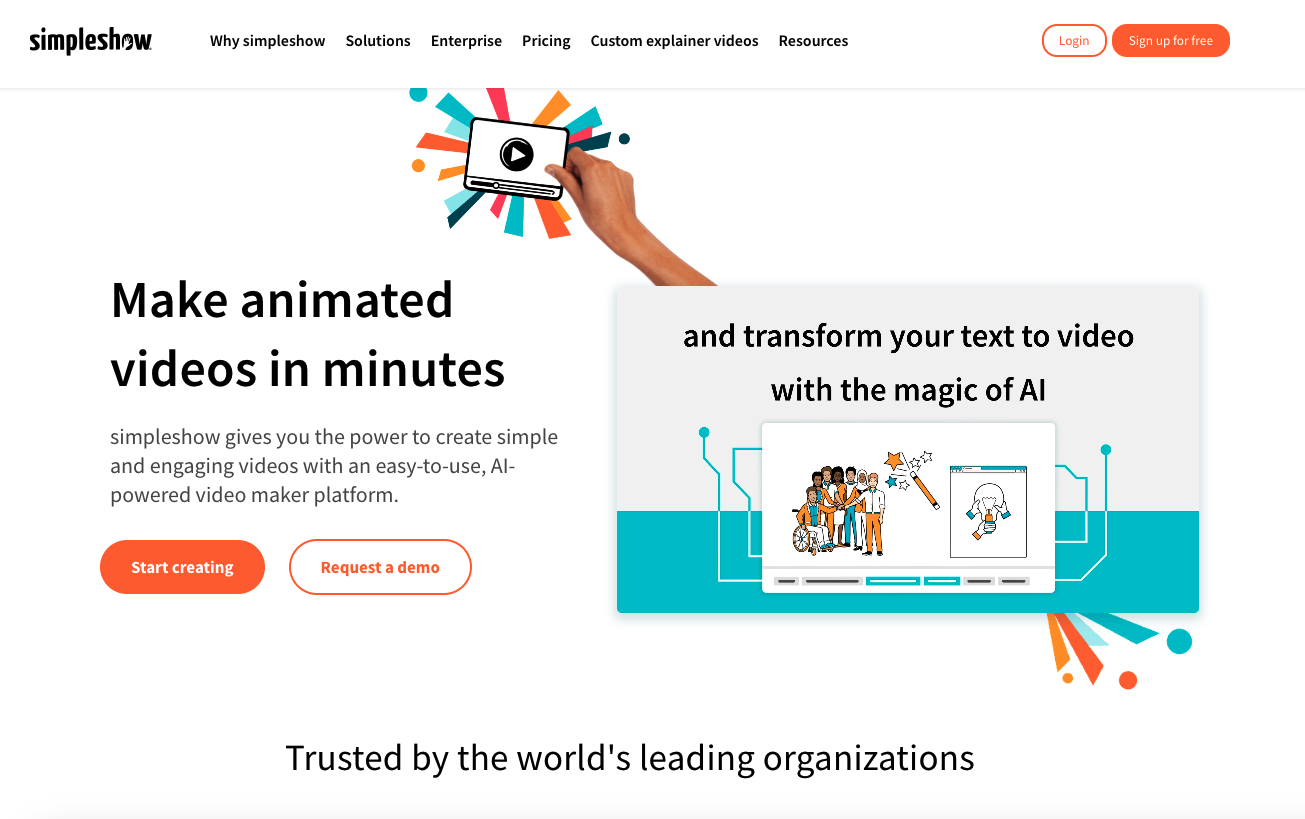 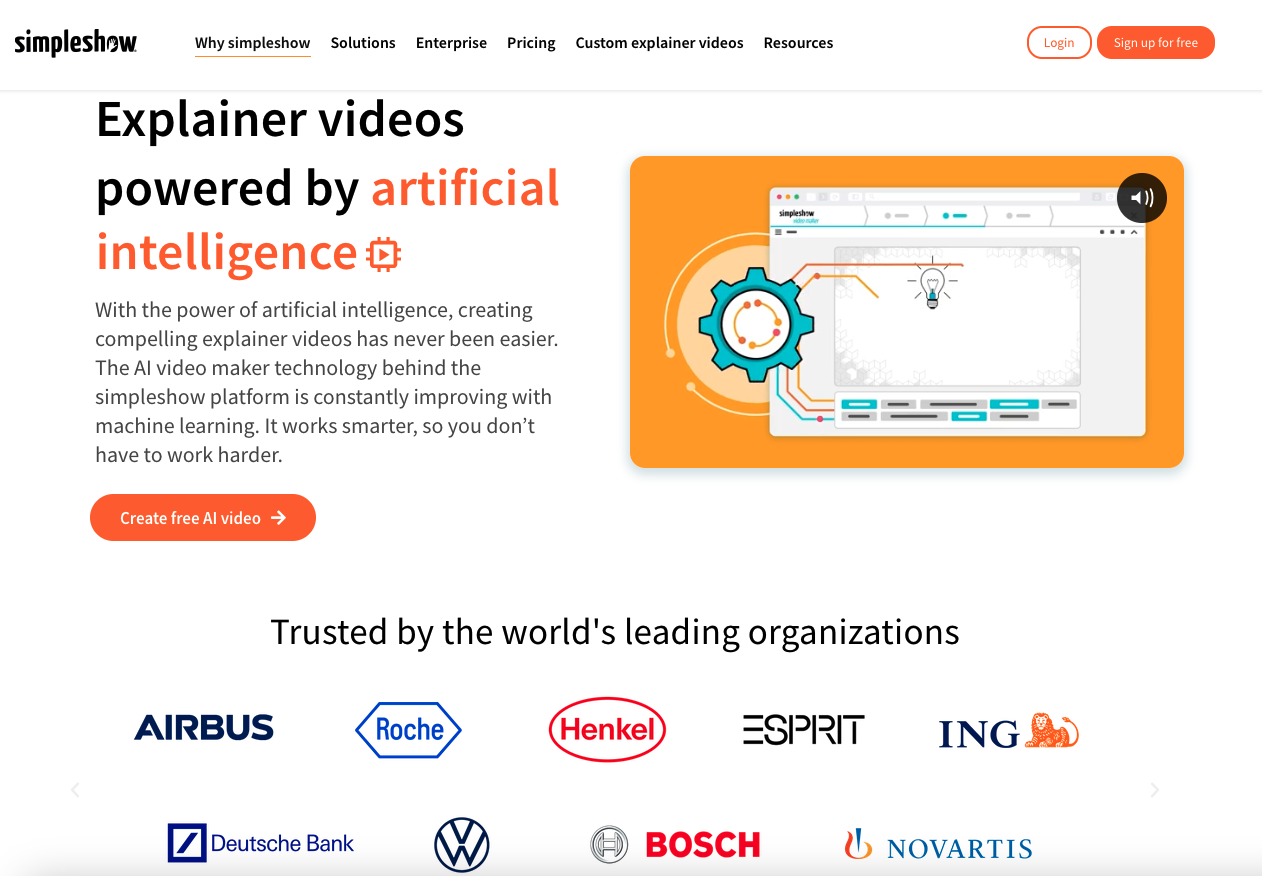   |

