Google Sheets is the spreadsheet app available on Google Workspace, or standalone, with a free plan for personal use and accessible via mobile apps for iOS and Android.
N/A
Grist
Score 9.9 out of 10
N/A
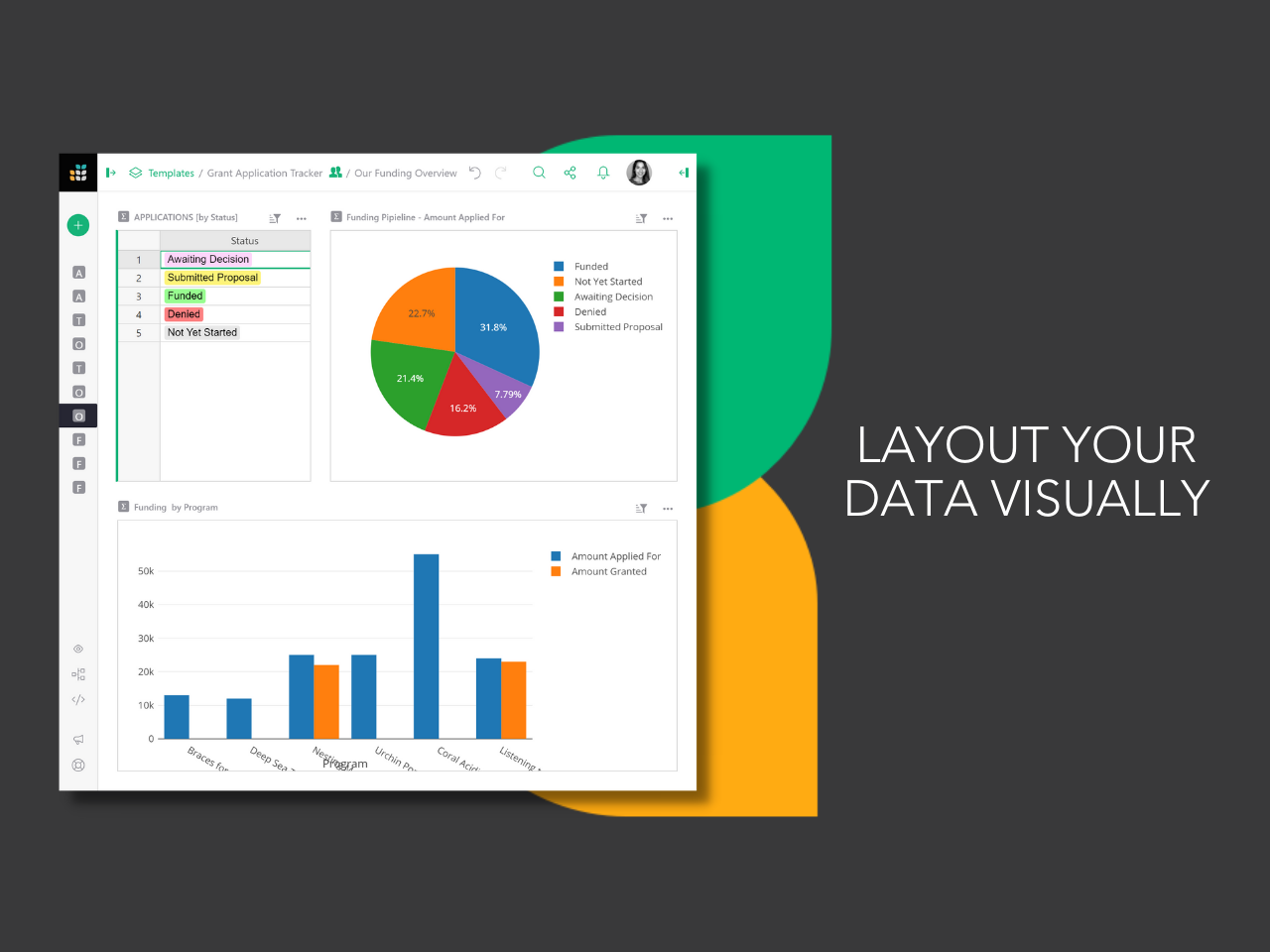
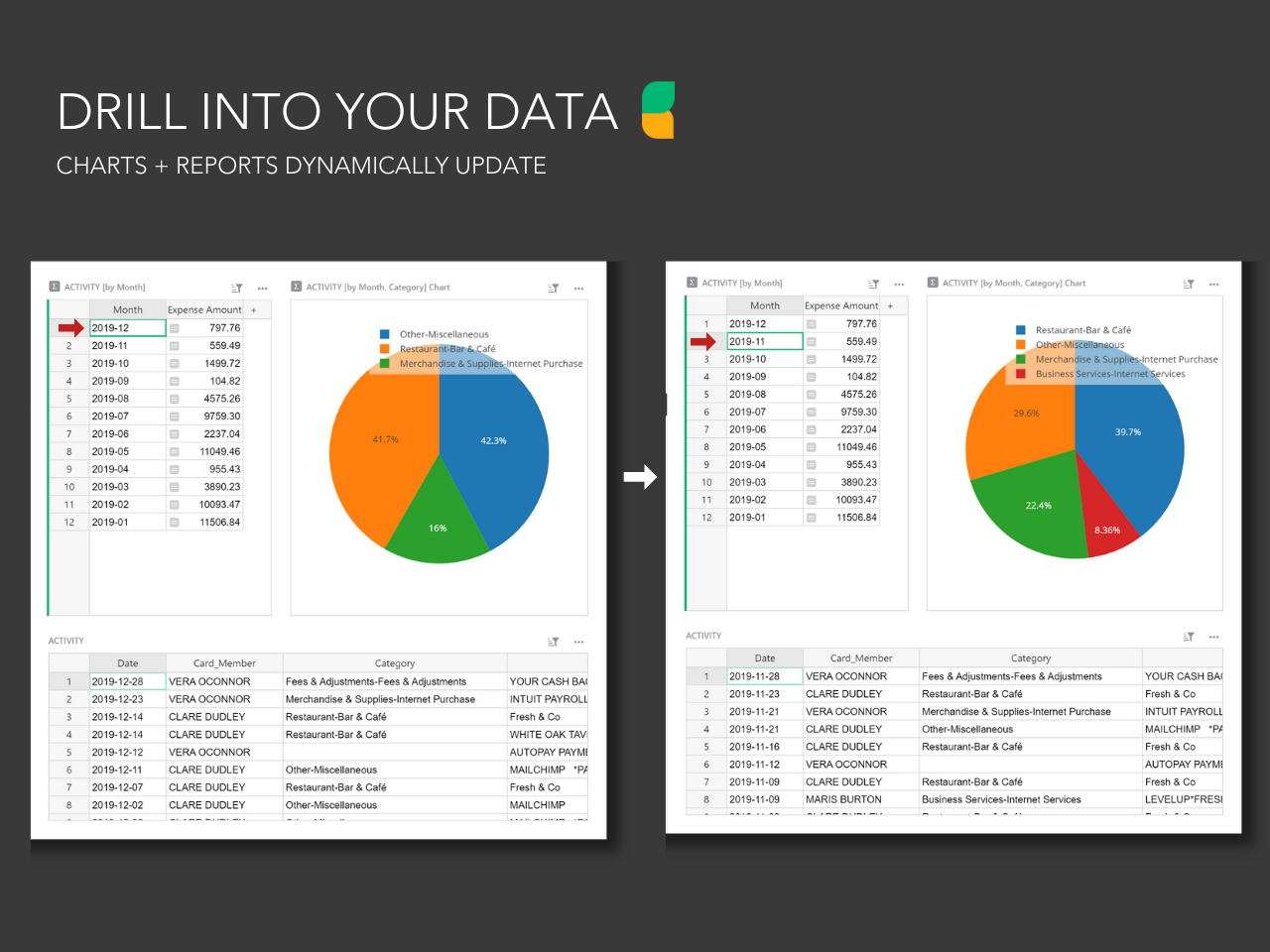
Grist combines the capabilities of spreadsheets, databases and app builders. Using a familiar spreadsheet interface, information can be organized as a relational database, and dashboards built using drag-and-drop. Solving spreadsheet problems Ensures data is well-structured and stored in one place with no duplication, no spreadsheet-wrangling, no merging documents. Collaboration on sensitive data Data is protected…
Google Sheets is a great tool mostly for people in the finance department such as accountants who have to analyze hundreds of transactions. The software makes it easy to organize data and handle some analysis. Also, when it comes to data presentation, Google Sheets offers some of the best features. However, this is not to sat people outside the finance docket cannot benefit from this software. It is a great tool to have when handling data.
We came to Grist from monday.com. Grist is a clean layout and not cluttered. The ease of use is great and it's to the point. There are some areas that are not right out of the box easy to use, such as their formulas and python coding. However, they will help you achieve what you need. Amazing customer service. They not only showed me an example of what I was looking for but explained step by step how to get there. Which in return teaches me about their software. You will need some patience for this is not a quick and go type of spreadsheet software. But no worries, it can get the job done. Thank you, Grist :)
Shifting to Sheets after years and years of Excel is like learning to crawl after I've been running for years. Some sort of translator document. Such as if you use XYZ in Excel, the same function can be found here in Sheets
Functionality shuts down after 5K or so lines are used. I work in finance. We have hundreds of thousands of transactions we need to analyze.
If Big Query is the answer to large amounts of data, it needs to be as easy to use as Sheets is.
I am not involved in the purchase/selection process, but my organization is a Google shop, and Sheets meets most of our spreadsheet needs and works seamlessly with our other tools. I don't anticipate our switching anytime soon.
Overall the formula functions could improve but there's workarounds for them. Utilzing different formulas or approaches for building out accounting schedules. While collebrating with multiple team members and different departments being able to go in and see where others are on the sheets is helpful. Google Sheets overall is a great product
Like most Google products, Google Sheets rarely has outages or slowness, and when it does, connection is always momentarily restored. I can't recall a time when I've been unable to access Google Sheets but able to access other sites just fine. That said, errors aren't uncommon when handling large data volume. You know what they say about using spreadsheets as databases, but sometimes it's just the most convenient option, especially for smaller or one-off projects, and not being able to store large amounts of data hampers our ability to move quickly with scrappy prototypes or full solutions. It would be great if we could better integrate our data manipulation (Apps Script) with big data in the sheet.
Again, Google Sheets is no exception to Google's general high speed and reliability, but load times can be slow for larger amounts of data. I've used Sheets with Zapier and have used the Python API, and speed has never been an issue.
I have never contacted Google Sheets support, but Google Sheets makes it very easy to report an issue or suggest a feature from Sheets itself (Help > Help Sheets improve), and I've had mostly good experiences with support for other Google products.
Microsoft Excel and Numbers on Mac. Used the first reiteration of the Windows 365 and was terrible. It stacks up well against excel due to power of two other Google products 1) Google search and 2) YouTube. If you cannot find an article or video to help you might be disappointed but keep looking.
I still have subscriptions to both of the above and use them sporadically. Infinity is less user friendly in terms of copying data and moving around the tables, entering data using the keyboard only as I tend to do on a spreadsheet. For this reason, I tended to move across to Stackby prior to using Grist instead of using Infinity. Stackby works well, and has some features that are better than Grist (Predominantly the powerups that I use, and integrations that I don't). However, Grist is still a level above in manipulation of data using python (or Excel functions too), the ability to use widgets and the table duplicated in a seperate page.
Google Sheets works very well with multiple users. It's convenient to see in real-time who is collaborating in a sheet, down to the specific cell that they're viewing/editing. Linking Sheets across departments is convenient with the IMPORTRANGE function.
It's saved a lot of time in both creating an advertising database and managing it week to week effectively. I had previously created in others that haven't worked, and this does, saving me a good 1 hour weekly, and 5 hours or more each time I had problems with the last ones
Being able to stay on track with this has meant I'm following up at the right time (advertisers) and keeping a professional manner and not losing business due to missed communication
Saving me $ from buying a program like Access (or Airtable monthly) and then the learning curve that that has. This has a much easier learning curve to say the least.