Google Search Console is a search engine optimization software solution offered by Google.
N/A
Netpeak Spider
Score 7.0 out of 10
Mid-Size Companies (51-1,000 employees)
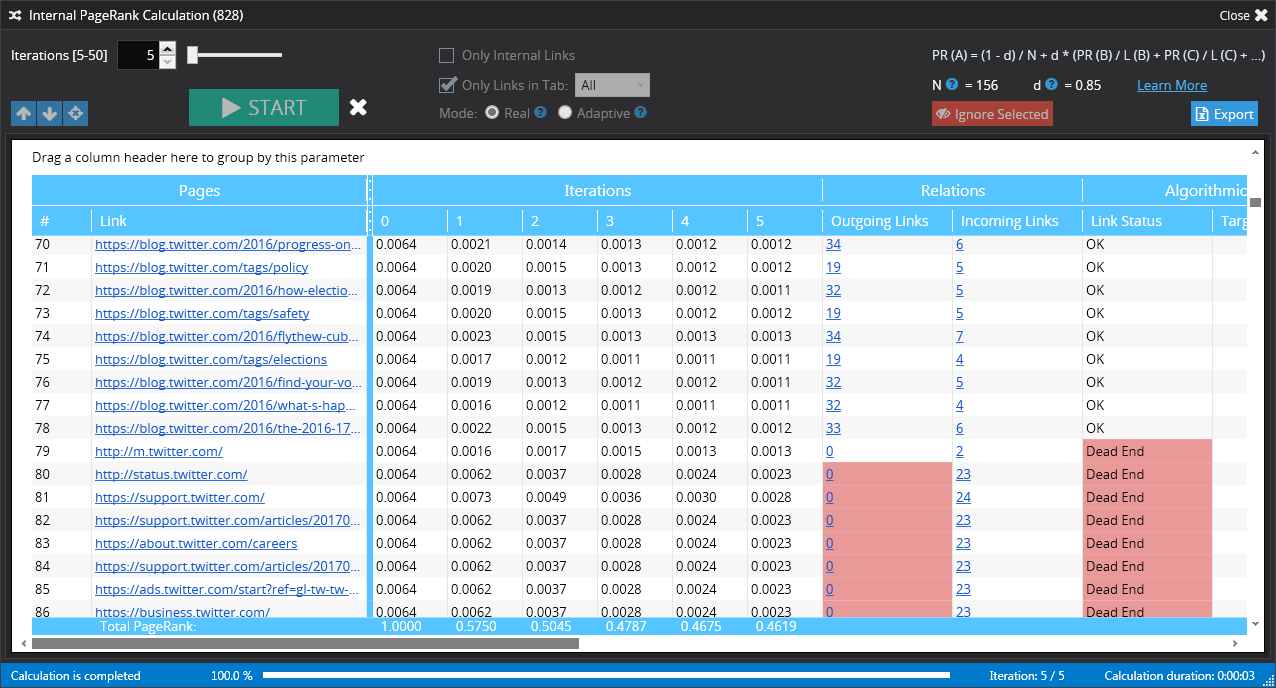
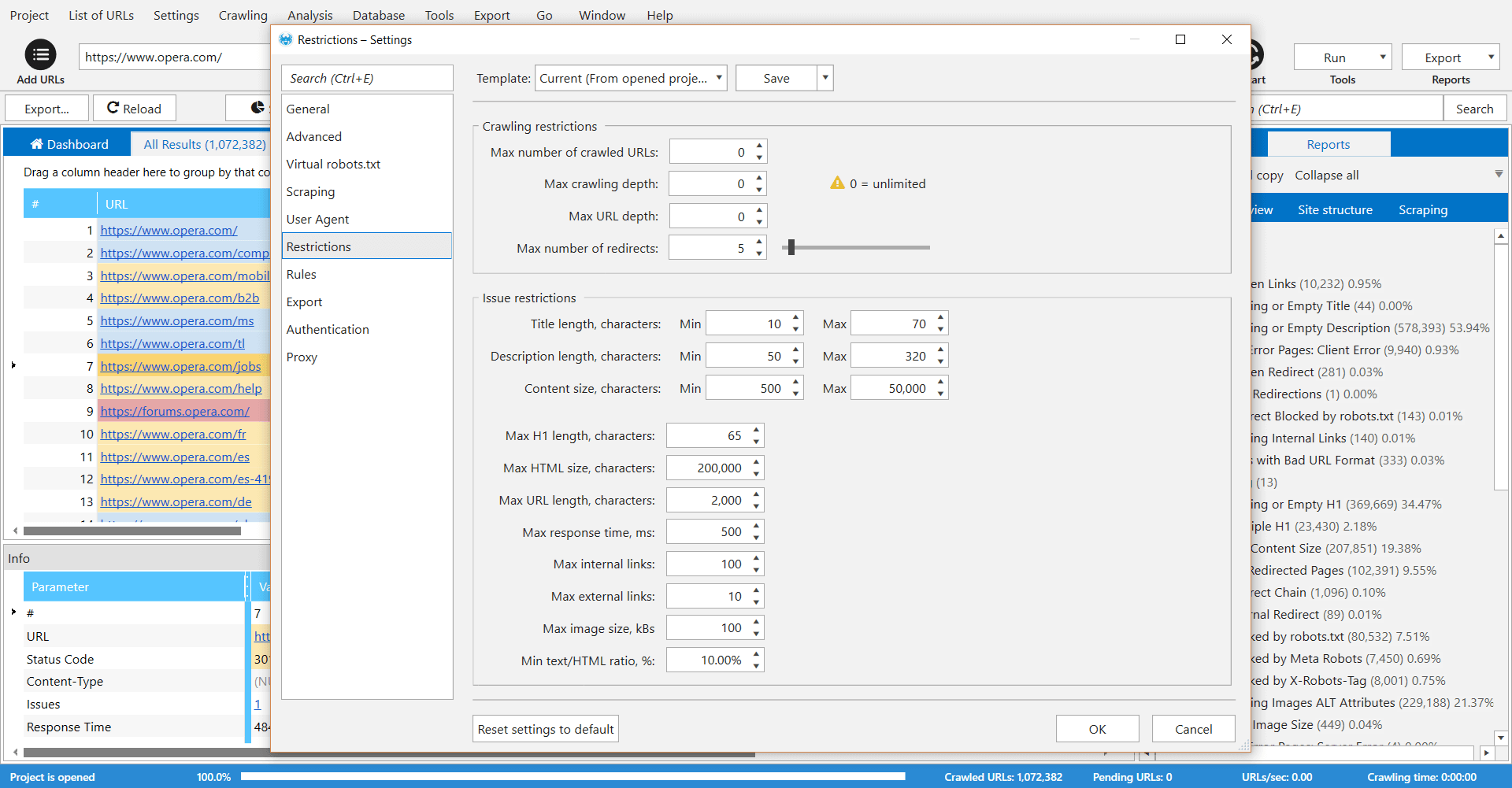
Netpeak Spider is a desktop tool which crawls a website like a search engine robot and detects key SEO issues that influence the website’s visibility in SERP. According to the vendor, this tool allows users to: Spot 80+ issues of your website optimization. Check 70+ key on-page SEO parameters. Calculate internal PageRank to improve website linking structure. Analyze all incoming and outgoing internal links. View page…
$19
per user
Pricing
Google Search Console
Netpeak Spider
Editions & Modules
No answers on this topic
Standard (1-month subscription)
$19.00
per user
Pro (1-month subscription)
$39.00
per user
Standard (12 months subscription)
$182.40
per user
Pro (12 months subscription)
$374.40
per user
Offerings
Pricing Offerings
Google Search Console
Netpeak Spider
Free Trial
No
Yes
Free/Freemium Version
No
No
Premium Consulting/Integration Services
No
No
Entry-level Setup Fee
No setup fee
$15.90 per user
Additional Details
—
Standard Plan includes all basic features except access to white-label reports.
Pro Plan gives you all basic features and access to white-label reports.
More Pricing Information
Community Pulse
Google Search Console
Netpeak Spider
Features
Google Search Console
Netpeak Spider
SEO
Comparison of SEO features of Product A and Product B
Google Search Console
6.2
Ratings
22% below category average
Netpeak Spider
9.0
Ratings
15% above category average
Keyword analysis
8.30 Ratings
00 Ratings
Backlink management
4.90 Ratings
00 Ratings
SERP ranking tracking
7.20 Ratings
00 Ratings
Page grader
5.10 Ratings
8.00 Ratings
Competitive analysis
2.00 Ratings
00 Ratings
Site audit / diagnostics
7.40 Ratings
10.00 Ratings
Site recommendations
6.20 Ratings
00 Ratings
Task management
8.50 Ratings
00 Ratings
SEO Channels
Comparison of SEO Channels features of Product A and Product B
Google Search Console
7.3
Ratings
4% below category average
Netpeak Spider
8.5
Ratings
11% above category average
Local SEO
5.00 Ratings
00 Ratings
Social SEO
8.00 Ratings
00 Ratings
Mobile SEO
7.80 Ratings
8.00 Ratings
Global SEO
8.30 Ratings
9.00 Ratings
SEO Platform & Account Management
Comparison of SEO Platform & Account Management features of Product A and Product B
If you just want to understand how much traffic you're getting from Google organic search results, and study the queries and landing pages that make up this traffic, this is a great tool. If you also want to figure out where you may be missing opportunities or making it hard for people to find your site, this can help with that. However, GSC is not going to give you step by step instructions for how to fix SEO issues, and won't help prioritize anything either. It's essentially like a car dashboard, but doesn't do any driving or tell you how to drive.
Checking and monitoring big websites or e-commerce projects for technical errors on regular basis
Creating custom formulas for calculation of internal page ranks and building a tree view with this information
Get reports that include metrics for every page (performance, inbound and outbound links, indexing status)
Create reports that include all metrics from external SEO services like Serpstat or Similarweb for every single page of your website
It's very useful software for SEO or marketing agencies that have a lot of projects to work with, but might be overkill for small projects and companies.
I'd like more instructions about how to respond to certain errors I see - it can be difficult to understand when you see a red error message what it really means and how to fix it.
I'd appreciate warnings being 'ranked' somehow to understand what's really a big deal, and what might be a minor issue.
Search analytics is helpful but not comprehensive - you can only go back so far in the data, and can't see all the search terms that are sending traffic to your site.
It's easy to use, but some features are lacking a clear explanation. Somethings don't always match up. For example, the Core Web Vitals often doesn't match what you would see in the Chrome Lighthouse report or the Google Page Speed Insights tool. The tool itself is a little too basic and has to be used alongside other SEO tools and other Google properties such as Analytics
As with all Google software, your primary source of help is their forums, their knowledge base articles, or whatever tutorials you can find on the web. Often answers on their forums are not straightforward and may not address the actual issue you're experiencing. The KB articles are typically written like instruction manuals - for better or for worse. Tutorials on the web may vary, but the odds are good someone out there had the same questions as you and was kind enough to document their experience.
We are using Ahrefs and SEMRush along with the search console. Ahrefs helps in creating our backlink strategy while SEMRush for content gaps and opportunities. Search console is more preferred as it is completely free and data comes straight from Google. But you cannot see backlinks and ads in search console.
We choose Netpeak Spider because: 1. Can buy a monthly subscription and have unlimited number of websites to check. 2. Price. It's affordable, especially when you have not only one project. 3. Frequent updates. With every update functionality is expanding (latest update for example brought a lot of new integrations). 4. Quality of reports. They are very detailed and have everything we needed for our work.