Google Meet, formerly Hangouts Meet, replaces the former Google Hangouts as the company's G Suite integrated web conferencing tool, allowing users to join meetings directly from a Calendar event or email invite from a computer, phone, or conference room. G Suite's Enterprise edition also creates a dial-in phone number for each meeting, as an additional convenience.
$6
per month
LiveWebinar
Score 9.0 out of 10
N/A
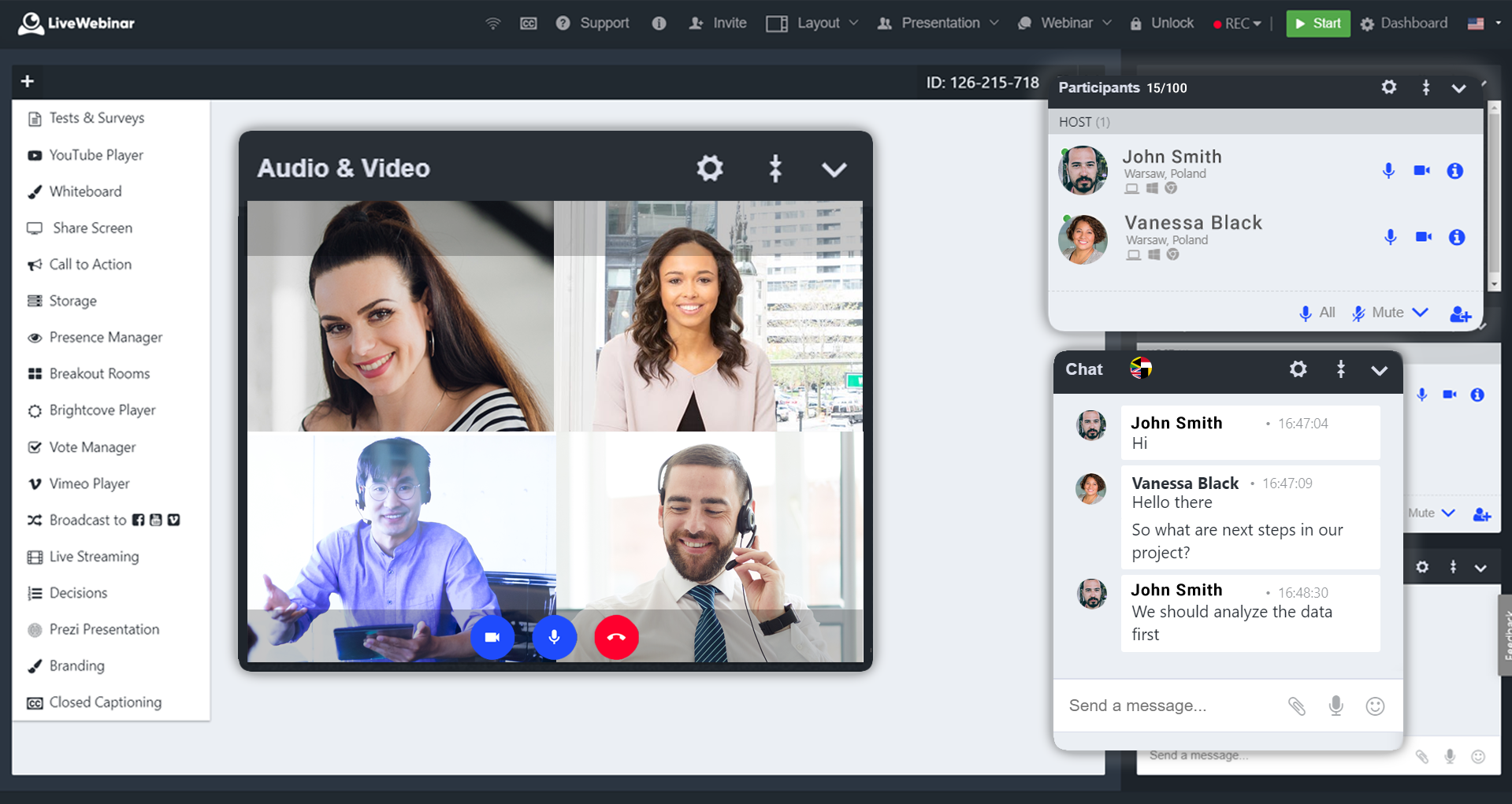
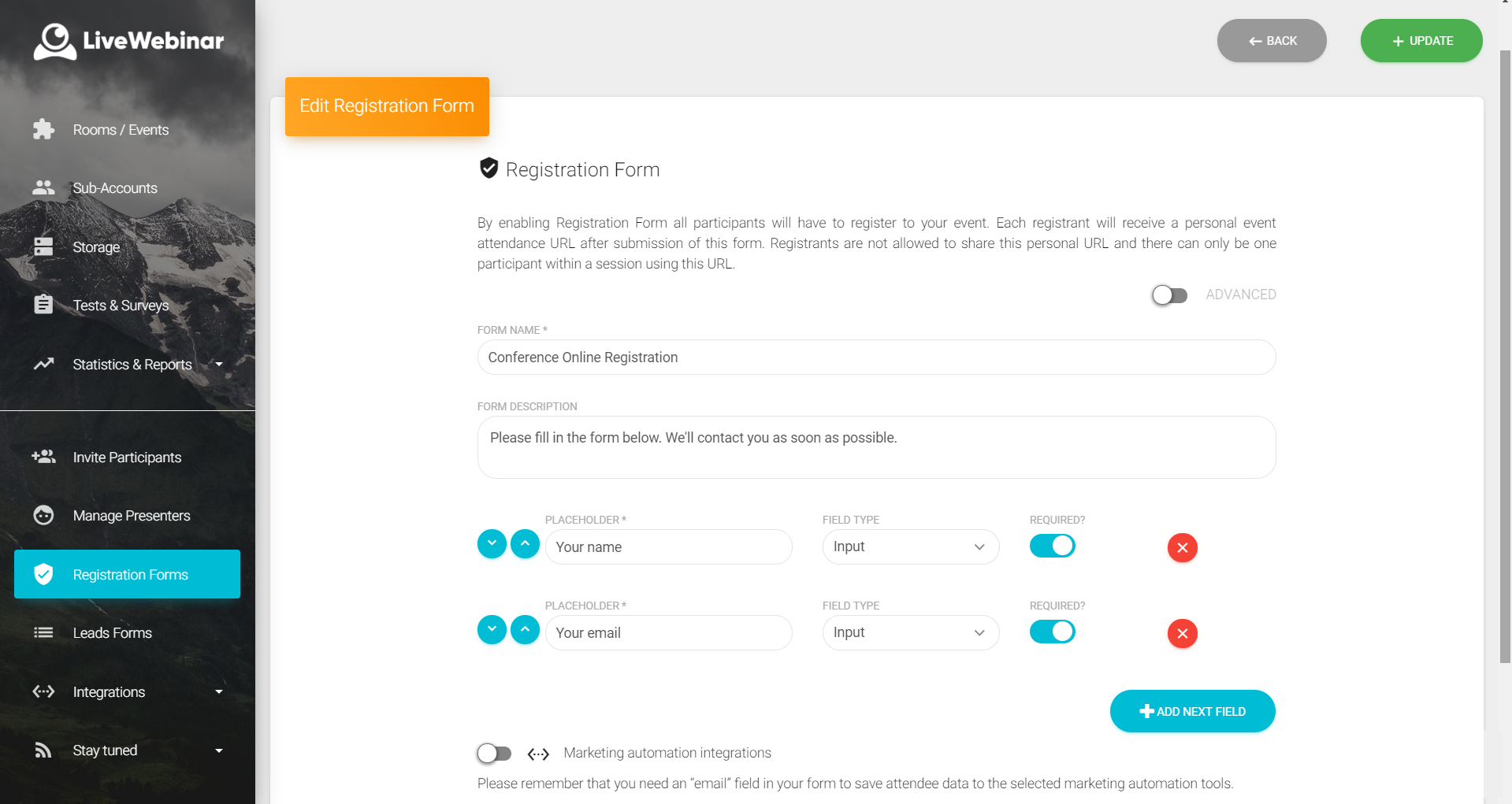
LiveWebinar is a cloud-based tool that helps users manage online webinars, meetings, training, live streaming, chats, screen sharing, social media broadcasting and high definition (HD) recording via web browsers. It is a customizable solution that allows users to change logos, room colors, and design layouts, as well as create personalized registration forms to match their business's brand identity, and control email delivery and report designs. LiveWebinar allows users to broadcast…
N/A
Pricing
Google Meet
LiveWebinar
Editions & Modules
Google Workspace - Business Starter
$6
per month
Google Workspace - Business Standard
$12
per month
Google Workspace - Business Plus
$18
per month
No answers on this topic
Offerings
Pricing Offerings
Google Meet
LiveWebinar
Free Trial
Yes
No
Free/Freemium Version
Yes
Yes
Premium Consulting/Integration Services
No
No
Entry-level Setup Fee
No setup fee
Optional
Additional Details
—
—
More Pricing Information
Community Pulse
Google Meet
LiveWebinar
Features
Google Meet
LiveWebinar
Performance & Compatibility of Online Events Software
Comparison of Performance & Compatibility of Online Events Software features of Product A and Product B
Google Meet
8.6
Ratings
8% above category average
LiveWebinar
9.0
Ratings
12% above category average
High quality audio
8.60 Ratings
10.00 Ratings
High quality video
8.10 Ratings
00 Ratings
Low bandwidth requirements
8.90 Ratings
00 Ratings
Mobile support
8.80 Ratings
8.00 Ratings
Screen Sharing
Comparison of Screen Sharing features of Product A and Product B
Google Meet
7.8
Ratings
2% below category average
LiveWebinar
-
Ratings
Desktop sharing
7.50 Ratings
00 Ratings
Whiteboards
8.20 Ratings
00 Ratings
Online Meetings / Events
Comparison of Online Meetings / Events features of Product A and Product B
Google Meet
7.5
Ratings
10% below category average
LiveWebinar
9.0
Ratings
11% above category average
Calendar integration
8.60 Ratings
9.00 Ratings
Meeting initiation
8.40 Ratings
00 Ratings
Integrates with social media
6.30 Ratings
00 Ratings
Record meetings / events
6.90 Ratings
9.00 Ratings
Slideshows
7.20 Ratings
9.00 Ratings
Event registration
00 Ratings
9.00 Ratings
Online Events Collaboration
Comparison of Online Events Collaboration features of Product A and Product B
Google Meet
7.5
Ratings
9% below category average
LiveWebinar
8.5
Ratings
3% above category average
Live chat
8.00 Ratings
00 Ratings
Audience polling
7.70 Ratings
8.00 Ratings
Q&A
6.80 Ratings
9.00 Ratings
Online Events Security
Comparison of Online Events Security features of Product A and Product B
Google Meet
8.5
Ratings
5% above category average
LiveWebinar
8.5
Ratings
3% above category average
User authentication
8.20 Ratings
00 Ratings
Participant roles & permissions
9.60 Ratings
8.00 Ratings
Confidential attendee list
7.60 Ratings
9.00 Ratings
Reporting & Analytics
Comparison of Reporting & Analytics features of Product A and Product B
Google Meet
-
Ratings
LiveWebinar
7.3
Ratings
2% below category average
Dashboards
00 Ratings
6.70 Ratings
Data exportability
00 Ratings
8.00 Ratings
Online Events Marketing
Comparison of Online Events Marketing features of Product A and Product B
Google Meet was a perfect video conferencing solution for us during our training sessions. The only problems encountered were due to weak signals, which sometimes required us to turn off our video. All features worked very well in tying together a team across four different time zones. I was very impressed with the tool's performance
LiveWebinar is well suited for training where the visual materials are easy to see and not overly detailed. LiveWebinar is not as easy when there is a lot of chatter going on, so if the material is complex, or likely to have numerous questions by the viewer, a different modality would be better
Google Hangouts Meet is easy to use and easy to access. I've experienced very few technical issues compared to other similar software options. It's a little less formal than Microsoft Teams but makes it easy to access other google items such as google drive and google docs. Meeting in hangout gives you an easy-to-use hub to not only meet for planning or team-building purposes but to easily share information that can help you with your meeting goals.
Absolutely love the features of Livewebinar and it's probably the most advanced Live webinar solution that I have used. Even with the absence of a native mobile app, the platform is useable on mobile or tablet screen sizes. There's no noticeable lags during the presentation and users find it easy to use and navigate during the presentations / webinars.
Google Meet is very easy and simple to use. I can schedule a meeting right on my calendar - it literally takes a few seconds. There is no additional app I have to open to schedule anything. Guests can click on the link easily to join any meetings. 10/10!
LiveWebinar is an all in one solution for daily meetings and events. I made it a 9 as it is almost perfect in its current form. However, there were some reported issues on mobile connectivity as there is no native app of LiveWebinar for both iOS and Android. Moreover, I'm hoping that LiveWebinar could connect to my Google, Outlook, or iCal calendar to synch events regularly. I'd love to see my calendar inside LiveWebinar which makes it to the top of the feature wishlist for this platform. Further, if LiveWebinar is able to handle multiple day events or meetings with just a few clicks, that would make this platform, a 11/10 rating!
Google does a great job of providing tech support for this product, as it does many others. Similarly, Google has FAQs that cover a large amount of issues faced by users. Problems have not persisted in our use of this product. Problems are resolved quickly and easily, with or without personal Google support.
Customer support of LiveWebinar is top notch. They are available almost 24x7x365. I rarely wait for the next response and given that people are not suppose to work on holidays or weekends, their support agents are always there to lend a helping hand. The responses are spot on. It's not that I need help with platform having some issues or anything, but for general account questions, they quickly respond to each and every query I raise over to support. Definitely one of the best things with LiveWebinar.
The main positive feature in Google Meet over Zoom to me is the fact that Google meet can be seamlessly deployed in the browser with its full functionality. Unlike Zoom for which you need to download an extra application to use. This consequently makes workflow smooth when transitioning between something like emails and taking part in a meeting.
Negative: on each webinar someone from our team had to write manually the people that were participating and after that matching it with the registered people list. We wasted time. It could be easily resolved by adding the export list feature
Positive: Collaboration and internal meetings. Calendar integration helps us save time.