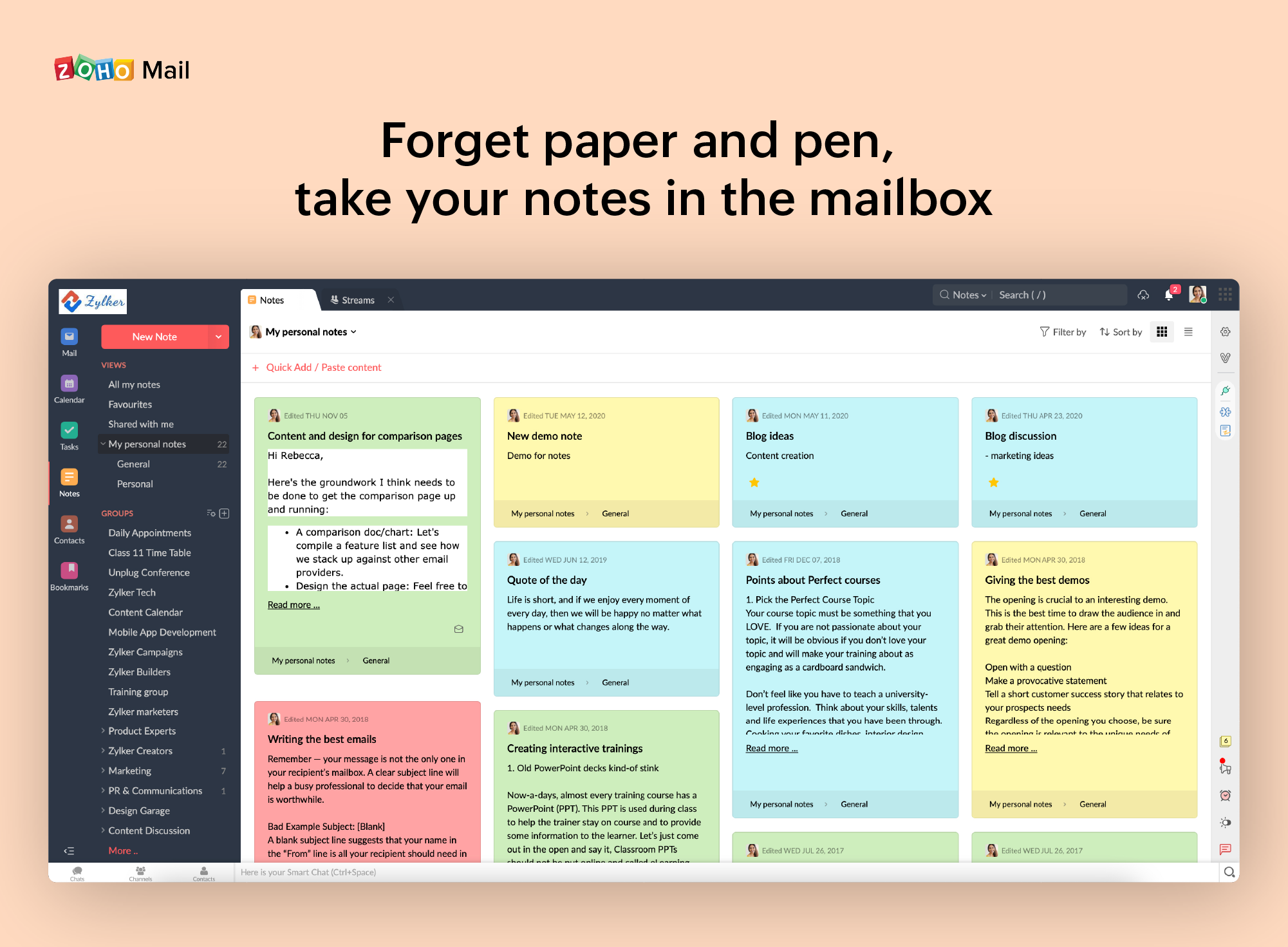
It is the perfect companion for storing all those little bits of information you need to do your job well, the best thing is getting it all out of your head and in to Google Keep. You can trust it to hold that information for you, and you know you can go back and use its excellent search functionality to find that information at a later date. It can also work really well for your personal life as well. I have two accounts, my work account and my personal account - I use them both in different contexts but I have always found Google Keep is great for both.
A de minimis incentive was given to thank the reviewer for their time. The incentive was not used to bias or drive a particular response, nor was the incentive contingent on a positive endorsement. More Info
If you don't have a huge budget and want something that works with minor quirks here and there then Zoho Mail is definitely something you should look into. For half the price of Google G Suite or Office account you get 5GB of storage per user and can send up to 25MB emails without restrictions. Great for small businesses in my opinion. I have had some issues with their spam filter, but we use SpamTitan and just shut off the one that comes with Zoho Mail. Zoho's spam filter isn't horrible but you should definitely use something in addition or instead of what comes with Zoho.
A de minimis incentive was given to thank the reviewer for their time. The incentive was not used to bias or drive a particular response, nor was the incentive contingent on a positive endorsement. More Info
A de minimis incentive was given to thank the reviewer for their time. The incentive was not used to bias or drive a particular response, nor was the incentive contingent on a positive endorsement. More Info
I really like that there is a free version in which a single user can be created. It is really useful because it allows you to evaluate each characteristic of the service without having to buy it.
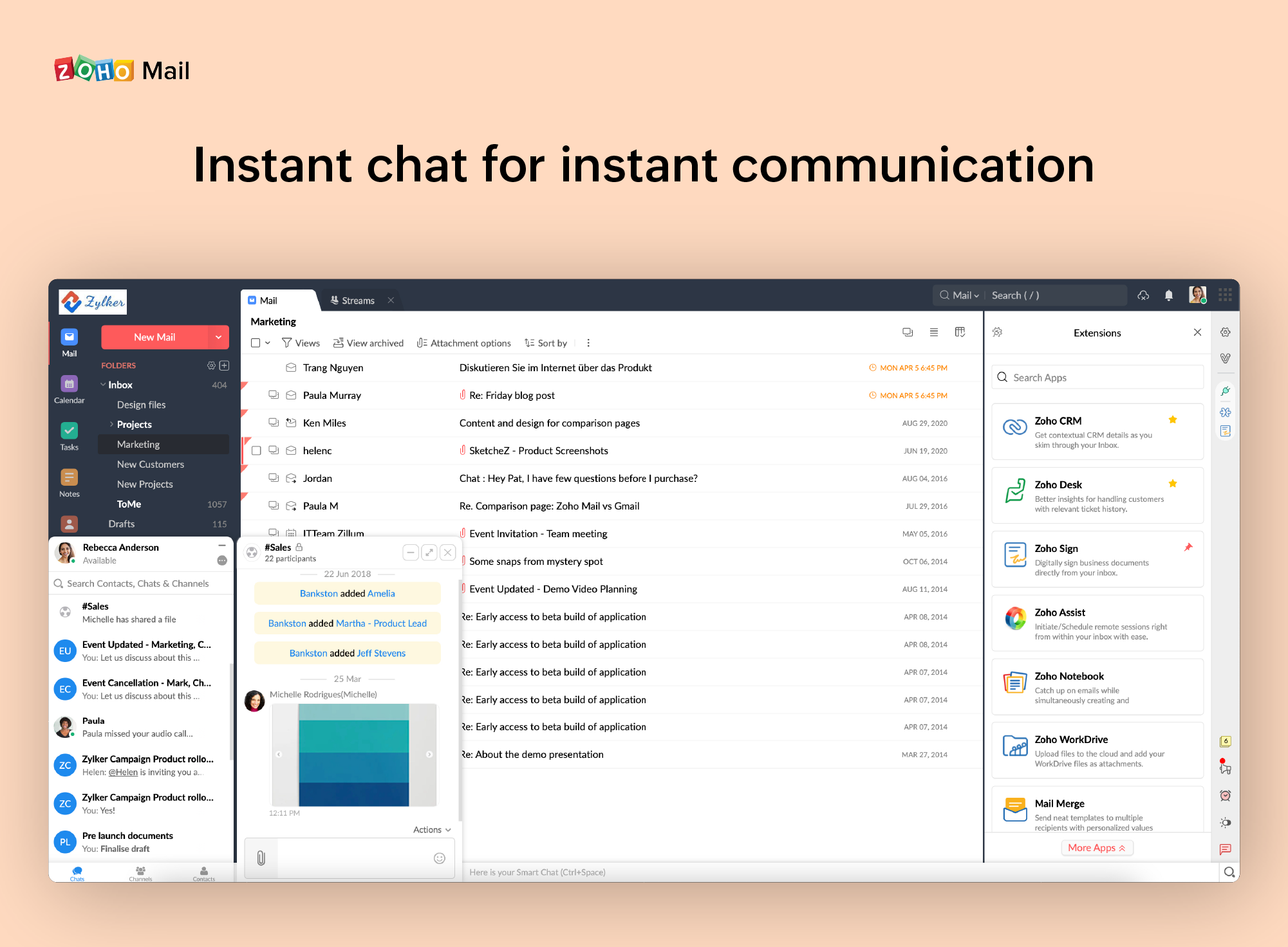
I also really like the visual aspect of the inbox, which is partially customizable. Because you can make small changes such as changing the color, the language, and among other things.
A de minimis incentive was given to thank the reviewer for their time. The incentive was not used to bias or drive a particular response, nor was the incentive contingent on a positive endorsement. More Info
A de minimis incentive was given to thank the reviewer for their time. The incentive was not used to bias or drive a particular response, nor was the incentive contingent on a positive endorsement. More Info
A de minimis incentive was given to thank the reviewer for their time. The incentive was not used to bias or drive a particular response, nor was the incentive contingent on a positive endorsement. More Info
They made it simple for anyone to use. There are no complicated steps involved to create a note, edit a note, or search for a specific item located in a note. They also made it simple to share it with others, making it easy to collaborate. Google kept it basic without a thousand "bells and whistles" to overcomplicate it.
A de minimis incentive was given to thank the reviewer for their time. The incentive was not used to bias or drive a particular response, nor was the incentive contingent on a positive endorsement. TR verified that a representative sample of customers was invited. More Info
It is very easy to use and does all you need. It sends newsletters to their own folder. A notification folder for more important things. The Spam folder collect the right amount of spam emails
A de minimis incentive was given to thank the reviewer for their time. The incentive was not used to bias or drive a particular response, nor was the incentive contingent on a positive endorsement. More Info
I gave this rating based on the ease of use, the simple functionality and how well it does at keeping my attention and helping me continue to use it and stay on track. The functionality mentioned before alongside the reminder functions and how it utilizes Google's powerful machine learning tech to better its software is remarkable.
A de minimis incentive was given to thank the reviewer for their time. The incentive was not used to bias or drive a particular response, nor was the incentive contingent on a positive endorsement. More Info
I have spoken with Zoho several times and their support is always friendly and helpful. I have always been asked for security pins and codes when seeking assistance which helps me to feel my accounts are secure and I have never had to wait on hold to speak with someone for more than 5 minutes. They always seem to have someone available to help. If you call asking for instructions on how to do something they gladly walk you through the process and if you just need something done and don't have time to do it yourself they will happily customize whatever you need without you having to spend all day with it.
A de minimis incentive was given to thank the reviewer for their time. The incentive was not used to bias or drive a particular response, nor was the incentive contingent on a positive endorsement. More Info
The main differential of Google Keep is its simplicity and efficiency for quick notes. I can draw on the card, put a photo, record audio if I can't write at the moment, in short, for everyday tasks, simple things, it is superior.
A de minimis incentive was given to thank the reviewer for their time. The incentive was not used to bias or drive a particular response, nor was the incentive contingent on a positive endorsement. More Info
Zoho is free. Also, there is no need for a separate IT guy for creating mail, or if any issues come you don't have to find anyone anyone can check and fix all issues from their super admin panel. Zoho overview is much better than outlook and its appearance of getting mail popup and functionality is better than outlook. My friend suggested for this and also after using I have referred my friend
A de minimis incentive was given to thank the reviewer for their time. The incentive was not used to bias or drive a particular response, nor was the incentive contingent on a positive endorsement. More Info
A de minimis incentive was given to thank the reviewer for their time. The incentive was not used to bias or drive a particular response, nor was the incentive contingent on a positive endorsement. More Info