
GoodDay vs. Whimsical
| Product | Rating | Most Used By | Product Summary | Starting Price |
|---|---|---|---|---|
 GoodDay | N/A | Mid-Size Companies (51-1,000 employees) | GoodDay is a work management platform that brings together tools for high-level planning, project and product management, task organization and productivity growth based on transparency, agility, and motivation. At any time, GoodDay shows the overall workload so users know what to work on next, and can understand current priorities, as well as re-organize work when the business goals change. The platform is designed to replace 15+ separate applications that a team might be using, with… | $0 per month per user |
 Whimsical | Score8.5 out of 10 | N/A | Whimsical is a visual workspace application from the company of the same name in Denver, allowing users to create collaborative wireframes, mindmaps, flowcharts, and sticky notes. | $12 per month per editor |
| GoodDay | Whimsical | |||||||||||||||
|---|---|---|---|---|---|---|---|---|---|---|---|---|---|---|---|---|
| Editions & Modules |
|
| ||||||||||||||
| Offerings |
| |||||||||||||||
| Entry-level Setup Fee | No setup fee | No setup fee | ||||||||||||||
| Additional Details | — | 17% discount for annual billing on Pro and Business plans. | ||||||||||||||
| More Pricing Information | ||||||||||||||||
| GoodDay | Whimsical | |
|---|---|---|
| Considered Both Products | No answer on this topic | No answer on this topic |
| Key User Insights | ||
| Would buy again | ||
No answers on this topic | 100% Would buy again 10 Answers | |
| Delivers good value for the price | ||
No answers on this topic | 100% Delivers good value for the price 10 Answers | |
| Happy with the feature set | ||
No answers on this topic | 100% Happy with the feature set 10 Answers | |
| Lived up to sales and marketing promises | ||
No answers on this topic | 100% Lived up to sales and marketing promises 9 Answers | |
| Implementation went as expected | ||
No answers on this topic | 100% Implementation went as expected 9 Answers | |
| GoodDay | Whimsical | |
|---|---|---|
| Small Businesses |  Any.do Score8 out of 10 | Any.do Score8 out of 10 |
| Medium-sized Companies |  KanbanFlow Score7.3 out of 10 | KanbanFlow Score7.3 out of 10 |
| Enterprises |  Microsoft To Do Score9.6 out of 10 | Microsoft To Do Score9.6 out of 10 |
| All Alternatives | View all alternatives | View all alternatives |
| GoodDay | Whimsical | |
|---|---|---|
| Likelihood to Recommend | - | 9.0 |
| Usability | - | 8.0 |
| Support Rating | - | 5.7 |
| GoodDay | Whimsical | |
|---|---|---|
| Likelihood to Recommend | No answers on this topic |
|
| Pros | No answers on this topic |
|
| Cons | No answers on this topic |
|
| Usability | No answers on this topic |
|
| Support Rating | No answers on this topic |
|
| Alternatives Considered | No answers on this topic |
|
| Return on Investment | No answers on this topic |
|
| ScreenShots | GoodDay Screenshots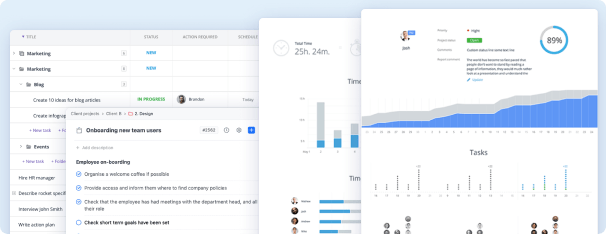  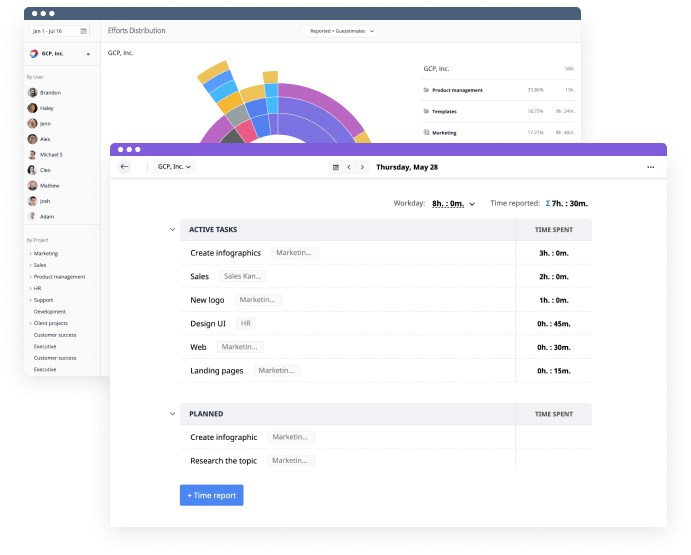 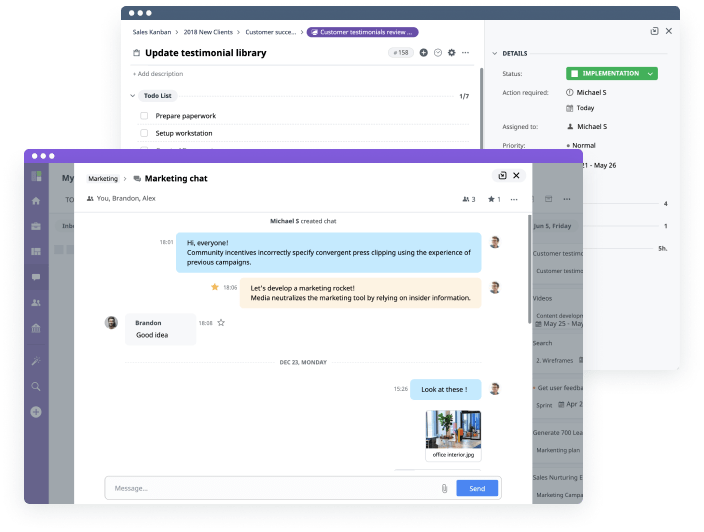 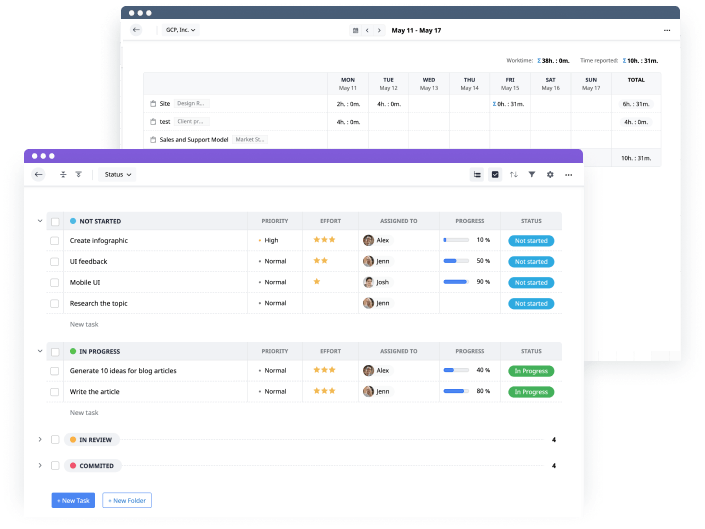 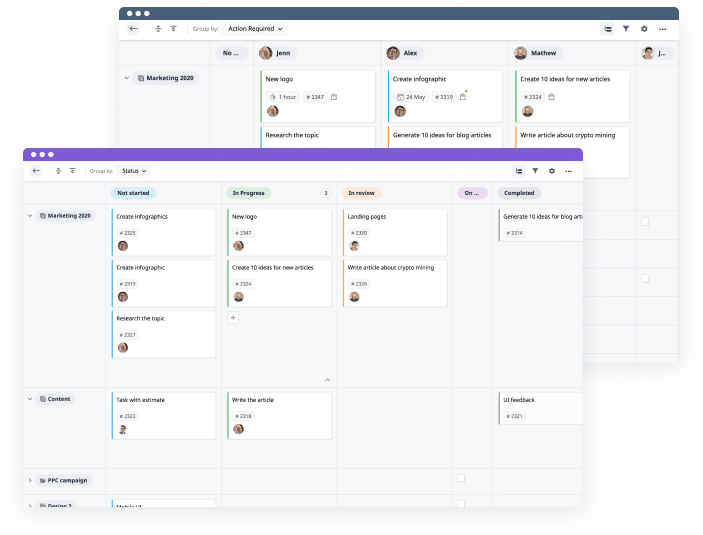 |


