GoldMine CRM was is a Customer Relationship Management (CRM) solutions for small businesses boasting at its peak over 1 millions users across verticals, a CRM solution for businesses running Windows, available for the Cloud, Mobile and on premise. The product was acquired by Ivanti, and currently is no longer available as a standalone application.
$65
per month per user
vCita
Score 8.5 out of 10
N/A
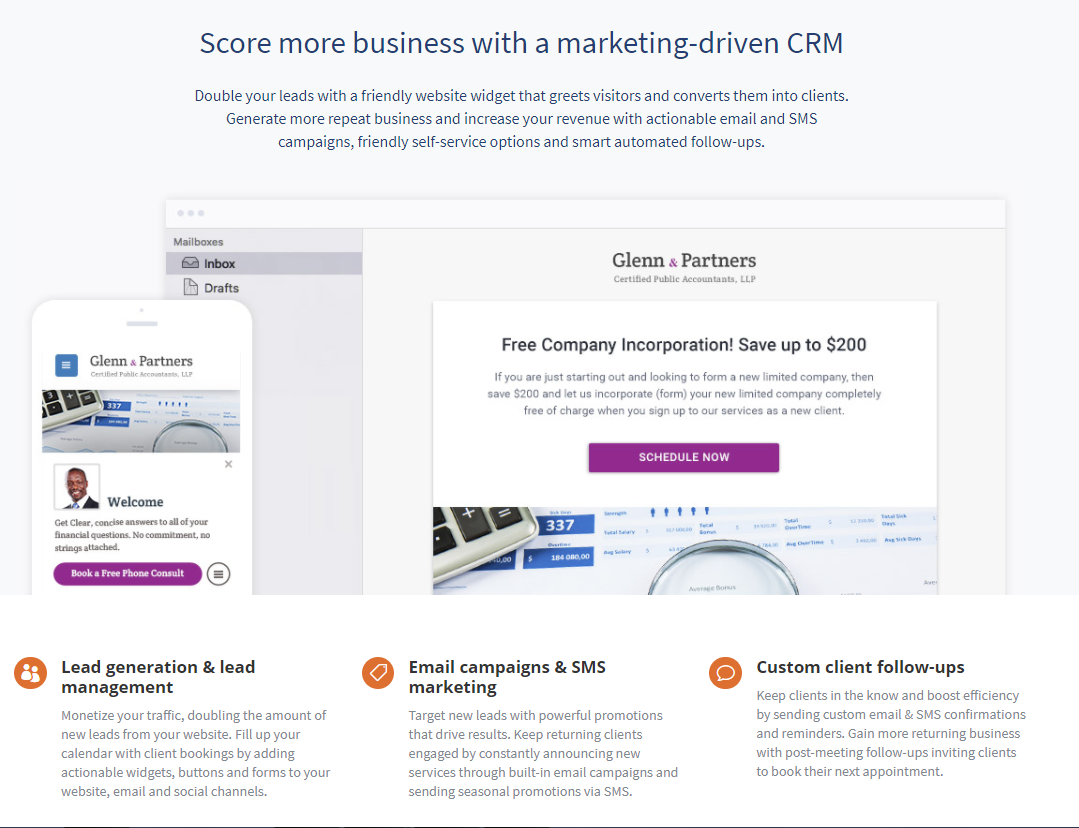
vCita is a marketing-focused CRM for service providers. According to the vendor, the product helps service providers move clients through every stage of the sales cycle: from the first point of contact to closing, upselling and follow-up. vCita is a lightweight CRM with the following features: - Manage appointments, payments, and clients - Access info & respond to clients on the go with a mobile app - Invite clients to…
$29
per month
Pricing
GoldMine CRM (discontinued)
vCita
Editions & Modules
Cloud Based
$65
per month per user
On-Premise - multi-user
$1,992
one-time fee 3 shared users (includes 1 year of support)
Essentials
$29
per month
Business
$59
per month
Platinum
$99
per month
Offerings
Pricing Offerings
GoldMine CRM (discontinued)
vCita
Free Trial
No
Yes
Free/Freemium Version
No
Yes
Premium Consulting/Integration Services
No
No
Entry-level Setup Fee
No setup fee
No setup fee
Additional Details
—
—
More Pricing Information
Community Pulse
GoldMine CRM (discontinued)
vCita
Features
GoldMine CRM (discontinued)
vCita
Sales Force Automation
Comparison of Sales Force Automation features of Product A and Product B
GoldMine CRM (discontinued)
-
Ratings
vCita
8.8
5 Ratings
13% above category average
Customer data management / contact management
00 Ratings
9.55 Ratings
Workflow management
00 Ratings
8.04 Ratings
Marketing Automation
Comparison of Marketing Automation features of Product A and Product B
GoldMine CRM (discontinued)
-
Ratings
vCita
7.0
3 Ratings
8% below category average
Email marketing
00 Ratings
7.03 Ratings
CRM Project Management
Comparison of CRM Project Management features of Product A and Product B
GoldMine CRM (discontinued)
-
Ratings
vCita
8.0
5 Ratings
5% above category average
Billing and invoicing management
00 Ratings
9.05 Ratings
Reporting
00 Ratings
7.03 Ratings
Customization
Comparison of Customization features of Product A and Product B
GoldMine CRM (discontinued)
-
Ratings
vCita
6.8
7 Ratings
10% below category average
Custom fields
00 Ratings
6.67 Ratings
API for custom integration
00 Ratings
7.02 Ratings
Platform
Comparison of Platform features of Product A and Product B
GoldMine CRM (discontinued)
-
Ratings
vCita
8.6
7 Ratings
16% above category average
Mobile access
00 Ratings
8.67 Ratings
Security
Comparison of Security features of Product A and Product B
I believe GoldMine is well suited to keep track of customer contact automatically, so your customers needs are met. I also like keeping track of my emails and customer contact notes, this way I always know what they need quickly. I like to keep reminders on certain customer request or pricing for certain items. We use GoldMine in unison with Traverse for placing orders . I would love GoldMine more if they had the abilities to place orders through the app , rather than using an additional tool.
It makes client communication extremely easy - we can message and schedule online appointments. Clients really like those options. We also like the online payment portal. That way clients can pay at their convenience, and we don't end up with credit card information that requires PCI compliance. It also helps with payments. It would also help with invoicing, but unfortunately, there are only 3 linked payment options (Square, Stripe, and PayPal). If you don't use one of those payment processors, you cannot link to billing.
Of course, there are always areas that could be improved, in my view the Report generation tool, hasn't really changed in the last 10 years at least, whilst other CRM products have more powerful and easy to use and customise Reporting tools, although there are plenty of Reports to choose from
The Database schema has stood the test of time but is quite restrictive in certain areas and what you can do with it
Integration with other system unless you are a developer is not easy as there are only one or two areas to show/bring in information
If there were a product that would mean less on-site support/maintenance with comparable or not much more cost, I would seriously consider switching. Furthermore, going to a more mobile, paper-less application process would tip the scales in the favor of a competitor. I'd also like something that integrates web forms so that data entry is more stream-lined as is response time
Personally, perhaps I should give it a higher rating, but I do genuinely think it was very easy to pick up and run with, but I did have a full training session and of course was keen on using it. In my previous marketing role many years ago, I 'd tried to create an MS Access database and this has taken ages, so being introduced to the power of GoldMine really impressed. People have comments on it, but my opinion is its still fast and a great workhorse
Overall - easy to use. There are some missing features (like fillable pdf forms), and it also requires using certain credit card processors to link billing (otherwise it doesn't work).
For me, its always been there, no worries here about downtime or the internet being down or switched off. Having it on a laptop as well with Goldsync means I'm always able to updated my notes and then synchronise. This to me is one of the benefits of purchased on-premise software, it cant simply be turned off!.
Pretty good, Yes, there are occasions when i may think there should be an easier way to do things, but over the years, I've always found a way to get the information out that i want, sometimes just needing a bit of help from the technical team. Day to day,. it works for me very well.
Their customer support is spot on! We never feel like we're being made to wait, and when we email, they respond and offer assistance very quickly. It's the same response I'd expect from an in-house IT team down the corridor. Some support teams you know you're talking to the first line support chap who probably doesn't know how to resolve your issue, and you have to wait until they give up and pass it, but GM support people seem very knowledgable
I do miss the days when I could easily call up a rep and talk to them about any issues I had with the service. But I still do hear back from the customer service rep during the week within 24 hours.
I was originally trained by the UK distributor and then subsequently trained my self and had access to GoldMine consultants. In the long run, this saved me a lot of time really since I knew the product on an advanced/administrator basis and able to perform day to day tasks. Some things, still needed the consultants. The trick was with the training, I knew when I was out of my depth
As I said earlier, to me now with all this experience, it is ensuring that you focus on two things:- 1/ Ensure core customisations only are required until you get users started and embedded in using the system. 2/ Ensuring users get some good level of dedicated training time, internal or external, but I feel this is best done in a group rather than at your own speed. Afterall, no one really customises their MS Word or MS Excel each time, they just ignore the bits they don't need or ask if they do need them
GoldMine is a better overall product based on scalability, ease of use and cost effectiveness. All of the customization in GoldMine was beyond the other applications we tested and considered. Overall we believe we made the right choice based on how quickly we saw results. Our sales staff has used this tool extensively to become more agile.
GoldMine, when maintained well has always been pretty reliable and in over 10 years, I don't think we've ever lost a day or more than an hour or so when we cant use it. Occasional a 'blip' will happen and you will have to log out, the only thing to bear in mind, which I'm not good at is ensuring you keep the mailbox to less than 2000 mails in your inbound box, I hover around 1800 and need to streamline this to get rid of my junk or notifications from LinkedIn groups for example when i mean to read, but never get round to it
Our company prides itself on its responsiveness to customer requests. As a consequence of that, we need to be able to follow up consistently on issues until they are solved and goldmine helps us do that.
Because of its ease of use and wealth of information, it allows us to react to customer queries quickly and with a familiarity that instills confidence in our customers.
The lag on the other hand, since we have kind of choked it with too much information, slows us down. I understand we're using it for more than it was designed for, but as businesses grow and customer demands increase we need our technology to improve at the same rate.