GoGuardian, headquartered in Los Angeles, offers GoGuardian Teacher, a classroom management and digital learning environment application featuring activity timeline, screen viewer, and other features.
N/A
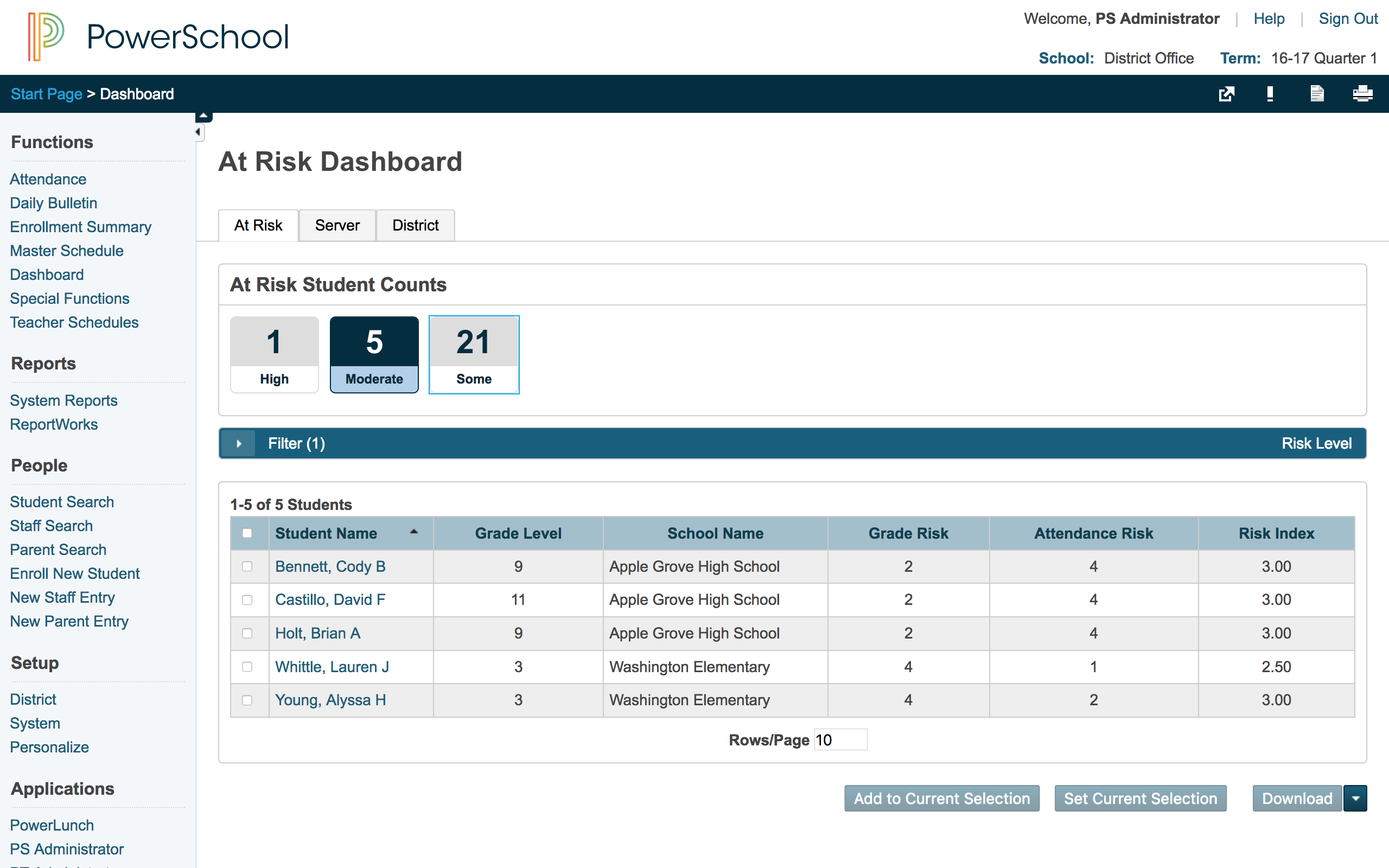
PowerSchool SIS
Score 8.4 out of 10
Mid-Size Companies (51-1,000 employees)
The PowerSchool Student
Information System covers administrative needs, such as scheduling, attendance,
reporting, data management, faculty management, emergency/medical and health
management, registration, and more for K-12 schools and districts. It is easy
to use and boasts an industry-leading gradebook, PowerTeacher Pro. Users enjoy
a fully web-based SIS that is flexible, configurable, and scalable with
real-time updates on any operating system, browser or device.
N/A
Pricing
GoGuardian Teacher
PowerSchool Student Information System
Editions & Modules
No answers on this topic
No answers on this topic
Offerings
Pricing Offerings
GoGuardian Teacher
PowerSchool SIS
Free Trial
No
No
Free/Freemium Version
No
No
Premium Consulting/Integration Services
No
No
Entry-level Setup Fee
No setup fee
No setup fee
Additional Details
—
—
More Pricing Information
Community Pulse
GoGuardian Teacher
PowerSchool Student Information System
Features
GoGuardian Teacher
PowerSchool Student Information System
Student and Faculty Administration
Comparison of Student and Faculty Administration features of Product A and Product B
GoGuardian Teacher
6.4
Ratings
25% below category average
PowerSchool Student Information System
8.5
Ratings
3% above category average
District Communications, such as messaging and alerting
We use GoGuardian daily for monitoring students to ensure they are not off task, accessing inappropriate material at school, monitoring students during an assignment and more easily being able to help them if noticing they are struggling or in need of intervention on their work. It has also been used very well during times when schooling has been virtual as it has allowed us to more easily work with students who are not physically on campus.
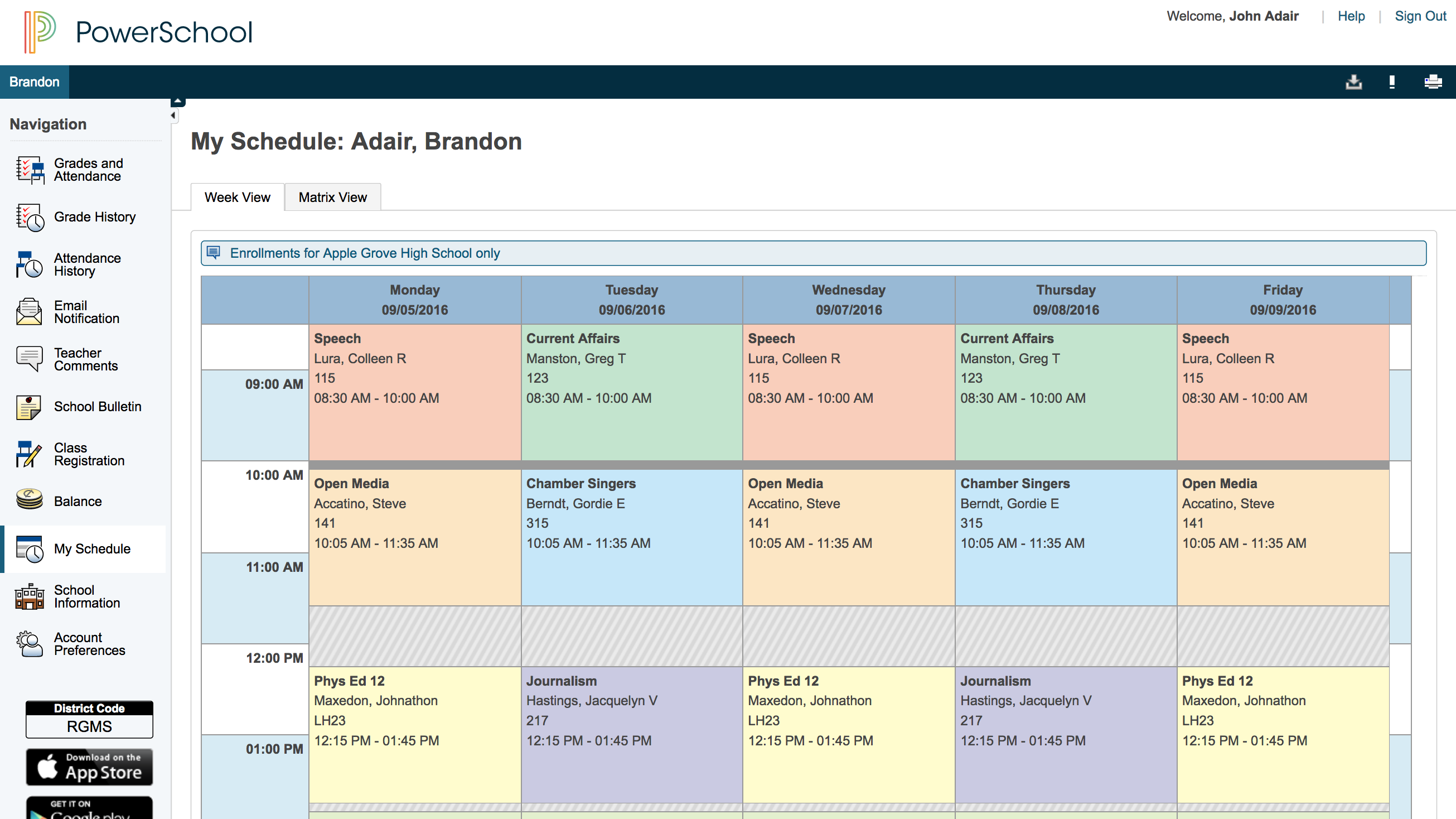
PowerSchool is great for schools to keep track of student information, schedules, and grades. It integrates with other programs to make setting up classes easier and faster. PowerSchool gives teachers a singular place to find information or input students' grades. It also has an app for parents or guardians to use to check their student's grades which is very useful.
PowerSchool houses student or staff information that can be easily accessed by those teachers and administrators who need the information. This allows everyone to go to one place to access information.
Parents can view their child's grades at any time with their protected login on a parent portal. This allows teachers to keep parents informed and involved in their child's progress at school. When everyone works together it increases our students' chance for success.
PowerSchool offers videos to train new users. When we have new employees, the videos can be accessed at any time the employee needs as opposed to them waiting for someone to help them.
The user interface could be more intuitive. Because of the many features, it can sometimes be difficult for administrators to find what they are looking for.
A recent upgrade allowing for more flexibility in the relationship between students and parents was long in coming and didn't go very smoothly. We are now dealing with a ton of clean-up after the upgrade. Even after we have cleaned everything up, there is still a ways to go before PowerSchool is on par with other SIS systems in that area. In their defense though, they are actively working on getting caught up.
For a technology-heavy school, it is a necessary and good tool for managing classroom use of laptops. It is easy to set up and use. Helps track time on task and internet usage. Another source of data when speaking to parents about student work and activity. Can help plan and manage work time when you have limited devices.
The support is great. On the rare occasion that I've had to reach out to support they have been very quick to respond and extremely helpful. I've also had teachers reach out directly to support themselves. Most of the time I don't even know that a teacher has reached out to support until after the fact. They always seem satisfied.
Overall, I have not had to use support for PowerSchool Student Information System because our school district gives us training in each area in which we will be utilizing PowerSchool Student Information System. In terms of in-user support, I feel that there is mild to moderate user support that is built into PowerSchool SIS.
At the time we purchased GoGuardian there were no other alternatives that came even close to the functionality of this product. Over time I'm sure that some new products have been released. We, however, have not explored any other software suites for classroom management. We may in the future but for now, we are locked into GoGuardian Teacher.
Each software I used in my career had special features which were specifically unique for them. PowerSchool Student Information System was an impressive software that offered the ability to ease student registrations and admissions online using web forms where students and parents could submit and upload their information and necessary documents to the school/institute with just a few clicks. Even though this feature is available on a few other similar software, PowerSchool Student Information System was the only software that was specialized in this area.
Having one system within the school district is beneficial. Teachers are able to access a variety of information and also do input all within the same program.
Communication with parents has been impacted greatly, as they always have information at their fingertips without teachers having to call or email them with a grade update. Parents are able to check student's grades at any time.