
Getscreen.me vs. ShowMyPC
| Product | Rating | Most Used By | Product Summary | Starting Price |
|---|---|---|---|---|
 Getscreen.me | Score9.7 out of 10 | N/A | Getscreen.me is a cloud-based software for administration, technical support and remote work. Service provides remote desktop access from a browser, without any installation. It has permanent access and boasts quick support and instantaneous connection, with computers in the user's personal cabinet. The service works over the HTTPS protocol, which includes AES encryption. | $0 per user |
 ShowMyPC | Score8.2 out of 10 | N/A | ShowMyPC is a web conferencing and remote administration and help / support tool from the small company of the same name in San Francisco, California. | $14 per month |
| Getscreen.me | ShowMyPC | |||||||||||||||
|---|---|---|---|---|---|---|---|---|---|---|---|---|---|---|---|---|
| Editions & Modules |
| No answers on this topic | ||||||||||||||
| Offerings |
| |||||||||||||||
| Entry-level Setup Fee | No setup fee | No setup fee | ||||||||||||||
| Additional Details | 16% discount with an annual subscription | — | ||||||||||||||
| More Pricing Information | ||||||||||||||||
| Getscreen.me | ShowMyPC | |
|---|---|---|
| Considered Both Products | No answer on this topic | No answer on this topic |
| Key User Insights | ||
| Would buy again | ||
100% Would buy again 21 Answers | No answers on this topic | |
| Delivers good value for the price | ||
100% Delivers good value for the price 21 Answers | No answers on this topic | |
| Happy with the feature set | ||
100% Happy with the feature set 21 Answers | No answers on this topic | |
| Lived up to sales and marketing promises | ||
90% Lived up to sales and marketing promises 19 Answers | No answers on this topic | |
| Implementation went as expected | ||
100% Implementation went as expected 21 Answers | No answers on this topic | |
| Getscreen.me | ShowMyPC | |||||||||||||||||||||||||||||||||||||||||||
|---|---|---|---|---|---|---|---|---|---|---|---|---|---|---|---|---|---|---|---|---|---|---|---|---|---|---|---|---|---|---|---|---|---|---|---|---|---|---|---|---|---|---|---|---|
| Remote Administration |
| |||||||||||||||||||||||||||||||||||||||||||
| Getscreen.me | ShowMyPC | |
|---|---|---|
| Small Businesses |  N-able Take Control Score8.6 out of 10 | N-able Take Control Score8.6 out of 10 |
| Medium-sized Companies |  Remote Desktop Manager Score9 out of 10 | Remote Desktop Manager Score9 out of 10 |
| Enterprises |  BeyondTrust Privileged Remote Access Score8.9 out of 10 | BeyondTrust Privileged Remote Access Score8.9 out of 10 |
| All Alternatives | View all alternatives | View all alternatives |
| Getscreen.me | ShowMyPC | |
|---|---|---|
| Likelihood to Recommend | 9.1 | 10.0 |
| Likelihood to Renew | 9.9 | - |
| Usability | 10.0 | - |
| Support Rating | 10.0 | - |
| Implementation Rating | 10.0 | - |
| Getscreen.me | ShowMyPC | |
|---|---|---|
| Likelihood to Recommend |
|
|
| Pros |
|
|
| Cons |
|
|
| Likelihood to Renew |
| No answers on this topic |
| Usability |
| No answers on this topic |
| Support Rating |
| No answers on this topic |
| Implementation Rating |
| No answers on this topic |
| Alternatives Considered |
|
|
| Return on Investment |
|
|
| ScreenShots | Getscreen.me Screenshots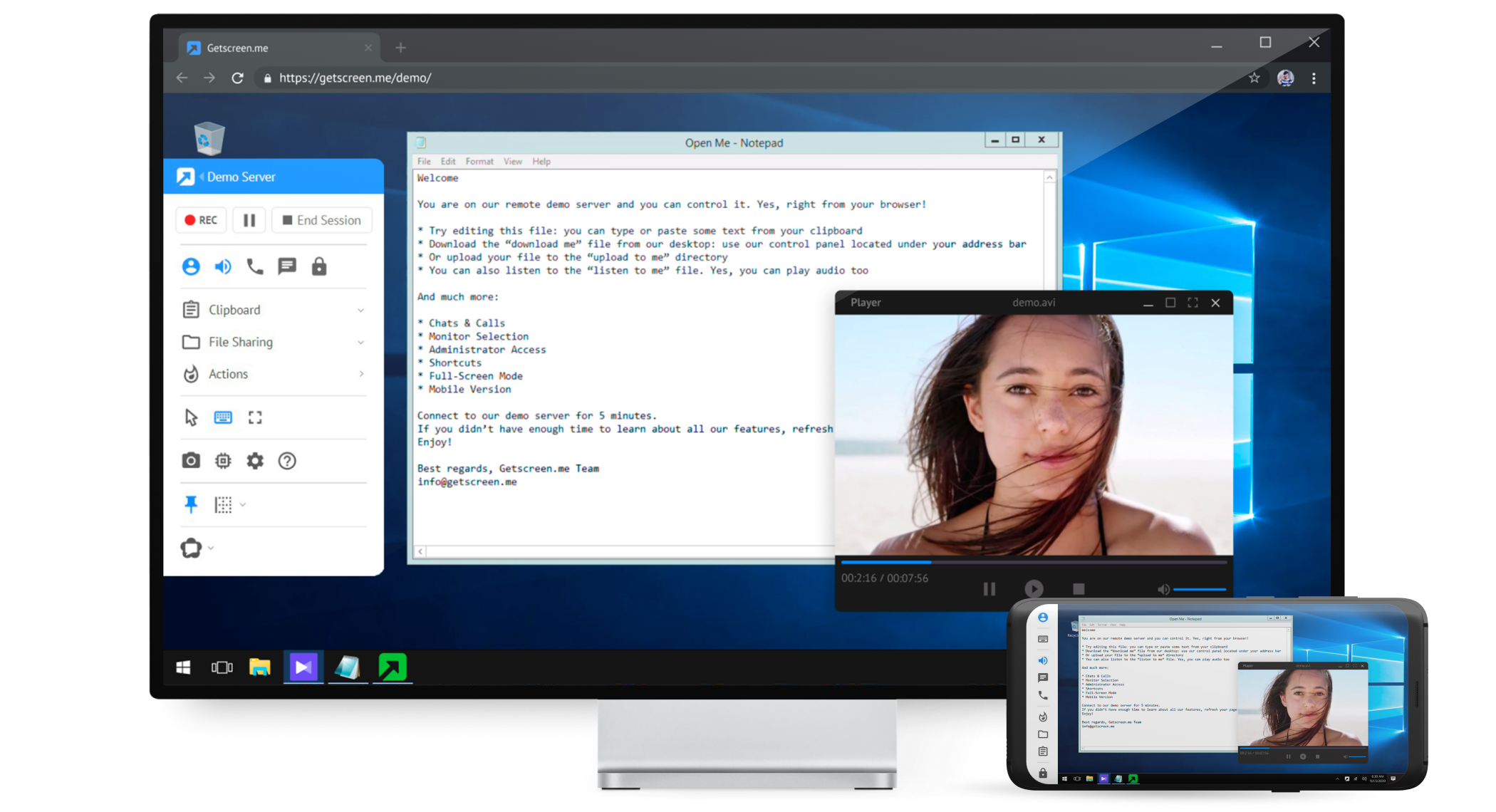   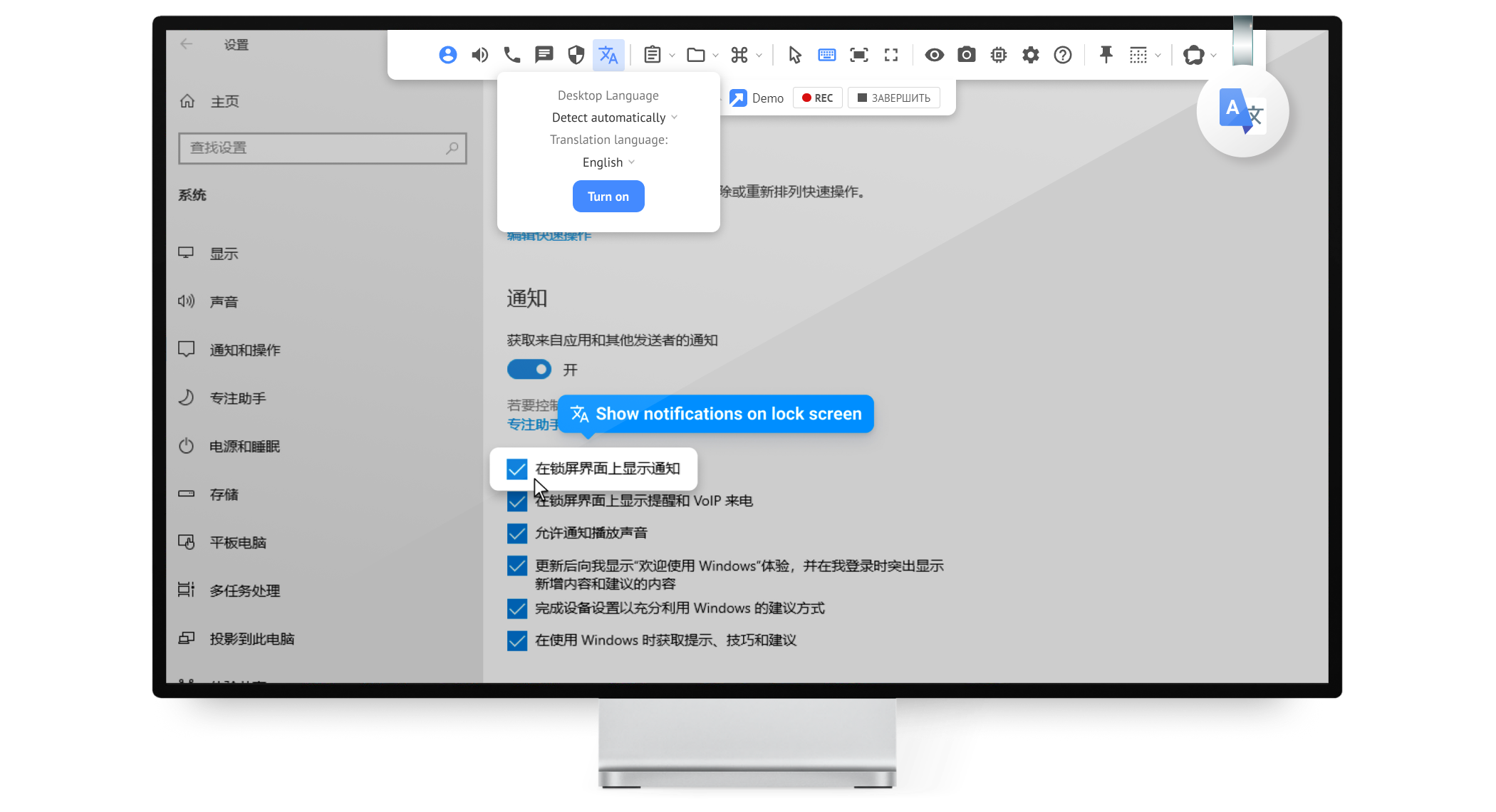  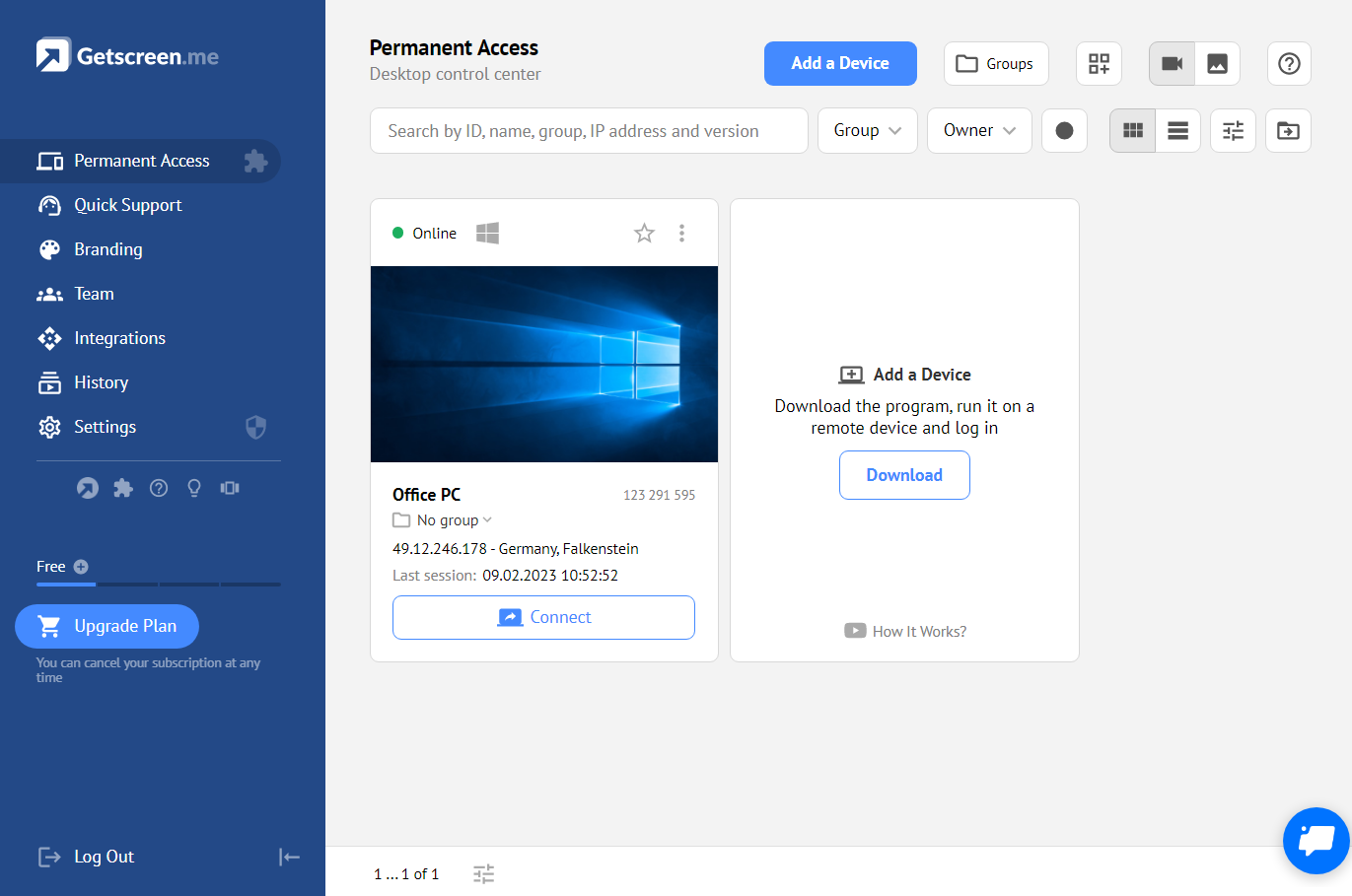 |



