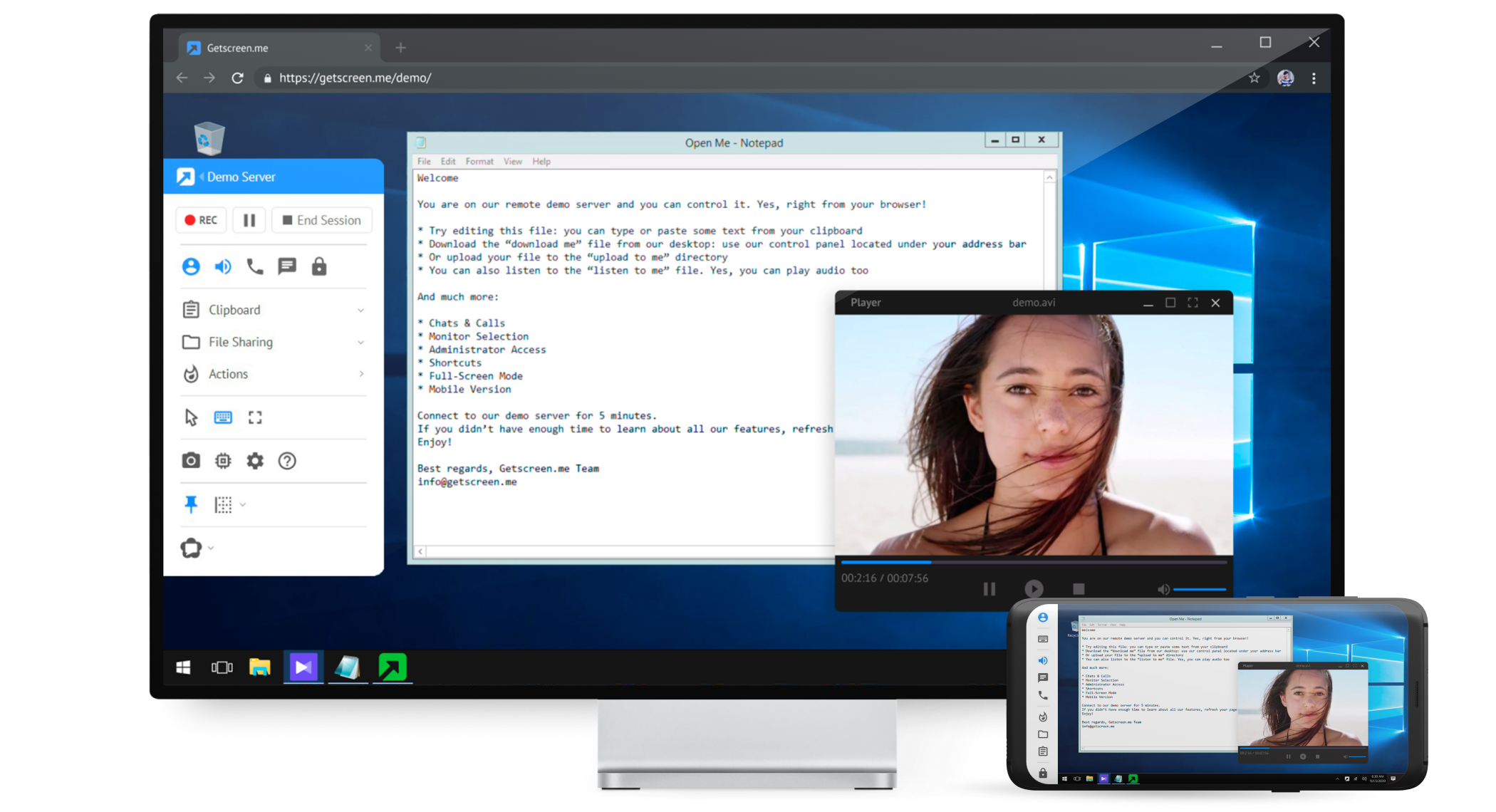
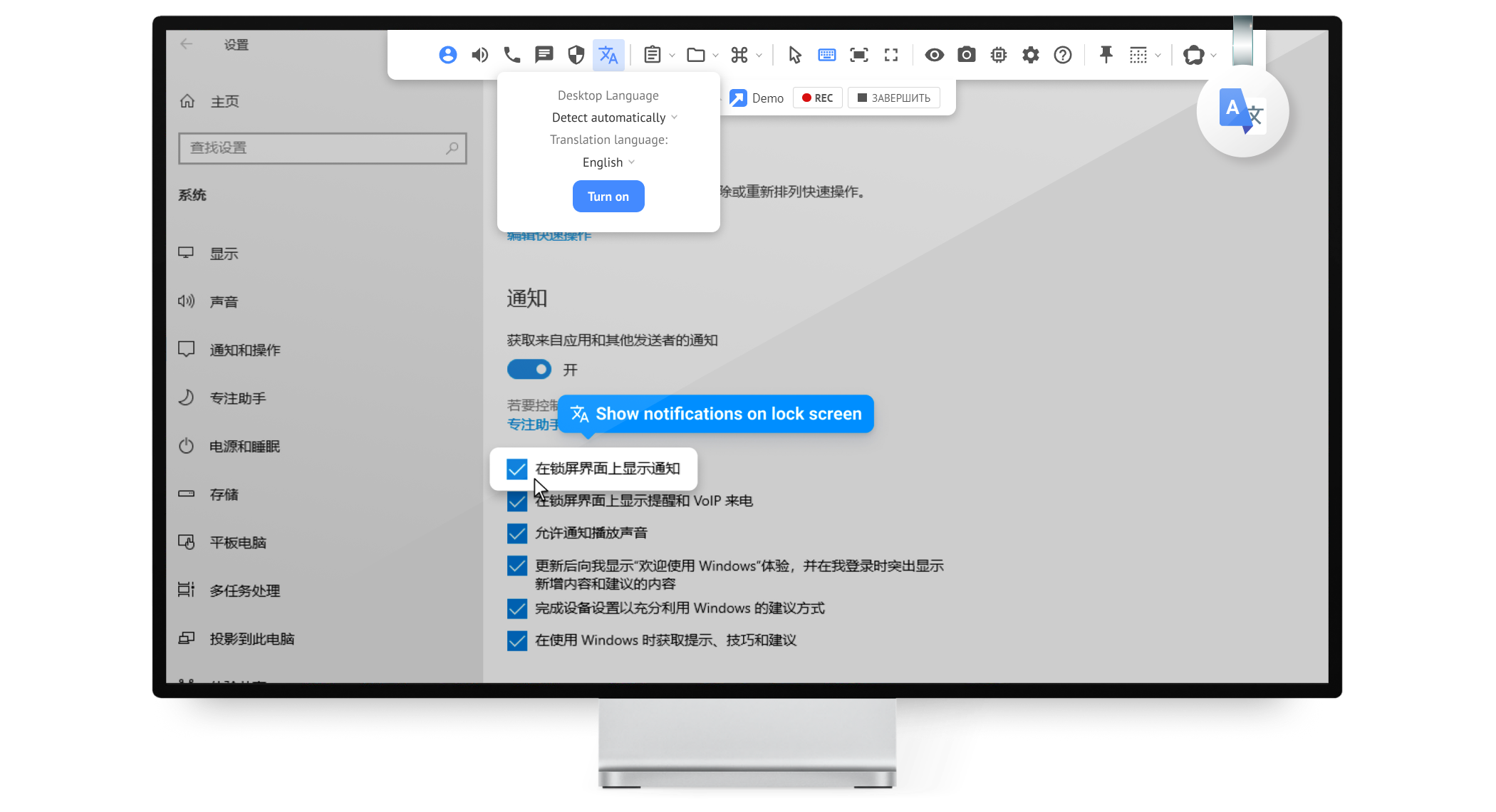
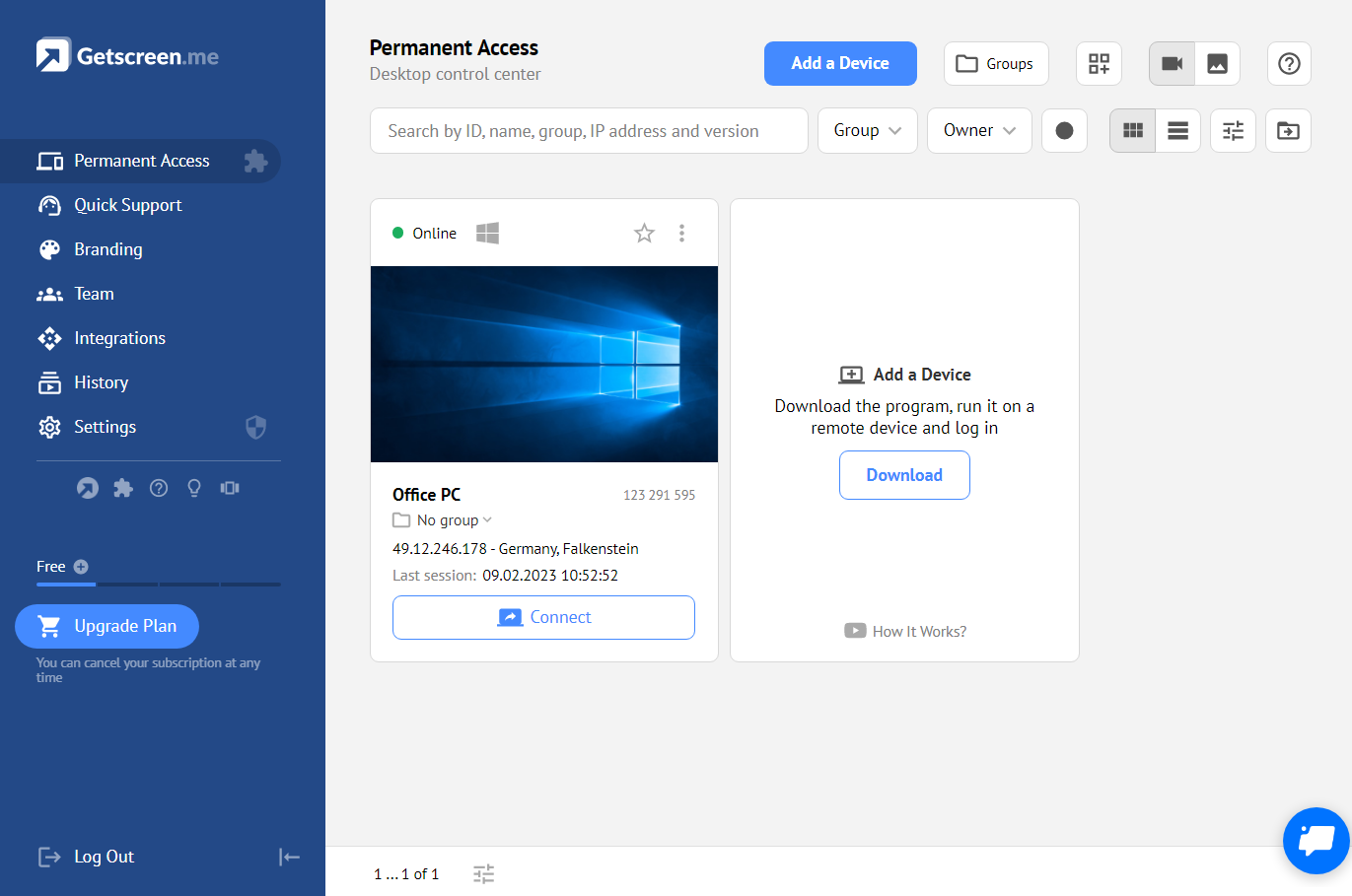
Getscreen.me is a cloud-based software for administration, technical support and remote work. Service provides remote desktop access from a browser, without any installation. It has permanent access and boasts quick support and instantaneous connection, with computers in the user's personal cabinet. The service works over the HTTPS protocol, which includes AES encryption.
$0
per user
Radmin Remote Administrator
Score7.9 out of 10
N/A
Radmin is remote control software for secure access to remote computer via Internet or LAN in multiple modes: view remote desktop, control remote PC's keyboard and mouse, file transfer, telnet, remote turn on/off, text and voice chat.
A de minimis incentive was given to thank the reviewer for their time. The incentive was not used to bias or drive a particular response, nor was the incentive contingent on a positive endorsement. More Info
As long as there is internet connectivity, Getscreen.me is useful for connecting to your desktop or a server in order to work remotely. An example would be a dedicated machine for rendering video. We use Getscreen.me to log in and start the render. Connecting to a client desktop to provide on system support. There is the ability to log and record activity when the application is used, this would be helpful for monitoring activity of a remote desktop tech support team. Reporting is basic but provides enough information to track interactions.
A de minimis incentive was given to thank the reviewer for their time. The incentive was not used to bias or drive a particular response, nor was the incentive contingent on a positive endorsement. More Info
Basic network administration for unclassified systems is appropriate. I would never use it in a secure/classified environment based on its company ownership. We do not use the current version 3, so any improvements made may not be addressed in this review.
A de minimis incentive was given to thank the reviewer for their time. The incentive was not used to bias or drive a particular response, nor was the incentive contingent on a positive endorsement. More Info
A de minimis incentive was given to thank the reviewer for their time. The incentive was not used to bias or drive a particular response, nor was the incentive contingent on a positive endorsement. More Info
A de minimis incentive was given to thank the reviewer for their time. The incentive was not used to bias or drive a particular response, nor was the incentive contingent on a positive endorsement. More Info
Speed - the Getscreen.me solution is an all round winner - however I find that there is a slight lag when controlling a remote PC mouse - compared to the competitors products. If this can be improved on - the GETSCREEN.ME get a 10 out of 10 from us!
A de minimis incentive was given to thank the reviewer for their time. The incentive was not used to bias or drive a particular response, nor was the incentive contingent on a positive endorsement. More Info
A de minimis incentive was given to thank the reviewer for their time. The incentive was not used to bias or drive a particular response, nor was the incentive contingent on a positive endorsement. More Info
For what we need it to do, it just works. And I'm sure that we're not even using it to the full extent of what it's capable and designed to do. If we had the need, Getscreen.me has many more features that we could implement. If the need arises in the future, it's great knowing that we already have a tool to utilize.
A de minimis incentive was given to thank the reviewer for their time. The incentive was not used to bias or drive a particular response, nor was the incentive contingent on a positive endorsement. More Info
When I did reach out at the early days of using Getscreen.me I got a pretty prompt response, and all of my questions were answered. Since then, I have never needed to contact support. This is a GOOD thing!
A de minimis incentive was given to thank the reviewer for their time. The incentive was not used to bias or drive a particular response, nor was the incentive contingent on a positive endorsement. More Info
A de minimis incentive was given to thank the reviewer for their time. The incentive was not used to bias or drive a particular response, nor was the incentive contingent on a positive endorsement. More Info
In my experience, Getscreen.me stacks up very well against other remote desktop software like TeamViewer and AnyDesk. One of the things I appreciate most about Getscreen.me is its competitive pricing. Compared to other remote control services like TeamViewer or AnyDesk, I find that Getscreen.me offers fantastic value for money.In terms of functionality, Getscreen.me has all the features I need, including cross-platform access, file transfer, and remote control. I also find the quick access function to be incredibly useful, as it allows me to connect to a remote computer in just two clicks.
We actually use both products, but our primary tool for corporate user access by our IT staff is Radmin. We use Microsoft RDP for access to our network servers since we can better secure our server access with Microsoft's product.
A de minimis incentive was given to thank the reviewer for their time. The incentive was not used to bias or drive a particular response, nor was the incentive contingent on a positive endorsement. More Info
A de minimis incentive was given to thank the reviewer for their time. The incentive was not used to bias or drive a particular response, nor was the incentive contingent on a positive endorsement. More Info