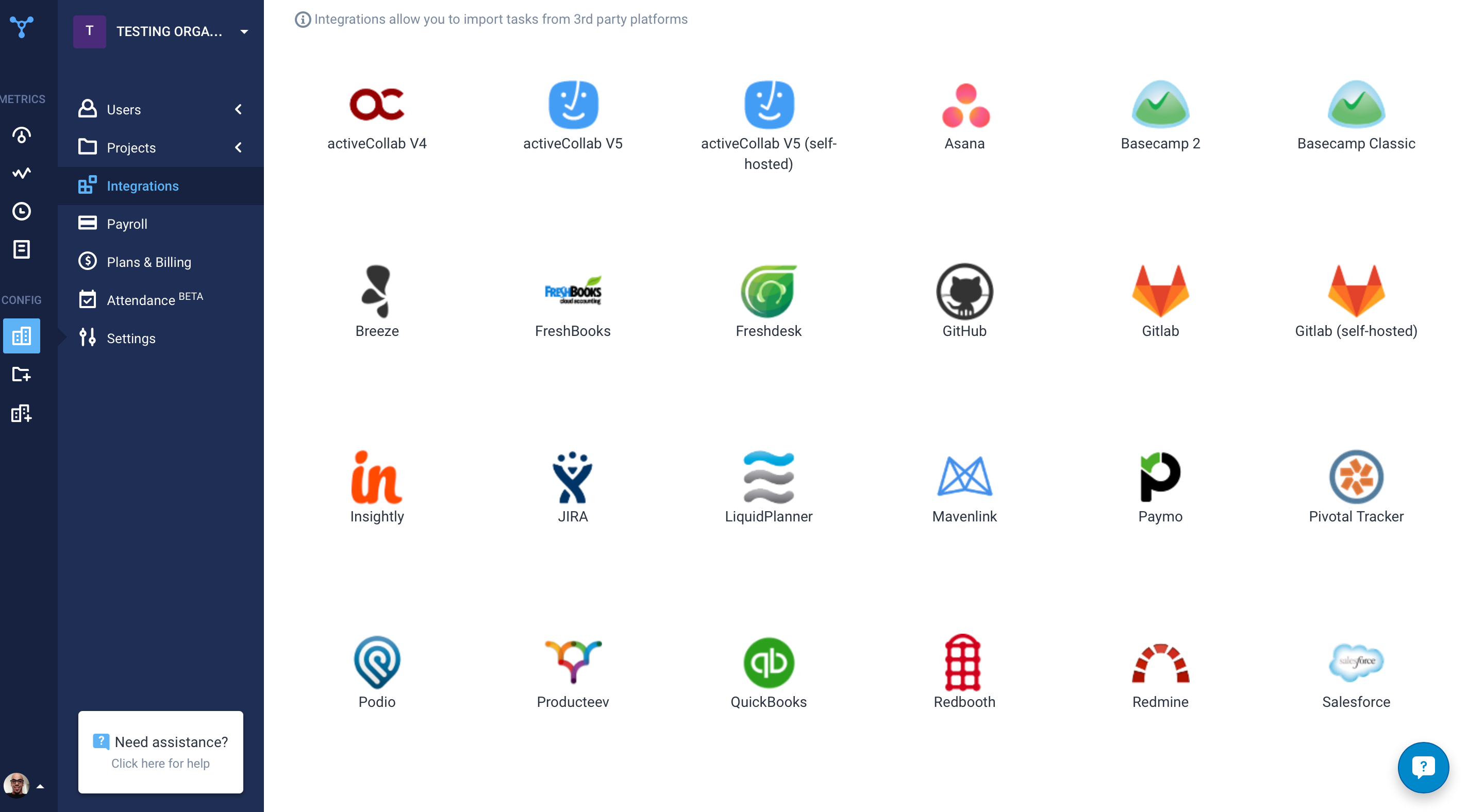
Futuramo creates SaaS apps to provide a collaborative workspace for teams. Futuramo Time Tracker is an app used to track, analyze, and manage time, free for teams of up to 3 users, and $6 per license for each additional user.
$6
per month
Hubstaff
Score9.4 out of 10
Small Businesses (1-50 employees)
Hubstaff is a workforce analytics software tailored to boost productivity in remote, hybrid, and in-house teams while fostering a positive employee experience. Integrating with over 30 apps, Hubstaff's key features include time tracking, screenshots, activity tracking, URL and app monitoring, workforce analytics, automatic payroll and invoicing, scheduling, GPS and location monitoring, and timesheets. Hubstaff is compatible with Mac, Windows, Linux, Chrome, iOS, and…
A de minimis incentive was given to thank the reviewer for their time. The incentive was not used to bias or drive a particular response, nor was the incentive contingent on a positive endorsement. More Info
Futuramo is best for when you're working alone on a project, or with a small team, given the glitches with the time tracker and the poor integration with Futuramo Tasks and Projects. Unless you're going to manually calculate the times spent on all tasks individually in order to know the total time spent on the project, I would not recommend using it on projects where you'd be billed per the time spent rather than a fixed amount.
A de minimis incentive was given to thank the reviewer for their time. The incentive was not used to bias or drive a particular response, nor was the incentive contingent on a positive endorsement. More Info
It enables you to monitor workers' time on every project. It monitors productivity even if an internet connection is not available. It provides a customizable interface. Every task is customizable to suit project requirements. It allows you to track time from anywhere in the world. In this way, it provides powerful insights to determine how many hours are required to do a project.
A de minimis incentive was given to thank the reviewer for their time. The incentive was not used to bias or drive a particular response, nor was the incentive contingent on a positive endorsement. More Info
The biggest pro of Futurama Time tracker is that it comes bundled with other tools. These are "Projects, Tasks, Virtual Tickets, Time Tracker, and Icons." This means I can track the time spent on each task within a project.
Time Tracker is easy to use, all you need to do is go to time tracker, enter the task you want to track, choose what project and clients it's under, and then click the play/start icon.
For projects that involve collaborating with others (either external freelancers I'm managing, or my staff) I can track the time spent on each task by each user. So I know how long each person spent on their task and how it related to the estimated time. This way I know if the project will take longer or shorter than estimated.
A de minimis incentive was given to thank the reviewer for their time. The incentive was not used to bias or drive a particular response, nor was the incentive contingent on a positive endorsement. More Info
Its interface is also quite easy to handle and is designed in a user friendly way.
Overall, I feel that Hubstaff is a very useful invention that has the ability to attract and fascinate users.
Hubstaff offers a customizable and easily tailored according to your requirements user interface where with the help of just one click you can start or even stop tracking your daily project activities.
A de minimis incentive was given to thank the reviewer for their time. The incentive was not used to bias or drive a particular response, nor was the incentive contingent on a positive endorsement. More Info
I'ver been using Futuramo for almost 2 years, primarily because they reached out to me to be one of the first users/testers. I've also shared some glitches that could be improved but the timer glitch is still there. When I start the timer to track a project, instead of the timer to start counting, it remains at 00:00 which is worrying because it makes me feel like it's not actually tracking what I'm working on. I was once 18 mins unto a task and when I checked the tracker it said 00:16 I was so worried I ended the task. Interestingly when I ended the task, it showed the correct time which was 18 minutes. I'm happy the timer was working but I'm also frustrated and in near-panic.
Like TopTracker, I wish there was a way to take screenshots of what I'm doing, that way I can be sure that the rest of the team is actually working on the timed tasks.
In the Time Tracker section of Futuramo, where the tasks timed are listed, I wish it was possible to actually click on any of the tasks there to see things like mouse clicks and keyboard taps. Similar to how Hubstaff and Upwork tracker tracks "productivity" (I'm not sure what this is called).
If you track a task not originally in Futuramo Task but created in Time Tracker, connected to a project or client, when you go to Futuramo Task, it won't be listed there. And when you to go Futuramo Projects, you still wouldn't see it there. I would like to go to Futuramo Project and see all the tasks there, both those timed and those yet to start.
A de minimis incentive was given to thank the reviewer for their time. The incentive was not used to bias or drive a particular response, nor was the incentive contingent on a positive endorsement. More Info
I am having a problem with its customer support. [I feel it is] one of the worst customer service I have gone through for the longest time. They did not even know about their own platform, response time is late and there is no such name of help from their side what so ever which makes it a very difficult platform to use.
[I believe it] needs a lot of upgrades in customer support system.
A de minimis incentive was given to thank the reviewer for their time. The incentive was not used to bias or drive a particular response, nor was the incentive contingent on a positive endorsement. More Info
A de minimis incentive was given to thank the reviewer for their time. The incentive was not used to bias or drive a particular response, nor was the incentive contingent on a positive endorsement. More Info
I give it 9 because it is really good for time tracking and managing remote teams. It helps me to manage my team very efficiently. Still, prices are high, so don't give 10. I need more discounts to add more team. Also need more accuracy as users are now fooling the tools with various cheats. Overall it is good and helfull
A de minimis incentive was given to thank the reviewer for their time. The incentive was not used to bias or drive a particular response, nor was the incentive contingent on a positive endorsement. More Info
I've never had any issues and always received proper support. They let you know in advance when they'll be in maintenance and it's always in odd hours, so it's good. You still can use it when they are maintaining it.
A de minimis incentive was given to thank the reviewer for their time. The incentive was not used to bias or drive a particular response, nor was the incentive contingent on a positive endorsement. More Info
A de minimis incentive was given to thank the reviewer for their time. The incentive was not used to bias or drive a particular response, nor was the incentive contingent on a positive endorsement. More Info
Hubstaff has always responded to support requests in a timely manner and has kept me in the loop of changes. When contacting them about future changes/features they've always been upfront on whether that is a change they are looking to make and when that change may occur. Finally, if the person I have communicated with was unable to resolve, they always escalated to the next best person who can answer/resolve.
A de minimis incentive was given to thank the reviewer for their time. The incentive was not used to bias or drive a particular response, nor was the incentive contingent on a positive endorsement. More Info
A de minimis incentive was given to thank the reviewer for their time. The incentive was not used to bias or drive a particular response, nor was the incentive contingent on a positive endorsement. More Info
A de minimis incentive was given to thank the reviewer for their time. The incentive was not used to bias or drive a particular response, nor was the incentive contingent on a positive endorsement. More Info
Hubstaff keeps interesting and smart features and functions. The most interesting feature is the reporting feature that has brought much convenience to me. It is no doubt a great tool for planning budgets, managing workflows, tracking time, and best supervision capabilities.
A de minimis incentive was given to thank the reviewer for their time. The incentive was not used to bias or drive a particular response, nor was the incentive contingent on a positive endorsement. More Info
A de minimis incentive was given to thank the reviewer for their time. The incentive was not used to bias or drive a particular response, nor was the incentive contingent on a positive endorsement. More Info
A de minimis incentive was given to thank the reviewer for their time. The incentive was not used to bias or drive a particular response, nor was the incentive contingent on a positive endorsement. More Info
Increased productivity: Futuramo Time Tracker makes it easy to know how long it'll actually take me to complete a task, and when put together, how long it'd take me to complete a project.
Track Billables: While calculating all the time spent on each task manually was exhausting, once that was done, I knew how long it took me and my team to complete a project and was able to bill my client for just that time.
A de minimis incentive was given to thank the reviewer for their time. The incentive was not used to bias or drive a particular response, nor was the incentive contingent on a positive endorsement. More Info
Hubstaff has enabled us to identify the most productive workers which enables us to maximize profitability.
Hubstaff has enabled us to quickly identify drops in engagement or output, or just poor performance due to not caring so we can move on instead of trying to fit a square peg into a round hole.
HubStaff lets us actively measure retainers vs delivered hours and adjust contracts to what we really need based on our time expenditures.
A de minimis incentive was given to thank the reviewer for their time. The incentive was not used to bias or drive a particular response, nor was the incentive contingent on a positive endorsement. More Info