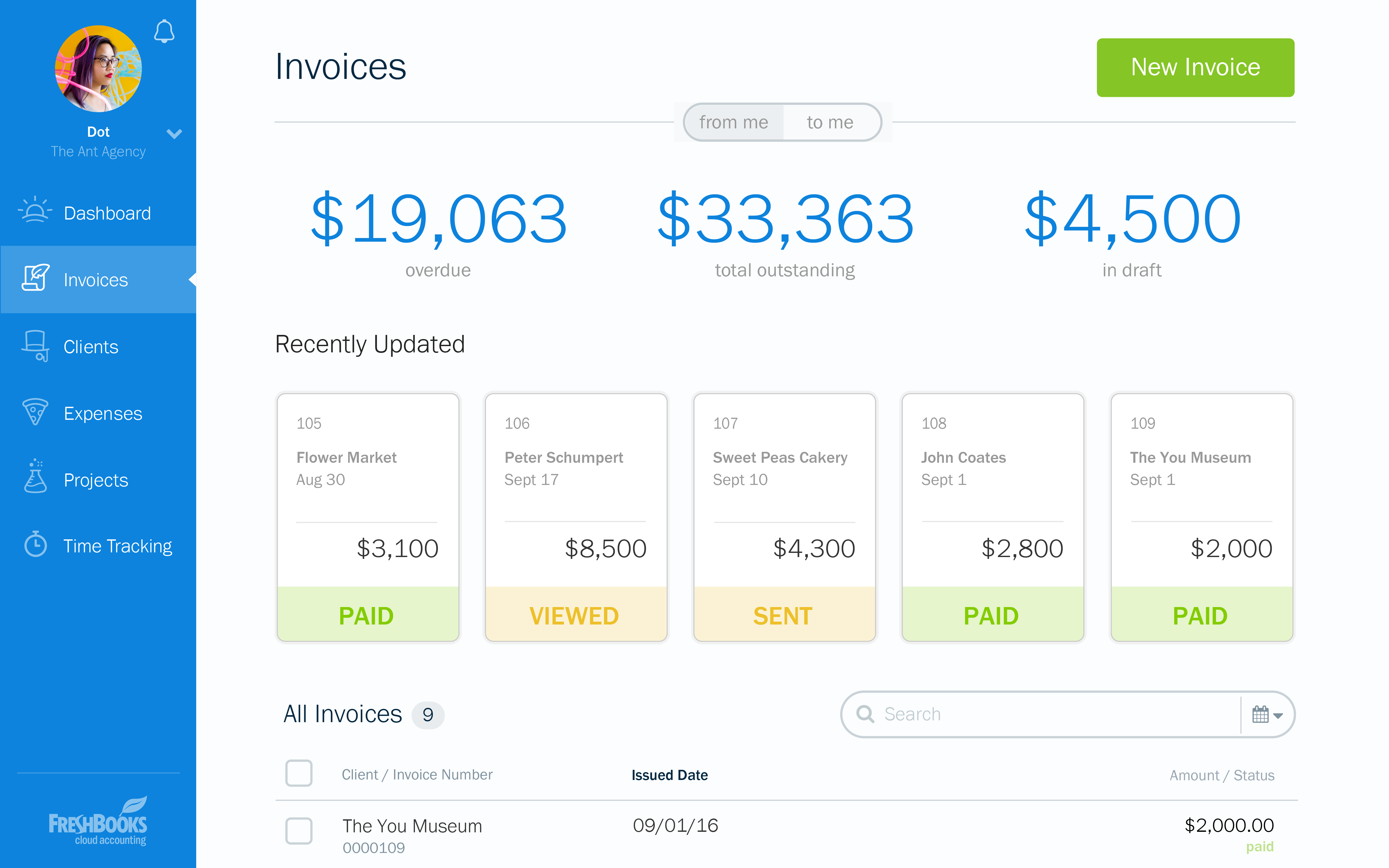
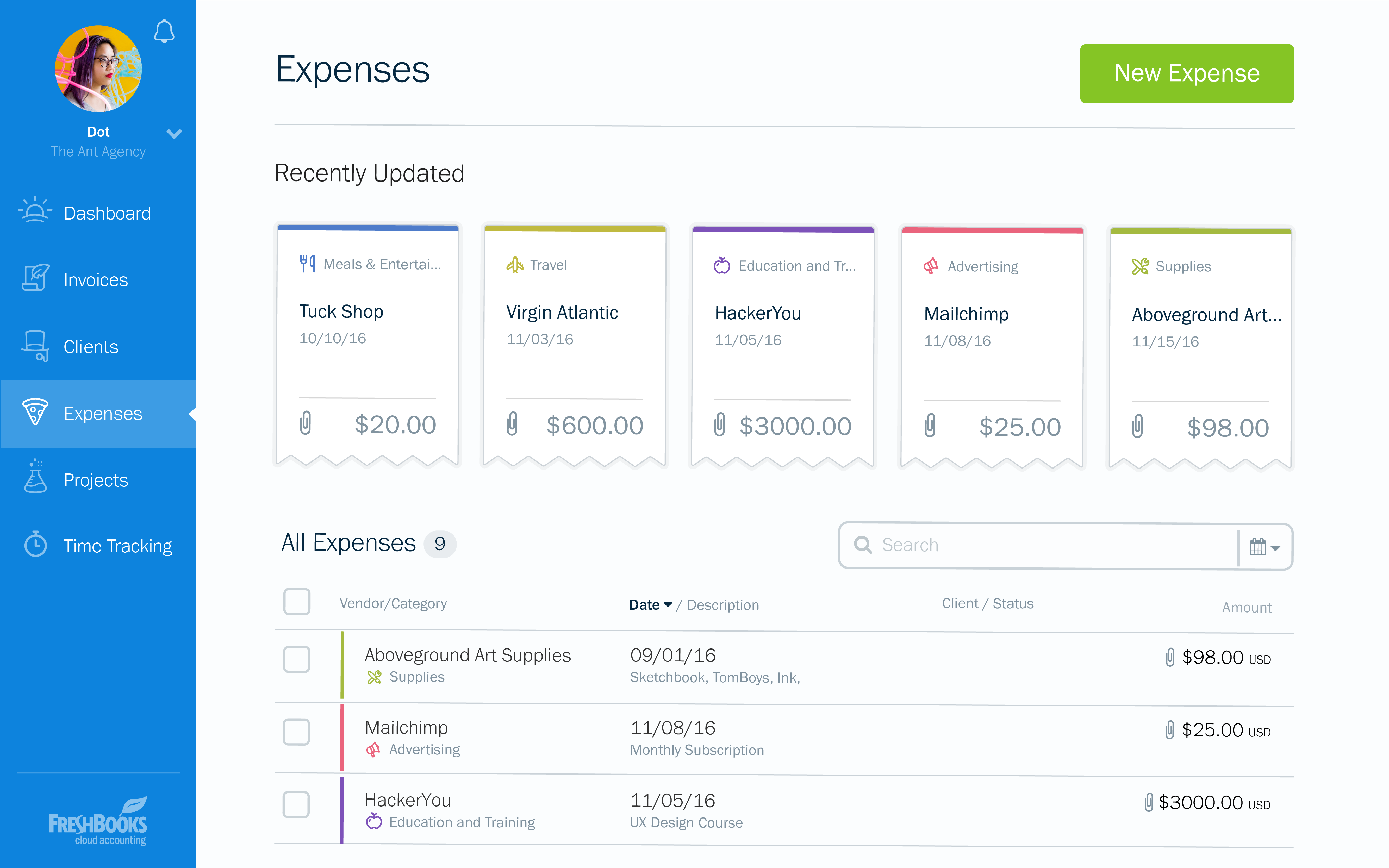
FreshBooks is an accounting service for small businesses. The solution enables users to send and manage invoices, track billable time and collect online payments. The vendor’s value proposition this that their solution provides a straightforward service that simplifies the billing process.
$21
per month
Kashflow
Score 8.0 out of 10
N/A
Kashflow is cloud-based accounting automation software from the company of the same name based in London. It is targeted to suit the needs of small businesses in the UK. Billed as being easy for non-accountants to use, with no "accounting jargon," it's core features are an intuitive dashboard with simple reporting features for giving a clear overview of a business. It automates expense management and tracks payments (with automated reminders), automates quotes, handles banking and supports…
$12.50
per month
Pricing
FreshBooks
Kashflow
Editions & Modules
Lite
$21
per month
Plus
$38
per month
Premium
$65
per month
Select
Custom Pricing
Starter
$12.50
per month
Business
$25.50
per month
Business + Payroll
$34
per month
Offerings
Pricing Offerings
FreshBooks
Kashflow
Free Trial
Yes
Yes
Free/Freemium Version
Yes
No
Premium Consulting/Integration Services
No
No
Entry-level Setup Fee
No setup fee
No setup fee
Additional Details
10% discount for annual pricing.
The first six months of the subscription period are discounted for new buyers.
More Pricing Information
Community Pulse
FreshBooks
Kashflow
Features
FreshBooks
Kashflow
Customization
Comparison of Customization features of Product A and Product B
FreshBooks
9.1
Ratings
17% above category average
Kashflow
5.5
Ratings
33% below category average
API for custom integration
9.30 Ratings
6.00 Ratings
Plug-ins
9.00 Ratings
5.00 Ratings
Security
Comparison of Security features of Product A and Product B
FreshBooks
10.0
Ratings
18% above category average
Kashflow
6.0
Ratings
33% below category average
Single sign-on capability
10.00 Ratings
6.00 Ratings
Role-based user permissions
10.00 Ratings
6.00 Ratings
Reporting & Analytics
Comparison of Reporting & Analytics features of Product A and Product B
FreshBooks
7.5
Ratings
5% below category average
Kashflow
5.3
Ratings
39% below category average
Dashboards
9.00 Ratings
6.00 Ratings
Standard reports
8.80 Ratings
5.00 Ratings
Custom reports
4.80 Ratings
5.00 Ratings
General Ledger and Configurable Accounting
Comparison of General Ledger and Configurable Accounting features of Product A and Product B
FreshBooks
7.5
Ratings
4% below category average
Kashflow
6.3
Ratings
21% below category average
Accounts payable
8.00 Ratings
7.00 Ratings
Accounts receivable
9.40 Ratings
7.00 Ratings
Cash management
7.00 Ratings
7.00 Ratings
Bank reconciliation
7.00 Ratings
7.00 Ratings
Expense management
6.60 Ratings
8.00 Ratings
Time tracking
7.60 Ratings
00 Ratings
Multi-currency support
7.00 Ratings
7.00 Ratings
Regulations compliance
6.00 Ratings
6.00 Ratings
Self-service portal
9.10 Ratings
00 Ratings
Fixed asset management
00 Ratings
3.00 Ratings
Multi-division support
00 Ratings
7.00 Ratings
Localizations
00 Ratings
6.00 Ratings
Journals and Reconciliations
00 Ratings
6.00 Ratings
Enterprise Accounting
00 Ratings
6.00 Ratings
Configurable Accounting
00 Ratings
6.00 Ratings
Centralized Rules Framework
00 Ratings
6.00 Ratings
Standardized Processes
00 Ratings
5.00 Ratings
Order Management
Comparison of Order Management features of Product A and Product B
FreshBooks
9.5
Ratings
21% above category average
Kashflow
6.0
Ratings
25% below category average
Pricing
8.80 Ratings
00 Ratings
Order entry
9.30 Ratings
00 Ratings
Credit card processing
9.70 Ratings
6.00 Ratings
Cost of goods sold
10.00 Ratings
6.00 Ratings
Order exception Resolution
00 Ratings
6.00 Ratings
Payroll Management
Comparison of Payroll Management features of Product A and Product B
FreshBooks is the perfect tool for businesses who have hundreds of clients and customers whom they invoice regularly. It removes the need to manually send invoices to clients and customers, by streamlining inputted information to create an automated invoicing system which keeps clients and customers up to date with their bills. It is also a great tool for managing expenses, especially for companies with different teams working on varying projects, ensuring these teams do not exceed the budget ceiling.
Perfect for a SME, less so for larger companies with a lot of staff. A reliable application, with few outages and easy to learn how to use for a variety of staff in different positions. Mobile phone app has been bit of a disappointment. Management reporting functionality could be improved.
FreshBooks is pretty intuitive to use. I did have some questions when I first started using the system, but it wasn't a long learning curve.
FreshBooks provides more capability than other billing applications such as PaySimple or BlinkSale. FreshBooks does provide an easy invoicing function. It's easy to create invoices that can be sent via email or snail mail to one or more individuals (for example, the decision-maker and the accounting dept). Clients can pay online or send a check and then I note that the payment has been received. If paid by credit card, the system automatically marks the invoice paid. Your business accounts such as bank accounts can be linked to FreshBooks. Then, the system can automatically draw in expenses and will create simple P&L reports, overdue invoices, client history, etc. If you don't have inventory and complex payroll, etc. FreshBooks provides just the right level of capability to make financial tracking simple.
FreshBooks integrates with a number of credit card companies. I use Stripe, which has fees similar to Paypal, but much more reliable processing. I can accept all credit cards, including American Express, for a reasonable fee.
Pricing structure is very poor for us. $10/user per month when we have staff that comes and goes. And it's impossible to change a free contractor to a paid staff and vice-versa. This is my biggest complaint.
They only allow one admin owner user. Emails must come from that account. This is annoying, as other staff cannot log in with the same power.
The user interface is quite dated. I've made recommendations to improve it and all have been ignored. It's skinny and not fluid. Also, there is no way to link between invoices and clients.
At the current needs of our business, FreshBooks suits us perfectly - it allows online access by our accountant to the system for GST purposes, easy input of expenses and tracking of Profit and Loss statements. FreshBooks customer service is great as well - very understanding and accommodating.
It is well-built software with no significant drawbacks. It offers all the necessary futures expected from online software. However, it is not yet up there with Xero and QuickBooks regarding connections with other software and advanced reporting features. The developers work closely with accountants, and therefore, I expect further development of the software.
I think the support level for FreshBooks is on par with a 6 because the folks behind this application do a fairly good job at providing support for their customer base. I still don't think they are at an elite level when it comes to supporting but are getting there although too slow in my opinion.
There is no fluff and feature overload with FreshBooks. I can get to what I need quickly and easily. I don't have to deal with unnecessary features and fields the system considers essential. The payment features are streamlined and have lots of flexibility when receiving payments. I love FreshBooks support, and it is 100 more customer-friendly and easier to work with than its primary competitors from my experience.
We received an offer for a discounted license for initial use and pretty much got so used to Kashflow, that we have continued with it. There are some frustrations with it, in particular the ability to search and find information. The reporting functionality is also a bit of a disappointment. However, easy for day to day use for the staff and just about sufficient for monthly planning. Some of the integrations like Payroll are not bad.
Since implementing FreshBrooks, 80% of invoices created are paid in less than 30 days from the time the invoice is sent via email to the client. Prior to FreshBooks, we were mailing or hand-delivering our invoices and payment on those invoices was in the 45-90 day range.
Time tracking is done directly in FreshBooks (or through a plugin that's connected directly to FreshBooks) and is very easy to use. With this feature we're much better able to track all business activities. This has helped us to quantify the time we're spending on non-billable business-related work in addition to our billable client hours. We've been able to adjust our pricing accordingly, as well as being more efficient with our non-billable activities.
When FreshBooks online payments is set-up in your account, payments made with this method are automatically sent to your bank account. We choose between FreshBooks payments and PayPal payments in order to manage how much money stays in the PayPal account for online expenses vs. how much is transferred directly to the bank account.