Fortra’s Automate vs. SS&C Blue Prism

Overview
ProductRatingMost Used ByProduct SummaryStarting Price
Fortra’s Automate
Score 8.0 out of 10
N/A
Fortra's Automate (formerly HelpSystems Automate) is a robotic process automation platform for desktop applications. According to the vendor, it offers the ability to automate almost any business process, and no technical expertise is required—IT and business users alike can understand the drag-and-drop interface.N/A
SS&C Blue Prism
Score 8.8 out of 10
N/A
SS&C Blue Prism provides a combination of technologies that offer intelligent automation to deliver transformational business value.N/A
Pricing
Fortra’s AutomateSS&C Blue Prism
Editions & Modules
No answers on this topic
Offerings
Pricing Offerings
Fortra’s AutomateSS&C Blue Prism
Free Trial
YesNo
Free/Freemium Version
NoNo
Premium Consulting/Integration Services
NoNo
Entry-level Setup FeeOptionalNo setup fee
Additional Details
More Pricing Information
Community Pulse
Fortra’s AutomateSS&C Blue Prism
User Ratings
Fortra’s AutomateSS&C Blue Prism
Likelihood to Recommend
10.0
(0 ratings)
9.0
(0 ratings)
Usability
10.0
(0 ratings)
9.0
(0 ratings)
Support Rating
10.0
(0 ratings)
7.5
(0 ratings)
User Testimonials
Fortra’s AutomateSS&C Blue Prism
Likelihood to Recommend
Anything where automation would be helpful, I'd recommend. If you're doing a task over and over again, Automate can likely work and do it for you. It helps to keep things running exactly the same so that when failures occur, they can easily be traced to their source.
Read full review
Blue Prism Intelligent RPA is well suited for the processes which are rules-based in nature. This software works well with web based application integrations. It's very easy to capture the object details and code the workflow with ease. The record functionally will do the trick most of the time and will save a lot of effort in coding the workflow. Work needs to continue in the surface automation part. It works with surface automation but there are chances of failure sometimes and we feel like the control of automation is very fragile.
Read full review
Pros
  • Wiki pages
  • Blogs
  • Articles
  • Triggers
  • Building crons
  • Automating daily tasks
Read full review
  • Storing information from email in a standard data set
  • Auto reply to emails tailored to the email so that it doesn't feel like a robotic or generalized response
  • Workflow creation is simple and easy, the flow structure is easy to read and can be directly used in presentation to customers and management
Read full review
Cons
  • There should be more tools around system stability and recovery.
  • Better ways to manage resources to prevent OS crashes.
  • Automate backups internally without tasks.
  • System failure alerts if the machine crashes or reboots.
Read full review
  • Object handling can be improved more and instead of going through each and every object to find its functionality it is hard and only the experienced BP tool user can understand.
  • The identification of the elements can be improved much more with having useful details in place instead of only using the Indexes for the elements.
  • In the environment variables pane, they can add some grouping facility to divide the variables in the environment variables section.
  • Can improve the calculation stage for doing string operations using the VB commands instead of using code and inbuilt native functions to save time.
Read full review
Usability
It's just very easy to use, extremely versatile, and very reliable. It's hard to find use cases where it won't work.
Read full review
A very user-friendly workflow creation process. A dashboard to provide a full visibility of the workflow and processes. We're able to easily monitor ongoing, pending, stopped, error workflows and act swiftly when there was a red flag. Also implemented workflow approval process where task require multi-level approval for proper ISO documentation.
Read full review
Support Rating
Support is very helpful and responsive, although using the tool is very user-friendly, so I hardly use the service.
Read full review
Support is good and now with time online support in other forums is becoming available as well. Blue Prism support in itself is also good. Documents and blogs can help to find the solution. Since it's relatively new, sometimes if I'm stuck it can take time to find the solution or connect to their team.
Read full review
Alternatives Considered
It has similar usage cases and functions. However, many tools are stuck behind paywalls and always try to upsell you to the next version. It's very upsetting. Even if it's cheaper, whenever I try to replicate the functionality, I get that annoying message, "not available in this version." As an IT professional who needs approval for every purchase, I can't keep asking for upgrades to existing tools.
Read full review
It offers the same user experience as other RPA solutions such as Automation Anywhere and UiPath, but with the added benefit of being able to leverage the cloud for scalability and manageability. Blue Prism Cloud works in conjunction with existing IT infrastructure, allowing users to continue running their current IT operations while automating processes.

Compared to Automation Anywhere and UiPath, Blue Prism Cloud has several distinct advantages. Firstly, it provides pre-built templates for commonly used tasks, enabling businesses to scale faster with increased agility. Secondly, its hybrid deployment model allows users to select either private or public clouds - providing improved scalability and flexibility.
Read full review
Return on Investment
  • Positive: Reliability on FTP jobs - really important on bank files.
  • Negative - annual support a little pricey - but not unusual for this level of software.
  • Positive: Does not require a dedicated administrator, especially after the jobs are created and tested. I perform other job duties and this rarely interferes with them.
  • Positive - Since it is easy to learn and use it makes it easy to have a back up administrator
Read full review
  • Saved a considerable amount of time ( More than 5000 Hours of manual work so far )
  • Saved considerable amount of money as well ( If their costing improve, this matrix will improve largely for all organizations )
  • It requires very less coding so instead of hiring new people trained in a specific tool we were able to manage this with the existing workforce with a few weekend classes.
Read full review
ScreenShots

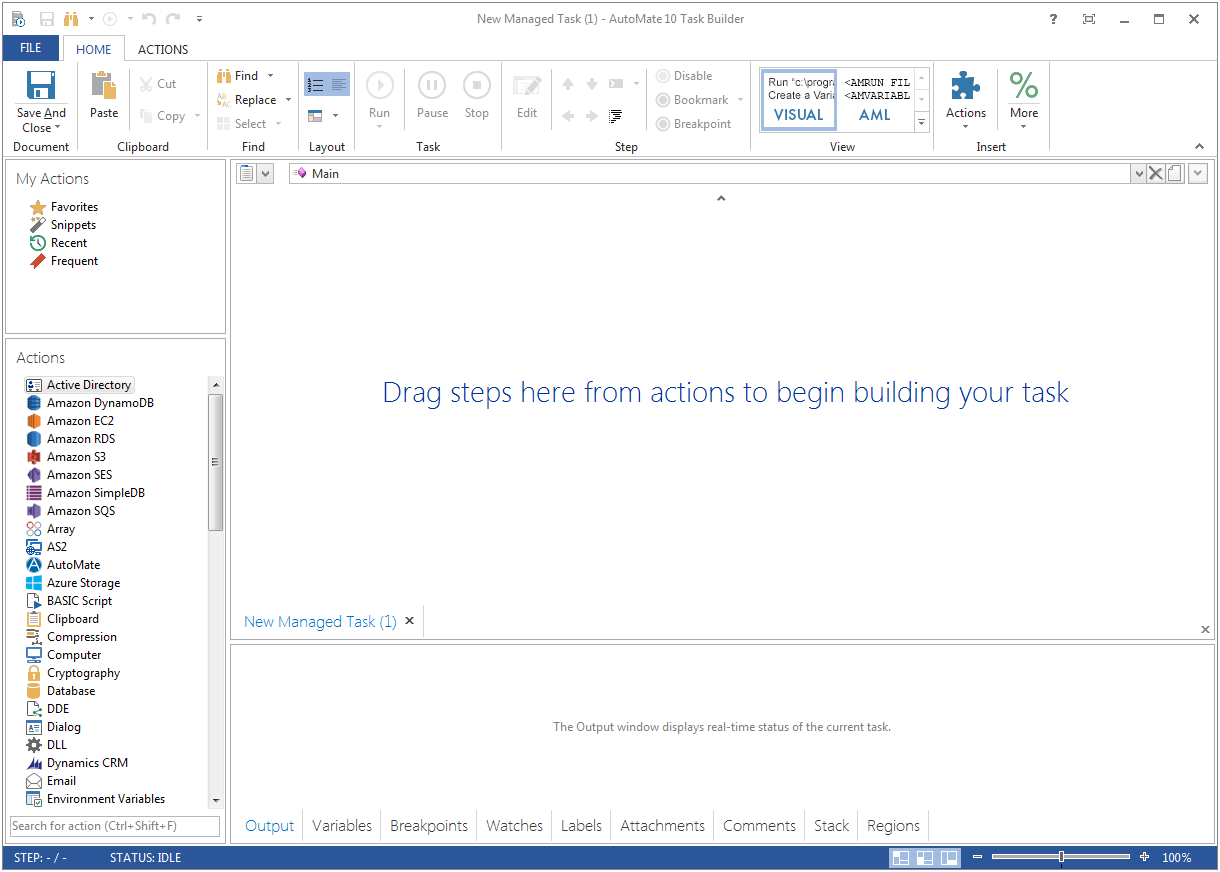
Fortra’s Automate Screenshots

Screenshot of Screenshot of