
Fortra’s Automate vs. Fortra's GoAnywhere MFT
Fortra’s Automate vs. Fortra's GoAnywhere MFT
| Product | Rating | Most Used By | Product Summary | Starting Price |
|---|---|---|---|---|
 Fortra’s Automate | N/A | Fortra's Automate (formerly HelpSystems Automate) is a robotic process automation platform for desktop applications. According to the vendor, it offers the ability to automate almost any business process, and no technical expertise is required—IT and business users alike can understand the drag-and-drop interface. | N/A | |
Fortra's GoAnywhere MFT | N/A | Fortra's GoAnywhere MFT is a secure file transfer solution that automates and encrypts data using industry standard protocols (e.g. OpenPGP, SFTP, HTTPS). With auditing and reporting, GoAnywhere can help organizations meet compliance regulations like PCI DSS and HIPAA. GoAnywhere can be deployed on-premises or in the cloud. As a VMware-validated product, it also runs in several virtualized environments including VMware, Amazon AWS, and Microsoft Azure. GoAnywhere exchanges batch and ad… | N/A |
| Fortra’s Automate | Fortra's GoAnywhere MFT | |||||||||||||||
|---|---|---|---|---|---|---|---|---|---|---|---|---|---|---|---|---|
| Editions & Modules | No answers on this topic | No answers on this topic | ||||||||||||||
| Offerings |
| |||||||||||||||
| Entry-level Setup Fee | Optional | Optional | ||||||||||||||
| Additional Details | — | — | ||||||||||||||
| More Pricing Information | ||||||||||||||||
| Fortra’s Automate | Fortra's GoAnywhere MFT |
|---|
| Fortra’s Automate | Fortra's GoAnywhere MFT | |
|---|---|---|
| Small Businesses |  airSlate WorkFlow Score 7.5 out of 10 |  DataMotion Score 9.3 out of 10 |
| Medium-sized Companies |  airSlate SignNow Score 9.1 out of 10 | DataMotion Score 9.3 out of 10 |
| Enterprises |  UiPath Automation Platform Score 8.7 out of 10 |  Control-M Score 9.3 out of 10 |
| All Alternatives | View all alternatives | View all alternatives |
| Fortra’s Automate | Fortra's GoAnywhere MFT | |
|---|---|---|
| Likelihood to Recommend | 10.0 (4 ratings) | 9.9 (10 ratings) |
| Likelihood to Renew | - (0 ratings) | 10.0 (1 ratings) |
| Usability | 10.0 (1 ratings) | 8.1 (2 ratings) |
| Availability | - (0 ratings) | 9.0 (1 ratings) |
| Performance | - (0 ratings) | 10.0 (1 ratings) |
| Support Rating | 10.0 (1 ratings) | 8.6 (6 ratings) |
| Implementation Rating | - (0 ratings) | 10.0 (1 ratings) |
| Configurability | - (0 ratings) | 8.0 (1 ratings) |
| Product Scalability | - (0 ratings) | 9.0 (1 ratings) |
| Vendor post-sale | - (0 ratings) | 10.0 (1 ratings) |
| Vendor pre-sale | - (0 ratings) | 10.0 (1 ratings) |
| Fortra’s Automate | Fortra's GoAnywhere MFT | |
|---|---|---|
| Likelihood to Recommend |  Fortra
 Kwame H. Baptiste IT Dept. Manager |  Fortra
 Stewart Locklear Senior Information Technology Project Manager |
| Pros | Fortra
| Fortra
 Todd Percival Senior systems administrator |
| Cons | Fortra
 David Croney Operations Analyst Senior | Fortra
 Jesus Covarrubias, CEH Systems Administrator |
| Usability | Fortra
Kwame H. Baptiste IT Dept. Manager | Fortra
|
| Support Rating | Fortra
Kwame H. Baptiste IT Dept. Manager | Fortra
 Hernan Gomila Middleware Specialist |
| Implementation Rating | Fortra No answers on this topic | Fortra
 Parul Patel Network Analyst |
| Alternatives Considered | Fortra  Farjad Habib Senior Software Engineer | Fortra
|
| Return on Investment | Fortra
| Fortra
Stewart Locklear Senior Information Technology Project Manager |
| ScreenShots | Fortra’s Automate Screenshots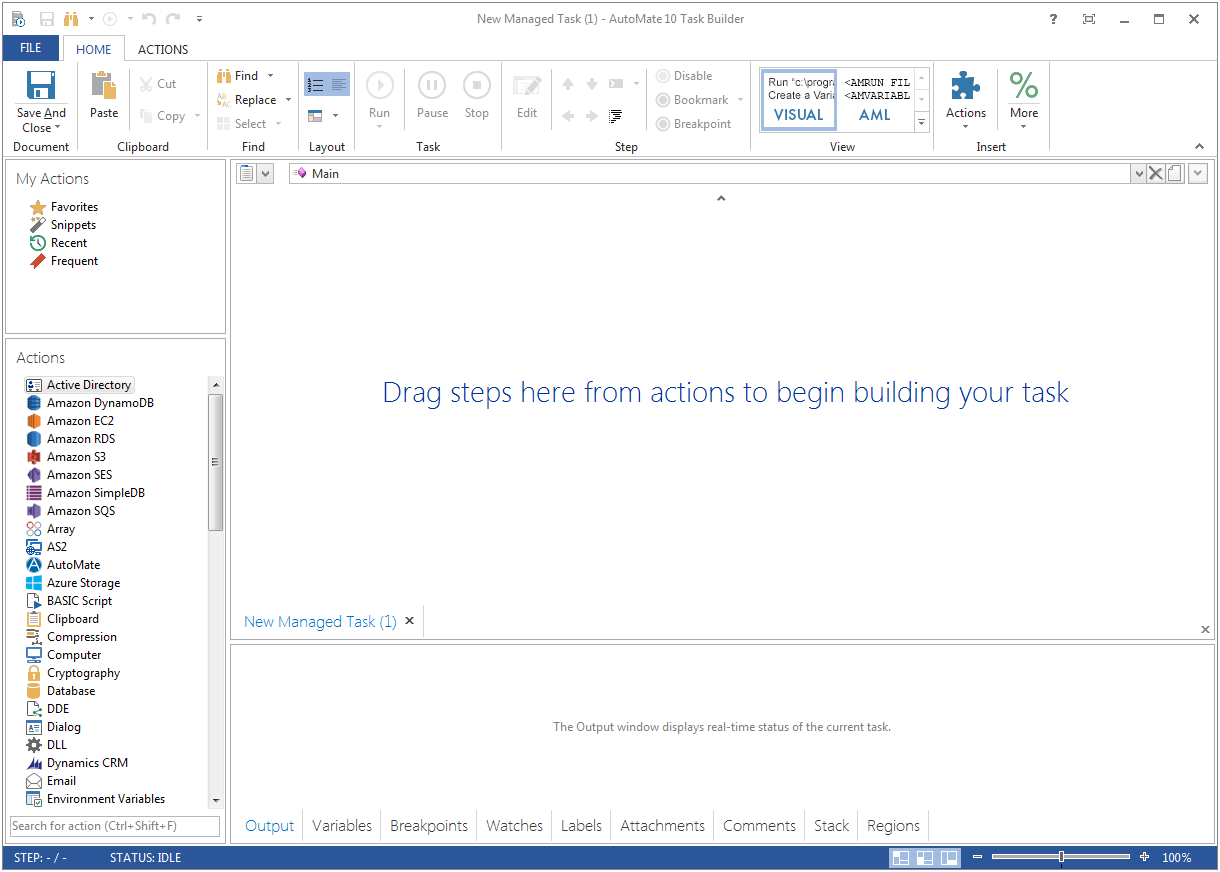  | Fortra's GoAnywhere MFT Screenshots |