Formstack is an online form building solution. Its drag-and-drop web form creator gives digital marketers a tool for online data collection and engagement. Users can collect payments and pass form data to popular marketing apps through third-party integrations. With Formstack, users can capture responses, store the information and share it with their teams.
$50
per month
Zoho Forms
Score7.9 out of 10
N/A
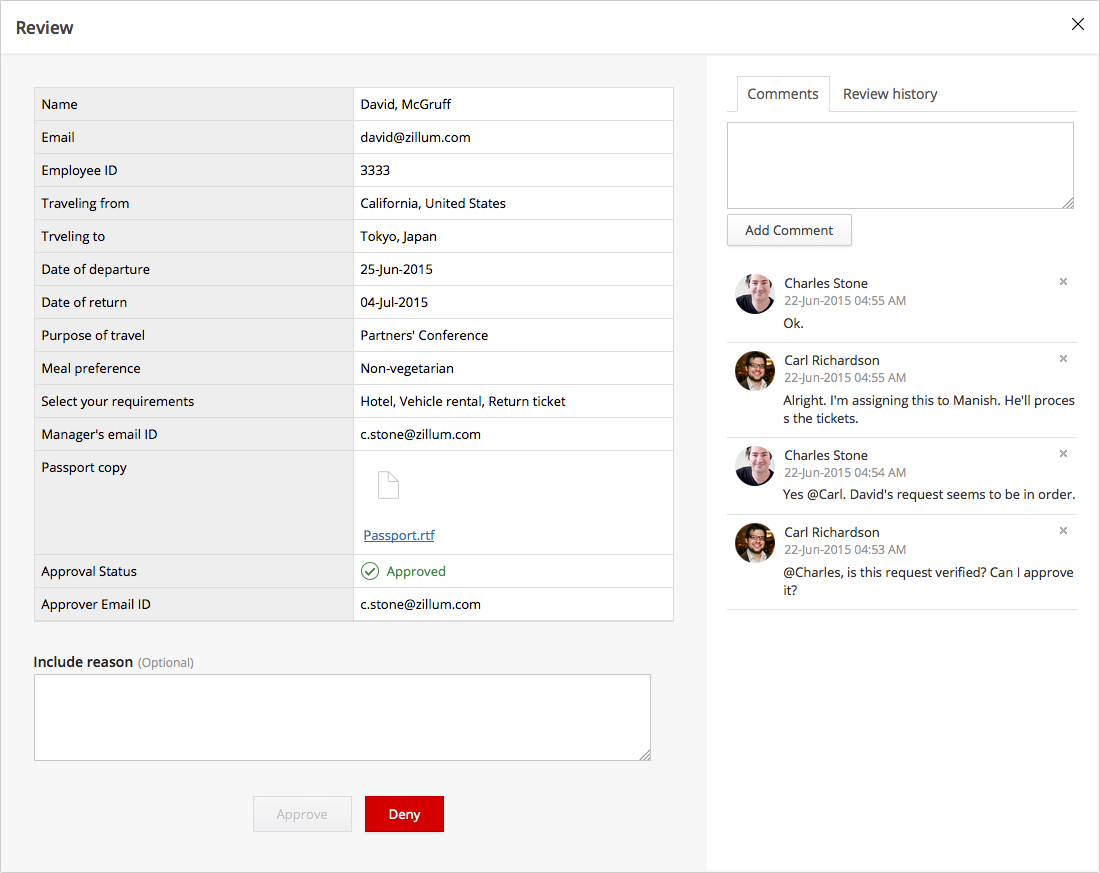
Zoho Forms is an online form builder that lets users create mobile-ready online forms. Forms can be shared with select users via email, or via a public link. This solution includes a drag-and-drop form builder that is responsive on all mobile devices. Zoho Forms also offers native mobile applications for iOS and Android devices.
According to the vendor, key benefits include: A web and mobile form builder. Drag and drop fields to add them to…
$0
per month
Pricing
Formstack Forms
Zoho Forms
Editions & Modules
Enterprise
Contact sales team
Free
$0
per month
Basic
$10
per month
Standard
$25
per month
Professional
$50`
per month
Premium
$100
per month
Offerings
Pricing Offerings
Formstack Forms
Zoho Forms
Free Trial
Yes
Yes
Free/Freemium Version
No
Yes
Premium Consulting/Integration Services
No
No
Entry-level Setup Fee
No setup fee
$10 per month
Additional Details
Plans start at $50/month (billed annually), including:
20 Digital Forms
1,000 Submissions Per Form
14,400 API Calls Per Day
Drag-and-Drop Form Builder
Custom Themes
Payment Integrations
Salesforce Integration
SSO User Management
Form Prefill
Contact support@zohoforms.com to try out our paid plans.
Formstack makes it easy to create a variety of forms. I have used it for event interest and registrations, email list sign-ups, and surveys. I have found it easy to customize, and easy to export data for import into other systems (e.g., CRM).
A de minimis incentive was given to thank the reviewer for their time. The incentive was not used to bias or drive a particular response, nor was the incentive contingent on a positive endorsement. TR verified that a representative sample of customers was invited. More Info
Zoho Forms is great for customer surveys, collection of data, onboarding clients, instances where you need a signature. Might be less appropriate for some businesses depending upon branding messages. Zoho Forms has some disclaimers that appear on forms i.e. not to enter personal information, credit cards, passwords, etc. so depends upon the intent & purposes of the form data collection, whether it would be a solution that would fit every business model.
A de minimis incentive was given to thank the reviewer for their time. The incentive was not used to bias or drive a particular response, nor was the incentive contingent on a positive endorsement. More Info
Allows for unique situations. As a school, we don't have the luxury of being cookie cutter. Neither do our forms.
Support. If we don't know how to do it, their support team has been very helpful and actually attempts to understand the issue on hand.
User friendliness. In our field we have a phrase: "what if you get hit by a bus?" With Formstack, you can "get hit by the bus" and someone else can jump in and still keep things running (this is used as a phrase for illness, not termination).
A de minimis incentive was given to thank the reviewer for their time. The incentive was not used to bias or drive a particular response, nor was the incentive contingent on a positive endorsement. More Info
Its feature of sending alerts in real time is my favorite feature. Whenever someone fills an inquiry form, I get alert immediately.
It has a mobile app also which makes this software usable at anytime and anywhere.
It's a cloud based application so users don't need so save anything on their system and they don't need to be dependent on their system. They can access their forms from any system.
A de minimis incentive was given to thank the reviewer for their time. The incentive was not used to bias or drive a particular response, nor was the incentive contingent on a positive endorsement. More Info
Setting up our multi-step form took some getting used to. Some of the branching logic configuration wasn't as intuitive as would be ideal.
Since we were pushing data directly into Hubspot, I found it cumbersome to deal with data storage limits within Formstack. I would get frequent notices that new responses were not being stored in Formstack and that I needed to upgrade or delete data. I got tired of that.
More/easier support for custom fonts would have been a huge plus. We were able to customize the form's appearance, but had to make some concessions in that regard.
A de minimis incentive was given to thank the reviewer for their time. The incentive was not used to bias or drive a particular response, nor was the incentive contingent on a positive endorsement. More Info
A de minimis incentive was given to thank the reviewer for their time. The incentive was not used to bias or drive a particular response, nor was the incentive contingent on a positive endorsement. More Info
Our user base has come to rely on Formstack to get forms done. The Formstack tools make it easy to start from scratch or copy an existing form to "quick start" a new, similar form. The price is right and frees up IT staff to do more transformative work.
A de minimis incentive was given to thank the reviewer for their time. The incentive was not used to bias or drive a particular response, nor was the incentive contingent on a positive endorsement. More Info
It's easy to learn how to use, generally easy for clients to use, and overall I've never had an overwhelmingly negative experience with it. While there are a few tweaks that could make it really shine, Formstack Forms serves almost all our needs and we're super happy with it.
A de minimis incentive was given to thank the reviewer for their time. The incentive was not used to bias or drive a particular response, nor was the incentive contingent on a positive endorsement. More Info
The user interface and user experience is outstanding, seems like a lot of hard work has been put into it by the design, development and product teams. The fonts used are optimal, the icons and menu bars are well placed, the colors are very friendly to the eye and the standard white background is beautifully adjusted to the user expectations. The sliders are well designed and you can easily find whatever menu/option/feature you are looking for without much hassle.
A de minimis incentive was given to thank the reviewer for their time. The incentive was not used to bias or drive a particular response, nor was the incentive contingent on a positive endorsement. More Info
The agents in the original group, especially the ones in cahoots with the developers, are really solid and know what they're talking about--I'm looking at you, Collin. The 'Tier 1' support agents that typically reply to the tickets are really spotty. If you have an overly technical question, i.e. bugfix, or describe a feature from a few years back that randomly disappeared, these agents typically will give you what feels like a generic reply and not know what you're talking about.
A de minimis incentive was given to thank the reviewer for their time. The incentive was not used to bias or drive a particular response, nor was the incentive contingent on a positive endorsement. More Info
So far we have not faced any issue while using the software but our customer journey has been breathtaking so far, which obviously i am expecting, should be the case of the support of Zoho Forms as well. However we have explored their support channels; you can easily find the contact us form in the profile slider and there are other resources available with a single click like Help Menu, What's New Menu, Blogs and Forums. However i could not find any live chat or support with the Free version.
A de minimis incentive was given to thank the reviewer for their time. The incentive was not used to bias or drive a particular response, nor was the incentive contingent on a positive endorsement. More Info
We implemented on one of the earlier versions. Through continuous engineering improvements, the interface keeps getting easier and more intuitive. Therefore, later implementations keep getting easier and better.
A de minimis incentive was given to thank the reviewer for their time. The incentive was not used to bias or drive a particular response, nor was the incentive contingent on a positive endorsement. More Info
Drupal is a much more customizable platform, however you must have someone build the forms first and then you can work with them if you do not have the programming knowledge. If you have any changes to make, it can sometimes be both a time consuming and difficult process. Formstack is much more efficient if you do not have an in house programmer.
A de minimis incentive was given to thank the reviewer for their time. The incentive was not used to bias or drive a particular response, nor was the incentive contingent on a positive endorsement. More Info
Zoho Forms is just as good as Google Forms. I believe that ZF is easier to use. I have not used GF as extensively as ZF. I will be evaluating GF in the very near future. I selected ZF mainly because it easily integrates with its own Zoho applications quickly and with very little difficulty.
A de minimis incentive was given to thank the reviewer for their time. The incentive was not used to bias or drive a particular response, nor was the incentive contingent on a positive endorsement. More Info
Positive - ability to analyze submission trends - e.g. when a marketing email is sent, looking at increased form viewing and submissions in relation to the sending of the campaign.
Immediate response - those that submit forms receive immediate response that their form has been submitted.
A de minimis incentive was given to thank the reviewer for their time. The incentive was not used to bias or drive a particular response, nor was the incentive contingent on a positive endorsement. More Info
All positive. Zoho Forms is just another tool from the Zoho toolbox that adds value for us.
ROI is hard to say since we are a Zoho One user. Providing an amazing customer experience is what we strive for and this tool is part of that customer experience. It may have a small effect within our internal process but it is a customer facing and customer interaction point/application so it is crucial that it performs optimally.
A de minimis incentive was given to thank the reviewer for their time. The incentive was not used to bias or drive a particular response, nor was the incentive contingent on a positive endorsement. More Info